
-
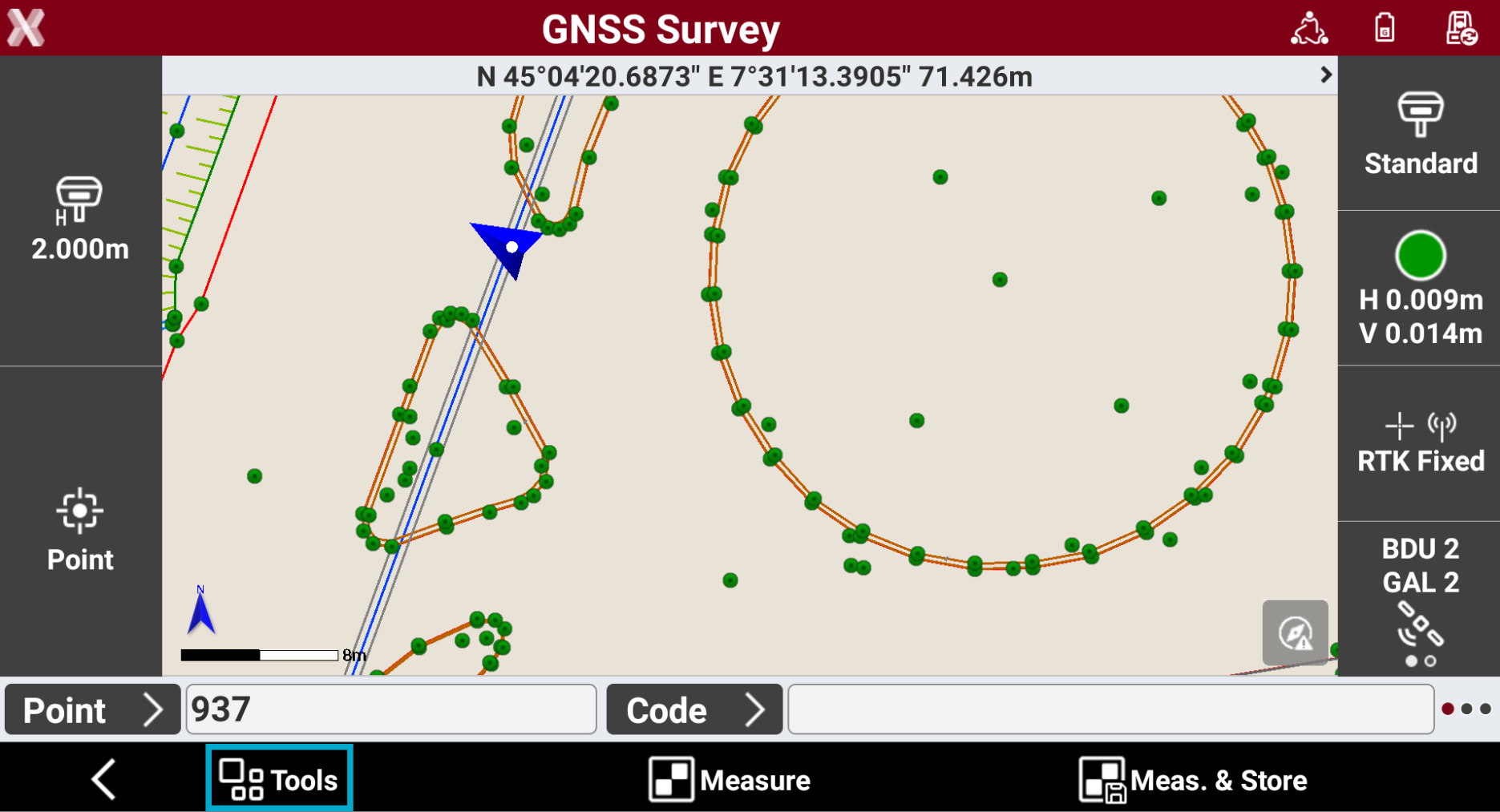
In the survey window, different tools and functions are available that can be very useful during measuring operations.
-
To open the Survey tools press the Tools button.
Edit last point
-
The command allows to edit the last measured point.
-
From Tools select Edit last point.
-
The measure page is opened to edit the point measured.
Delete last point
-
The command allows to delete the last measurement done.
-
From Tools select Delete last point and confirm.
Share last point
-
The command allows to share the last measured point using compatible Android applications.
-
From Tools select Share last point and confirm.
-
Select the app to use for sharing from the list of compatible Android applications, then complete the procedure.
-
For the selected point information related to coordinates, survey code, description and photos associated are sent using selected 3th party application.
Add a note
-
The command allows to add to the fieldbook free notes.
-
From Tools select Add note.
-
This opens the New note page.
-
See New note.
Points and measurements
-
The command allows to open the Points and Measurements table.
-
From Tools select Points & Measurements.
Open survey settings
-
The command allows to open the GNSS Setting page or TPS Setting page, depending on current instrument.
-
From Tools select Survey setup.
COGO Inverse
-
COGO Inverse is a useful function to calculate information between two different points.
-
The function can be quickly opened from the Survey page. The function is also available from COGO page.
-
From Tools select COGO - Inverse to open the function.
-
See COGO Inverse.
Start log
-
The function allows to start to record raw data using a GNSS receiver.
-
From Tools select Start log.