
-
Survey codes allow the precise identification of points and to automate many operations to complete a drawing of the survey.
-
For every code, information can be added:
-
Description: an extended description associated with a survey code. This field can also be automatically populated with additional information, such as stakeout differences.
-
Symbol and layer: based on the survey code, points are represented in CAD with a certain symbol and on a certain layer.
-
GIS feature: the GIS feature is composed by a group of properties freely definable by the user. When a code or a GIS feature is associated to a point it is possible to integrate the point with the information corresponding to properties defined by the feature.
-
-
Survey codes can be defined in a parametric way that generate a corresponding parametric long description.
-
Different libraries of codes can be defined and used in different jobs. The current library can be exchanged with a different one.
-
To open the Codes page from the Job page select Points/Measurements/Codes.
-
Open the Codes tab.
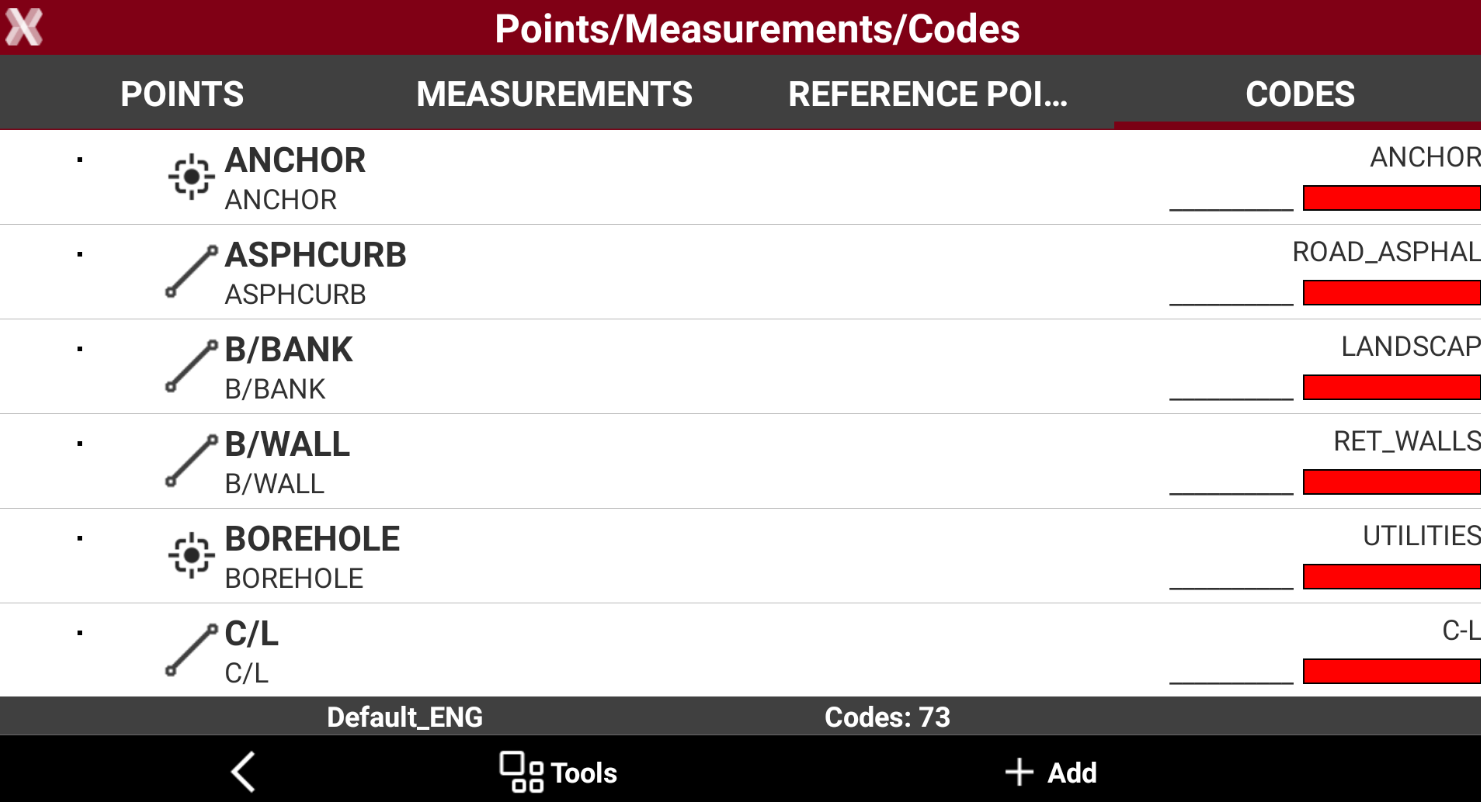
Code libraries are saved as files in the directory X-PAD\_Data\Codes. Files have *.xml extension.
X-PAD includes the default codes library Default_ENG.
-
This chapter covers the following topics:
-
Create/edit a survey code: learn how to create new survey codes and modify existing ones, including descriptions, symbols, layers, attributes, and drawing properties.
-
Codes libraries: learn how to create, organize, and manage code libraries.
-
Import/export codes libraries: learn how to import code libraries from external sources and export existing libraries for sharing and reuse across different devices.
-
Symbols manager: learn how to manage symbols used to graphically represent coded survey.
-
Layers manager: learn how to create, edit, and organize layers.
-