
-
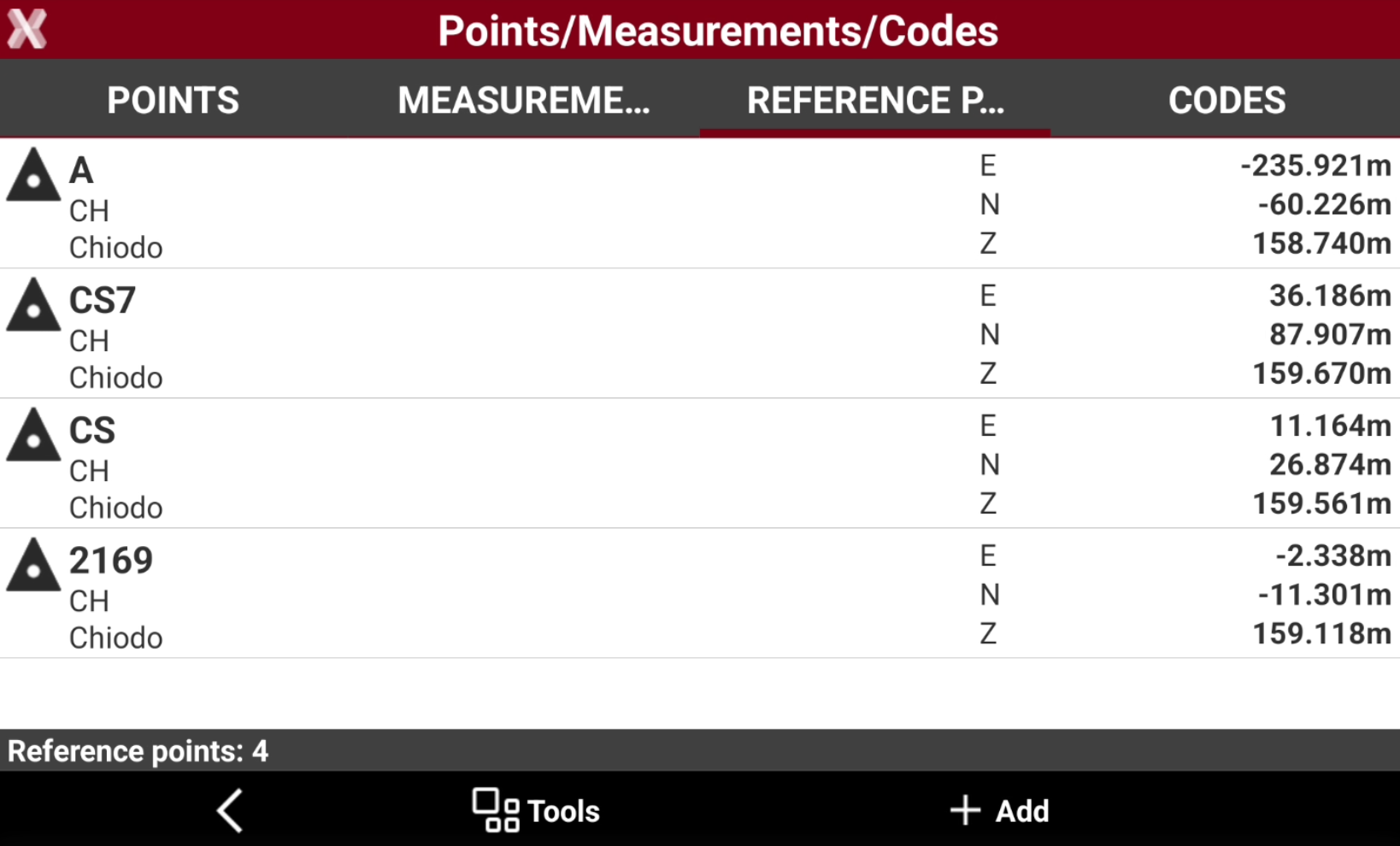
The table of reference points manages all topographic points with known coordinates which can be used in different situations as reference points and check points.
-
To open the Reference points page from the Job page select Points/Measurements/Codes.
-
Open the Reference points tab.
-
This chapter covers the following topics:
-
Reference points list: learn how to view, search, filter, sort, and manage reference points available in the current job.
-
Create/edit a reference point: learn how to create new reference points and modify existing reference point data.
-
Import and transfer reference points: learn how to import reference points from external files and transfer reference point data between jobs.
-