
-
This chapter explains the commands and functions that are available in point survey with GNSS and total stations.
-
Since some operations are identical if working with a GNSS receiver or a total station, these are explained in this chapter.
-
There is a dedicated chapter regarding the survey functions with a GNSS receiver and the survey functions with a total station with specific functionalities.
-
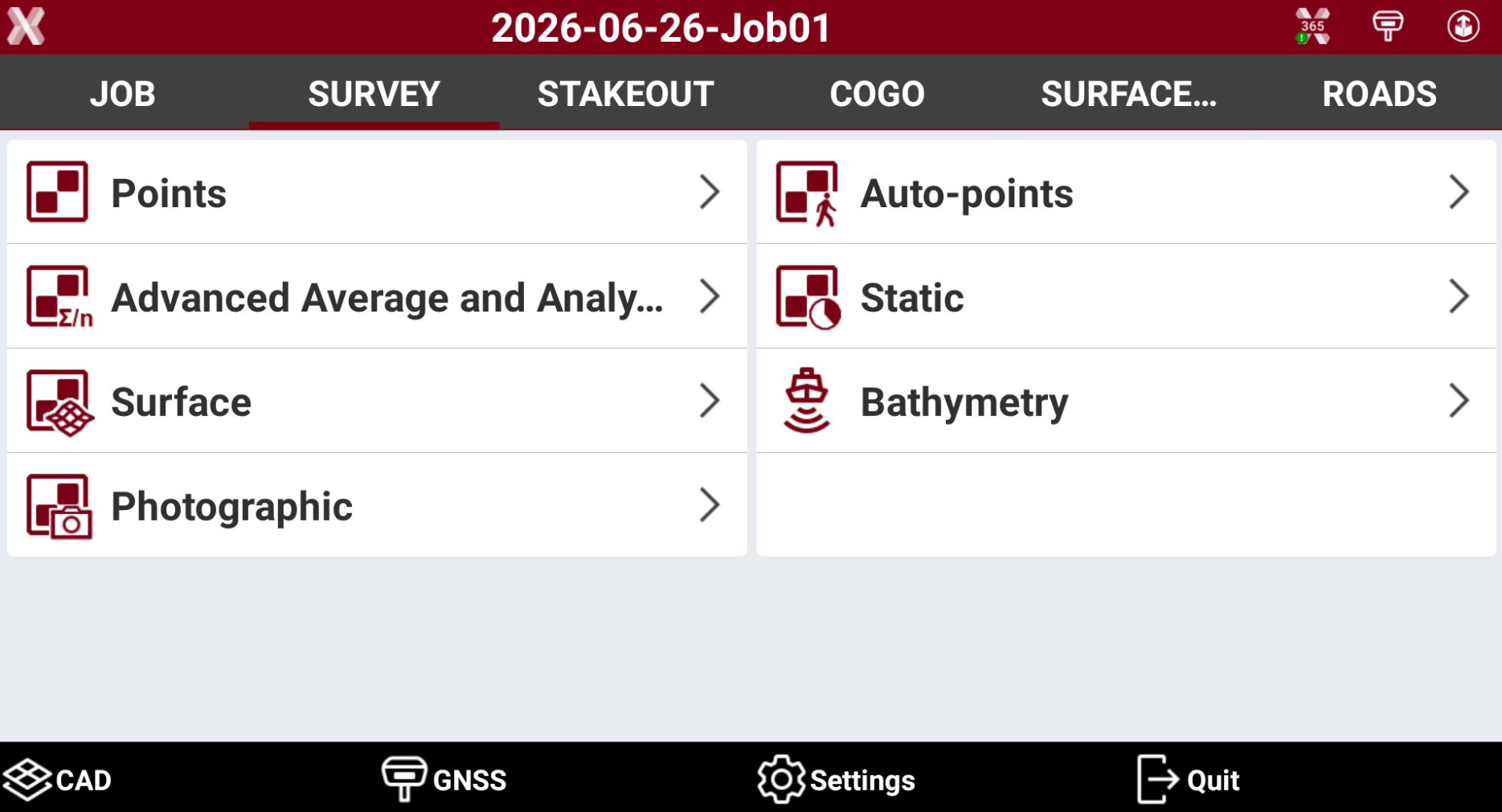
To access the Survey points functions open the Survey tab.
-
This chapter covers the following topics:
-
CAD view in survey: learn how to change the visualization option and manage the CAD view during the survey.
-
Survey code assignment: learn how to assign survey codes during the survey and work with quick codes.
-
GIS features assignment: learn how to collect GIS attributes during the survey.
-
Smart Drawing - Drawing during survey: learn how to draw during the survey using the Smart Drawing Tools.
-
Average coordinates: learn how it is possible to measure multiple times the same coordinate to analyze and average the result.
-
Survey tools: learn how to utilize the different utilities in the survey page.
-