
-
A point can be measured more than one time and at different times.
-
When the same point ID is measured multiple times, the software provides options to either average the measurements or overwrite the existing point.
-
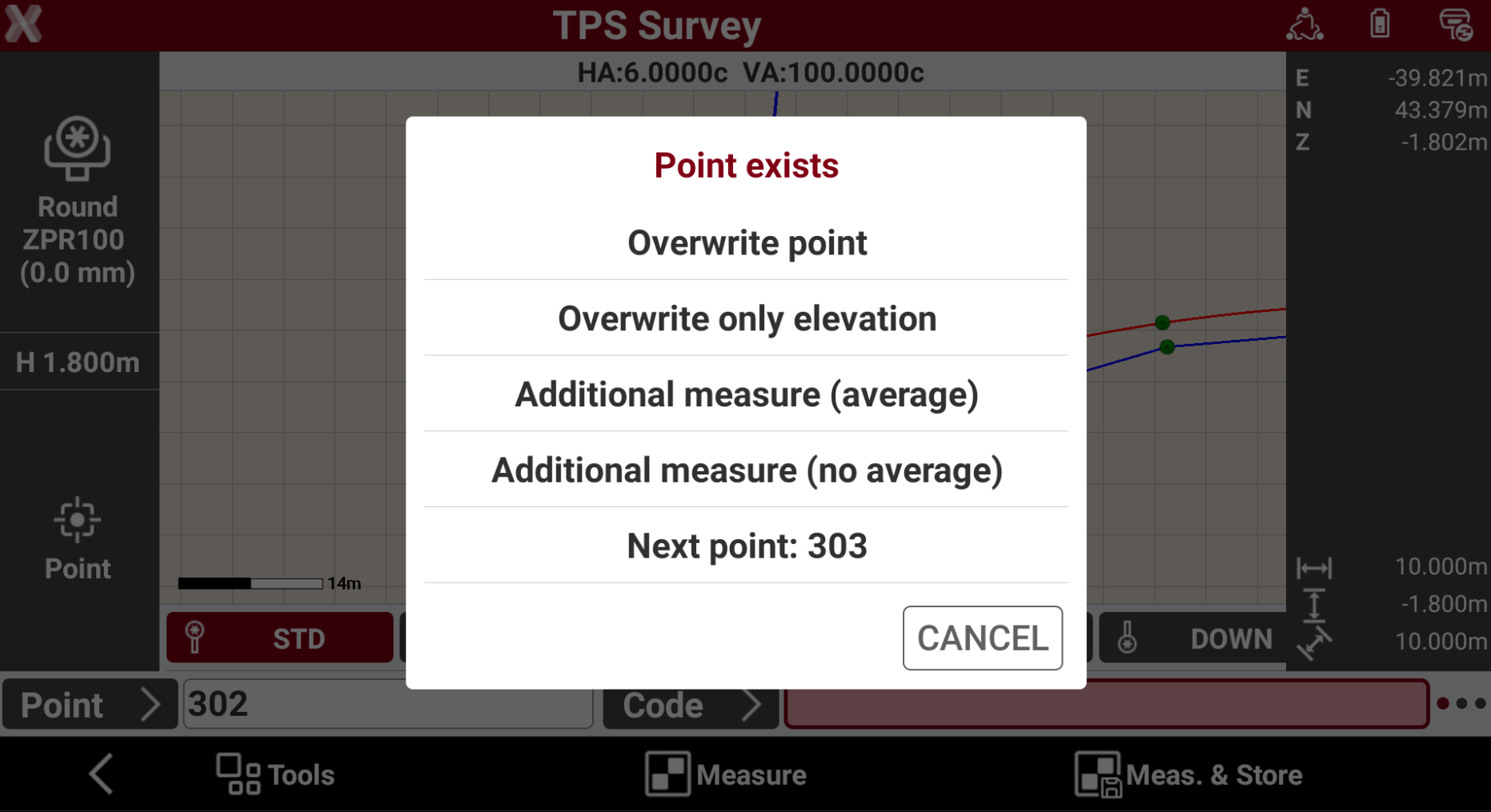
When a point ID is measured multiple times, the software asks how to proceed:
-
Overwrite point: the previous point is deleted and a new point is created with the same name.
-
Overwrite only elevation: overwrite the previously measured point only on the Z value.
-
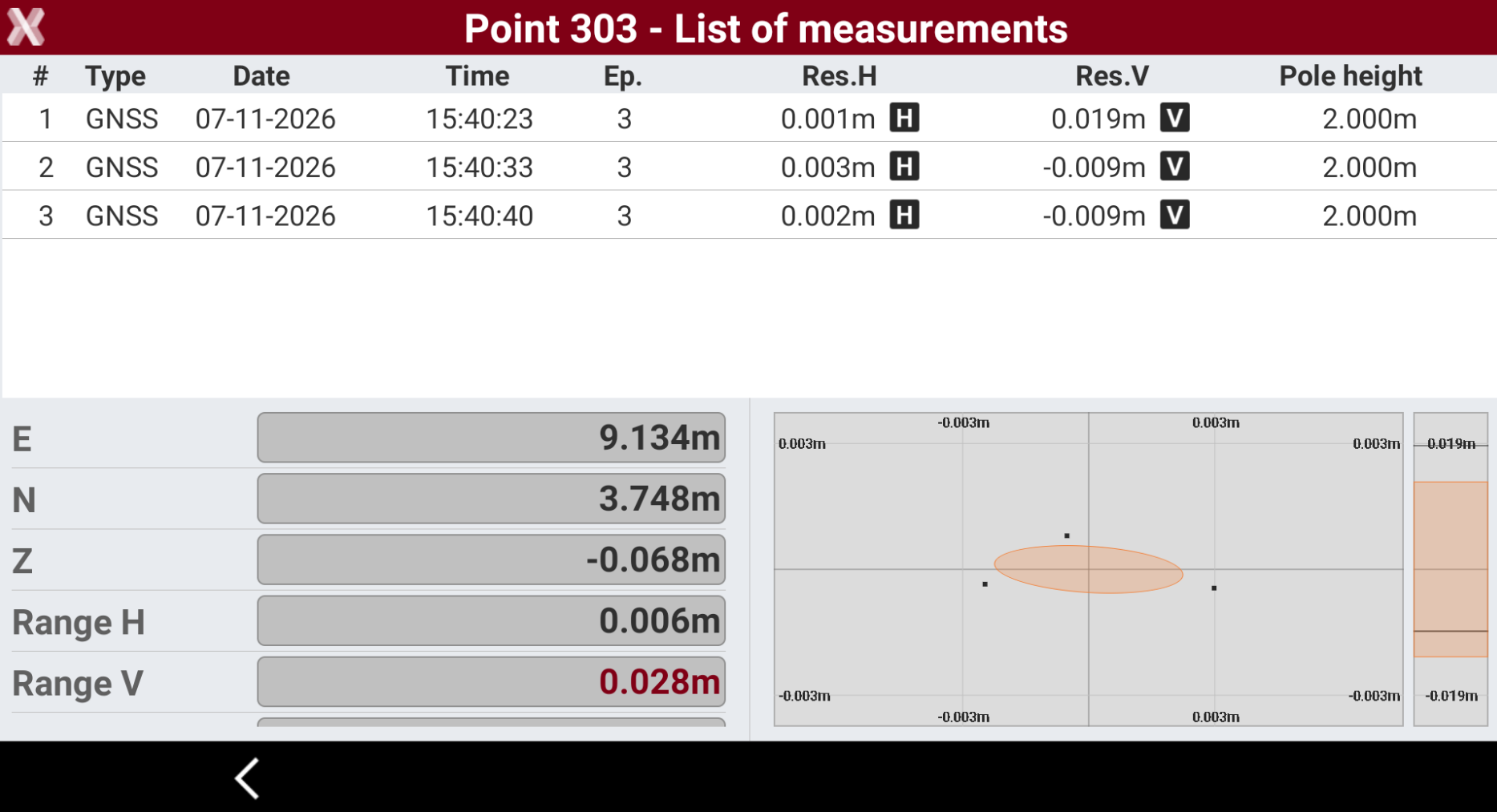
Additional measure (average): a new measurement for the point is saved. In this case the software calculates the final point as average. It is possible to check the residuals and remove the measurements with higher residual.
-
Additional measure (no average): a new measurement for the point is saved. The point coordinate is not recalculated using the new measurement.
-
Next point: suggested is the name of the next point not yet saved.
-