
-
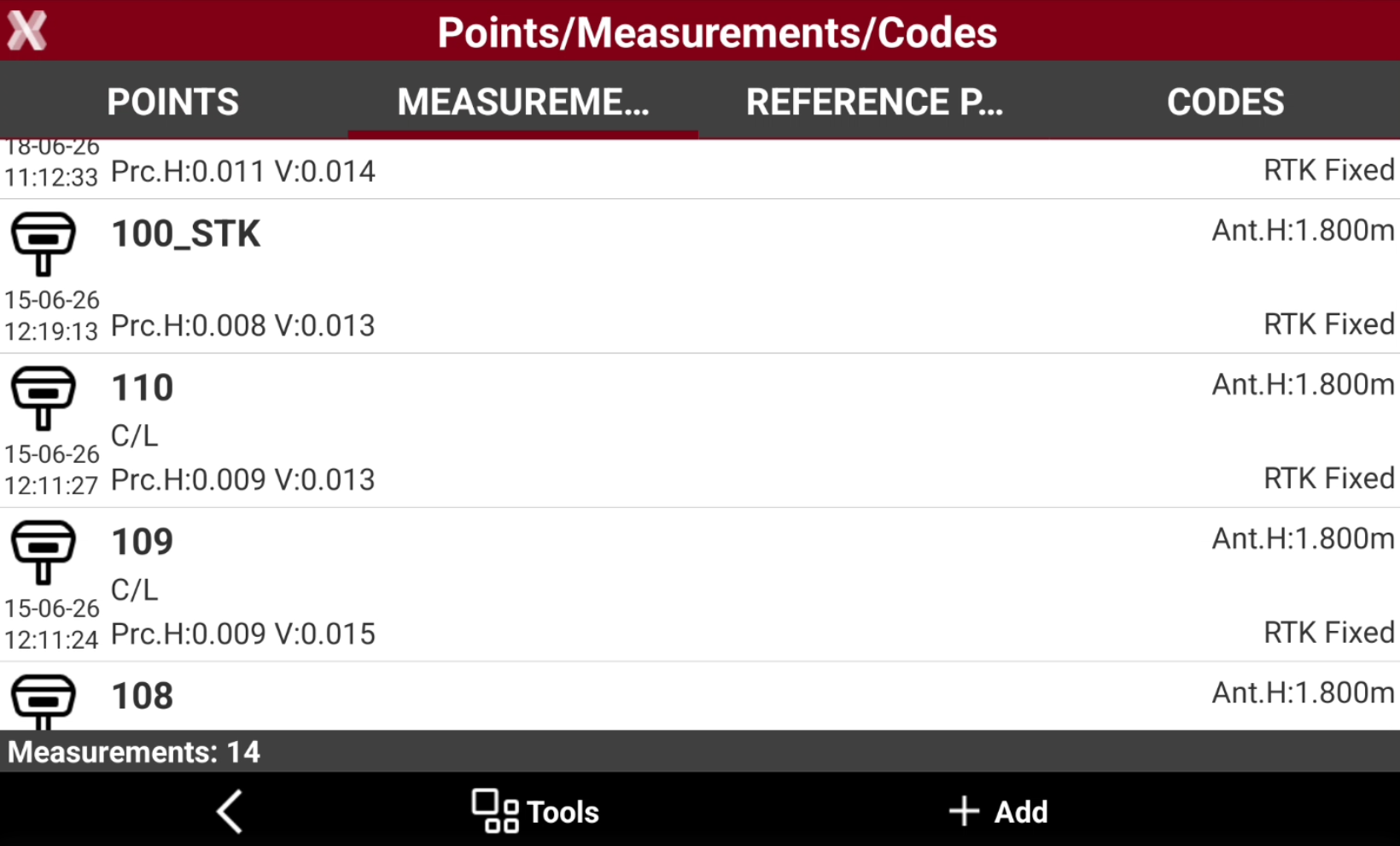
The fieldbook of measurements reports the chronological list of all measurements performed on site.
-
The measurements are listed according to measurement order. The last measurement is on top of the list.
-
For every measurement, an icon specifying the type of measurement, the name of the measured point, the date and time of acquisition, the code, description and other information is displayed.
-
To open the Measurements page from the Job page select Points/Measurements/Codes.
-
Open the Measurements tab.
-
This chapter covers the following topics:
-
Edit a measurement: learn how to view and modify measurement data.
-
Change target or pole height: learn how to correct an incorrect target height or GNSS pole height and automatically update the related measurements.
-
Delete and restore measurements: learn how to remove measurements from the project and restore previously deleted measurements when required.
-
Search measurement: learn how to locate specific measurements.
-
Notes: learn how to create notes associated with measurements and free notes.
-