
-
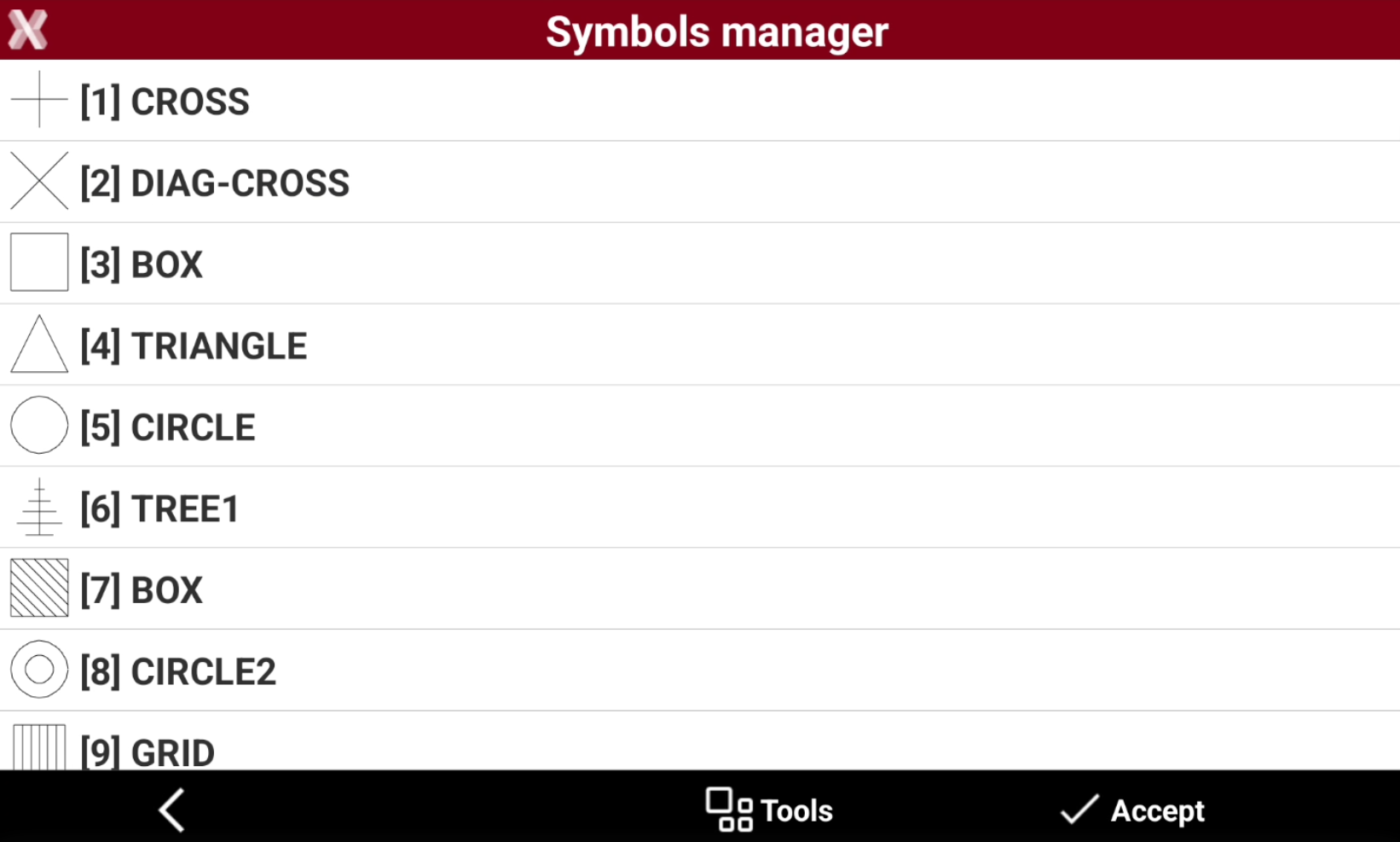
The Symbols manager page allows to manage the symbols associated to codes.
-
From the Codes tab press Add to open the page to add a new code, or select and Edit an existing code.
-
Open the Symbol page and select Symbols.
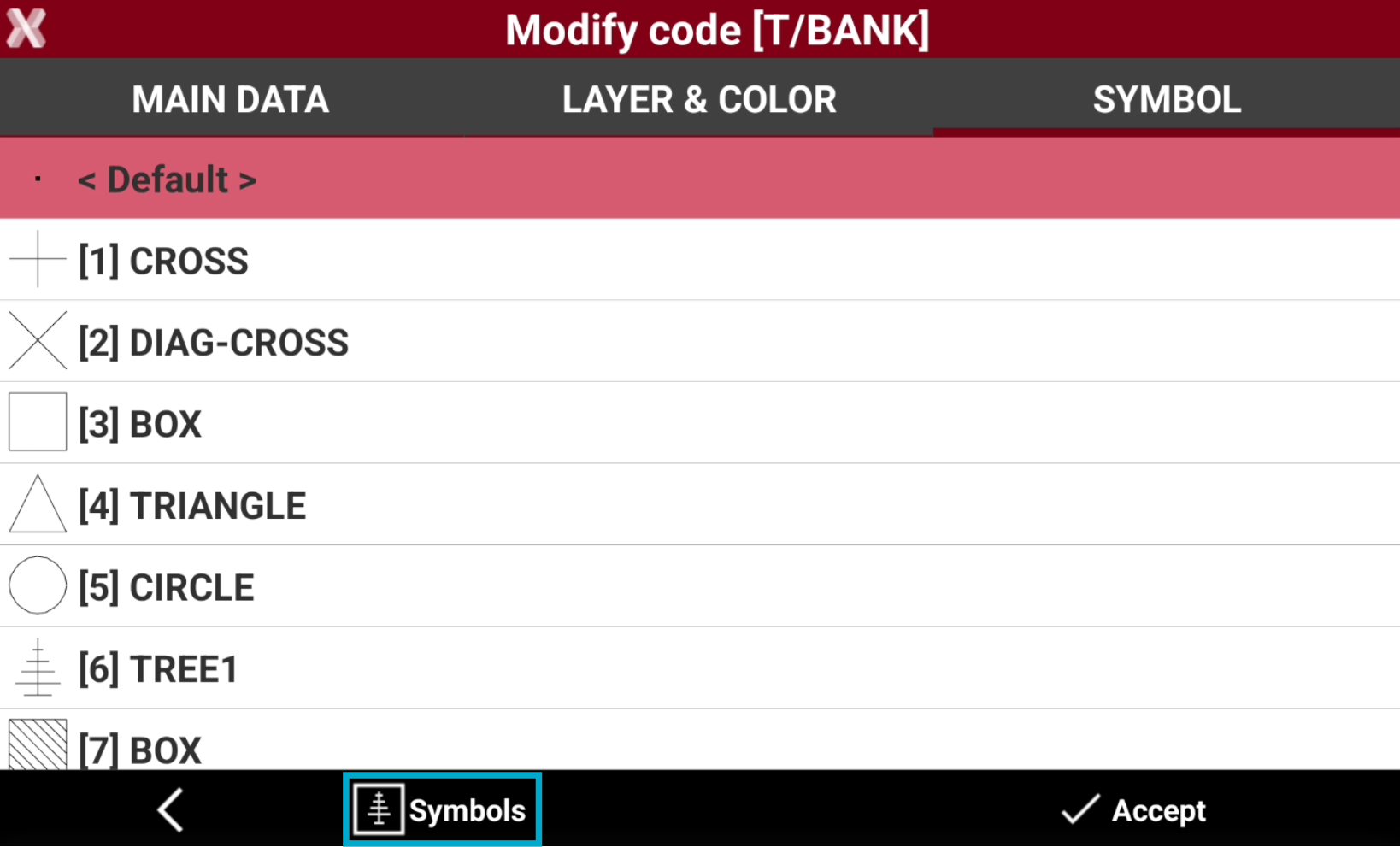
-
This opens the Symbols manager.
Delete a symbol
-
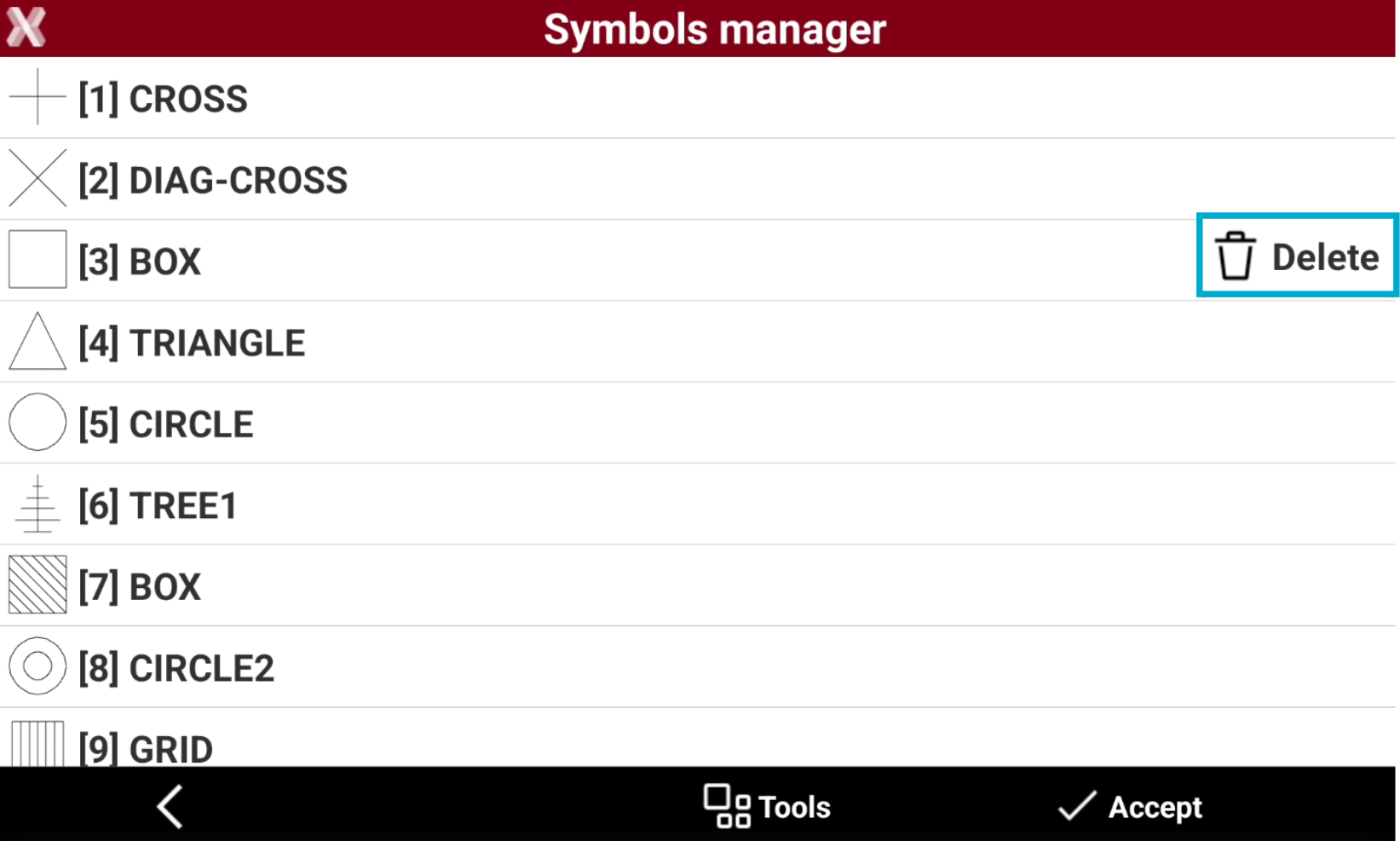
Select a symbol from the table.
-
Select Delete from the context menu to delete the symbol.
Import new symbols
-
Symbols can be imported from blocks of DXF files.
Blocks used as symbols must consist of basic entities such as lines, polylines, arcs, and circles, and should have small dimensions.
-
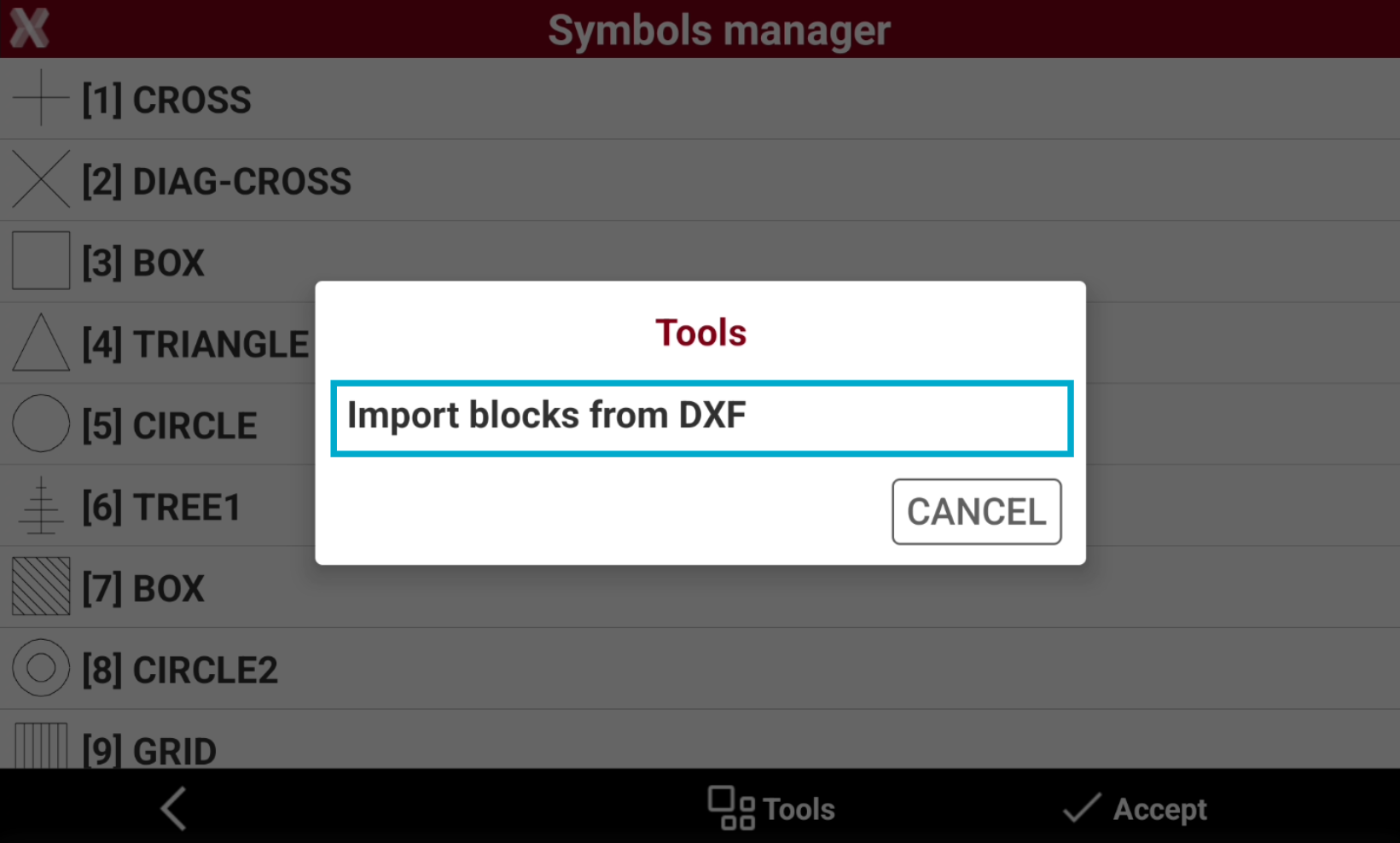
Select Tools.
-
Select Import blocks from DXF.
-
Select the DXF file to import. For every block in the DXF file, the maximum dimension and a corresponding scale factor for the symbol is calculated.
Reference blocks can be used as snap point to create topographic points, to create drawings or as coordinate to stakeout.