
-
BIM surface is used to stakeout with a total station a BIM model surface.
-
To import a BIM model please refer to Load an IFC document.
-
To edit and visualize a BIM model in CAD please refer to BIM management and BIM tools.
-
A BIM model can be oriented to match total station control points using Move, Rotate & Scale function.
-
This function is only available when selected instrument is a total station.
-
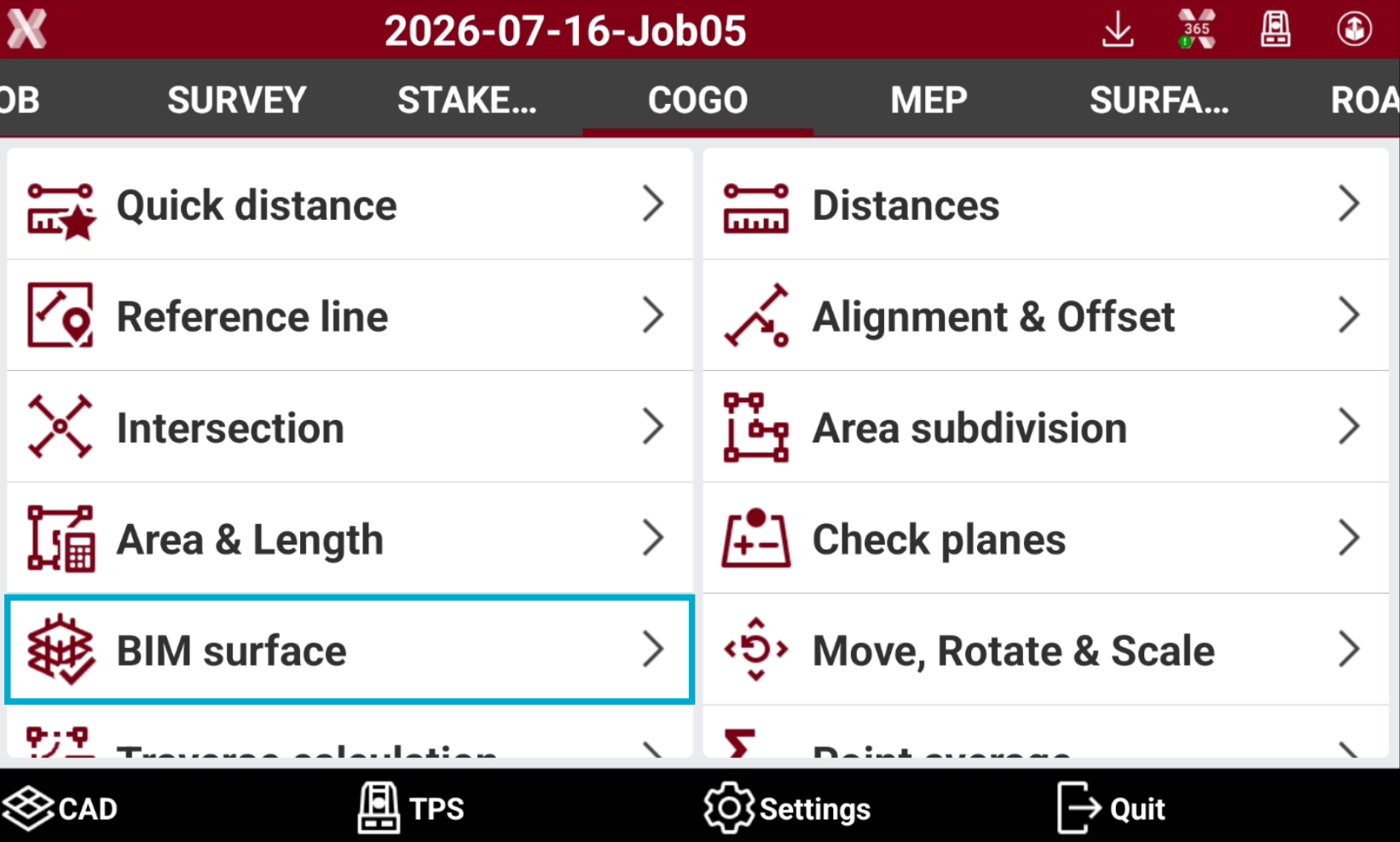
Open the COGO page.
-
Select BIM surface.
-
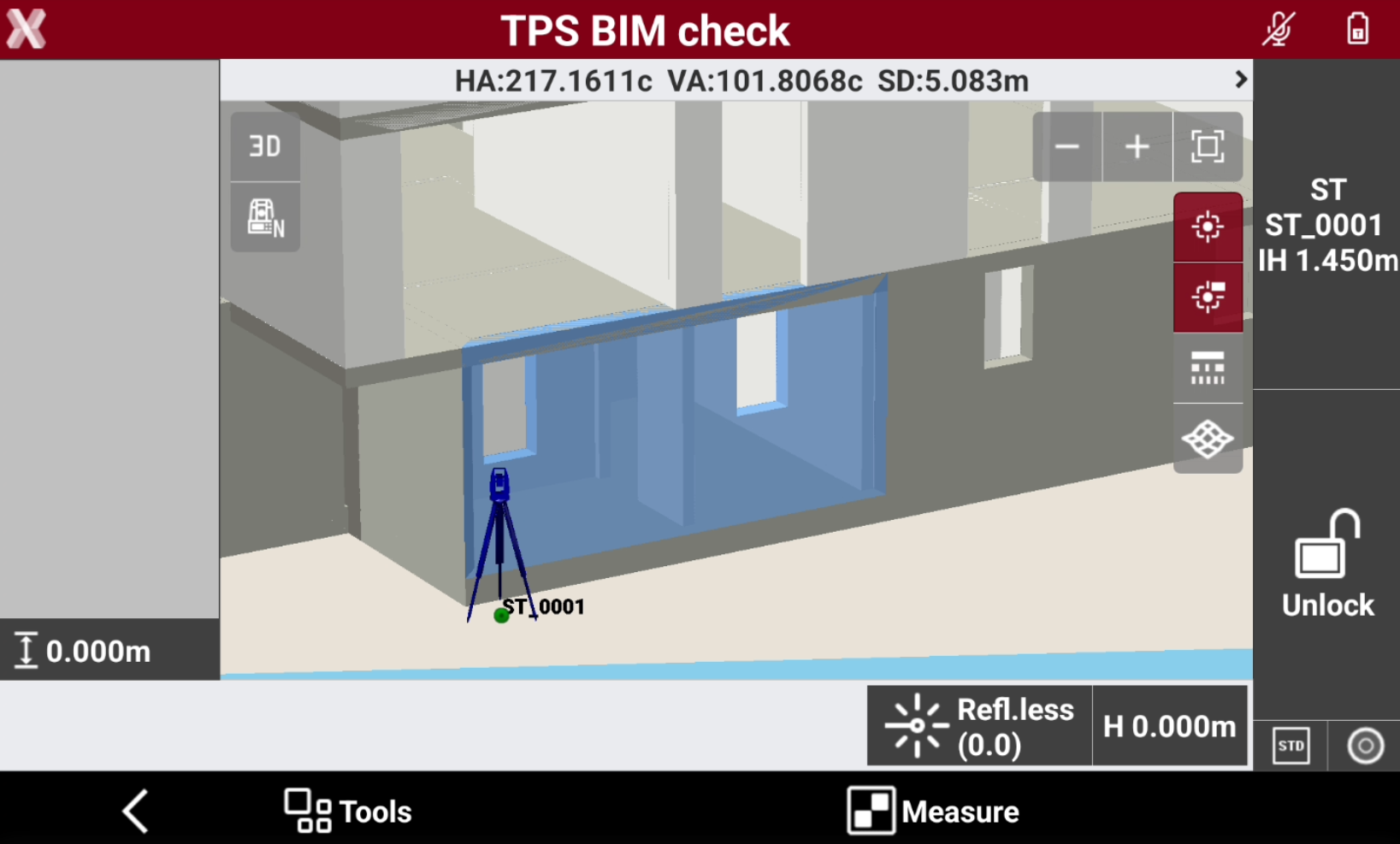
From the CAD view select the BIM surface to stakeout, clicking directly on the 3D model. The selected surface is highlighted.
-
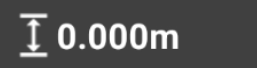
Optionally define an offset to the surface using this command
-
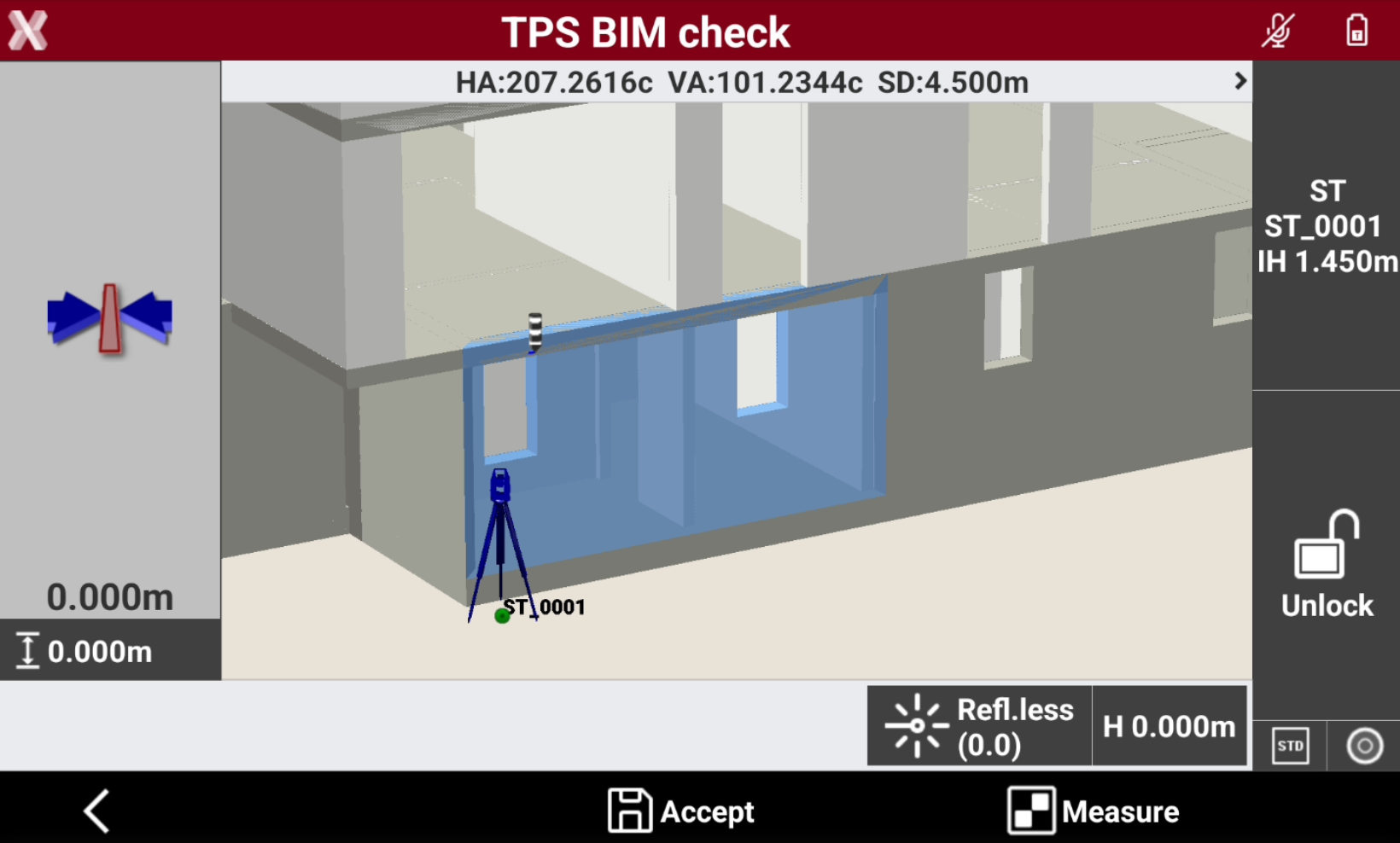
Press Measure to stakeout the surface.
-
On the left bar the software shows the difference between the measured point and the reference BIM surface.