
X-PAD allows to load external files as references from different file formats.
Differently from Import data, when a file is loaded as external reference is not part of the job and can be unloaded from the job.
Load an X-PAD job
-
To load another X-PAD job as external reference from the External references page press Add.
-
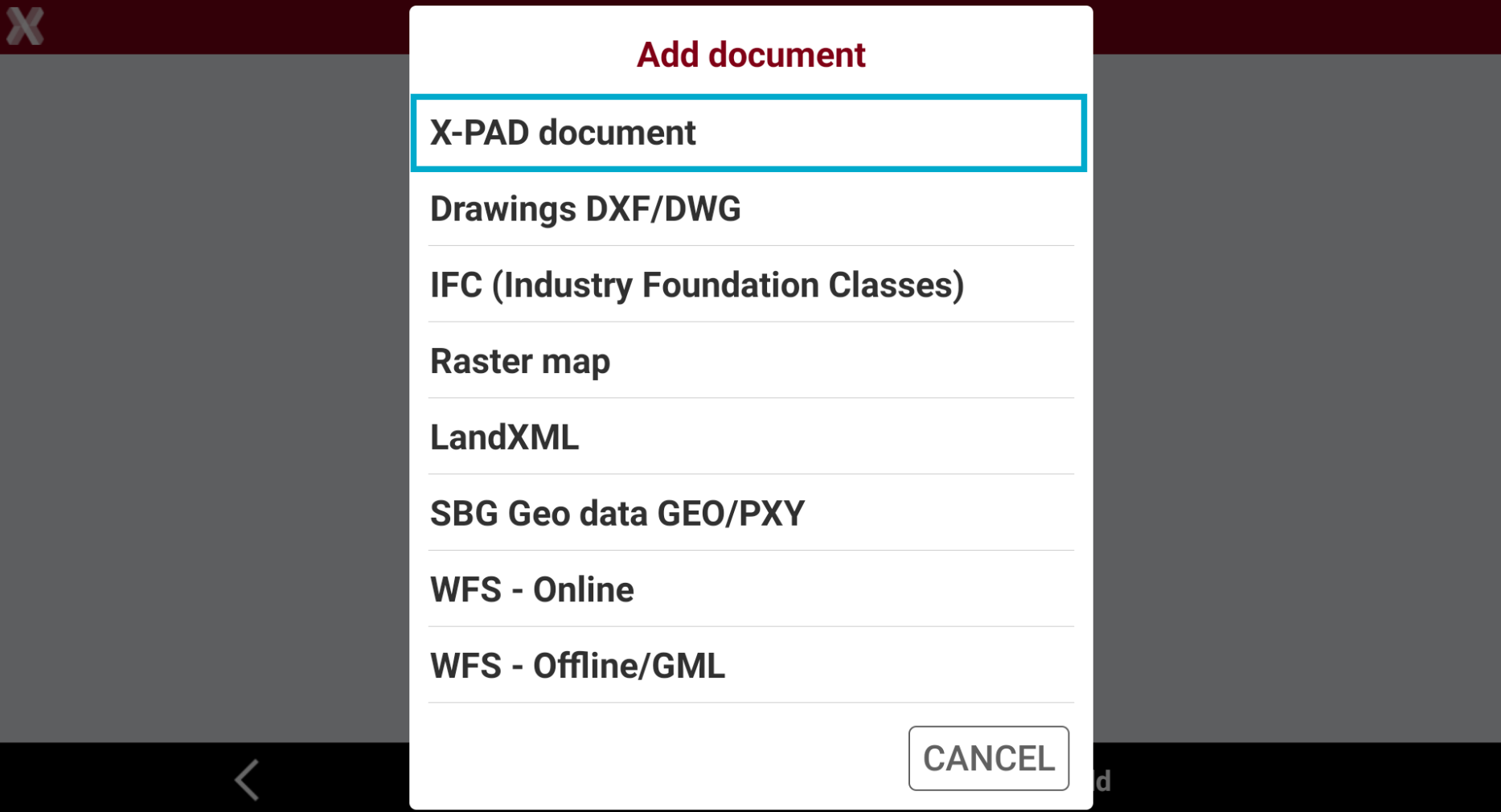
Select X-PAD document.
-
Select the reference X-PAD job in .gfd4 format from the internal memory or from the cloud.
-
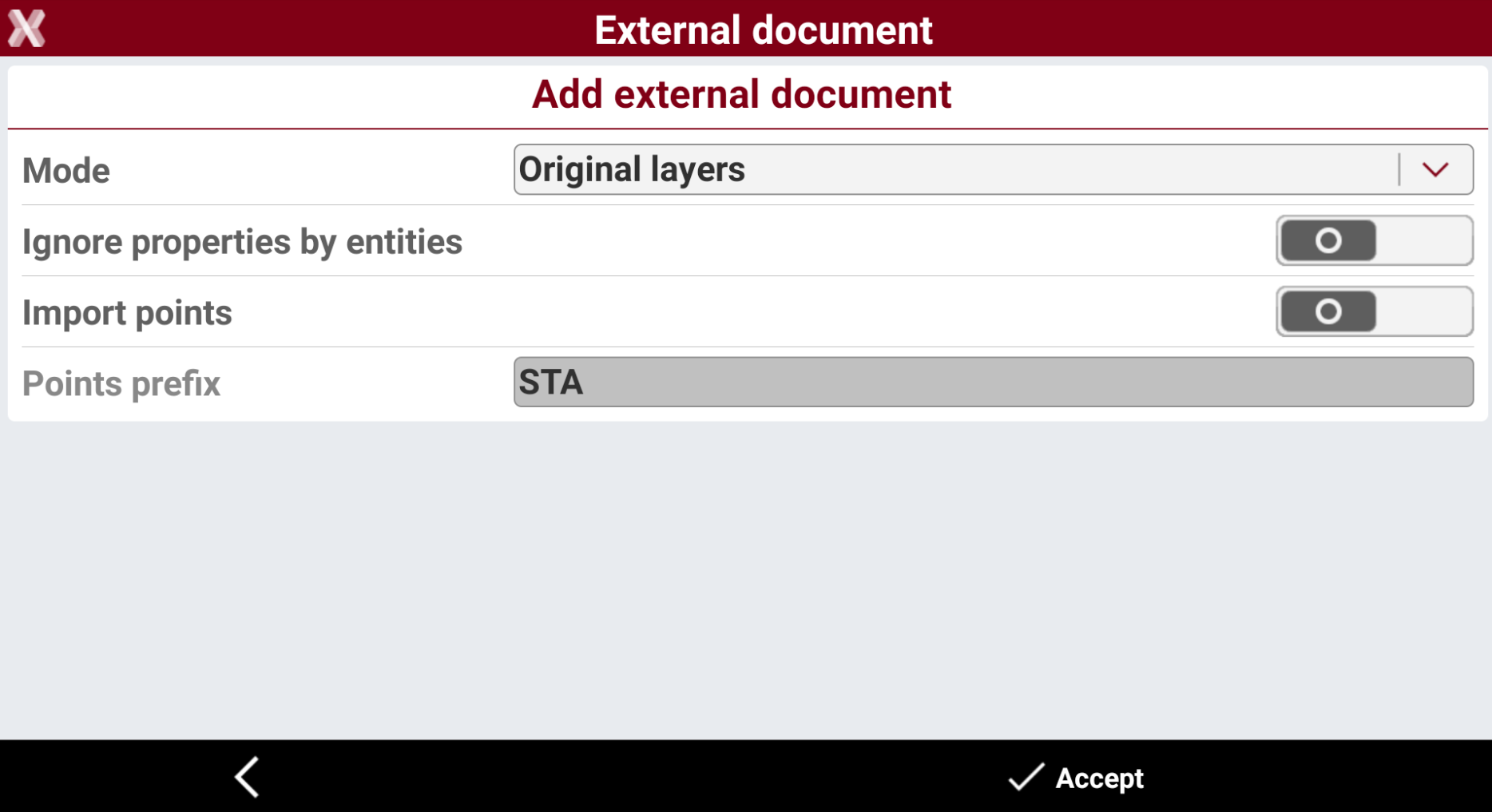
Enter the requested parameters.
-
Mode:
-
Original layers: the data is loaded manteining the original layer.
-
All in one layer: the data is loaded in one layer.
-
-
Ignore properties by entities: the data is loaded ignoring the specific properties of the entity.
-
Import points: the topographic points in the job are loaded.
-
Points prefix: assign a specific prefix to loaded points.
-
-
Press Accept.
-
The reference job is loaded.
Load a DXF/DWG drawing
-
To load a DXF/DWG drawing as external reference from External references page press Add.
-
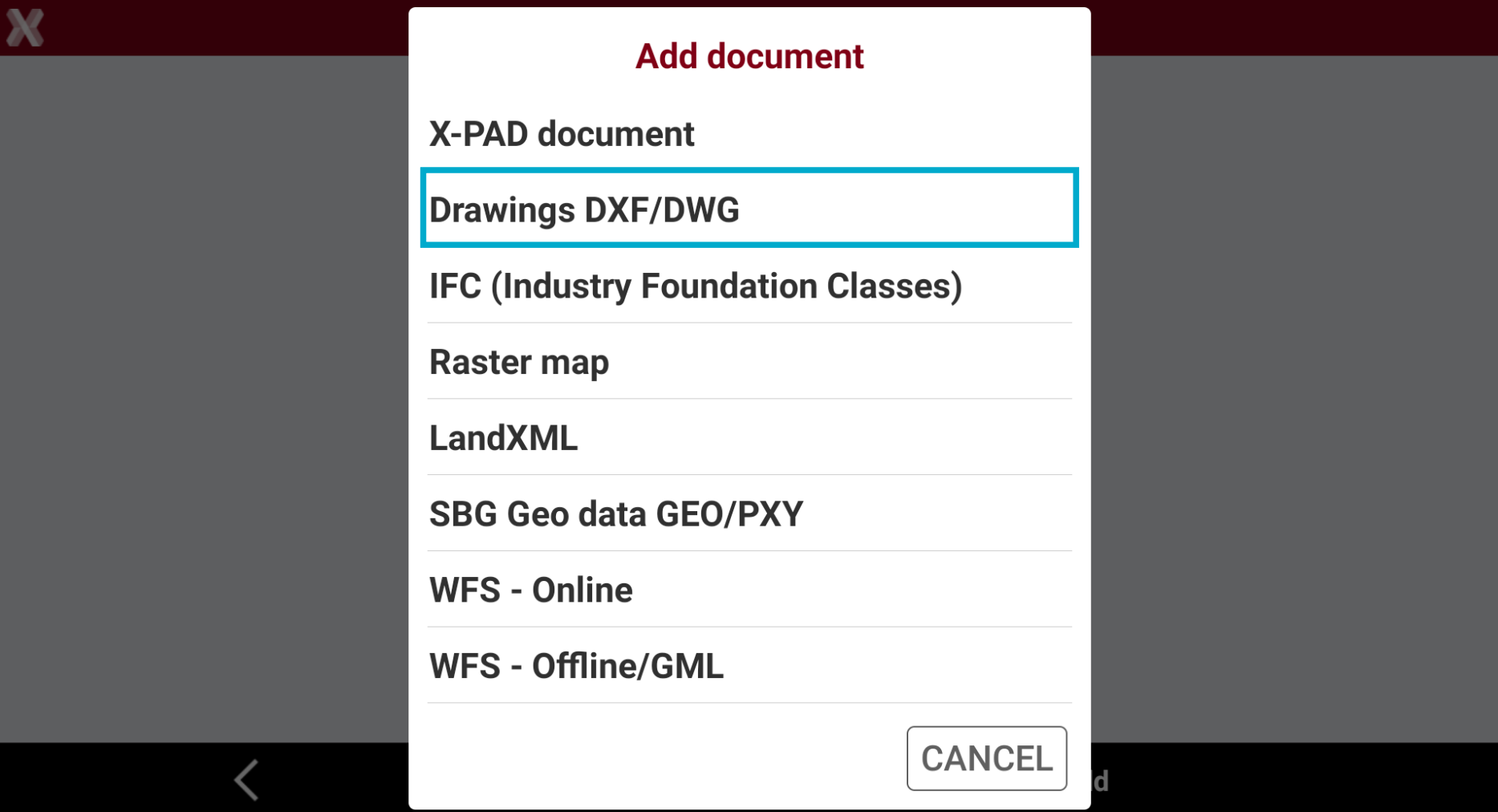
Select Drawings DXF/DWG.
-
Select the file from the internal memory or from the cloud.
-
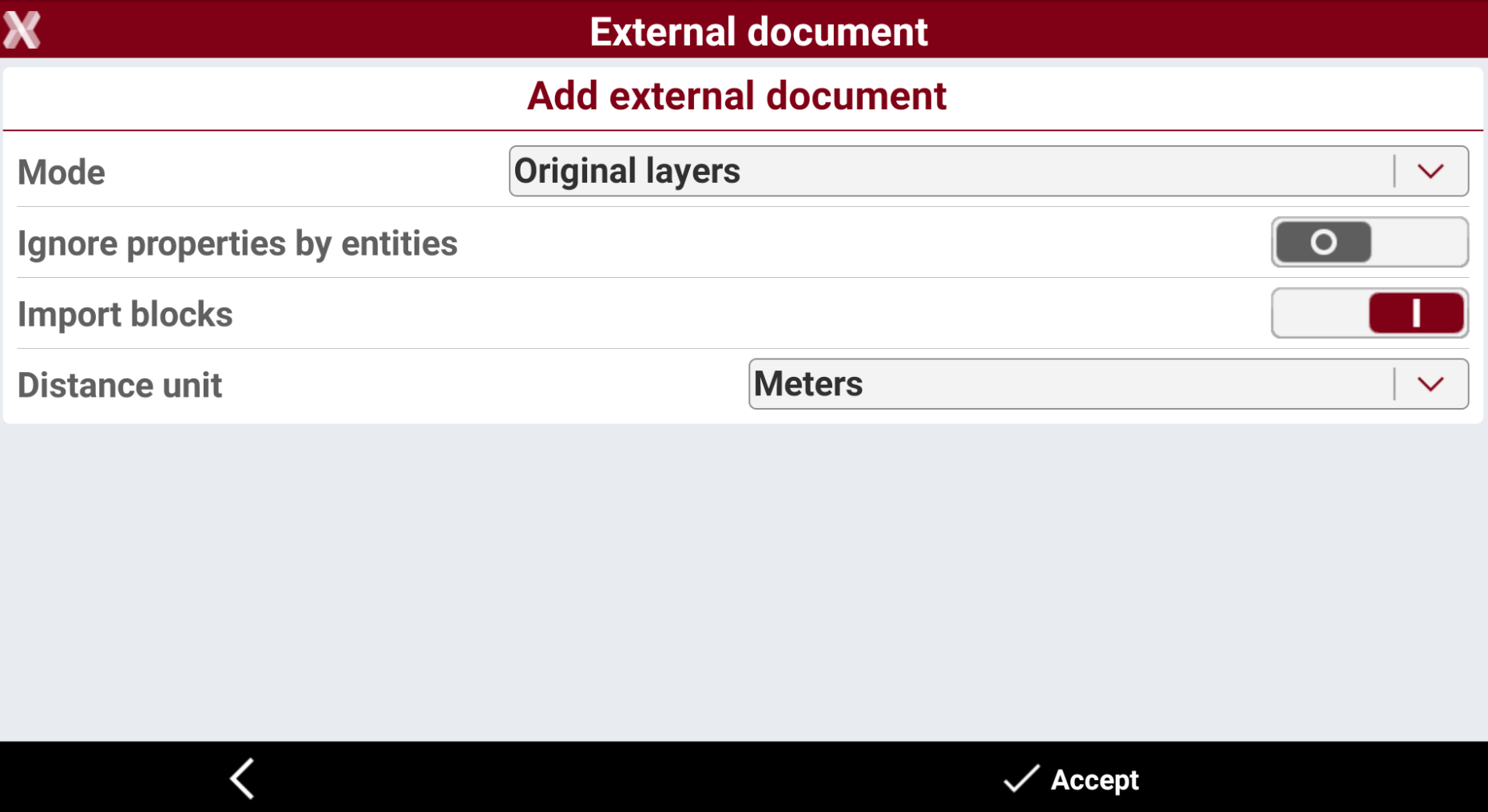
Enter the requested parameters.
-
Mode:
-
Original layers: the data is loaded maintaining the original layers as defined in the file.
-
All in one layer: the data is loaded in one layer with the name of the external document.
-
-
Ignore properties by entities: the data is loaded ignoring the specific properties of the entity.
-
Import blocks: enables/disables the loading of blocks.
-
Distance unit: specifies the distance unit in the external document.
-
-
Press Accept.
-
The reference file is loaded.
Load an IFC model
-
To load a BIM model in IFC format from External references page press Add.
-
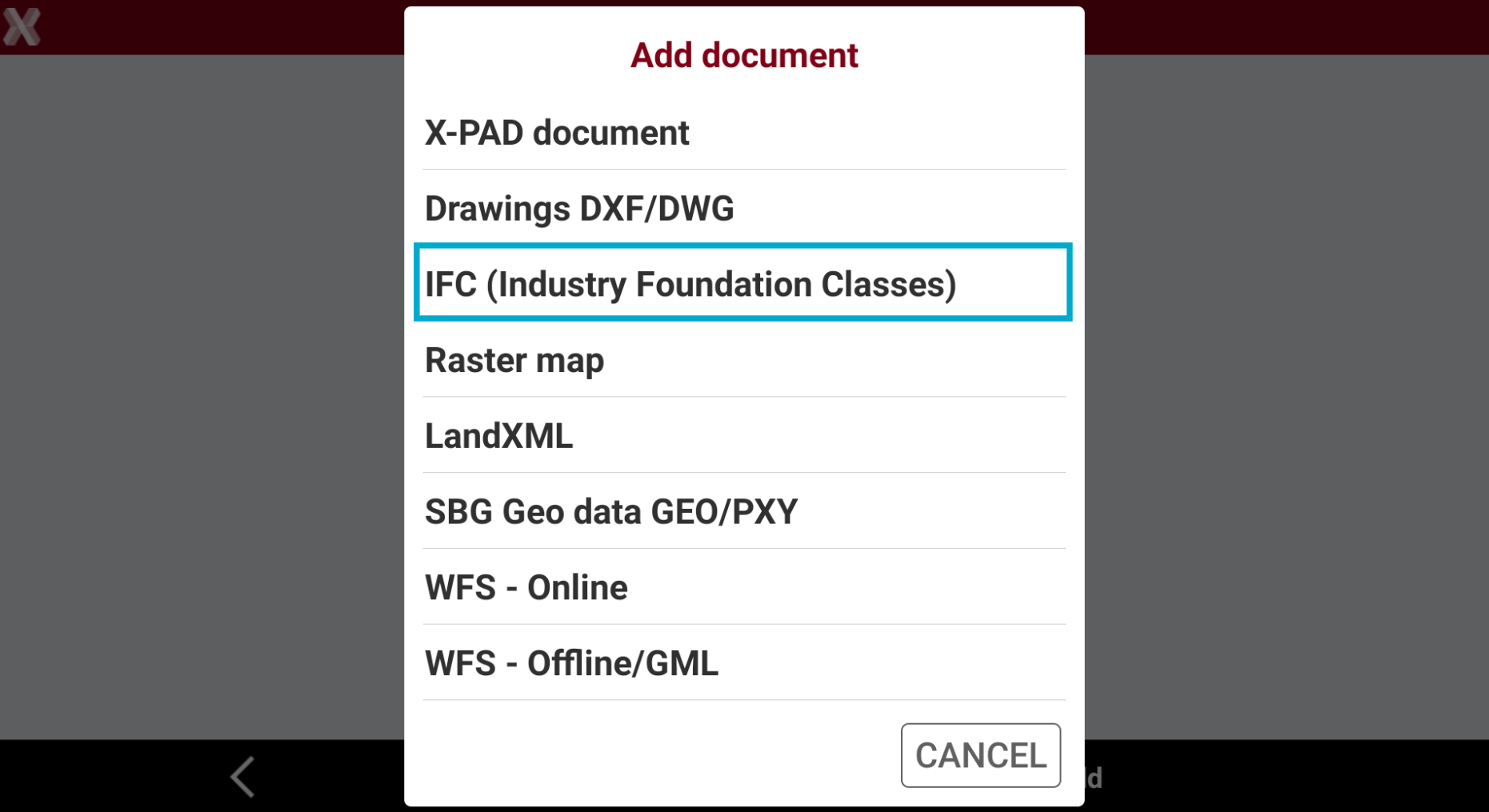
Select IFC (Industry Foundation Classes).
-
Select the file from the internal memory or from the cloud.
-
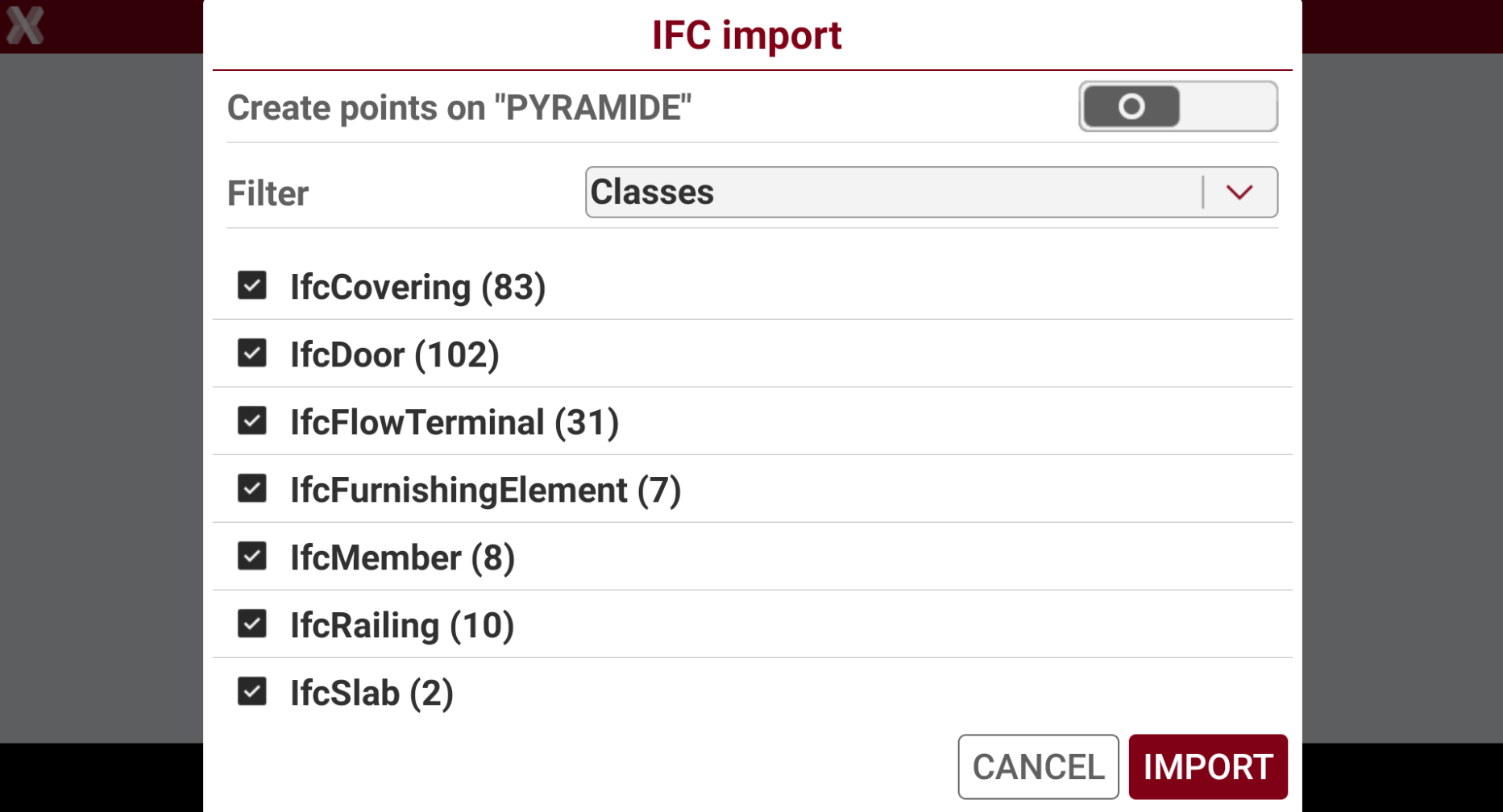
Select the classes to import. By default all classes are active.
-
Create points on “PYRAMIDE”: objects called PYRAMIDE stored in the model represent the drill point. Then is possible to store a topographic point on each of that positions.

-
-
Press Import.
-
The IFC model is loaded.
Load a raster map
-
Raster maps can be loaded to be used in background.
-
Supported formats are:
-
JPG
-
BMP
-
PNG
-
TIFF
-
-
To load a raster map from External references page select Add.
-
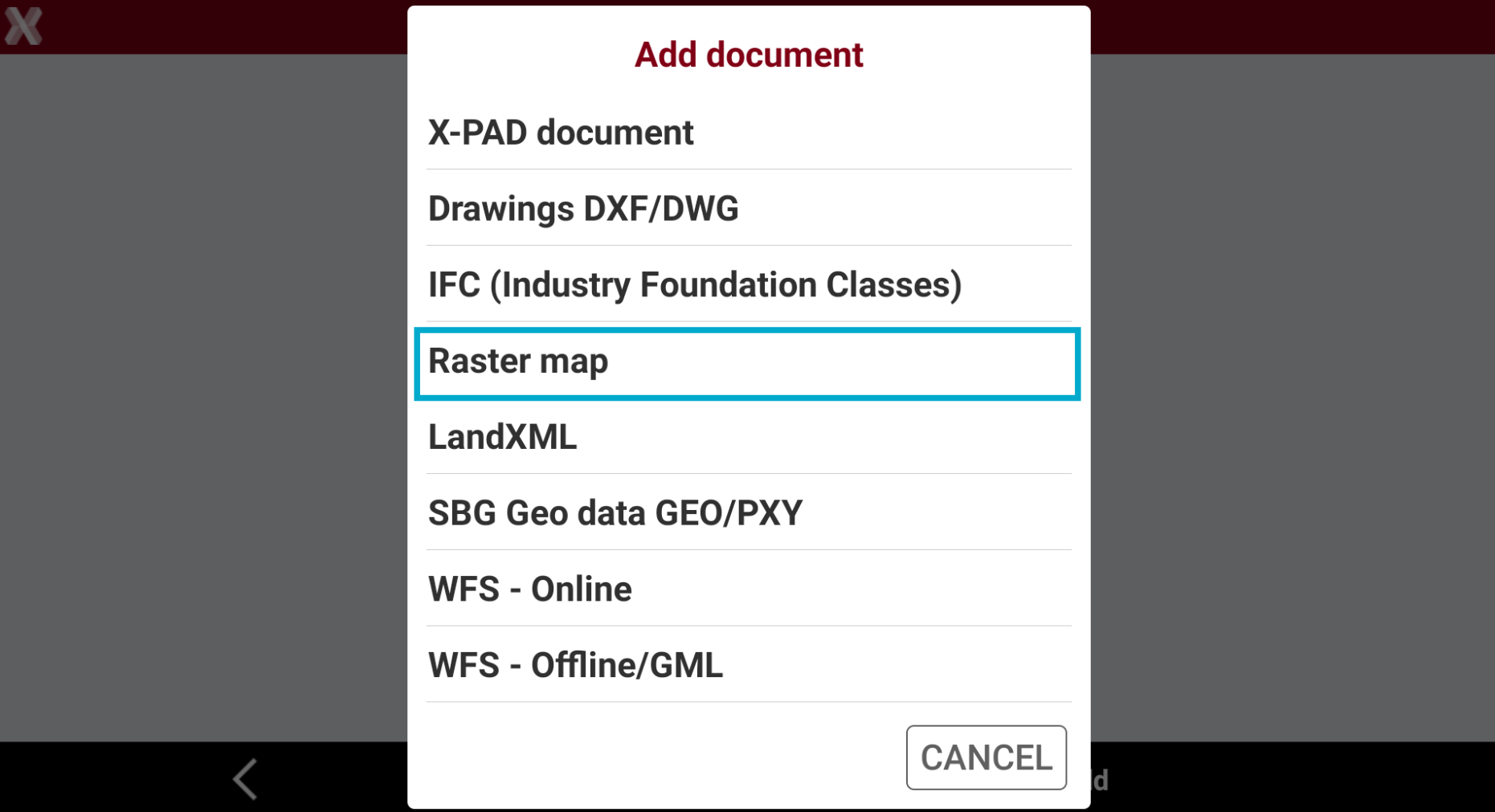
Select Raster map.
-
Select the file from the internal memory or from the cloud.
-
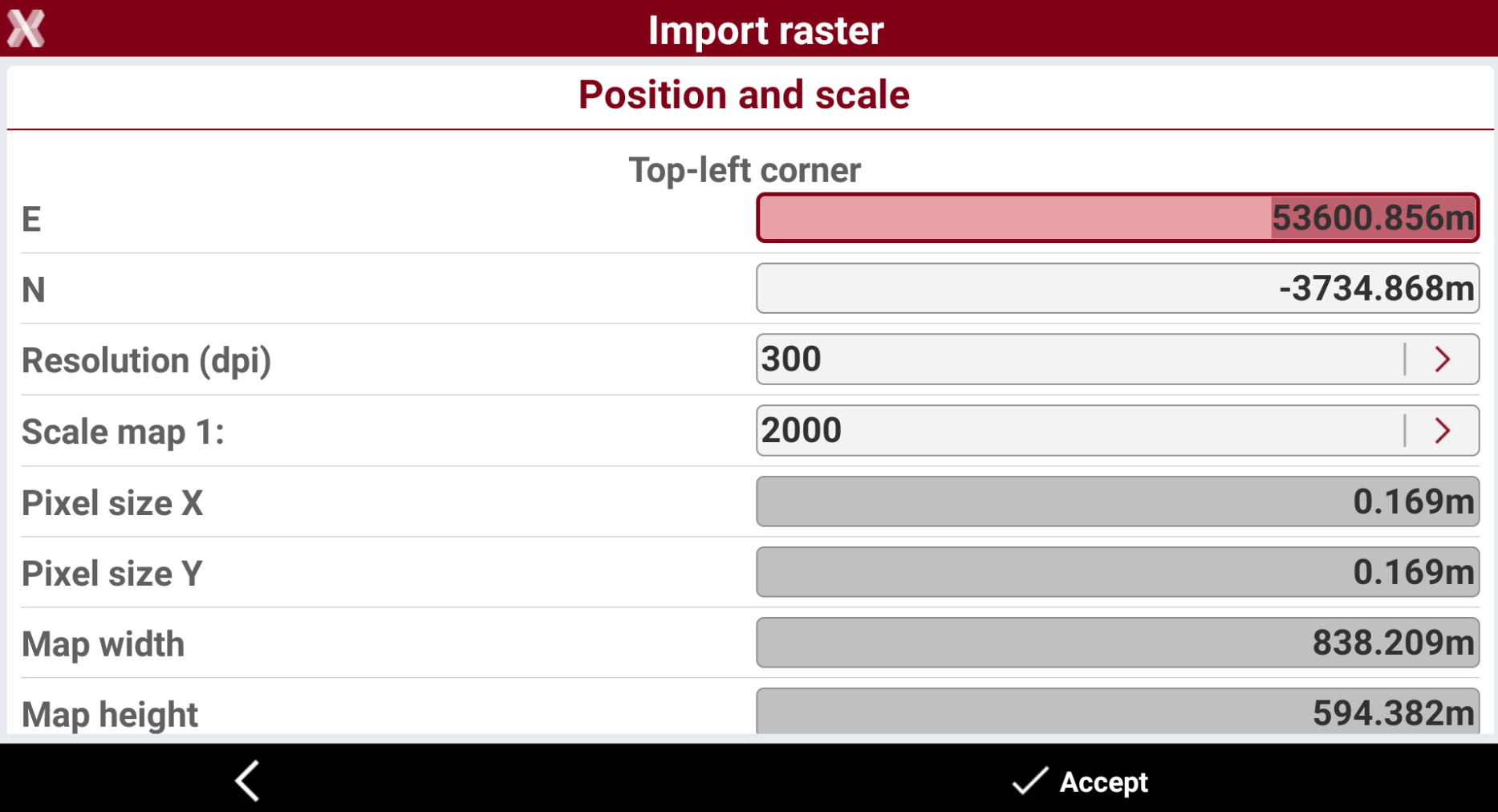
Define position and scale.
-
Top-left corner: coordinates of the top-left corner in which to position the image
-
Resolution (dpi): the image resolution in dpi.
-
Scale map 1: scale factor to assign to the map for correct representation.
-
If the file of the image comes with the World file, the positioning parameters allowing to visualize the image in the correct position and dimension are just visualized.
-
Press Accept to load the file.
-
The raster image is loaded in background.
Load a LandXML file
The operation loads points, drawing, surfaces and road alignments from the selected file.
-
To load a LandXML file as external reference from the External references page press Add.
-
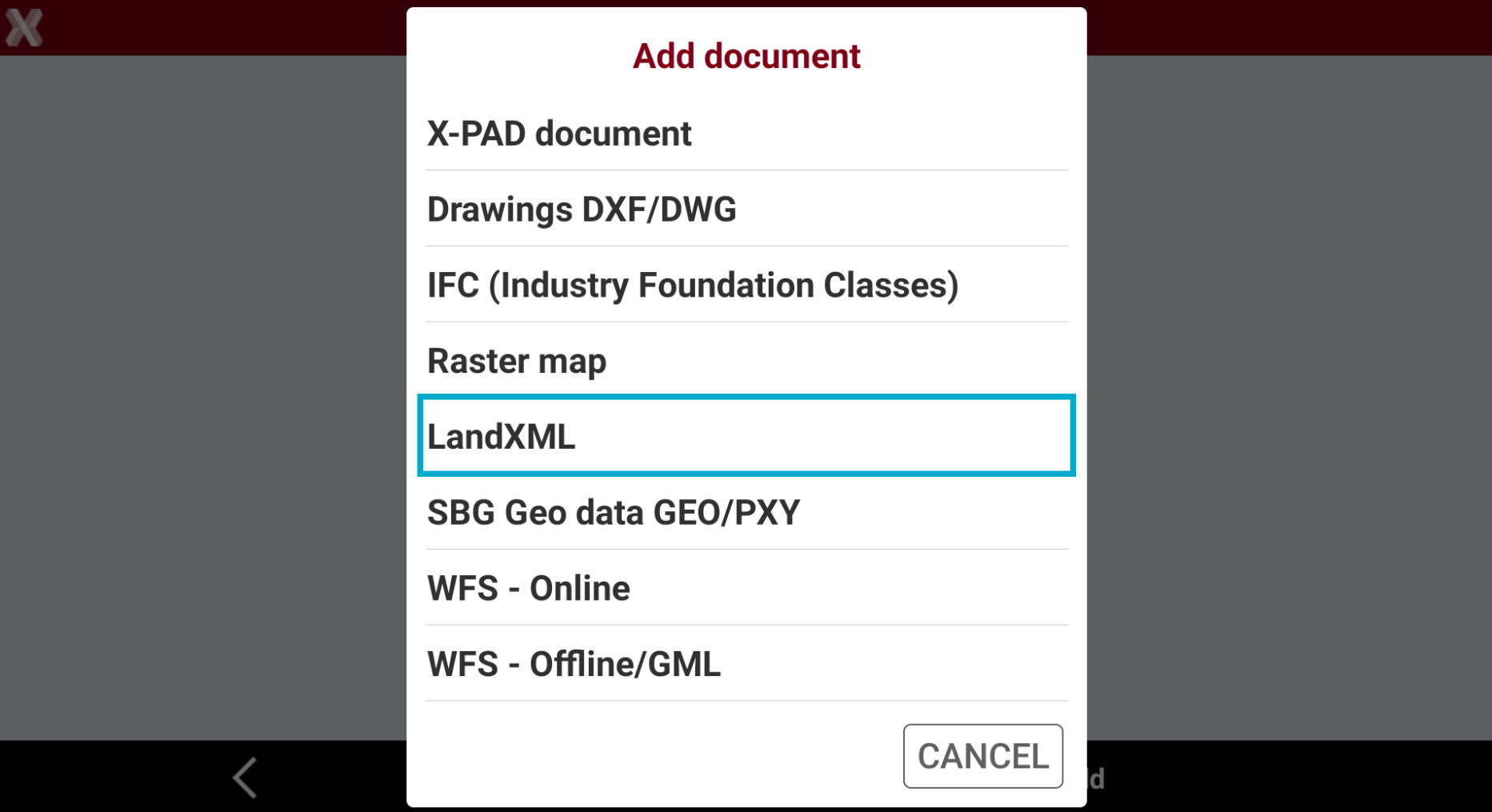
Select LandXML.
-
Select the file from the internal memory or from the cloud.
-
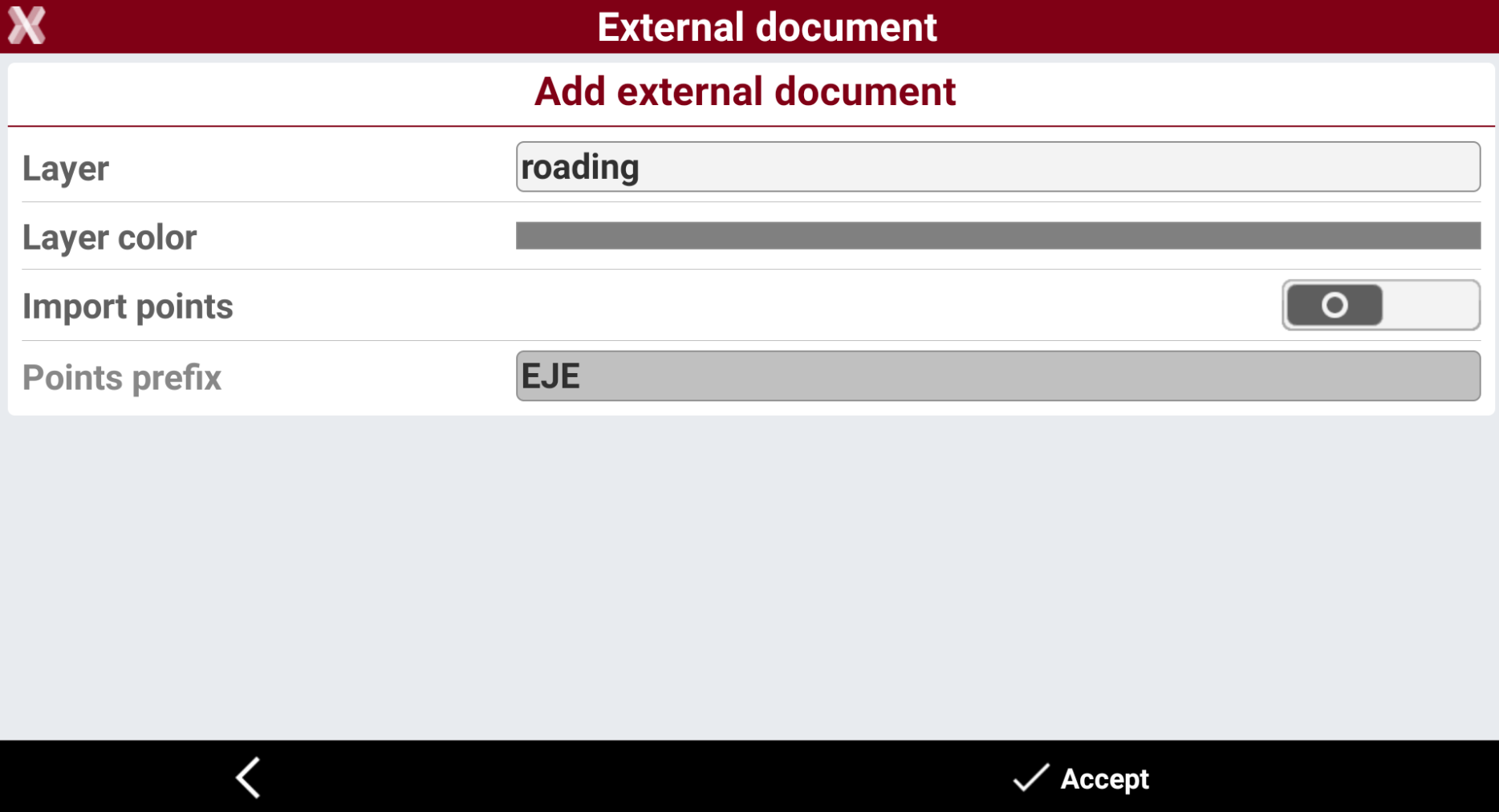
Enter the options.
-
Layer: the layer where imported data is loaded in the job.
-
Layer color: the color of the layer.
-
Import points: enables/disables the importing of points from the selected file.
-
Points prefix: the prefix to be applied to imported points.
-
-
The reference file is loaded.
Load a SBG GEO file
-
To load a SBG GEO data file as external reference from the External references page press Add.
-
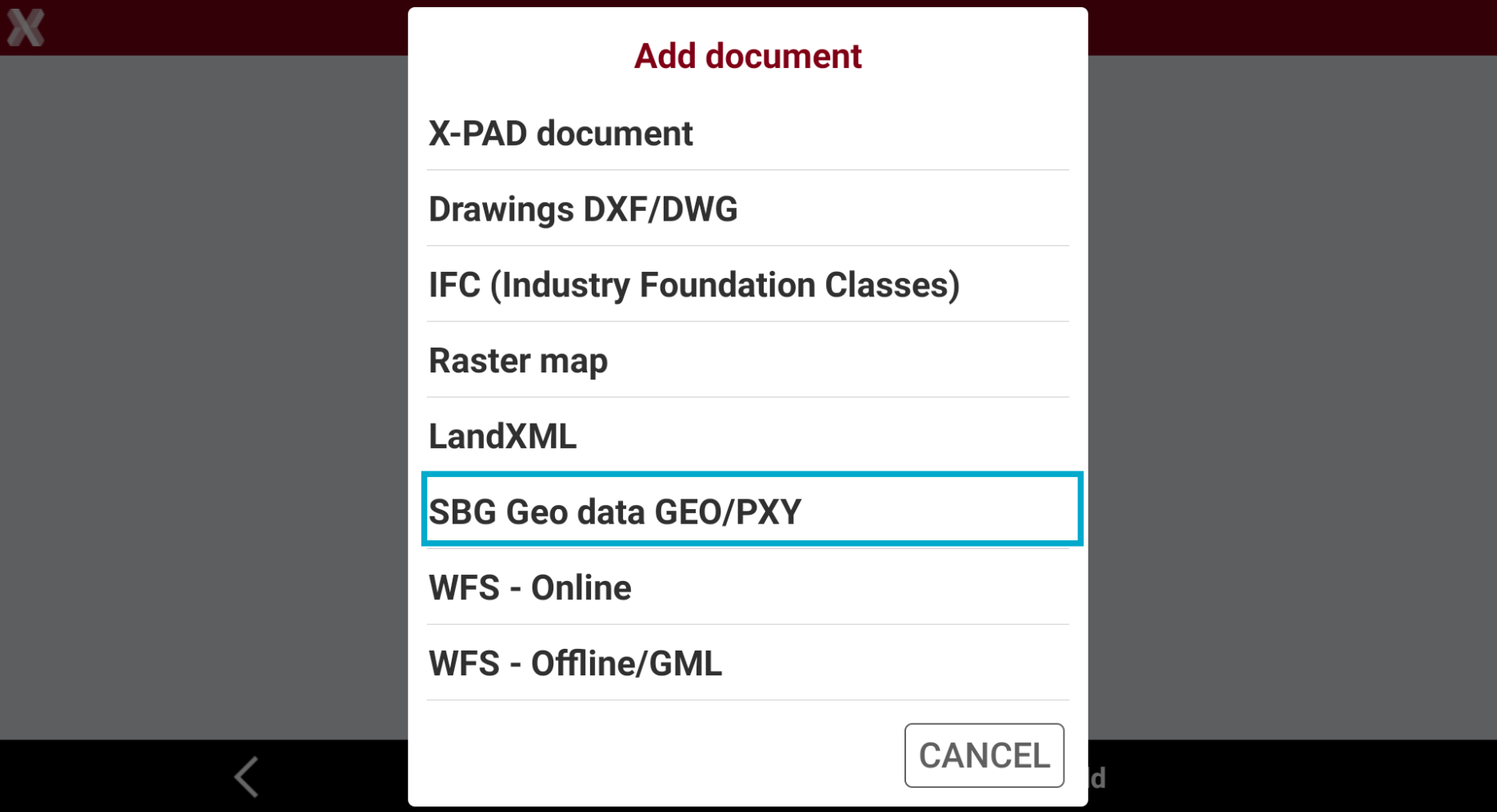
Select SBG Geo data GEO/PXY.
-
Select the file from the internal memory or from the cloud.
-
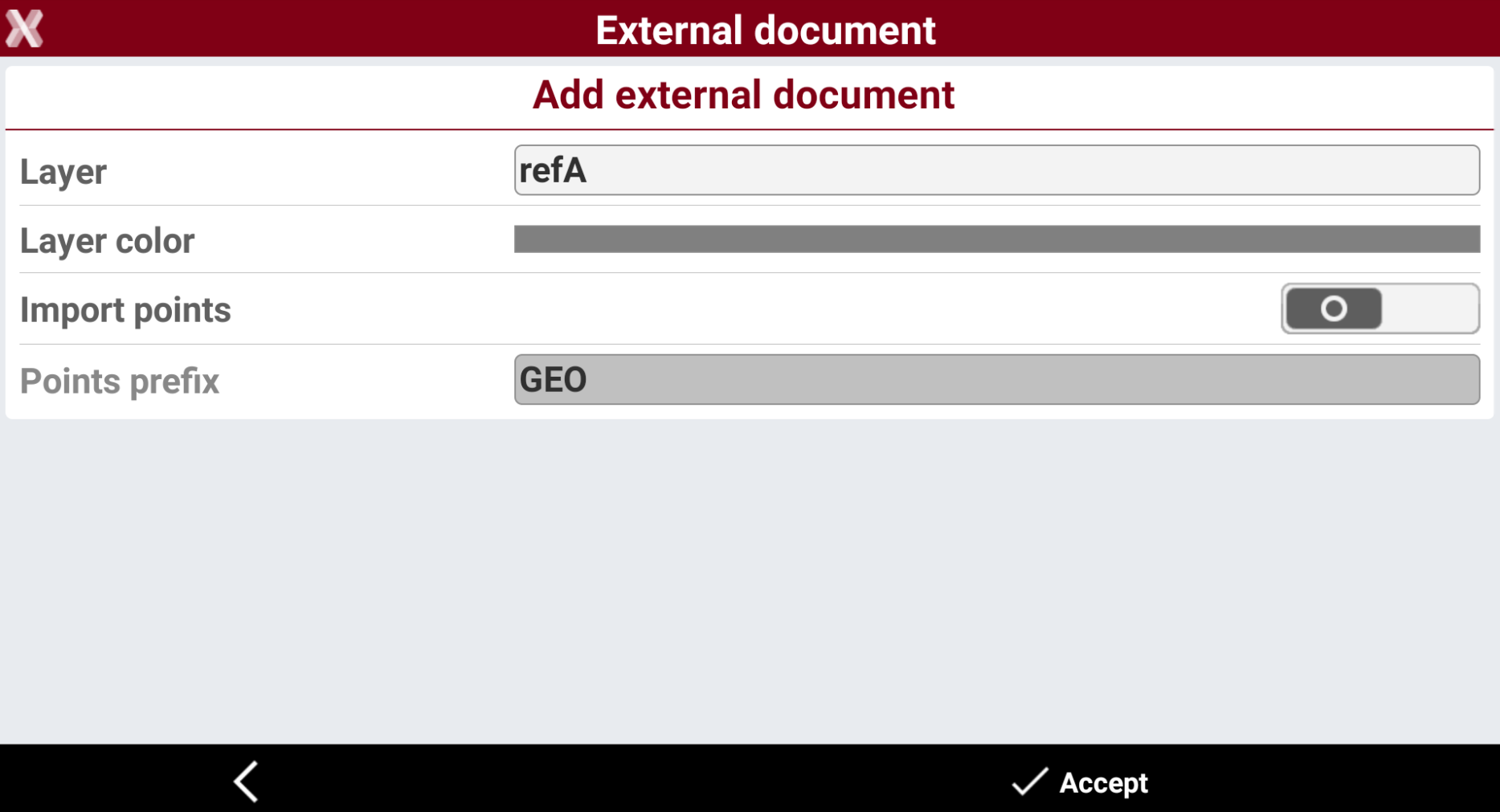
Enter the options.
-
Layer: the layer where imported data is loaded in the job.
-
Layer color: the color of the layer.
-
Points prefix: the prefix to be applied to imported points.
-
-
The reference job is loaded.
Load a WFS Online
-
Allows to connect to a WFS service and download the features.
-
Refer to WFS (Web feature service).
Load a WFS Offline
-
Allows to load WFS data that was previously downloaded from the application in .GML format.
-
Refer to WFS (Web feature service).