-
The External references page lists all the external references linked to the job and allows to create new links.
External references list
-
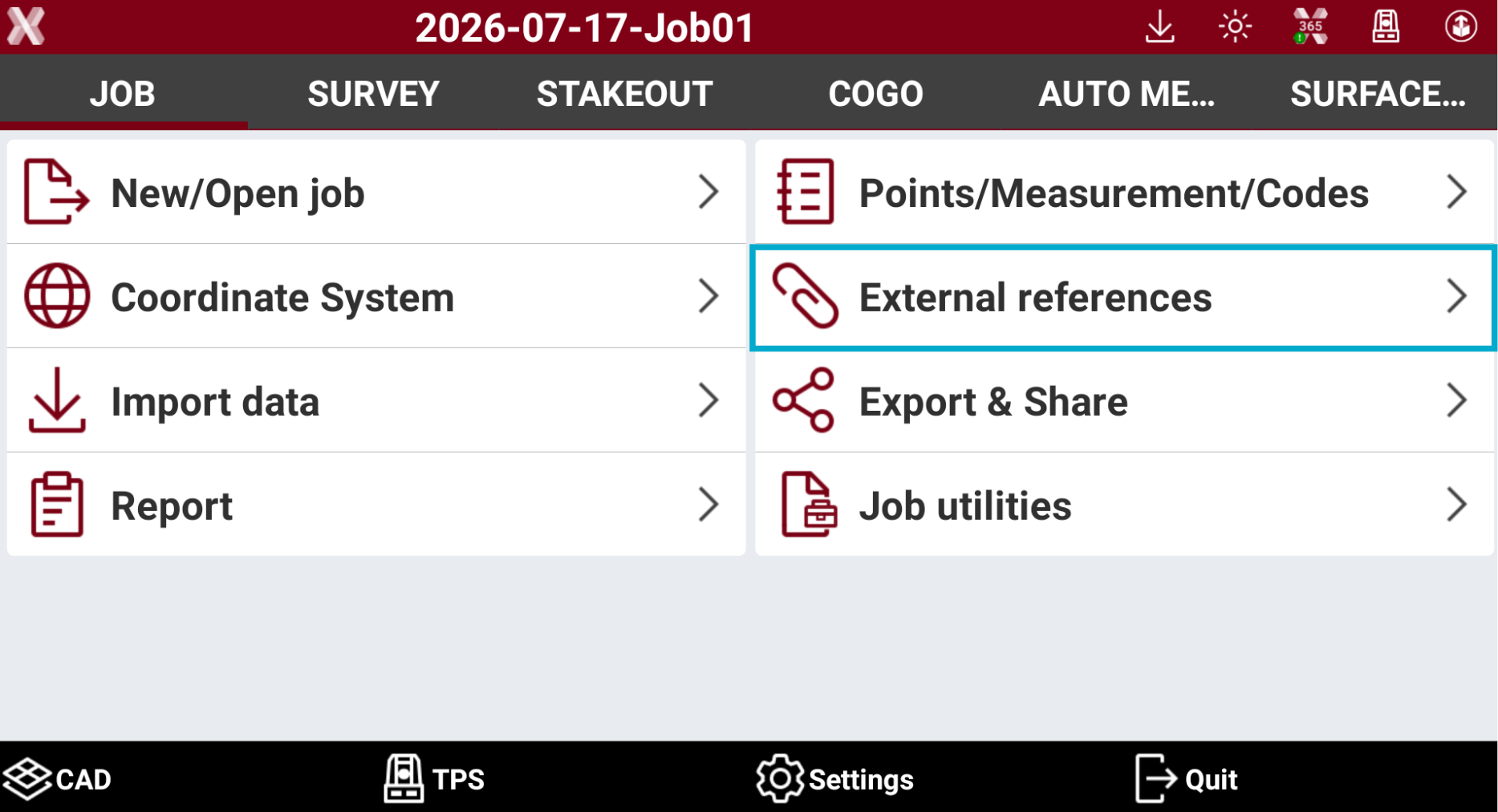
From the Job page select External references.
-
The page lists the loaded external references.
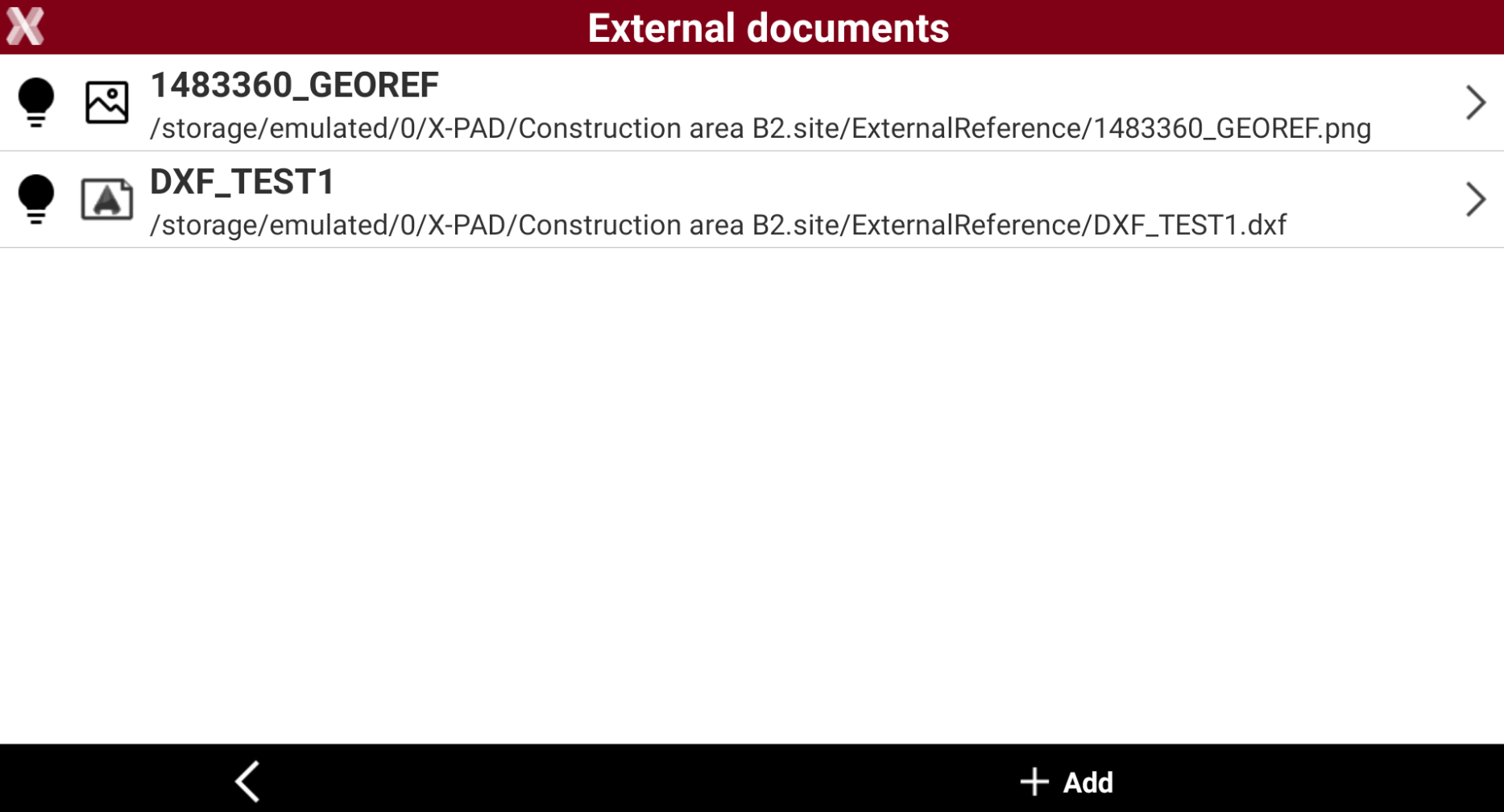
External references can be defined at the site level. This ensures that all jobs within the site have the external reference files preloaded.
External references can also be managed from CAD Project manager.
Add an external reference
-
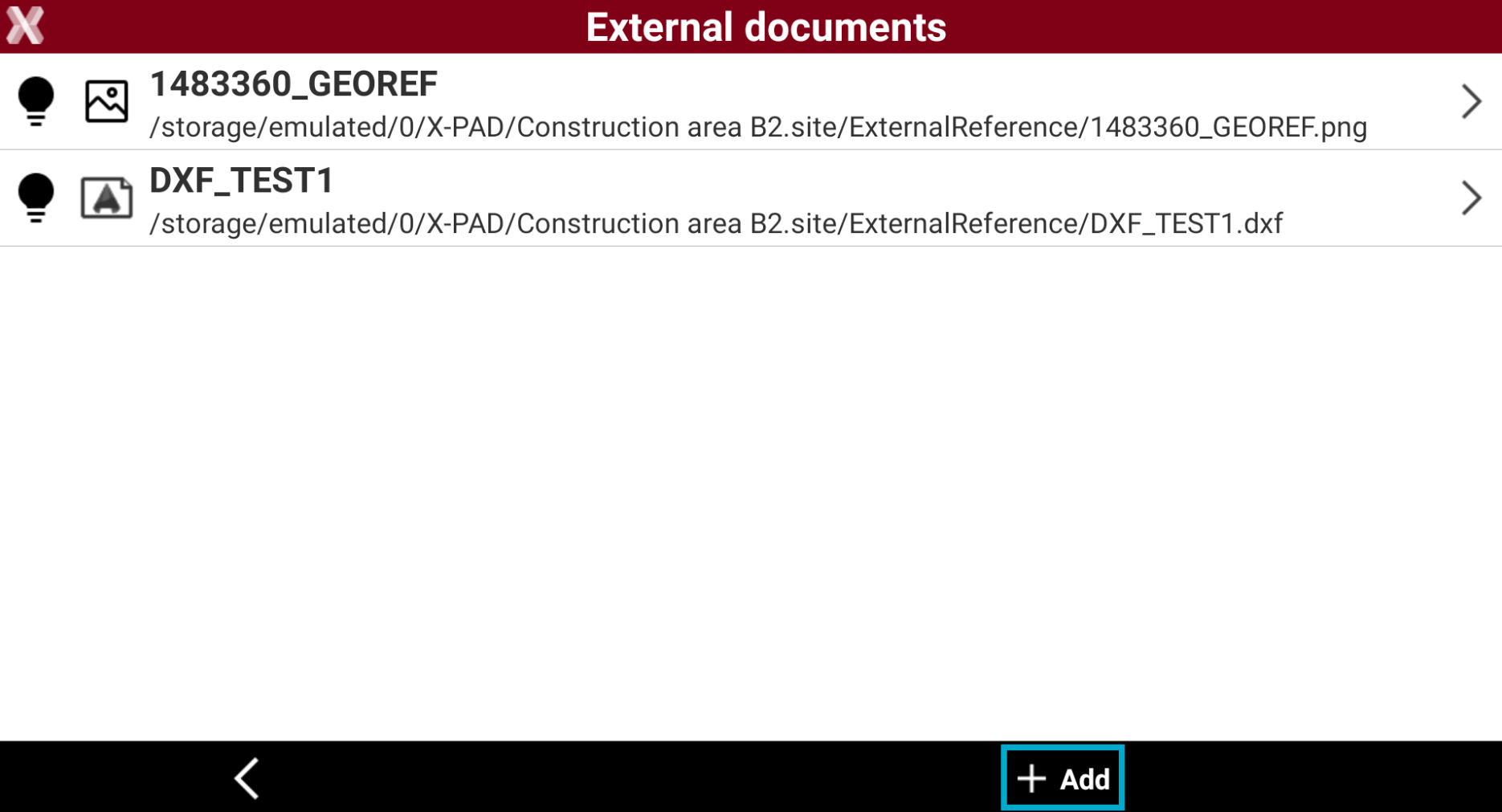
To add an external reference press Add.
-
Select the file format to add. Refer to Load an external reference for more detail on supported files.
-
Select the location of the file and click on the file.
The selected external reference file is copied into the folder “ExternalReference” of the current site.
-
Select the options depending on the selected format and press Accept.
-
The reference file is added to the list and loaded.
Change external file visibility
-
It is possible to change the visibility of each loaded external reference.
-
From the list of external reference click the corresponding icon to change the visibility:
-

-

-
It is possible to change the external file visibility also from CAD. Refer to External reference management.
Delete an external reference
-
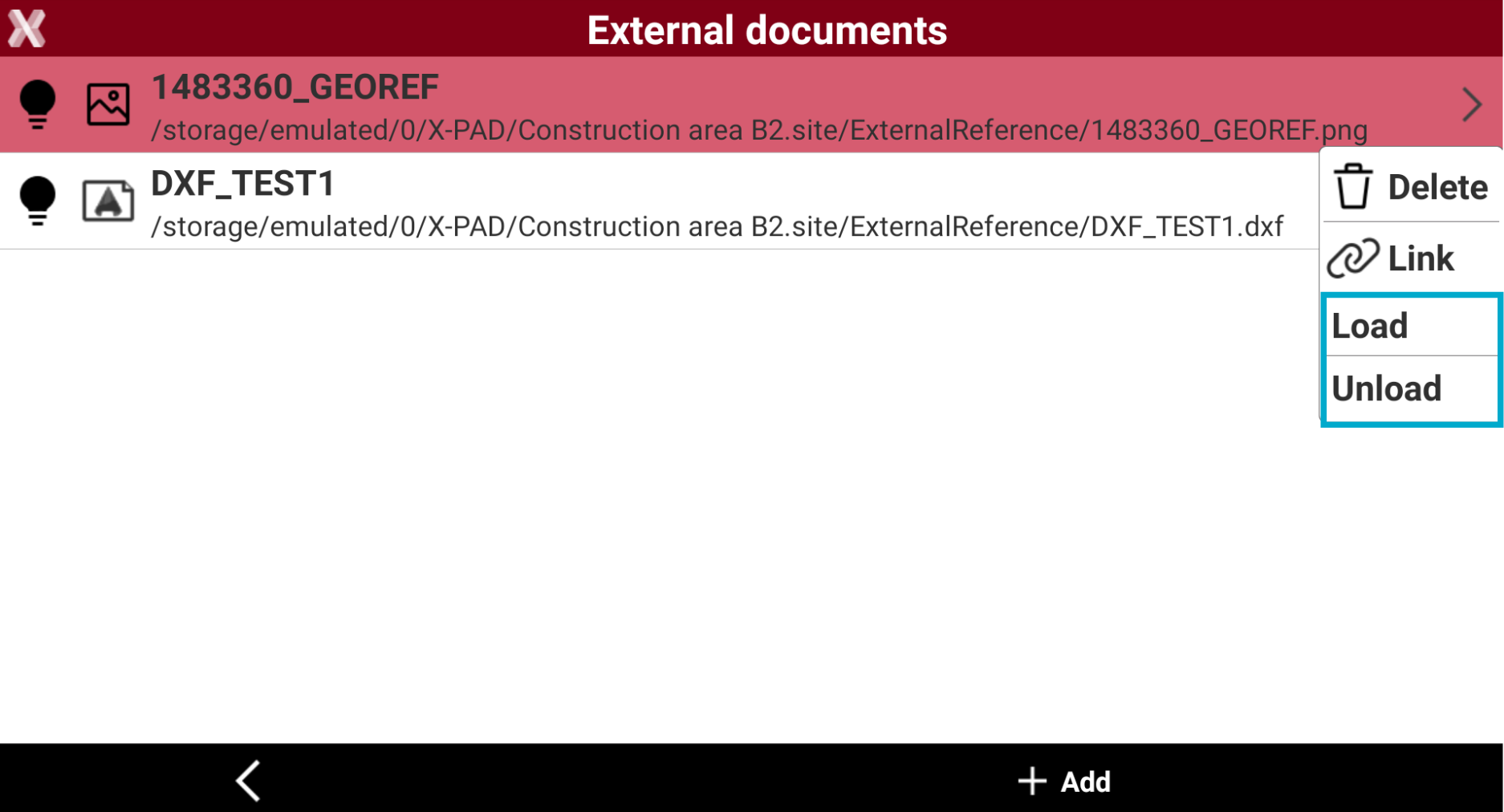
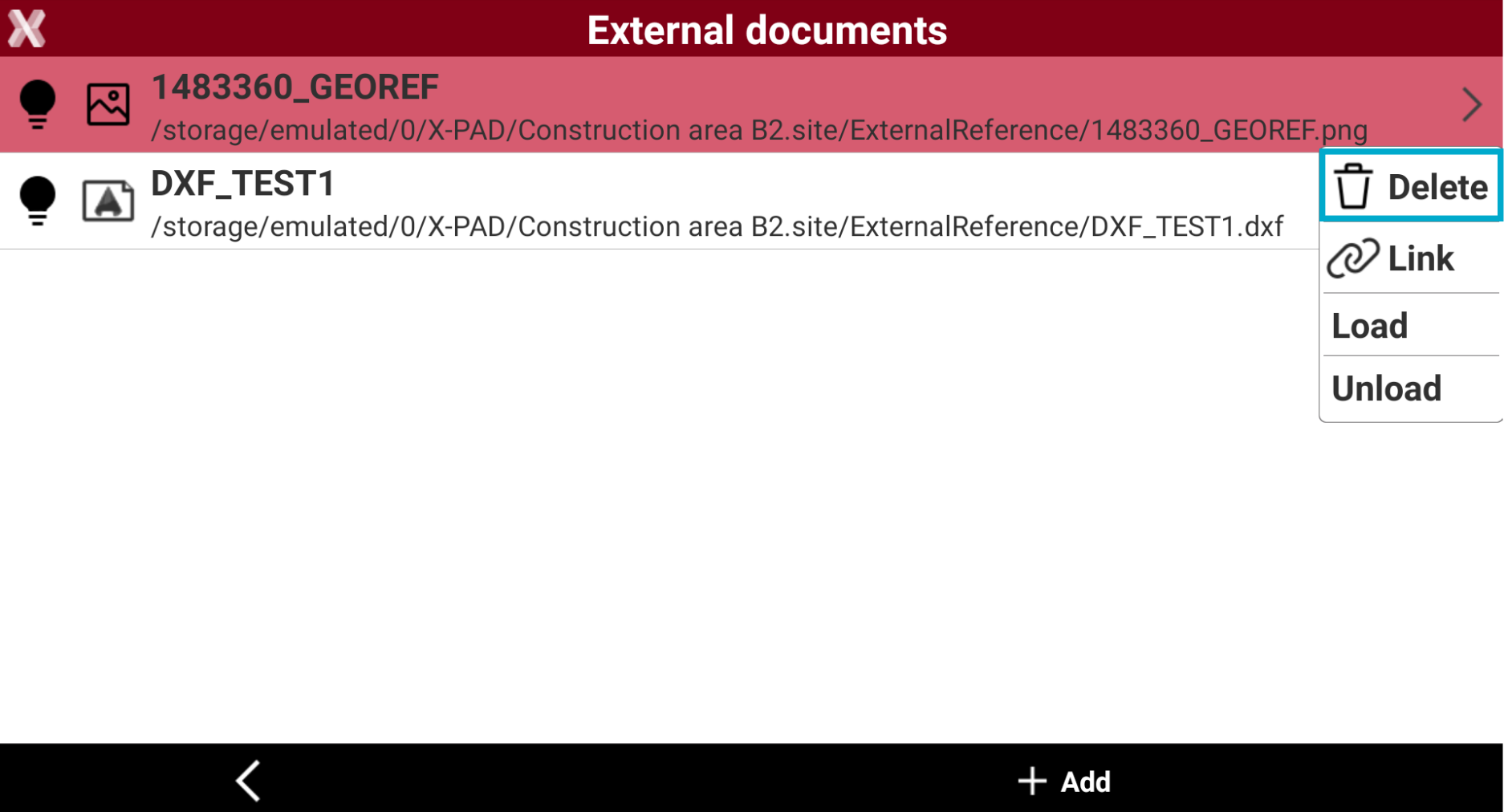
To delete an external reference, select the external reference from the External documents page.
-
Press Delete from the context menu to delete the link to the external document.
Re-establish a link to an external document
-
An external document can change the storage path and be present in another folder.
-
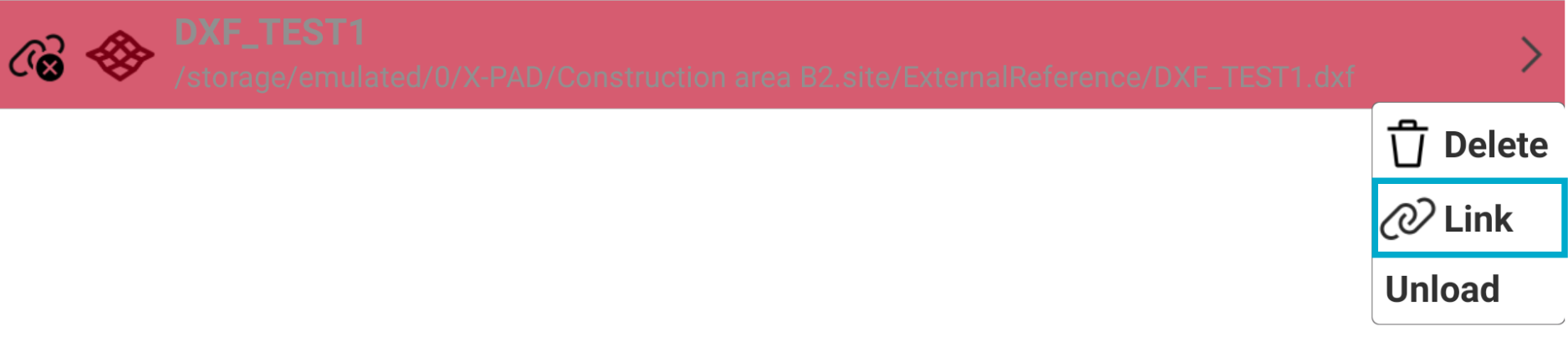
If the link to a document is missing, the external document shows this icon and it is in grey.

-
Select the external document and select Link from the context menu.
-
Specify the new file path and select again the document.
Load/unload an external document
-
An external document can be unloaded or loaded.
-
If a document is loaded, the data is loaded in the memory and to the current document. If a document is unloaded, it is removed from the memory.
-
To load or unload an external document, from the External documents page select the reference.
-
Press Load or Unload from the context menu.