-
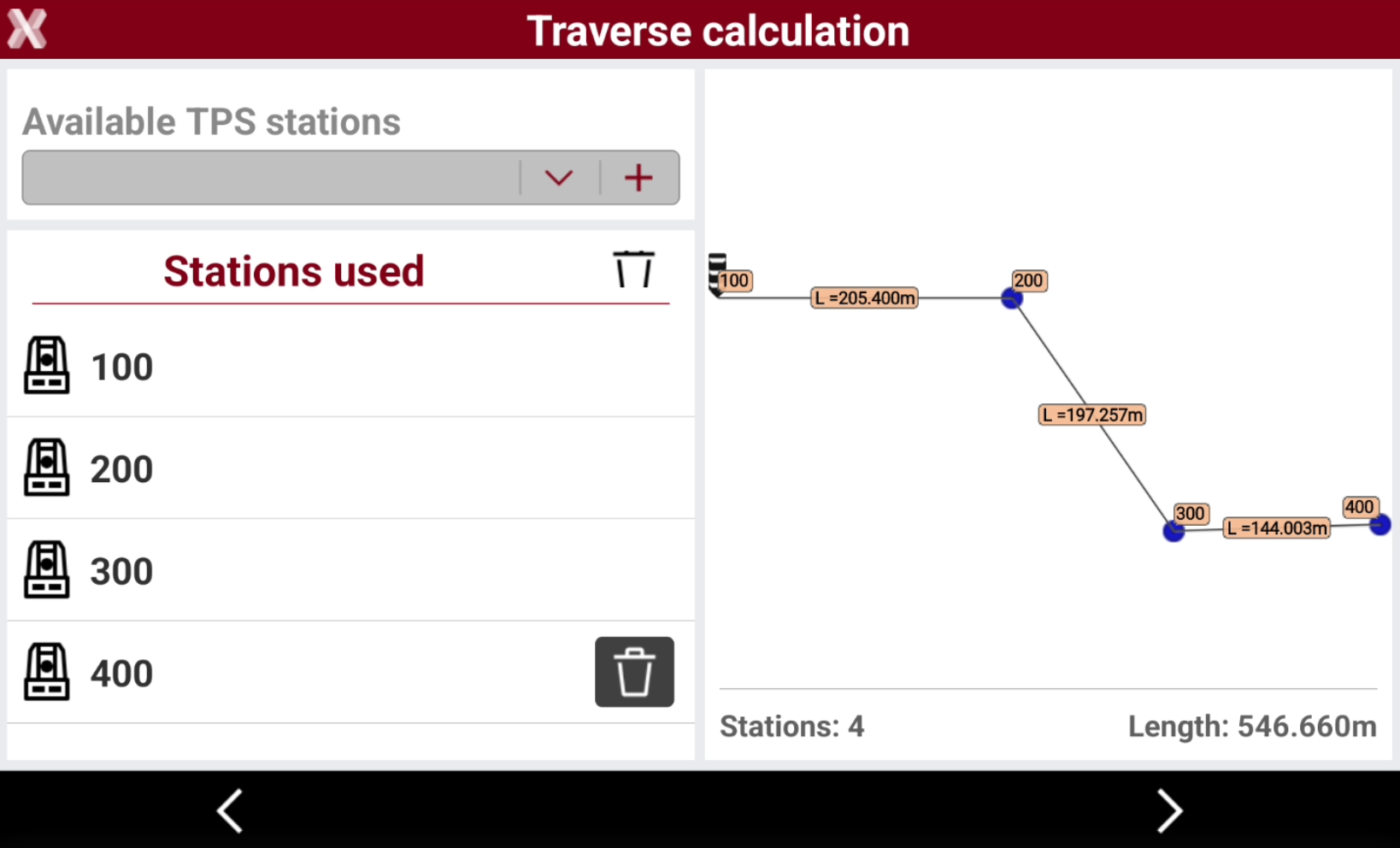
The function Traverse calculation is used to calculate and adjust a traverse measured with a total station directly in the field.
This function is only available when selected instrument is a total station.
Calculate a traverse
-
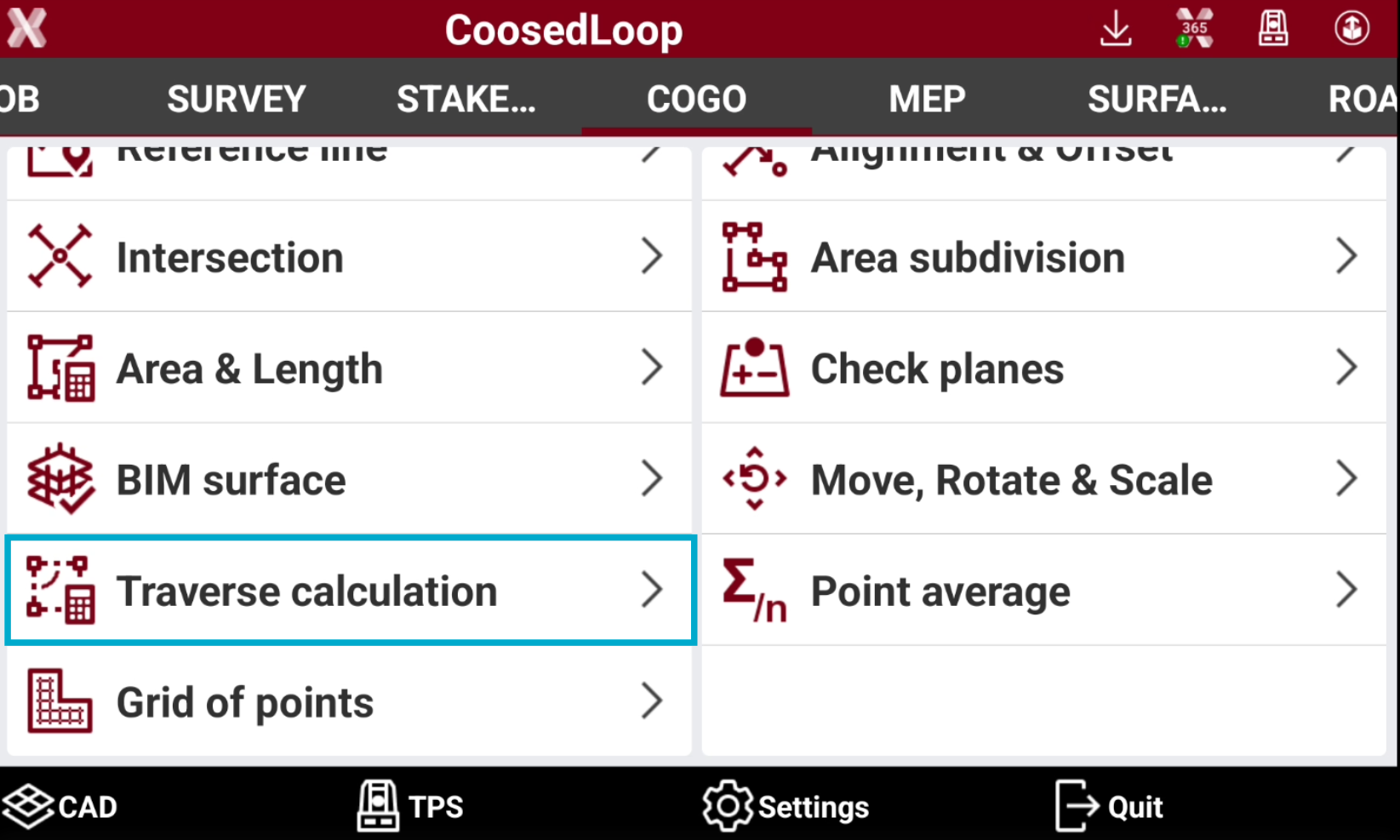
Open the COGO page.
-
Select Traverse calculation.
-
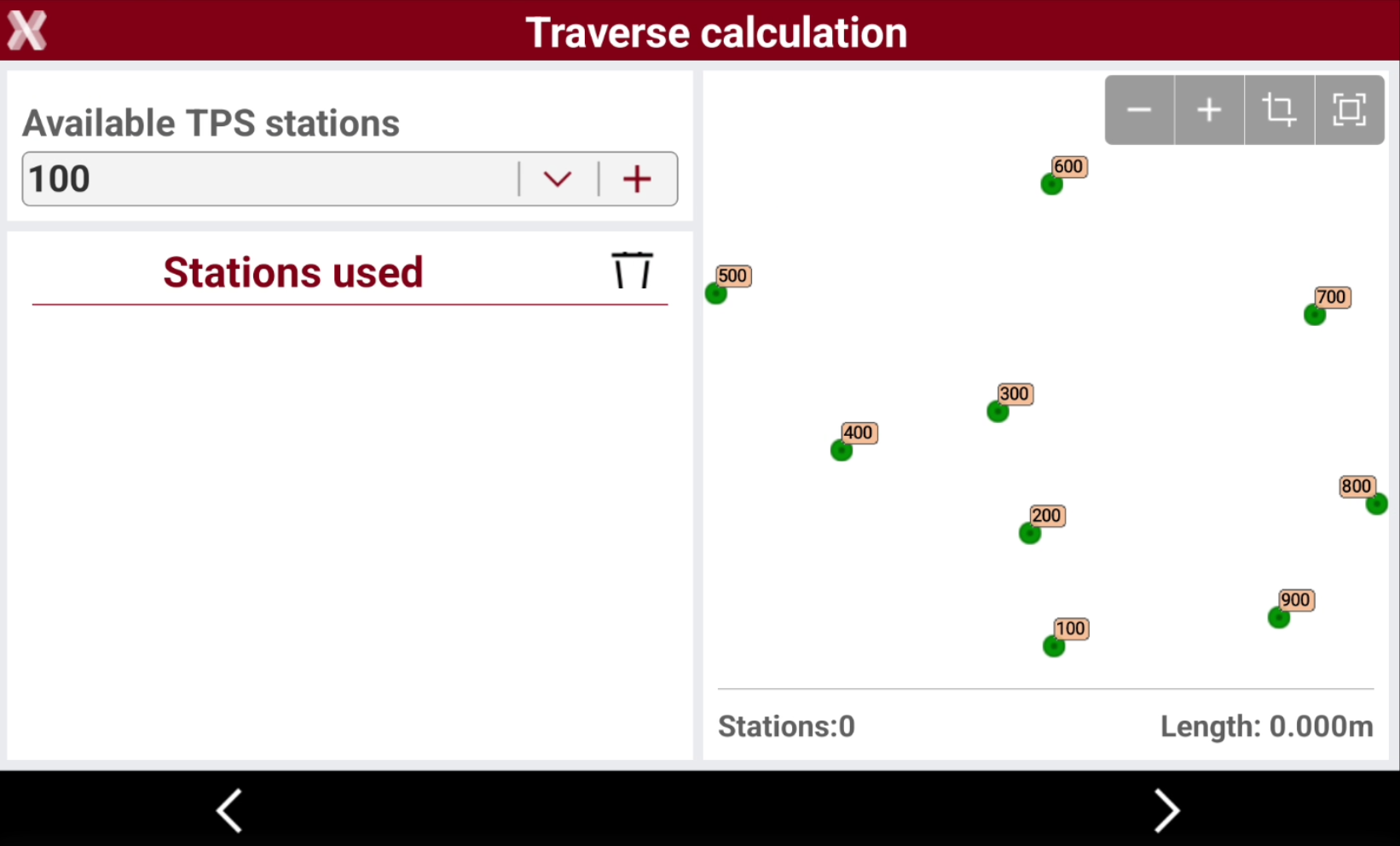
Select the traverse starting station from the list. Tap on + to add the starting station to the list.
-
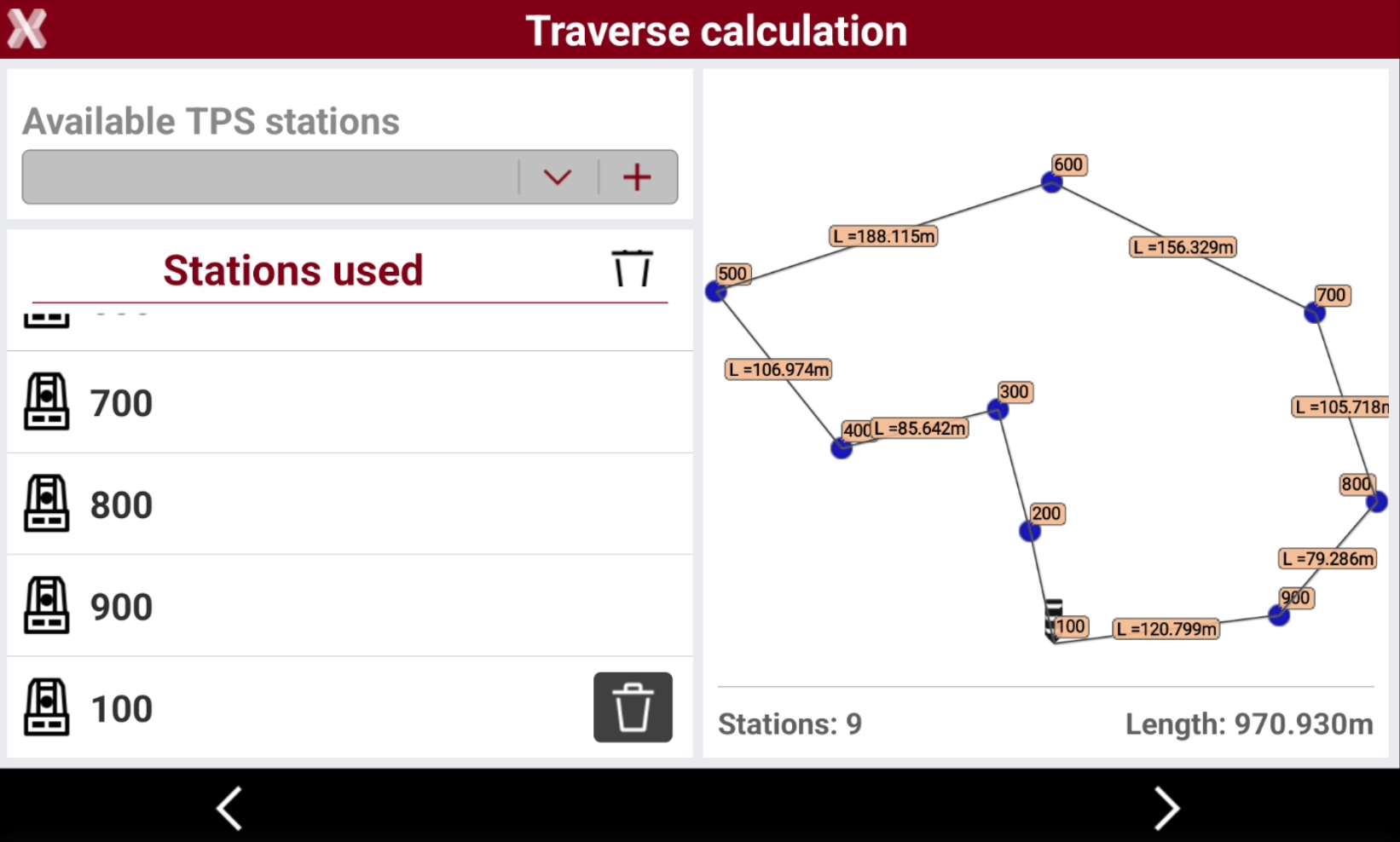
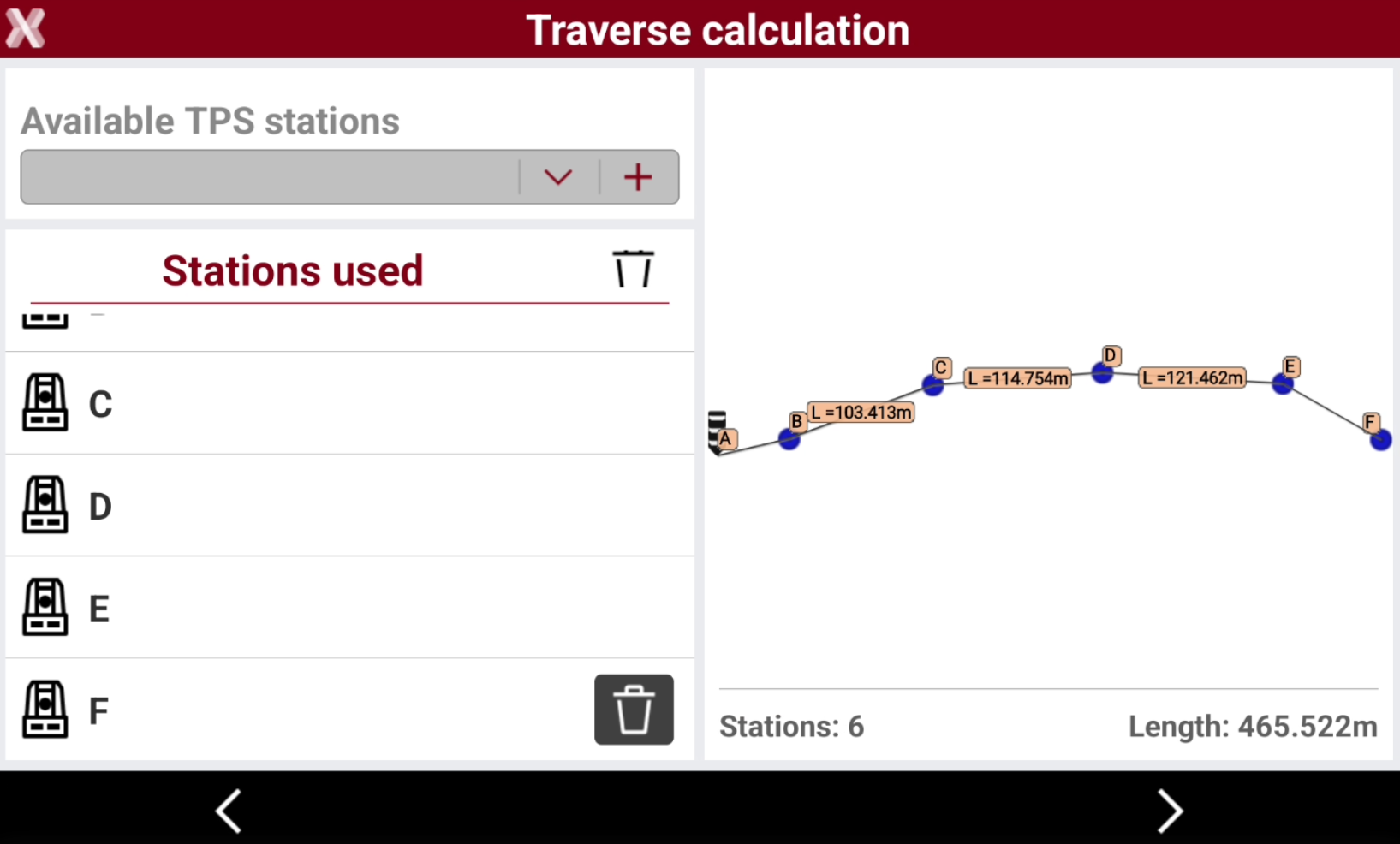
As soon as the first station is added, the software retrieves the list of stations connected to it. If multiple stations are available, select the next station and press +. If only one station is connected, it is added automatically to the list below. Repeat this process until all stations belonging to the traverse are included in the list.
-
Press Next when the traverse has been created.
-
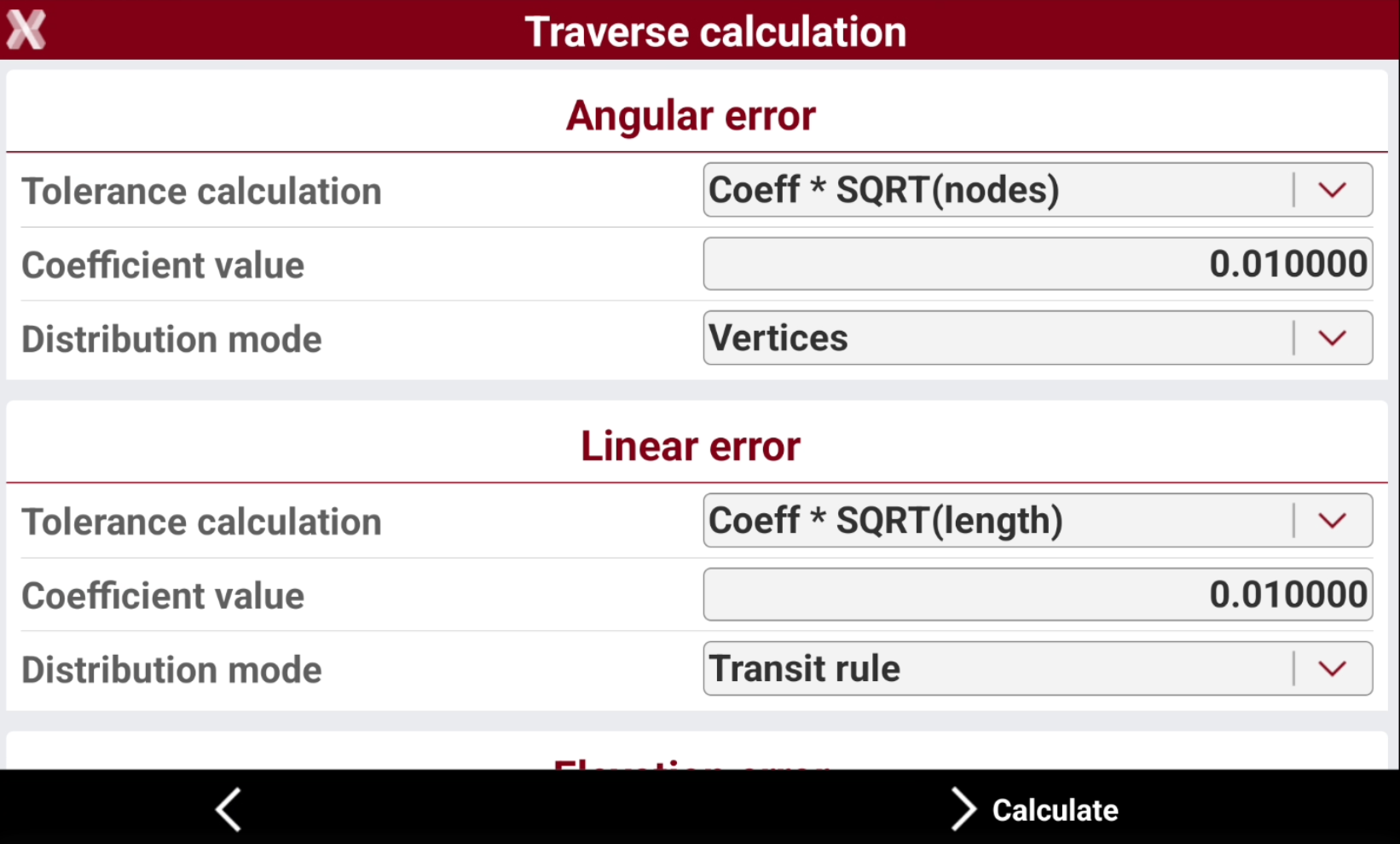
The following page allows to select the calculation method and how to distribute the error related to angular error, linear error and elevation error.
-
Tolerance calculation: formula used to calculate the tolerance. The tolerance can be a fixed value or depending on the number of stations.
-
Coefficient value: the value of the coefficient used in the formula to calculate the tolerance.
-
Fixed value: the fixed value for the tolerance.
-
Distribution mode: how the error is distributed.
-
-
Press Calculate to calculate the traverse.
-
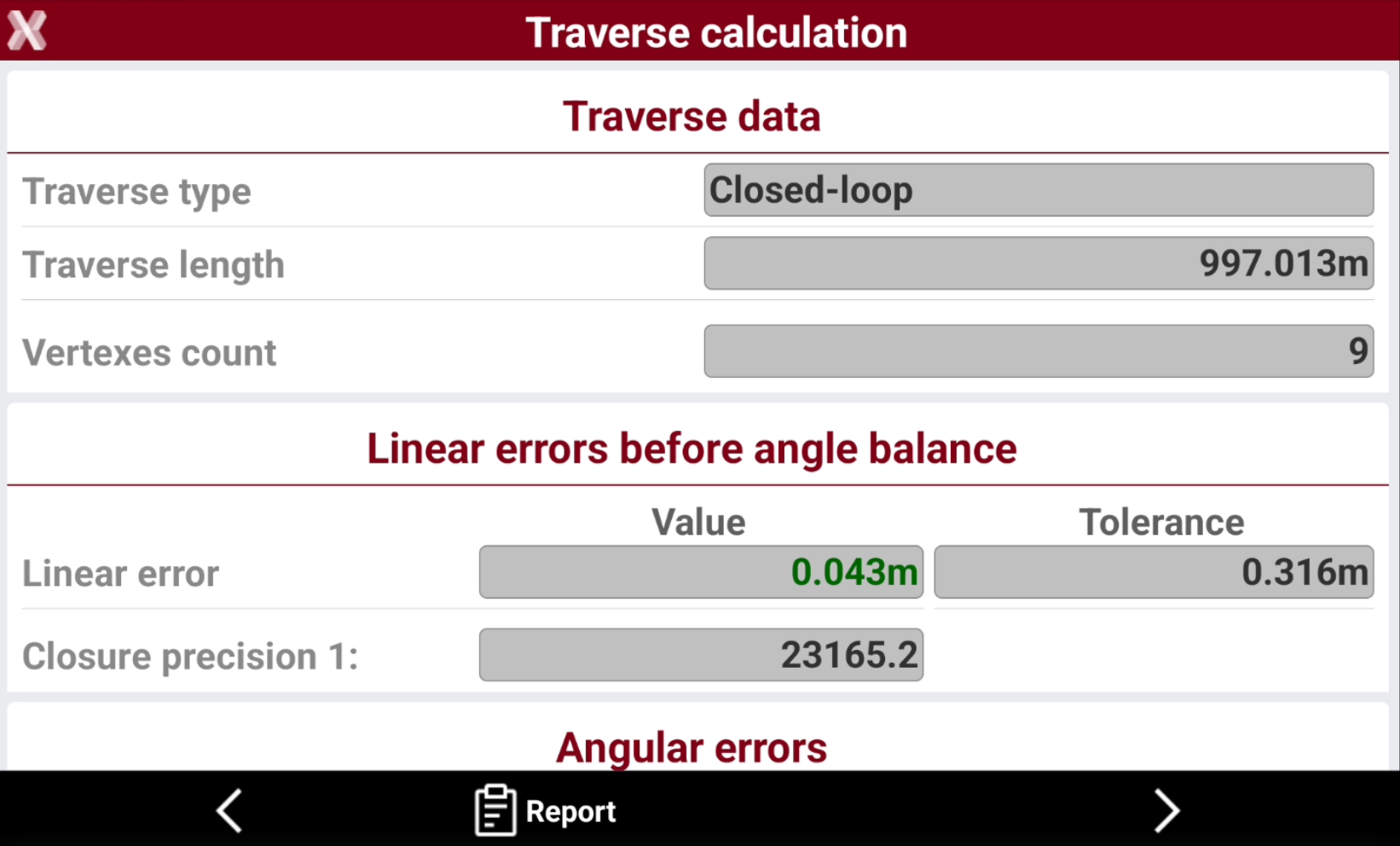
The software shows the traverse results.
-
Traverse data: general information regarding the traverse.
-
Traverse type: the type of traverse depending on its geometry.
-
Traverse length: the length of the traverse.
-
Vertexes count: the number of stations in the traverse.
-
-
Linear errors before angle balance: the linear errors before the angle balance has been executed.
-
Linear error: the software shows the calculated linear error and the tolerance as defined in the previous page.
-
Closure precision: the precision of the traverse closure.
-
-
Angular errors: the angular errors calculated.
-
Angular error: the software shows the calculated angular error and the tolerance as defined in the previous page.
-
Adjusting each vertex: the adjust value for each vertex.
-
-
Linear errors after angle balance: the linear errors after the angle balance has been executed.
-
Linear error: the software shows the calculated linear error after angle balance and the tolerance as defined in the previous page.
-
Closure precision: the precision of the traverse closure.
-
Elevation error: the calculated elevation error and the tolerance as defined in the previous page.
-
-
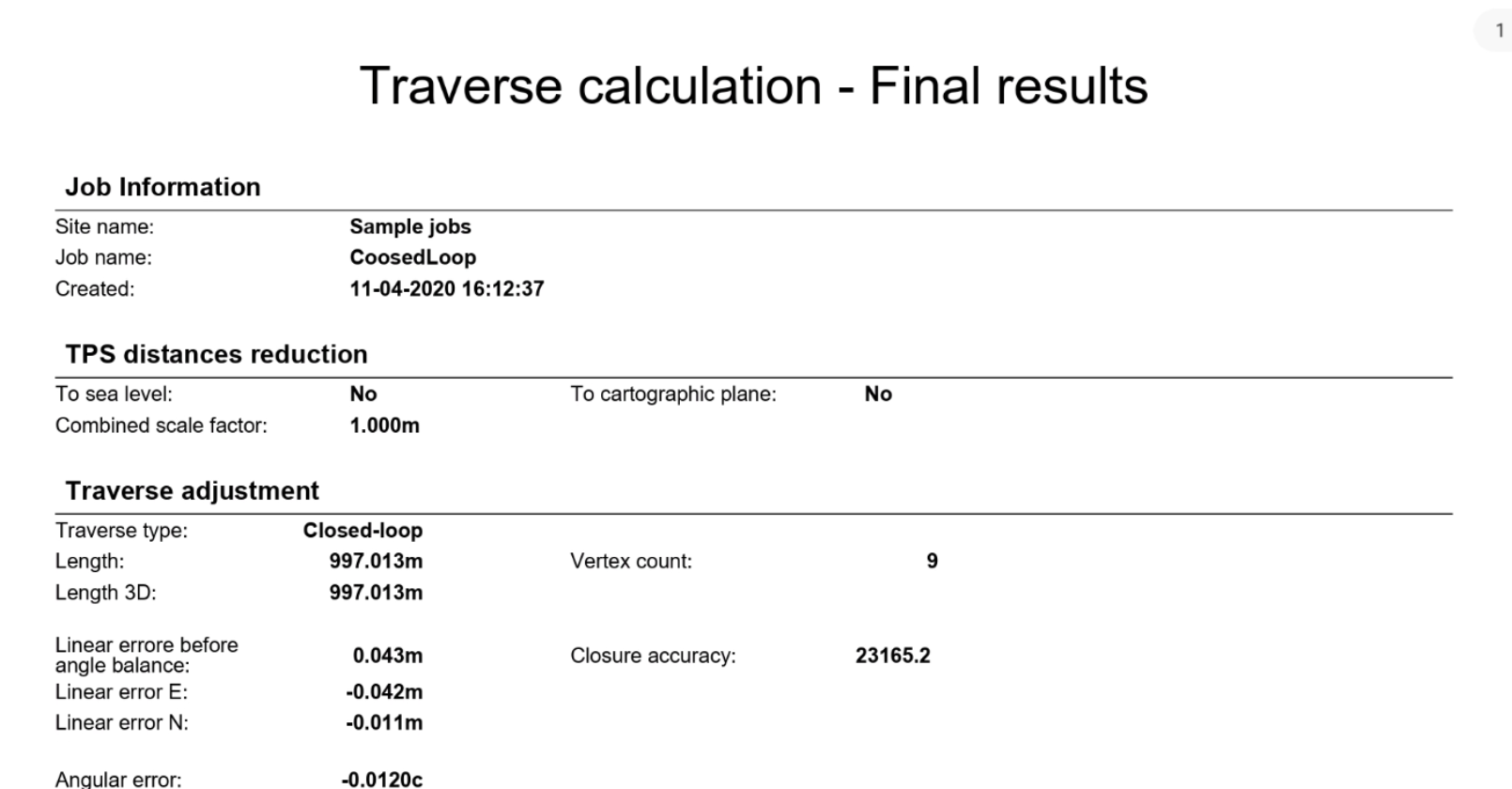
Press Report to generate a calculation report and export it in the most common formats (csv, excel, pdf).
-
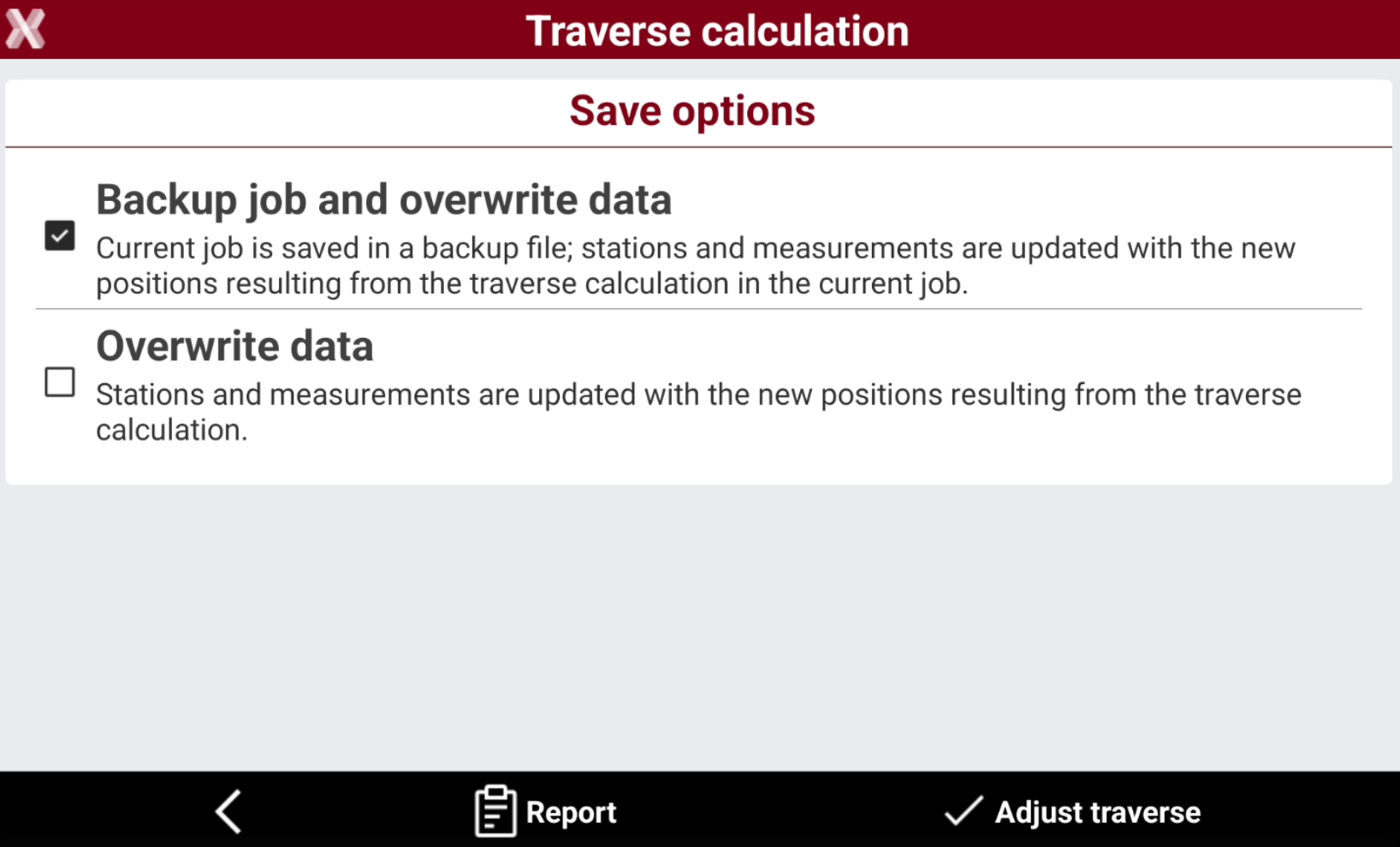
Press Next to save the data.
-
Backup job and overwrite data: the current job is saved in a backup file. Stations and measurements are updated with the new positions resulting from the traverse calculation in the current job.
-
Overwrite data: stations and measurements are updated with the new positions resulting from the traverse calculation.
-
-
Select Adjust traverse to save the data.
Supported traverse types
Closed-loop
-
The closed-loop traverse has the final measurement, from the last station to the first station and a measurement from the first station to last station.
-
All stations measure the previous and next station in the traverse.
-
Closure errors are computed and distributed along the stations; first station remains on the originai position.
-
Screenshot below shows an example in X-PAD.
Closed traverse
-
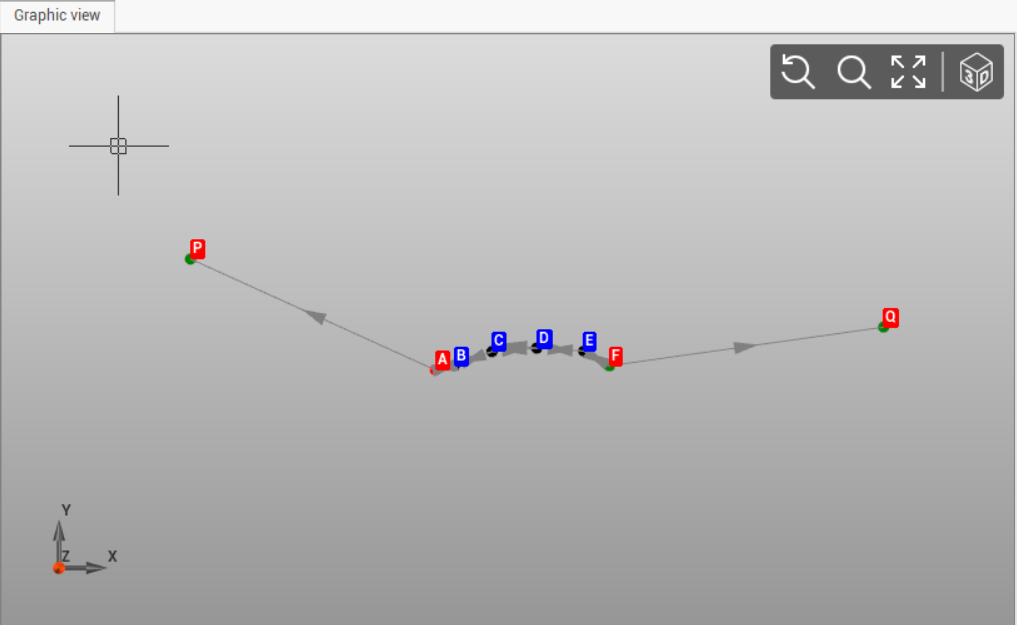
The closed traverse has the initial and last station as known coordinates; the two stations have an orientation to another known point. The coordinates of the first and last station are available in the Reference points list.
-
It is available a measurement from the first station to a known orientation point. The known orientation point coordinate is available in the Reference points list.
-
It is available a measurement from the last station to a known orientation point. The known orientation point coordinate is available in the Reference points list.
-
Closure errors are computed and distributed along the internal stations; first and last station remains on the originai position.
-
All stations measure the previous and next station in the traverse.
-
Screenshot below shows an example in X-PAD.
Open traverse
-
The open traverse has the initial and last station as known coordinates. The coordinates of the first and last station are available in the Reference points list.
-
All stations measure the previous and next station in the traverse.
-
Closure errors are computed and distributed along the internal stations; first station and last remains on the originai position.
-
Screenshot below shows an example in X-PAD.