
-
The function Area & Length is a COGO function that calculates, during the survey operation, the circumference of an area and the length between the points forming the area.
-
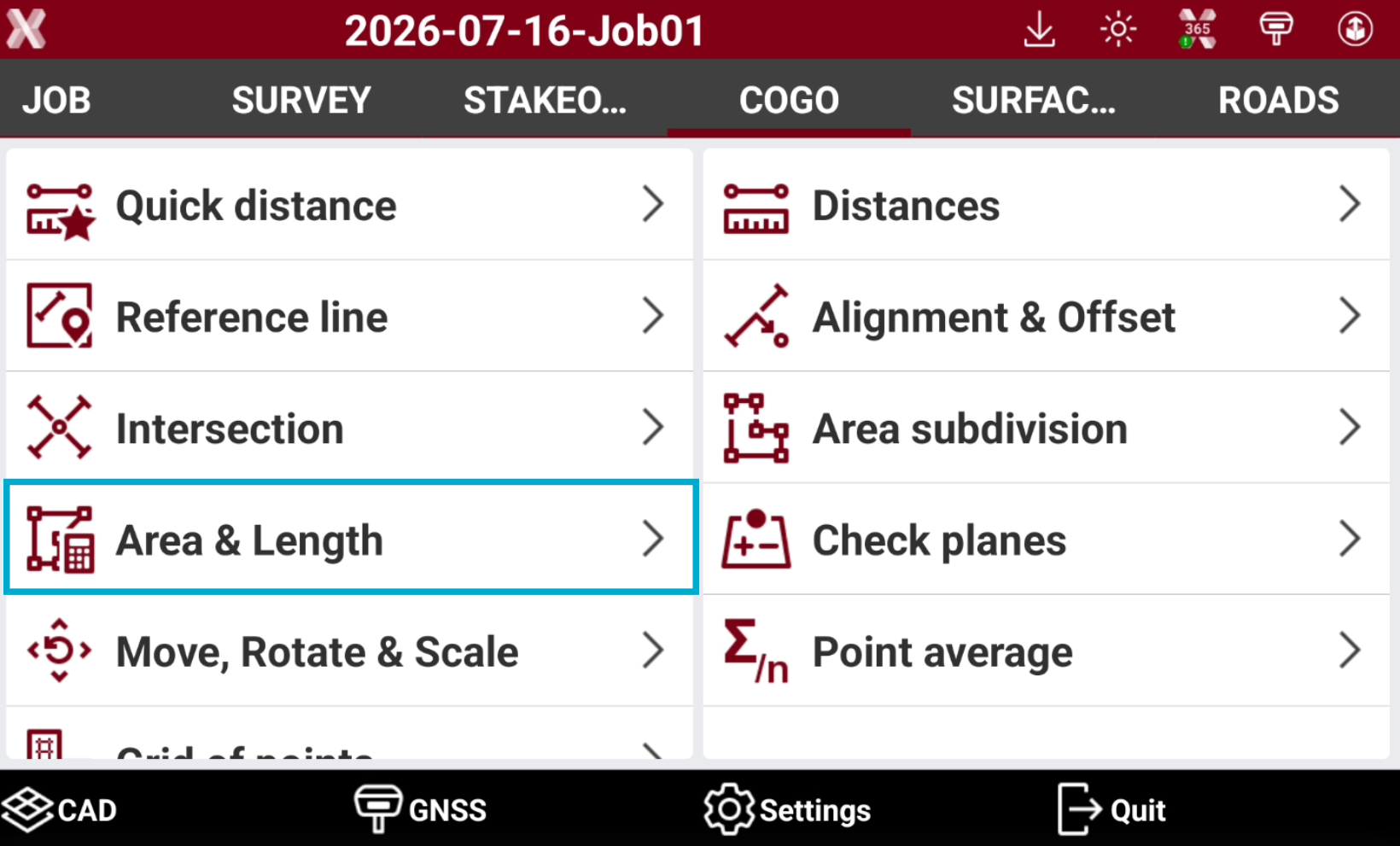
Open the COGO page.
-
Select Area & Length.
-
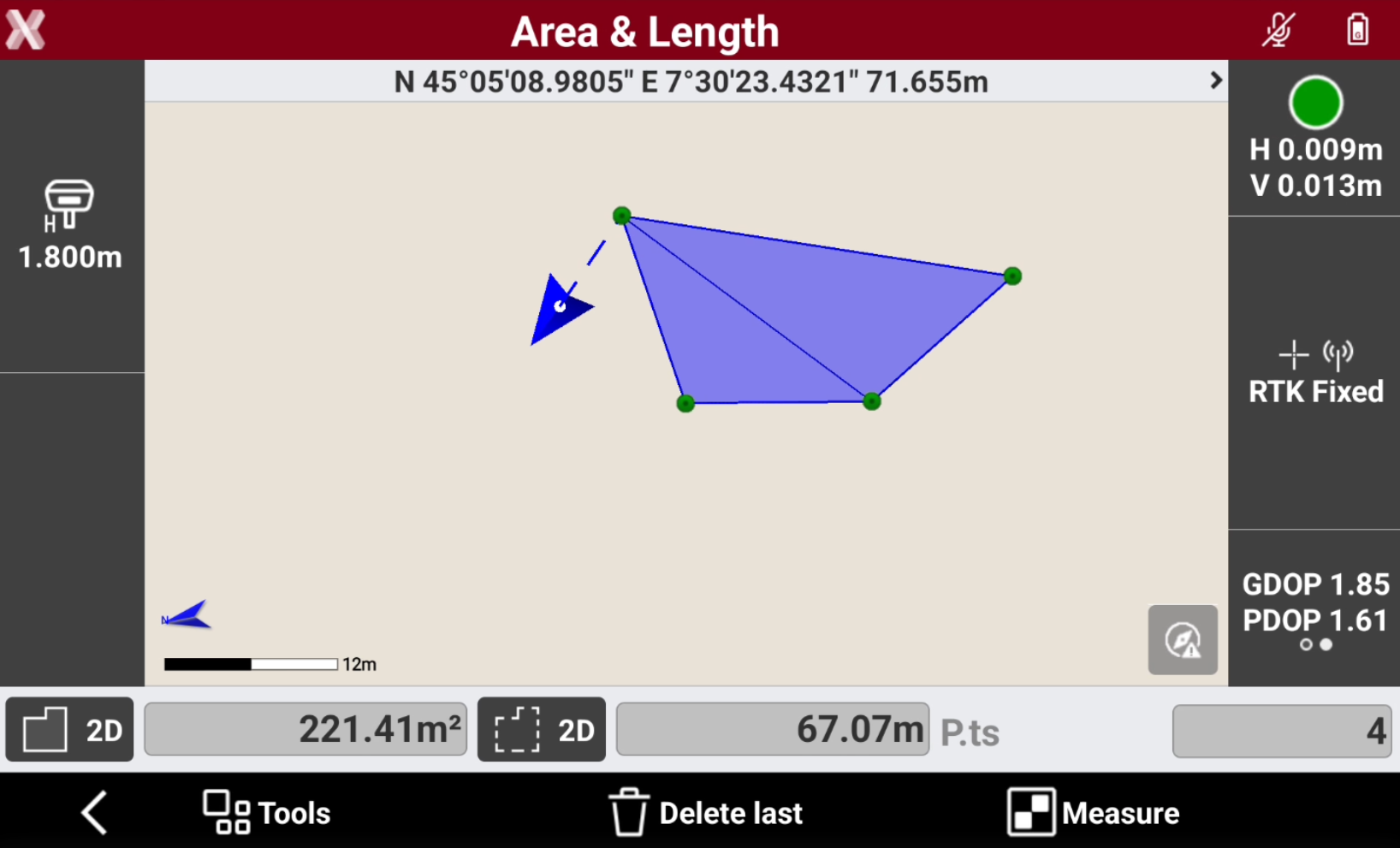
Tap Measure to measure the points defining the area.
-
Tap Delete last to cancel the measurement of the last stored point.
-
Areas and lengths information are available in the bottom bar. Click on the icons to change from 2D to 3D visualization.
-
Perimeter 2D: displays the plane length of the circumference.
-
Perimeter 3D: displays the three-dimensional length of the circumference.
-
Length 2D: displays the plane length of the line between the points.
-
Length 3D: displays the three-dimensional length of the line between the points.
-
-
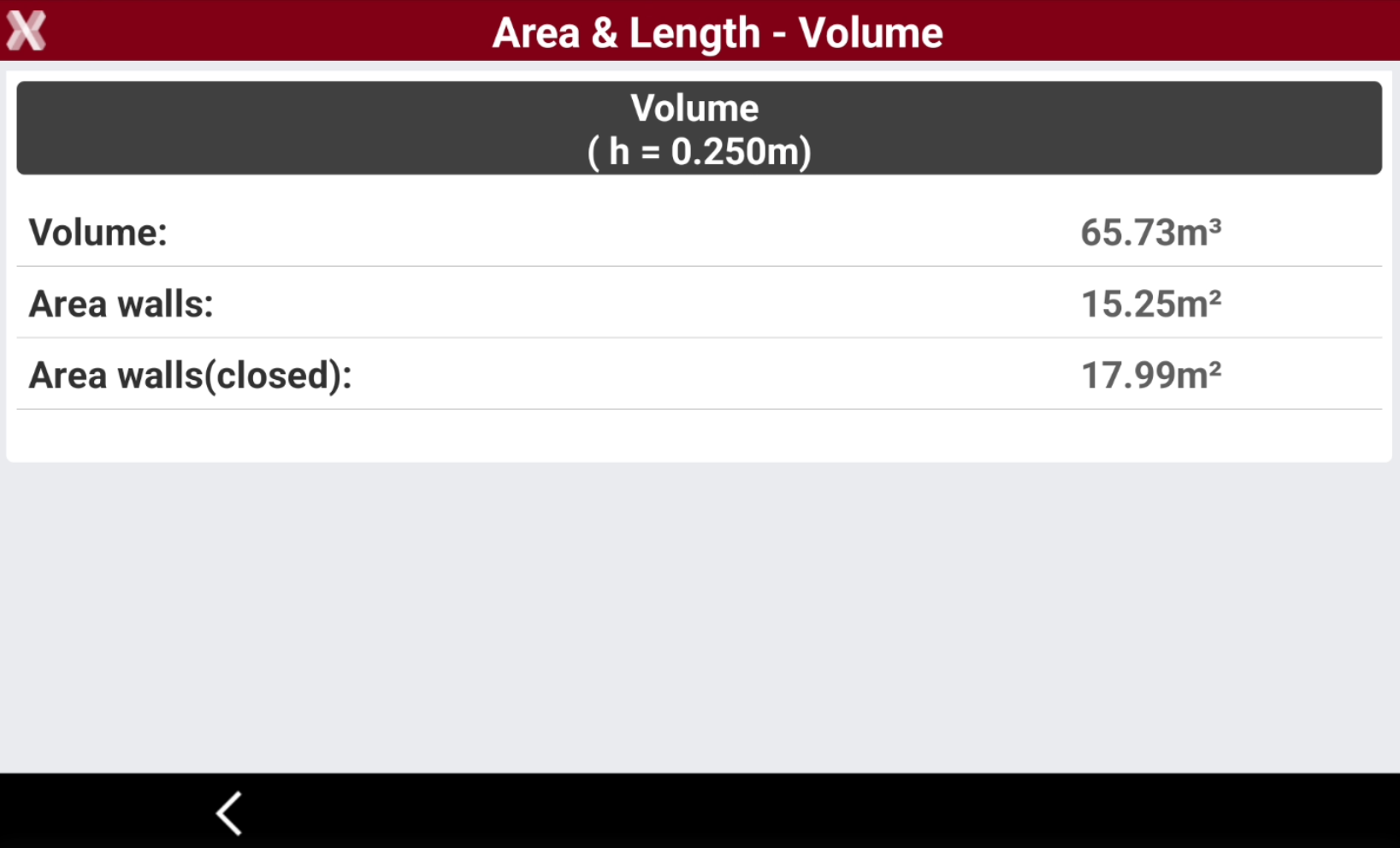
During the measurement, the corresponding volume and the and area of the walls can be displayed. Click Tools and select Volume. Enter the height to calculate the volume.
-
Volume: the calculated volume using the points measured so far.
-
Area walls: the calculated area of the walls surrounding the volume using the points measured so far. One side is open.
-
Area walls(closed): the calculated area of the walls surrounding the volume using the points measured so far. The area is closed from the last point measured to the first point.
-
-
To store points and polyline in the current job press Tools and select Store points and polyline.