
-
Intersection calculates coordinates of a point on the intersection between straight lines.
-
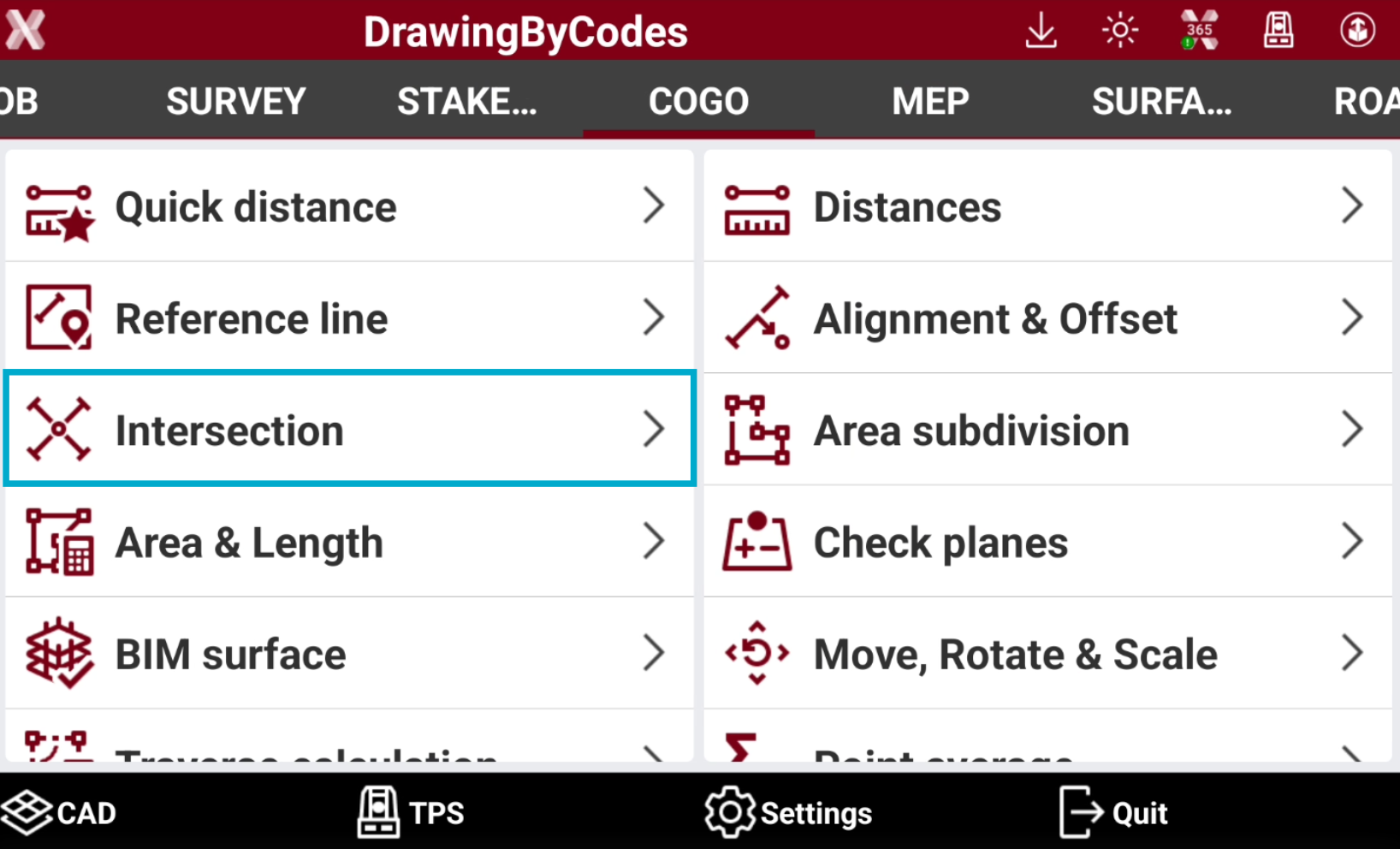
Open the COGO page.
-
Select Intersection.
-
Select the intersection method:
-
Double distance: the intersection position is calculated based on two distances referring to two reference points.
-
Distance and Azimuth: the intersection position is calculated based on the distance of a reference point along a straight line and a second reference point.
-
Double Azimuth: the intersection position is calculated on the intersection of two straight lines and two reference points.
-
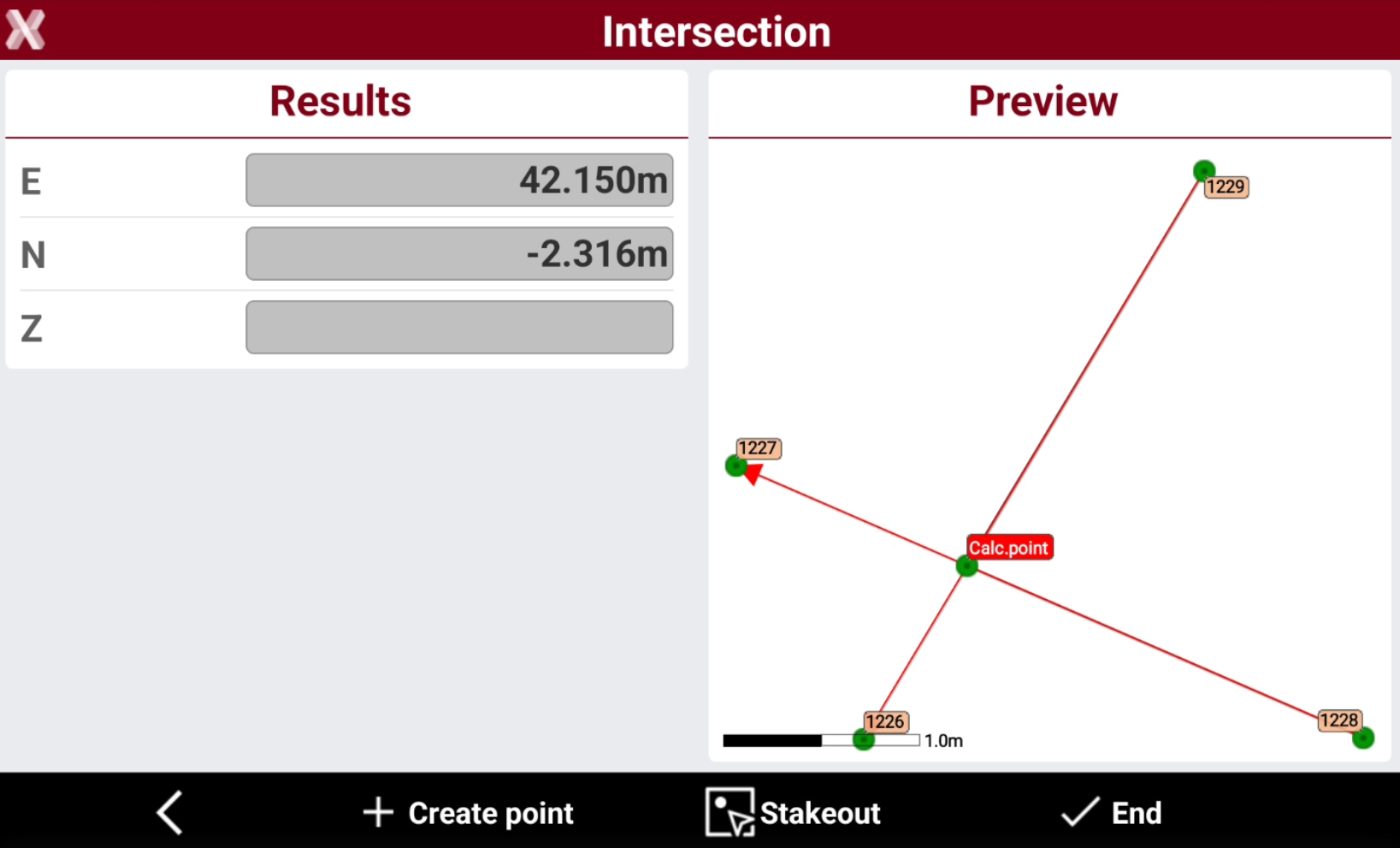
4 points: the intersection position is calculated on the intersection of two straight lines and four reference points.
-
Double distance
-
The intersection position is calculated based on two distances referring to two reference points.
-
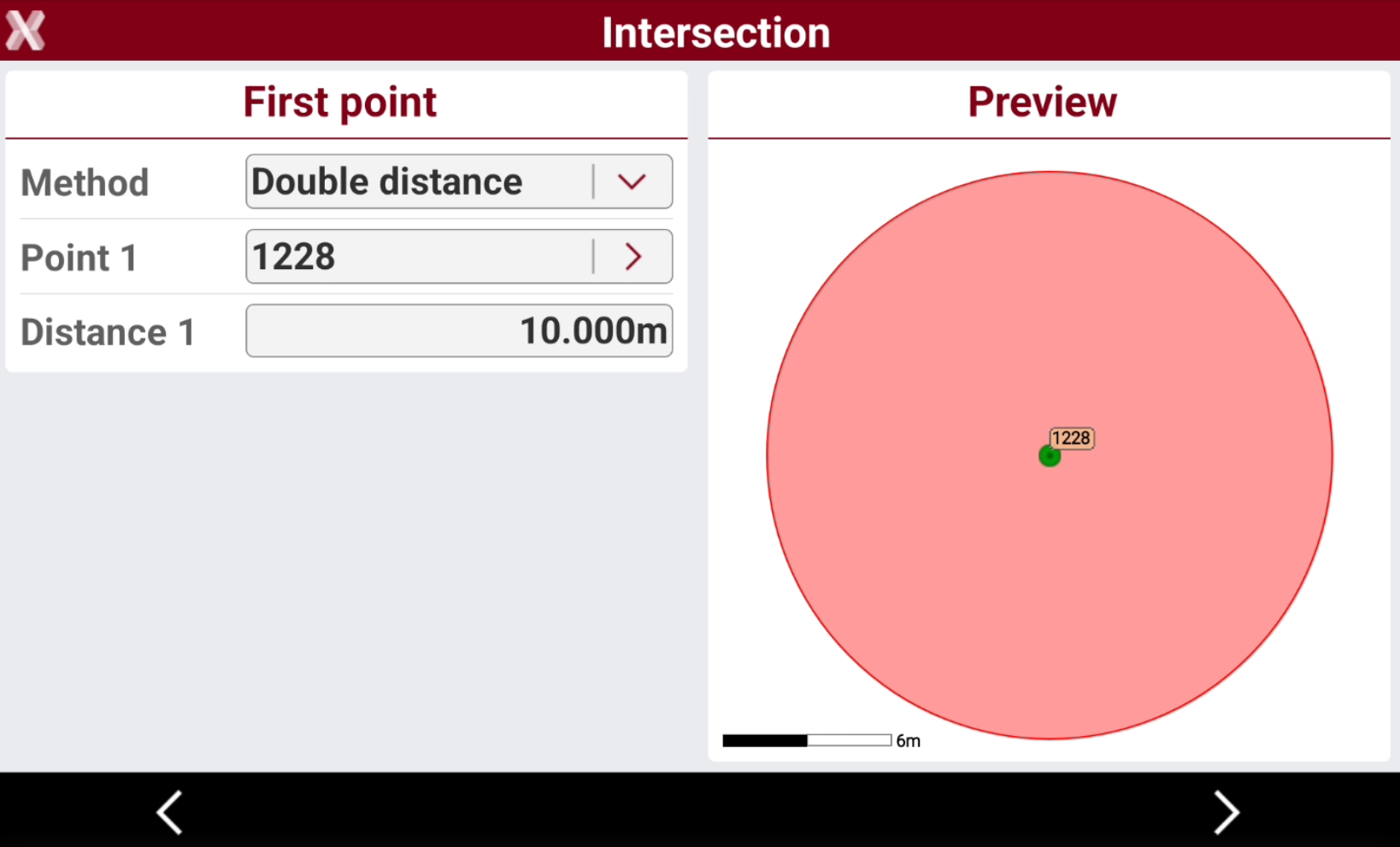
Select the first point and the distance from first point.
-
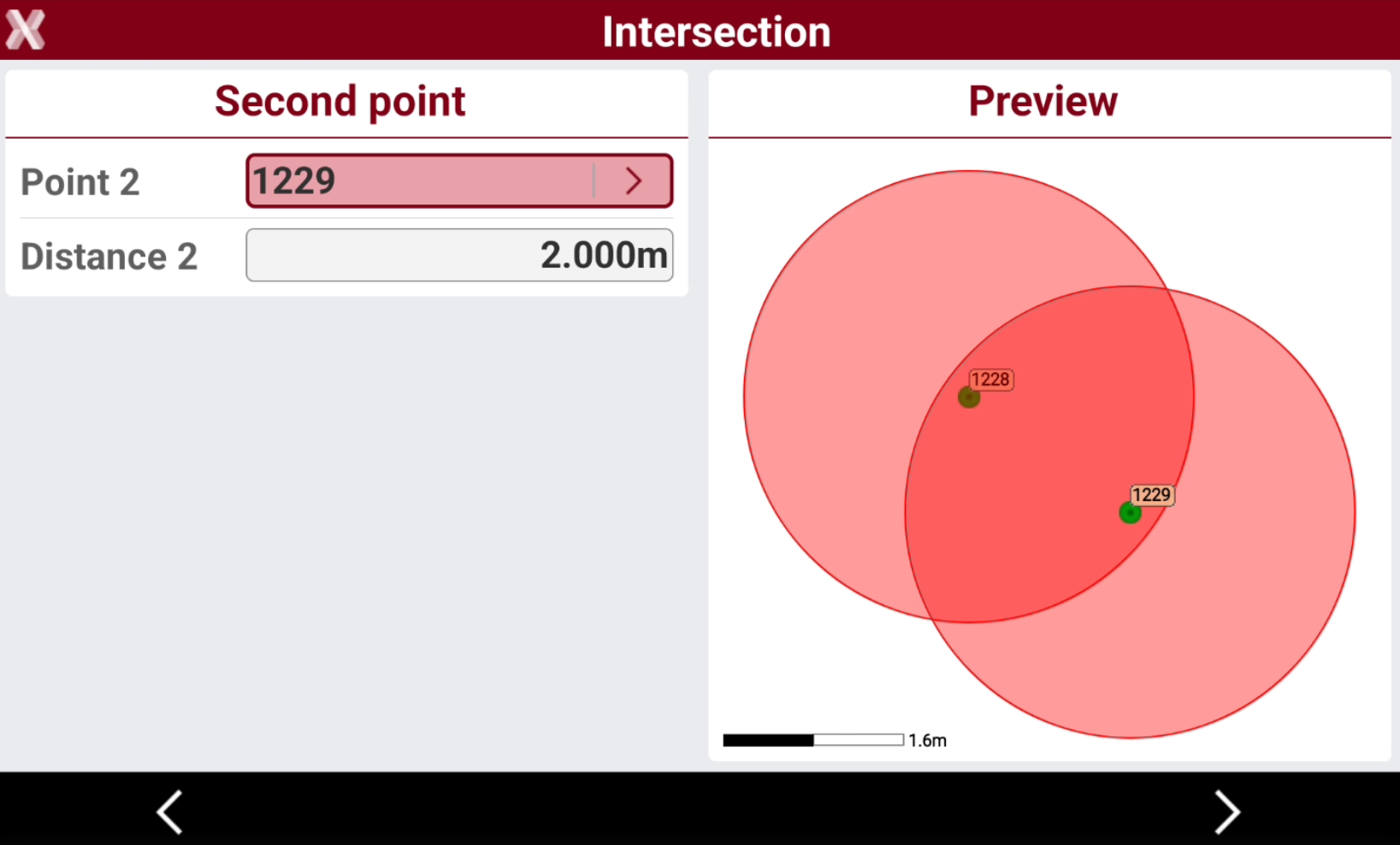
Select the second point and the distance from second point.
-
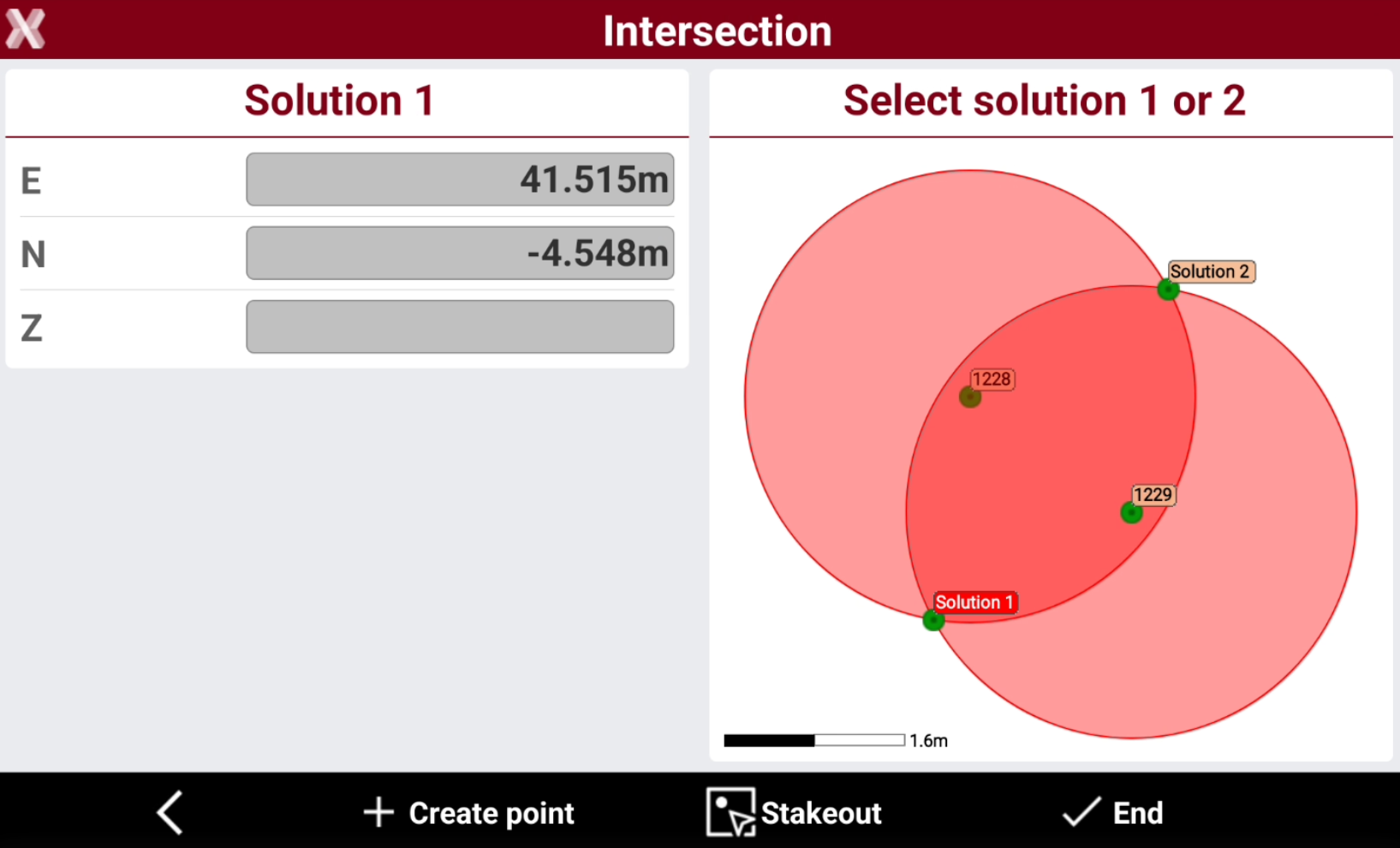
The two possible solutions are displayed. Select the desired solution in the graphic window.
-
Press Create point to activate the creation of the calculated point.
-
Press Stakeout to activate the stakeout procedure for the calculated point.
Distance and azimuth
-
The intersection position is calculated based on the distance of a reference point along a straight line and a second reference point.
-
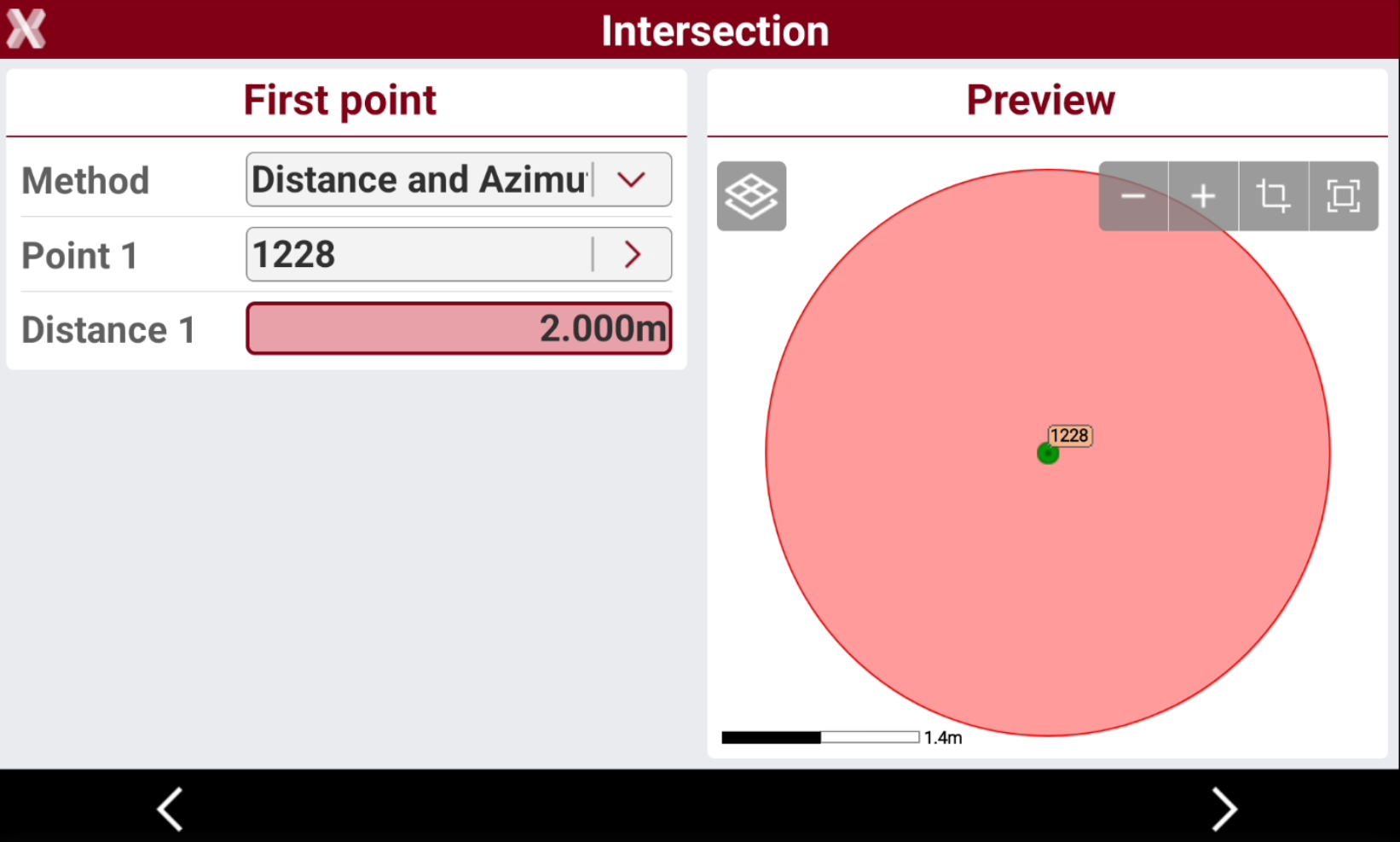
Select the first point and the distance from first point.
-
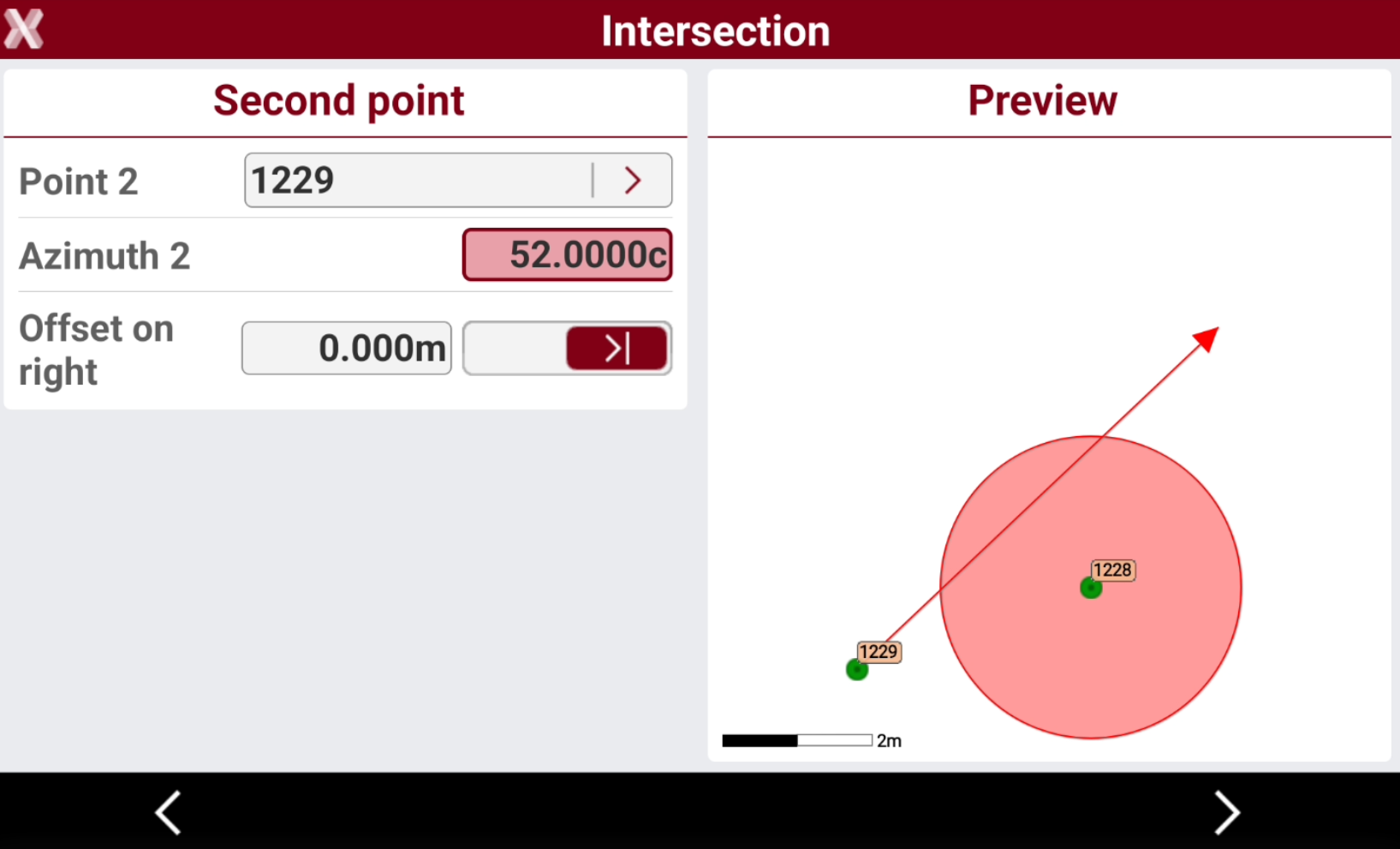
Select the second point and azimuth and offset from the second point.
-
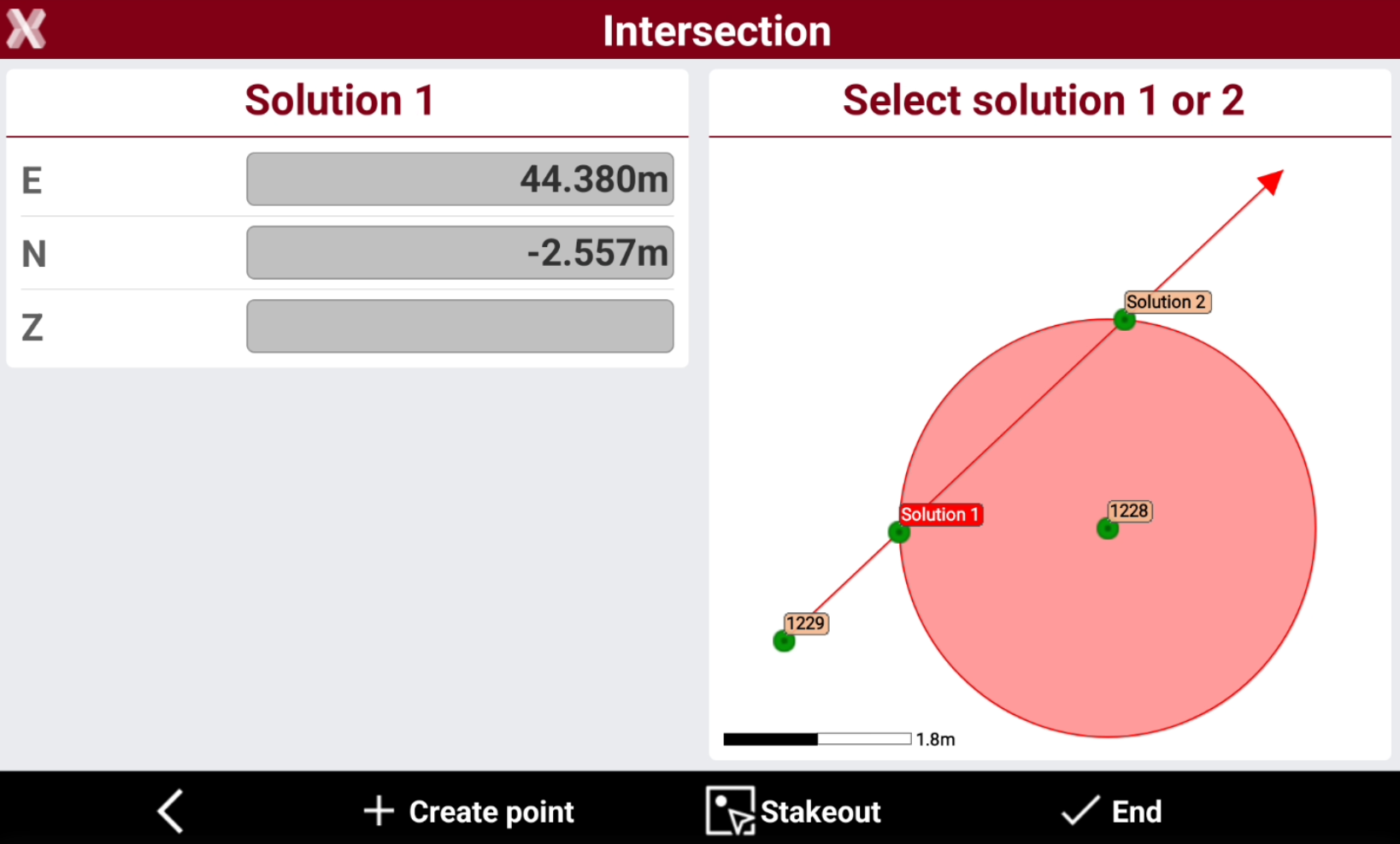
The two possible solutions are displayed. Select the desired solution in the graphic window.
-
Press Create point to activate the creation of the calculated point.
-
Press Stakeout to activate the stakeout procedure for the calculated point.
Double azimuth
-
The intersection position is calculated on the intersection of two straight lines and two reference points.
-
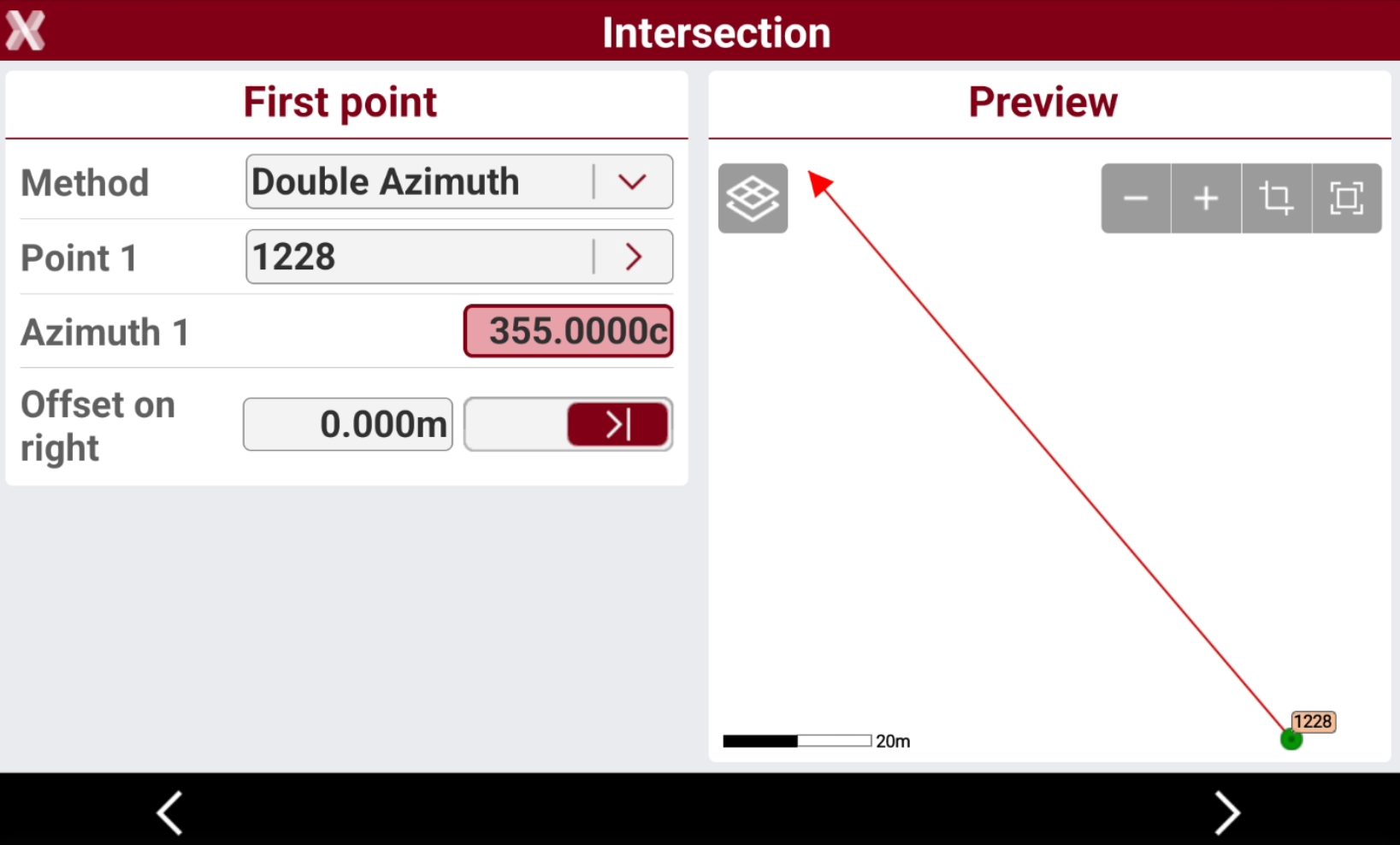
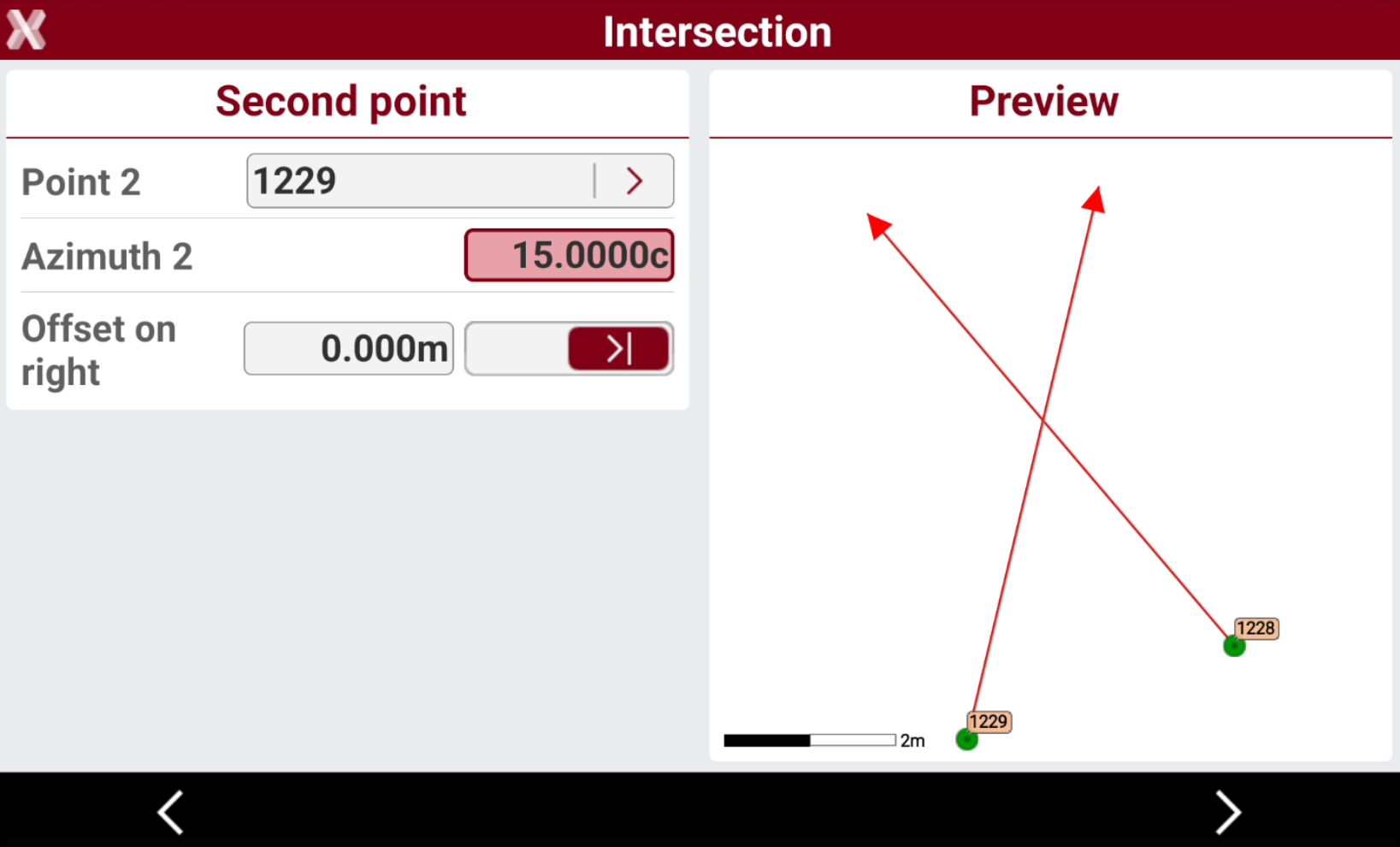
Select the first point and azimuth and offset from the first point.
-
Select the second point and azimuth and offset from the second point.
-
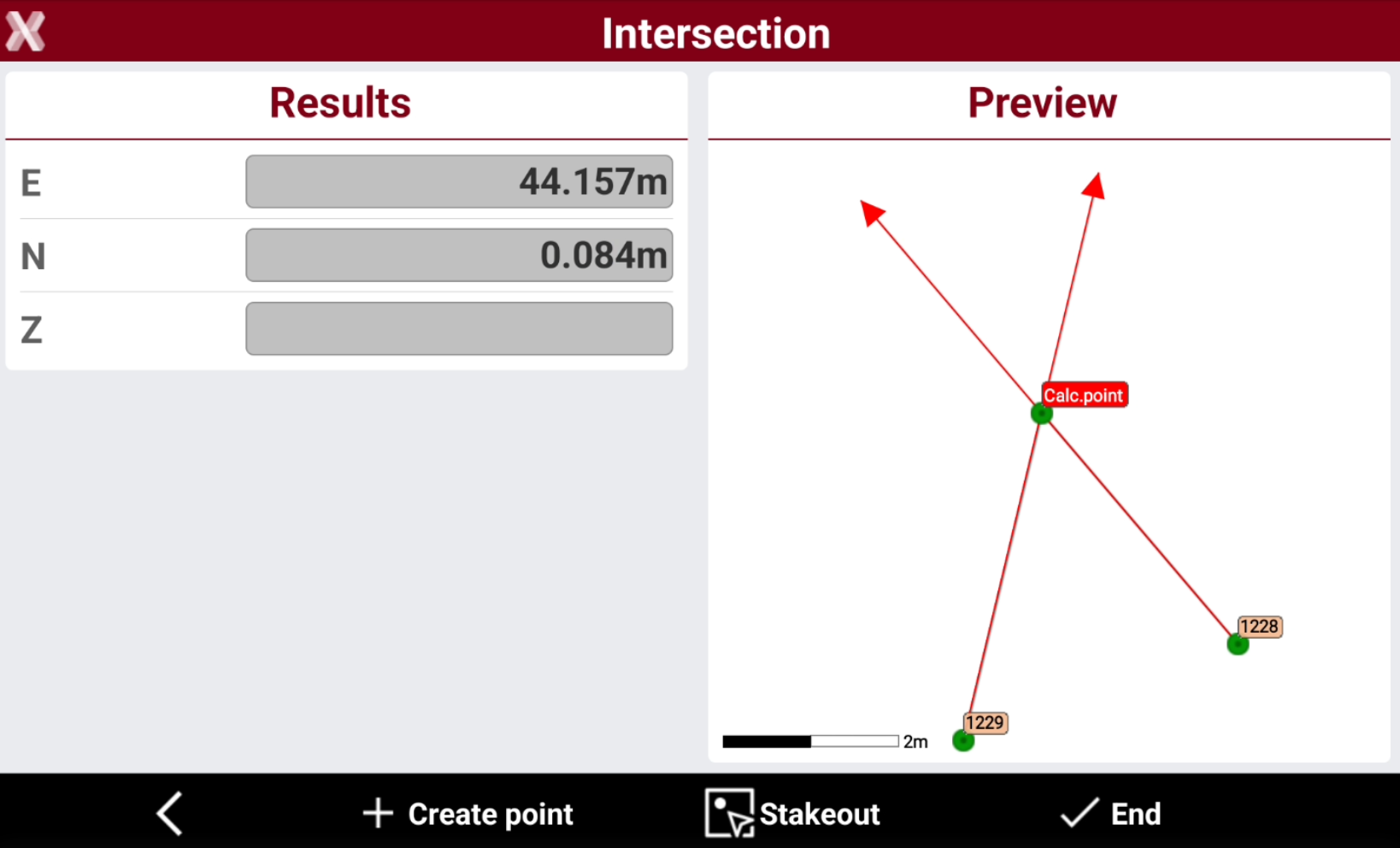
The software shows the calculated point.
-
Press Create point to activate the creation of the calculated point.
-
Press Stakeout to activate the stakeout procedure for the calculated point.
4 points
-
The intersection position is calculated on the intersection of two straight lines and four reference points.
-
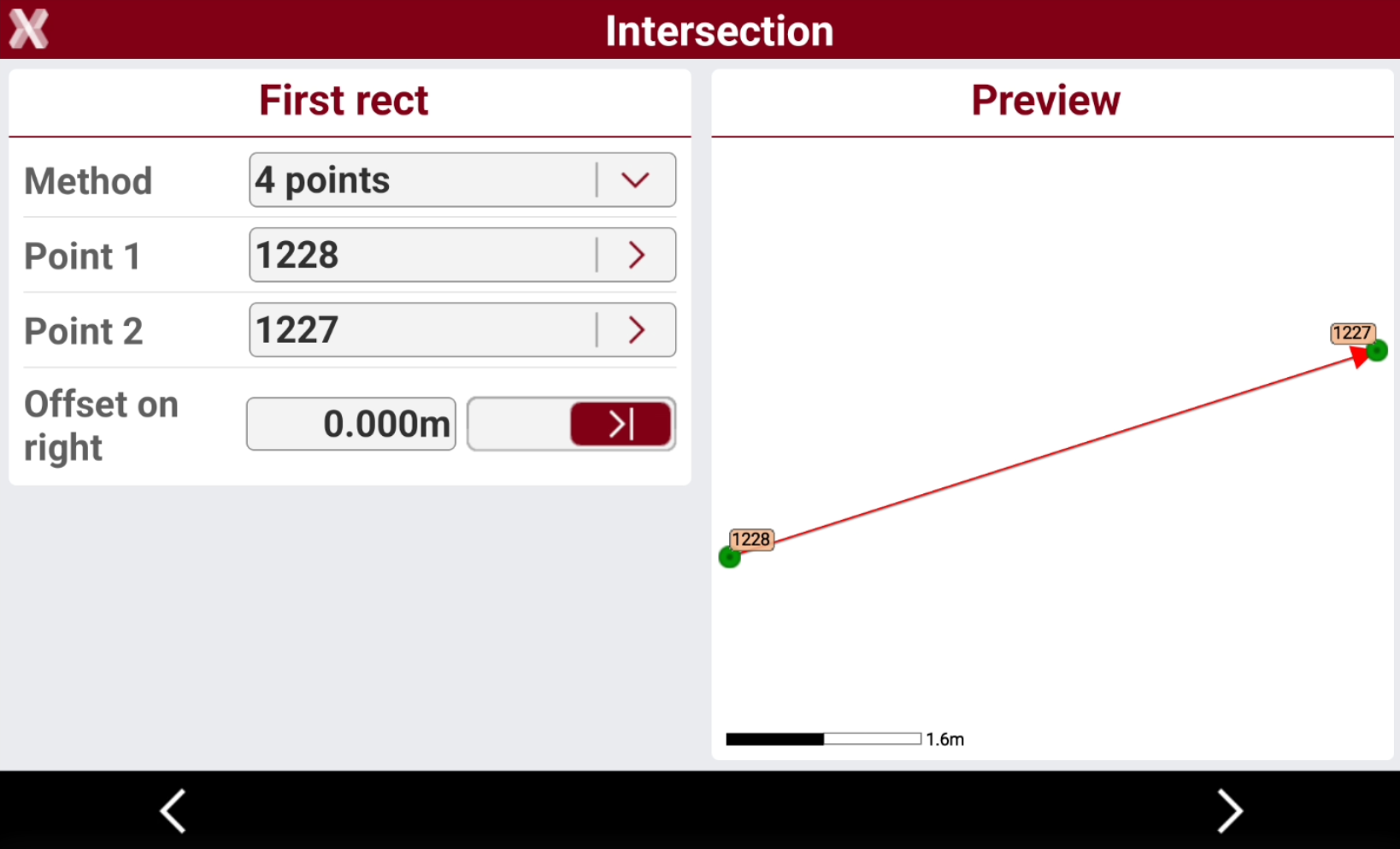
Select the first two reference points. The line connecting the two points is visualized. You can enter an offset to the calculate line.
-
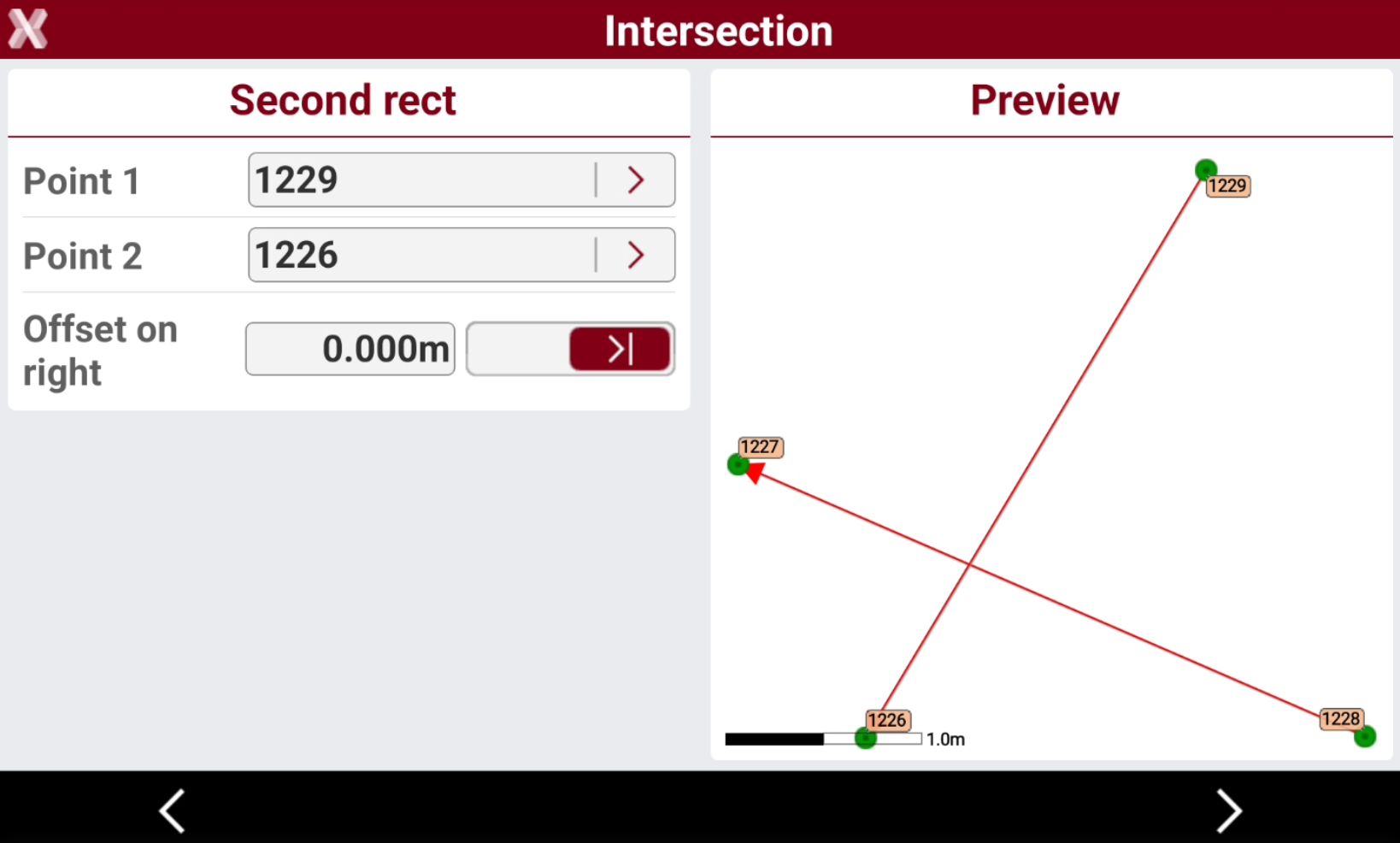
Select the others two reference points. The line connecting the two points is visualized. You can enter an offset to the calculate line.
-
The software shows the calculated point.
-
Press Create point to activate the creation of the calculated point.
-
Press Stakeout to activate the stakeout procedure for the calculated point.