
-
Alignment & Offset calculates coordinates of a point along a reference element and at a certain distance from the reference element.
-
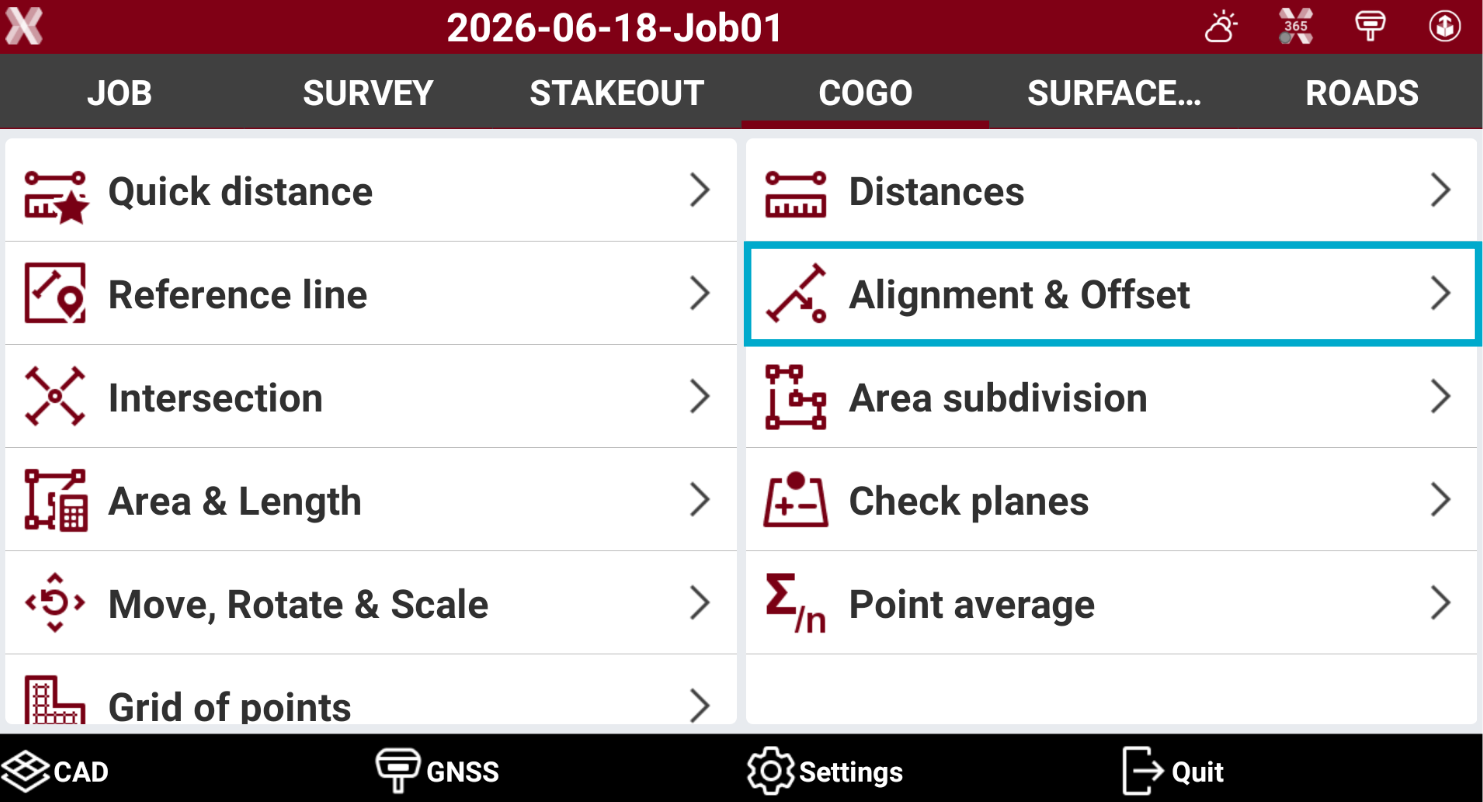
Open the COGO page.
-
Select Alignment & offset.
-
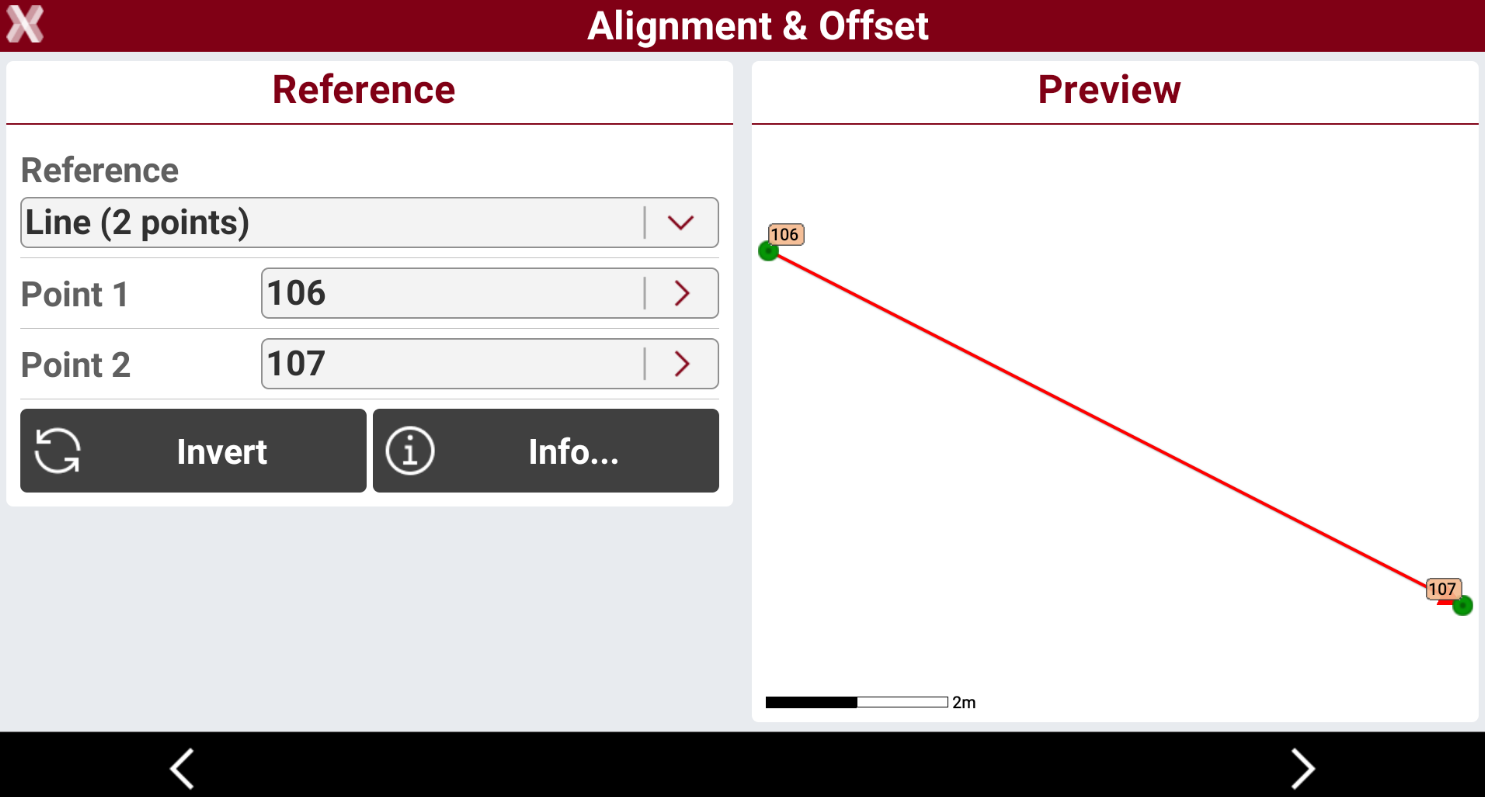
Select the reference element.
-
Reference.
-
Line (2 points): line defined by two topographic points. Requires to select Point 1 and Point 2.
-
Arc (3 points): arc defined by three topographic points. Requires to select Point 1, Point 2 and Point 3.
-
Arc (2 points+R): arc defined by two topographic points and by the radius. Requires to select Point 1, Point 2 and arc radius.
-
Drawing object: select a line, polyline, arc or circle in the graphic window.
-
-
Press Invert to invert the reference direction.
-
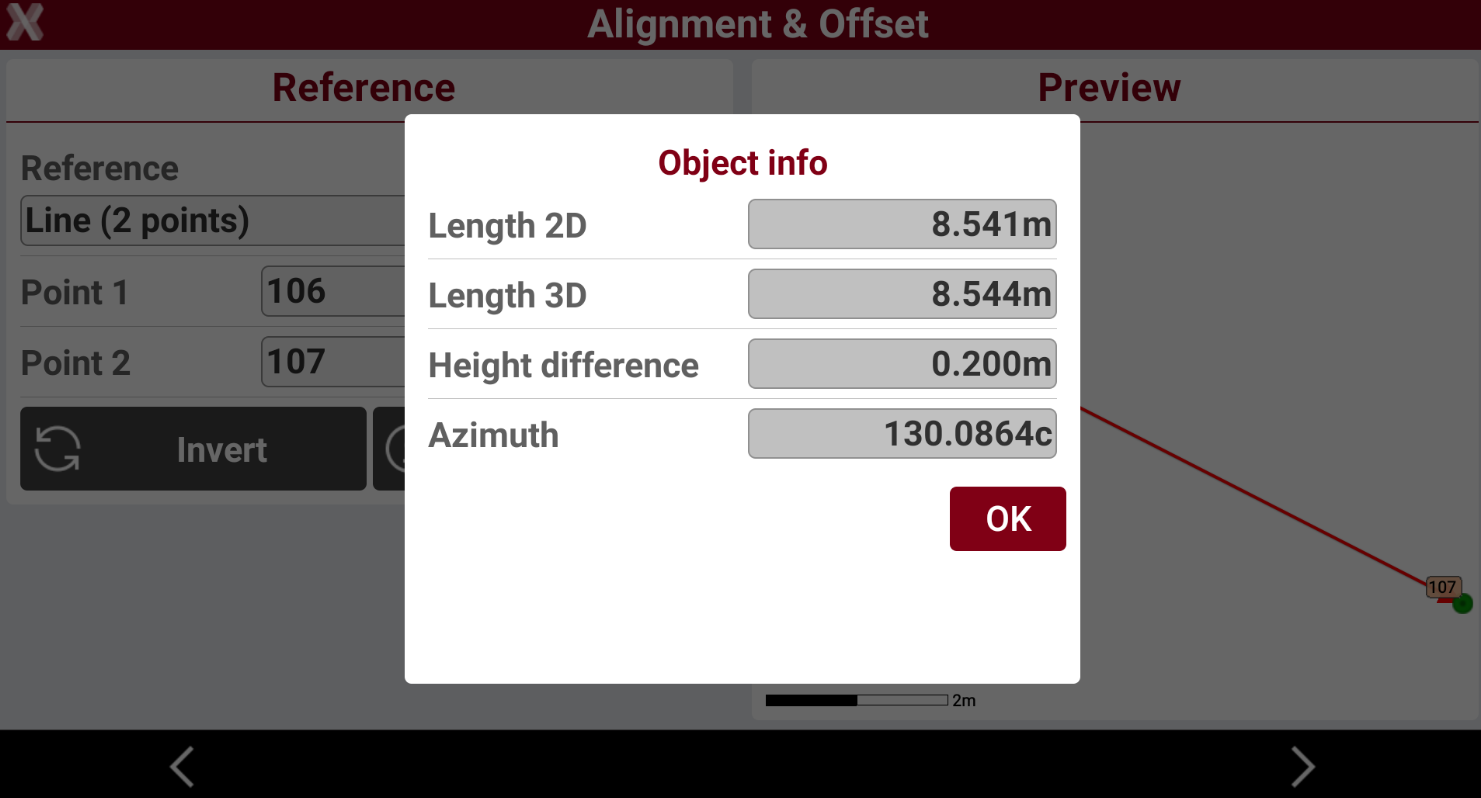
Press Info to have information on the reference object.
-
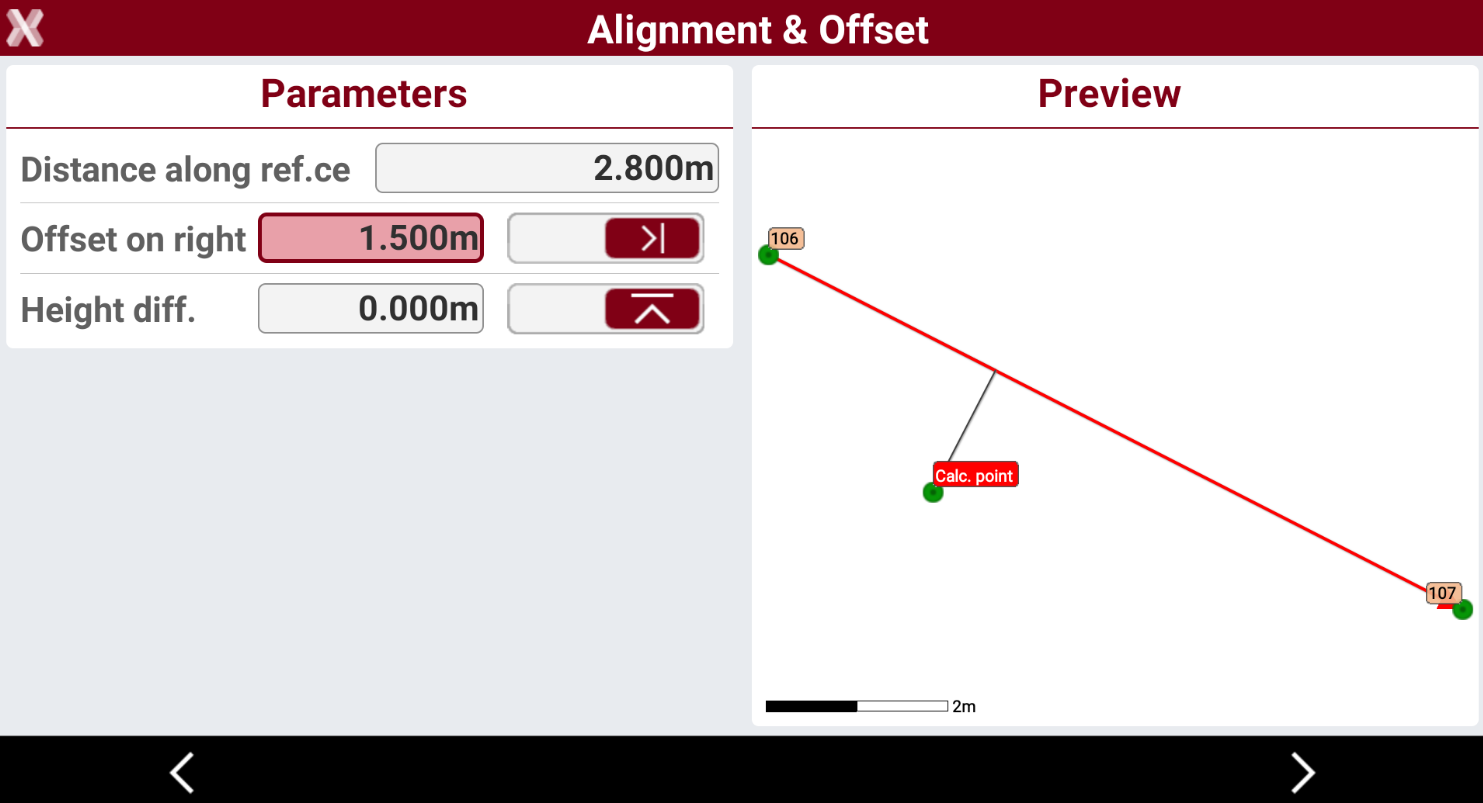
After the reference object has been selected press Next to define the parameters.
-
Distance along reference: distance at which the point is located along the reference element.
-
Offset: lateral distance at which the point is located referring to the reference element.
-
Height difference: elevation difference to apply to the interpolated elevation of the point.
-
-
Press Next to proceed.
-
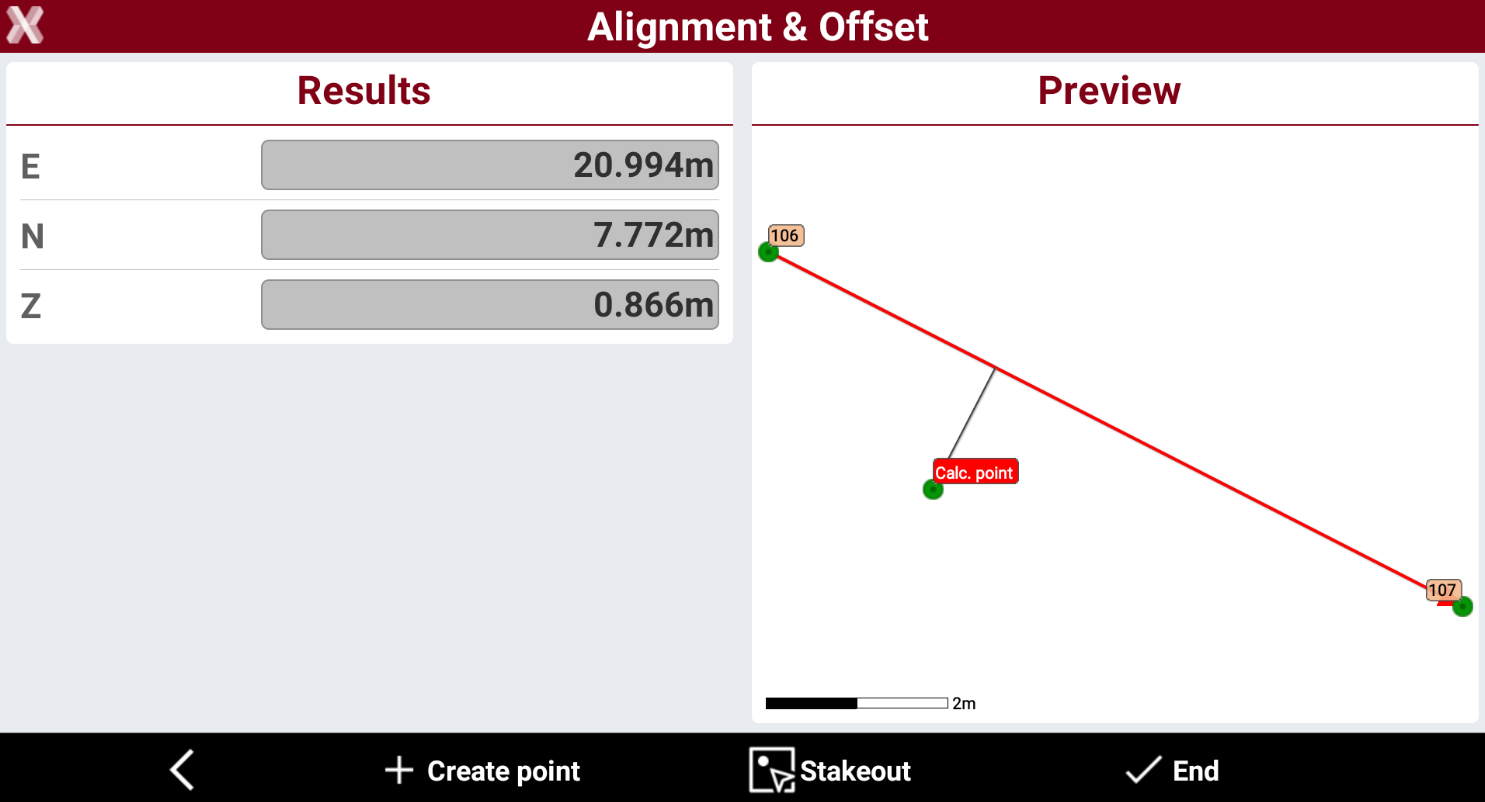
The software shows the result of the calculated point.
-
Press Create point to create the point in the topographic points list.
-
Press Stakeout to stakeout the point.
-
Press End to close the function.