-
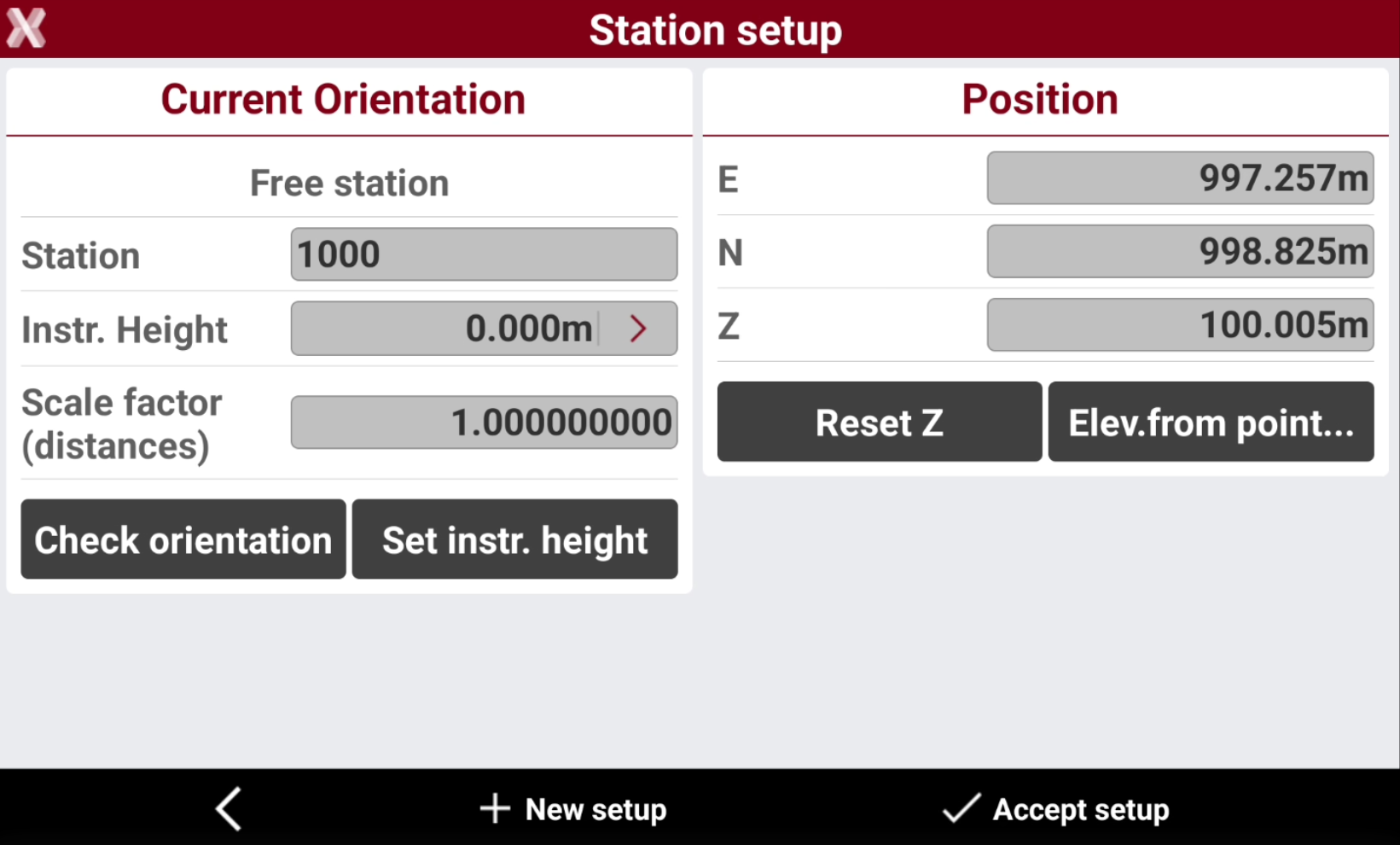
After the setup has been performed, it is possible to access different tools.
-
Check orientation: checks if the orientation of the station is still valid or if the orientation must be done again.
-
Set instrument height: changes the height of the instrument.
-
Reset Z: reset the station elevation.
-
Elevation from point: calculates the station elevation from reference points.
-
Check orientation
-
The function is used to check if the orientation of the station is still valid or if the orientation must be done again.
-
Select Check orientation from Station setup page.
-
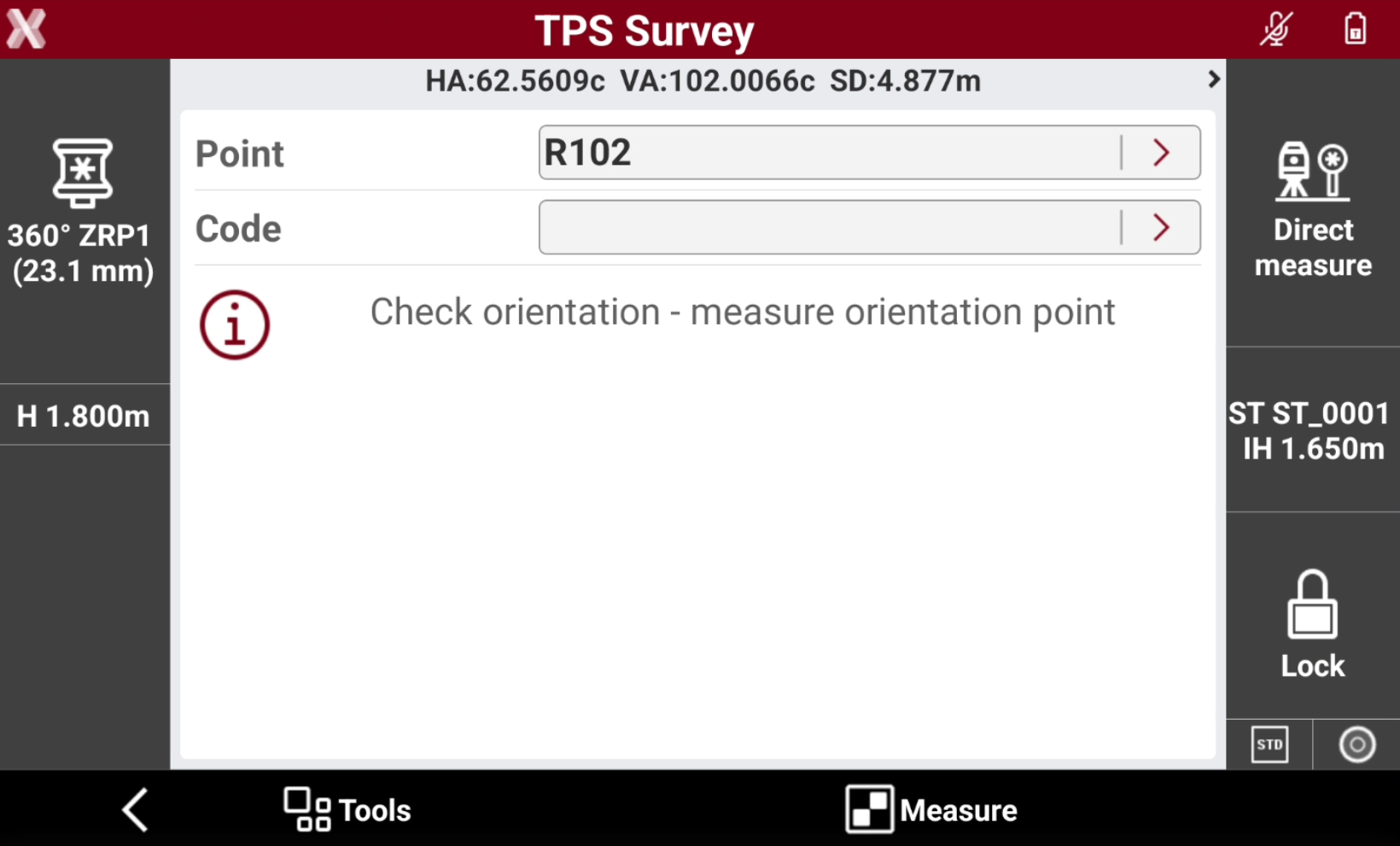
Aim an available orientation point and press Measure.
-
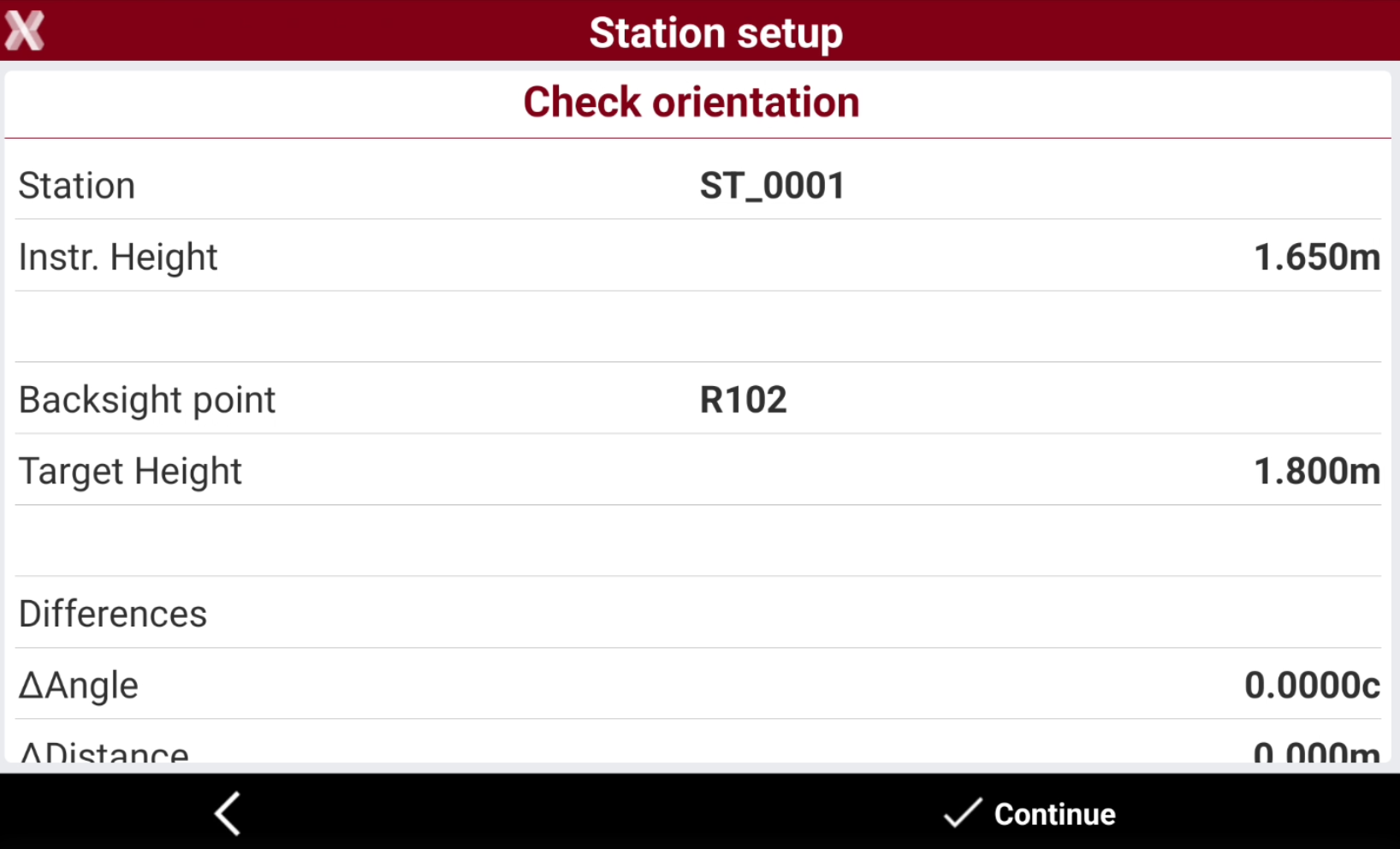
A report with the difference is displayed.
-
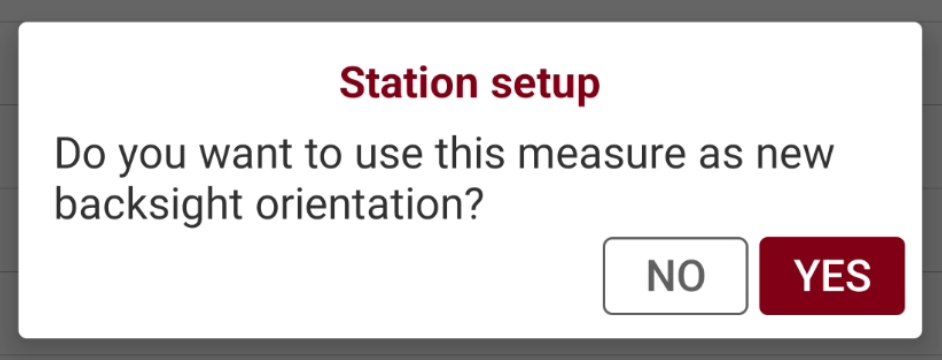
The software asks if this measurement should be used as a new backsight orientation for subsequent measurements. It is also possible to adjust all previous measurements with the new setting.
Set instrument height
-
The tool allows to change the height of the instrument.
-
Select Station setup.
-
Select Set instrument height.
-
The software asks if you would like to change the instrument height of all measurements for the current setup.
-
Enter the new height. The elevations of all measured points are recalculated.
Reset Z
-
The tool is used to reset the station elevation.
-
Select Station setup.
-
Select Reset Z and confirm the selection.
-
The value for the station elevation is set to the previous elevation.
Elevation from point
-
The function allows to calculate the station elevation from a reference point.
-
Select Station setup.
-
Select Elevation from point.
-
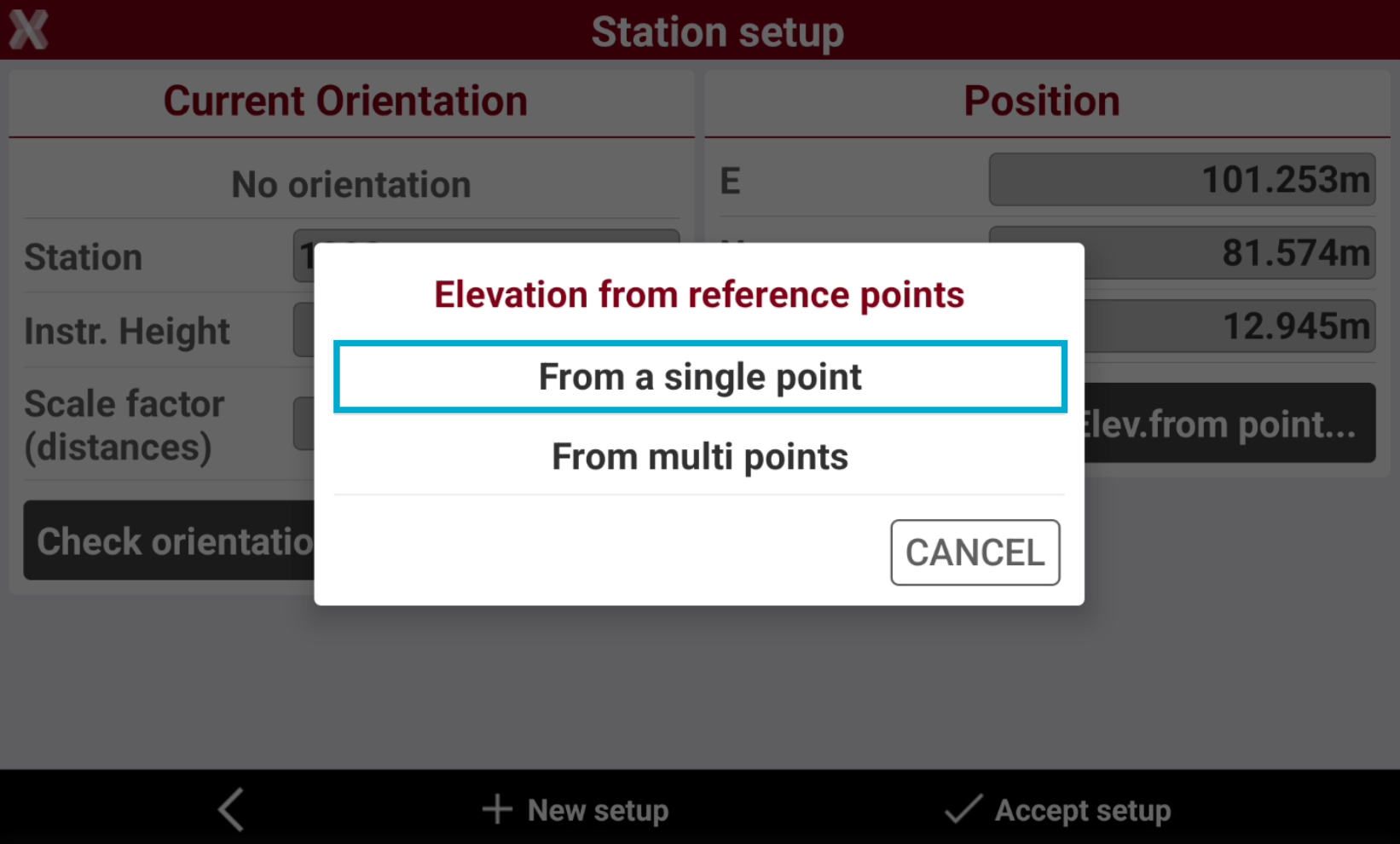
Select if elevation is calculated from a single point or from multi points. In this example select From a single point.
-
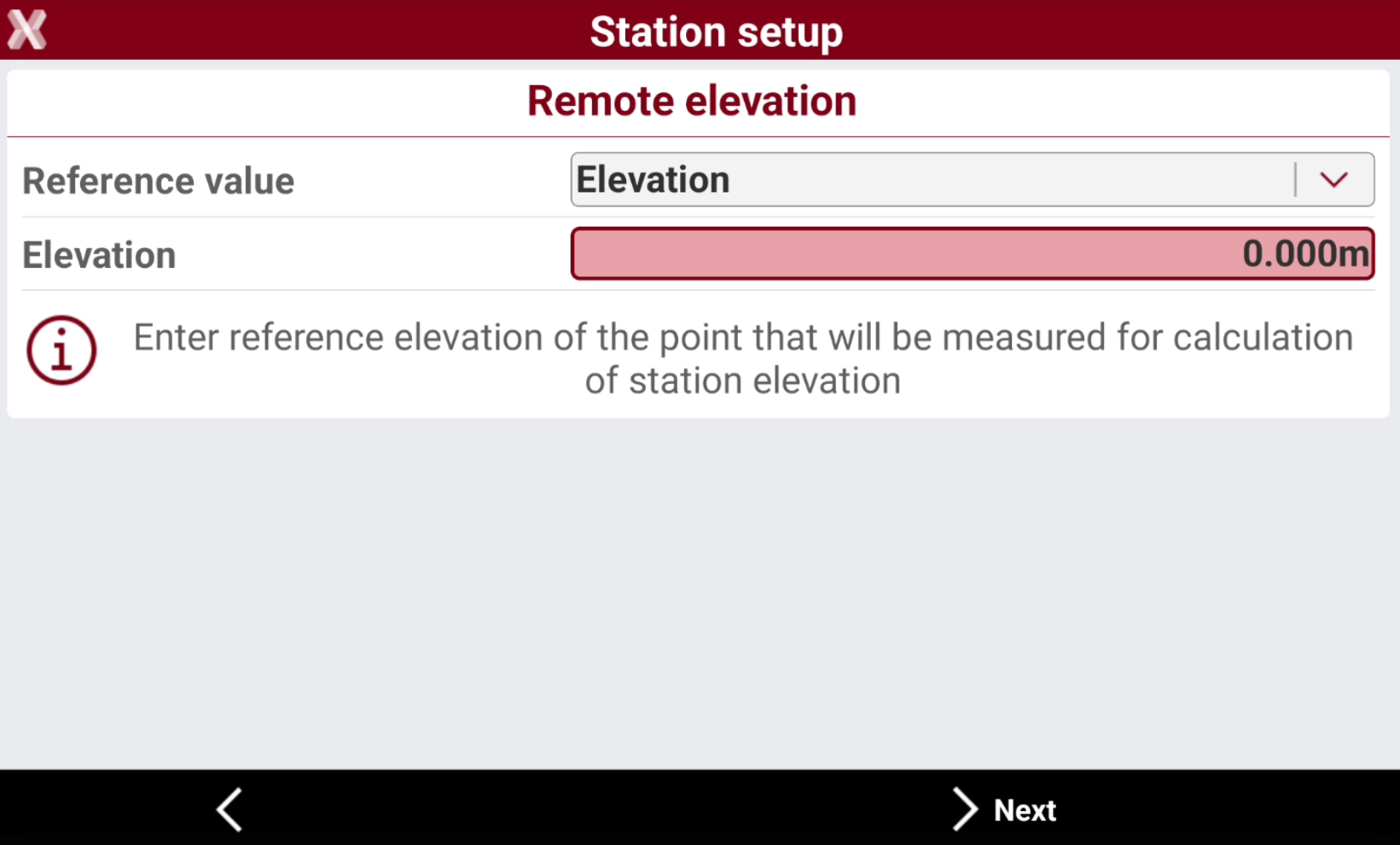
In the next page enter the information on the reference elevation.
-
Reference value:
-
Elevation: enter reference elevation of the point that will be measured for calculation of station elevation. The elevation is entered in the field Elevation.
-
Point: select reference point from list of points or from CAD that will be measured for calculation of station elevation.
-
-
-
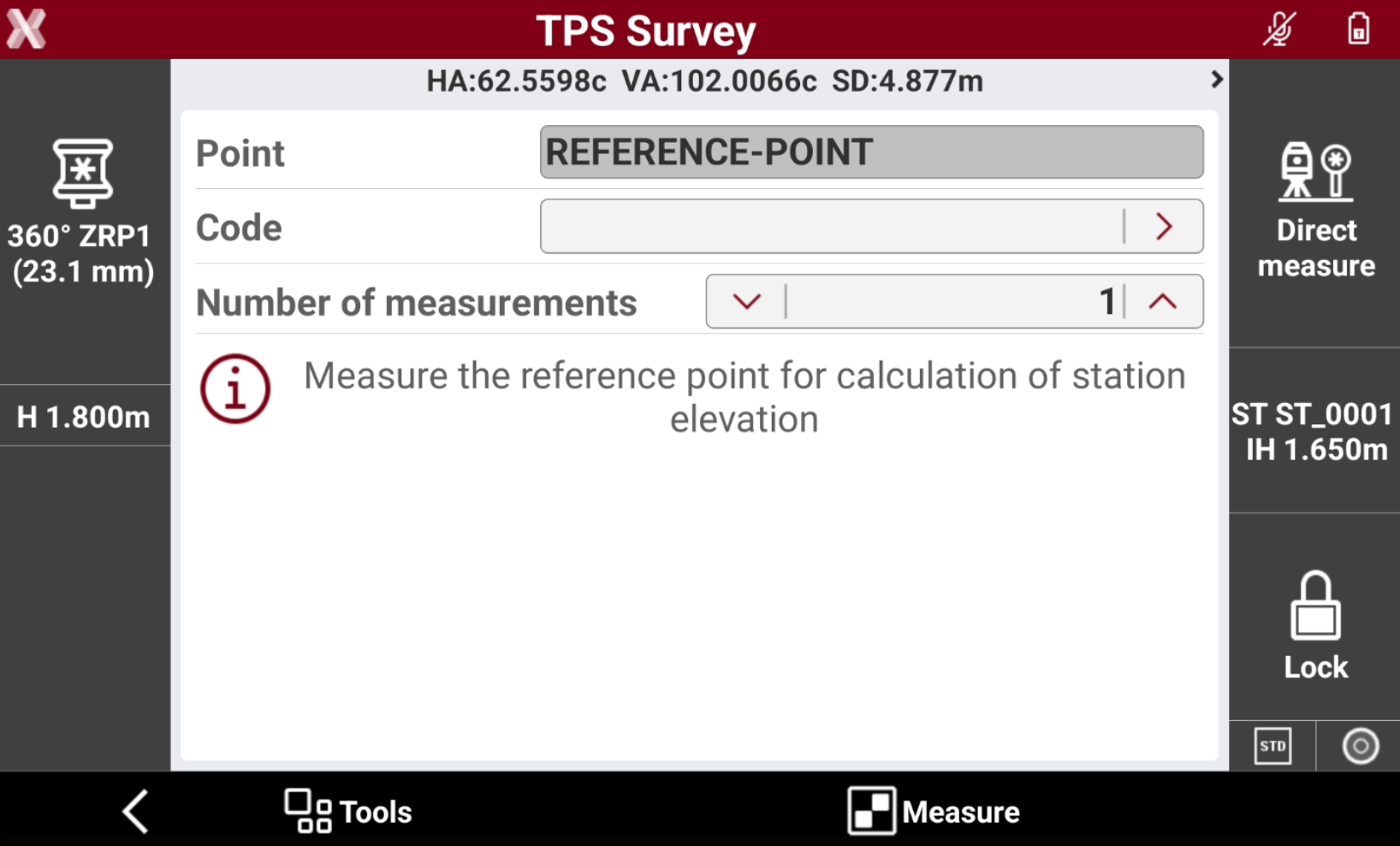
Select Next to measure the reference point for the elevation calculation.
-
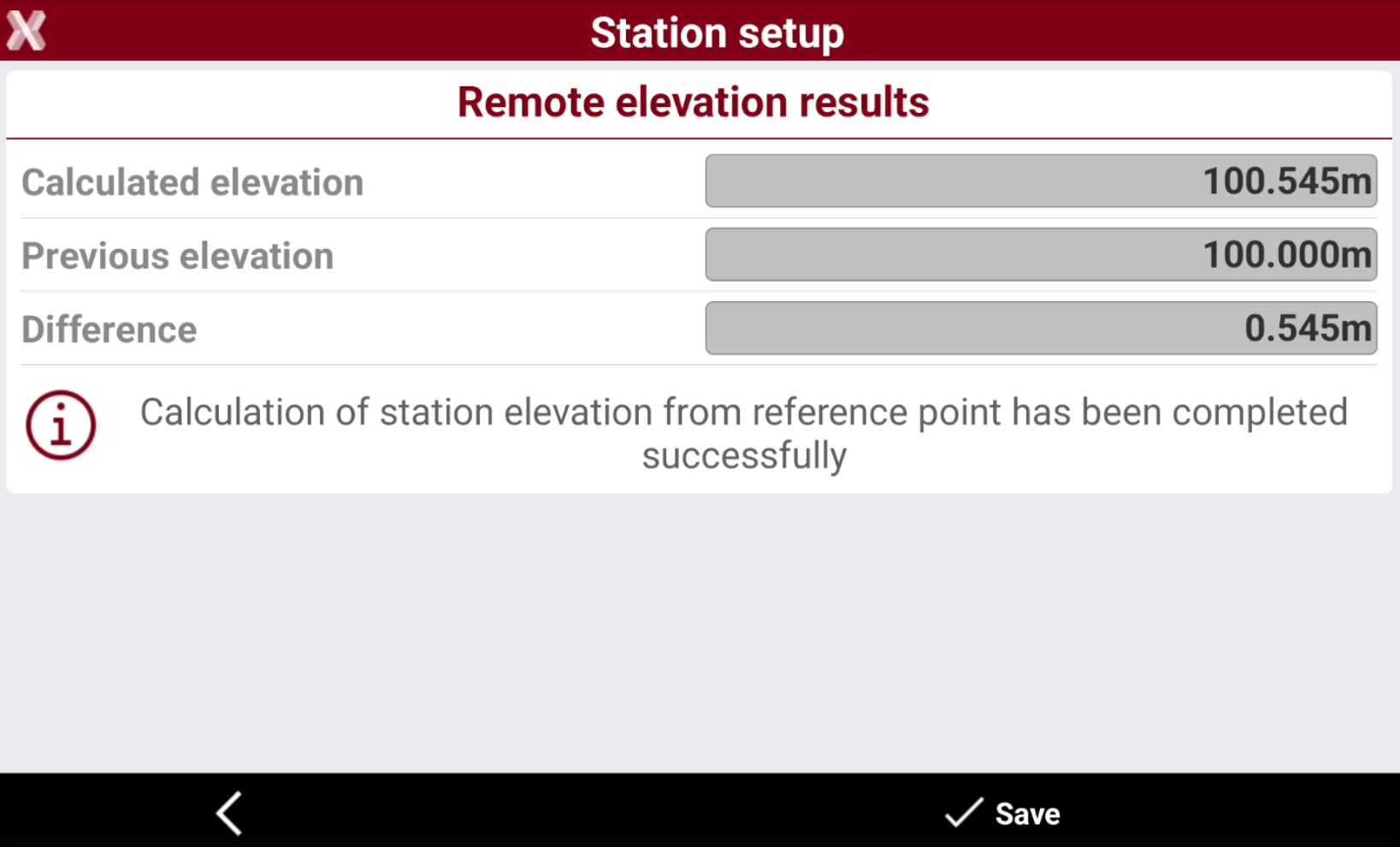
The software shows the remote elevation result. Select Save to accept the result.
Elevation from multiple point
-
The function allows to calculate the station elevation from multiple reference point.
-
Select Station setup.
-
Select Elevation from point.
-
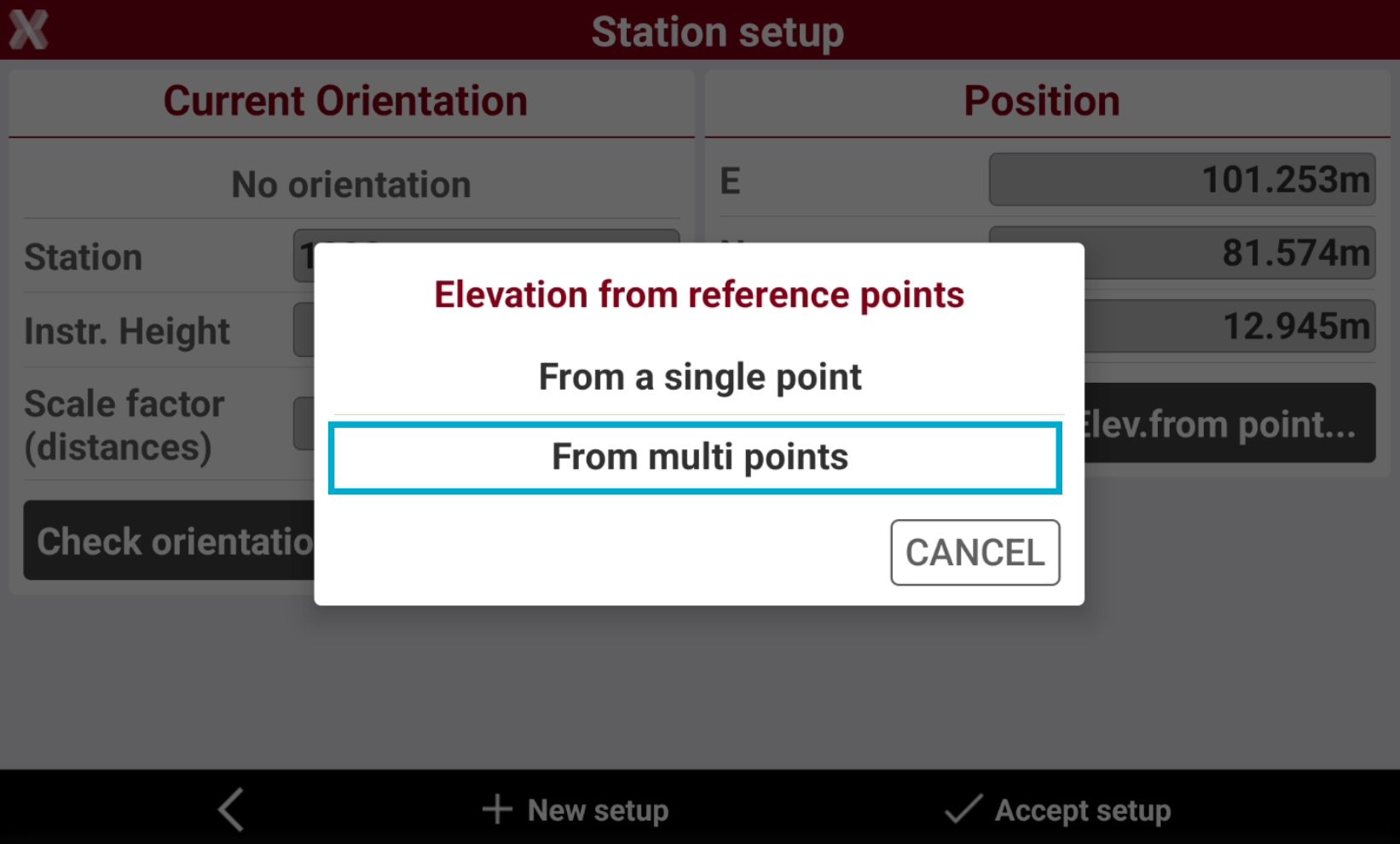
Select if elevation is calculated from a single point or from multi points. In this example select From multi points.
-
In the next page select Add to measure the first reference point. You can select the reference point from the list of points.
-
Proceed to measure additional reference points.
-
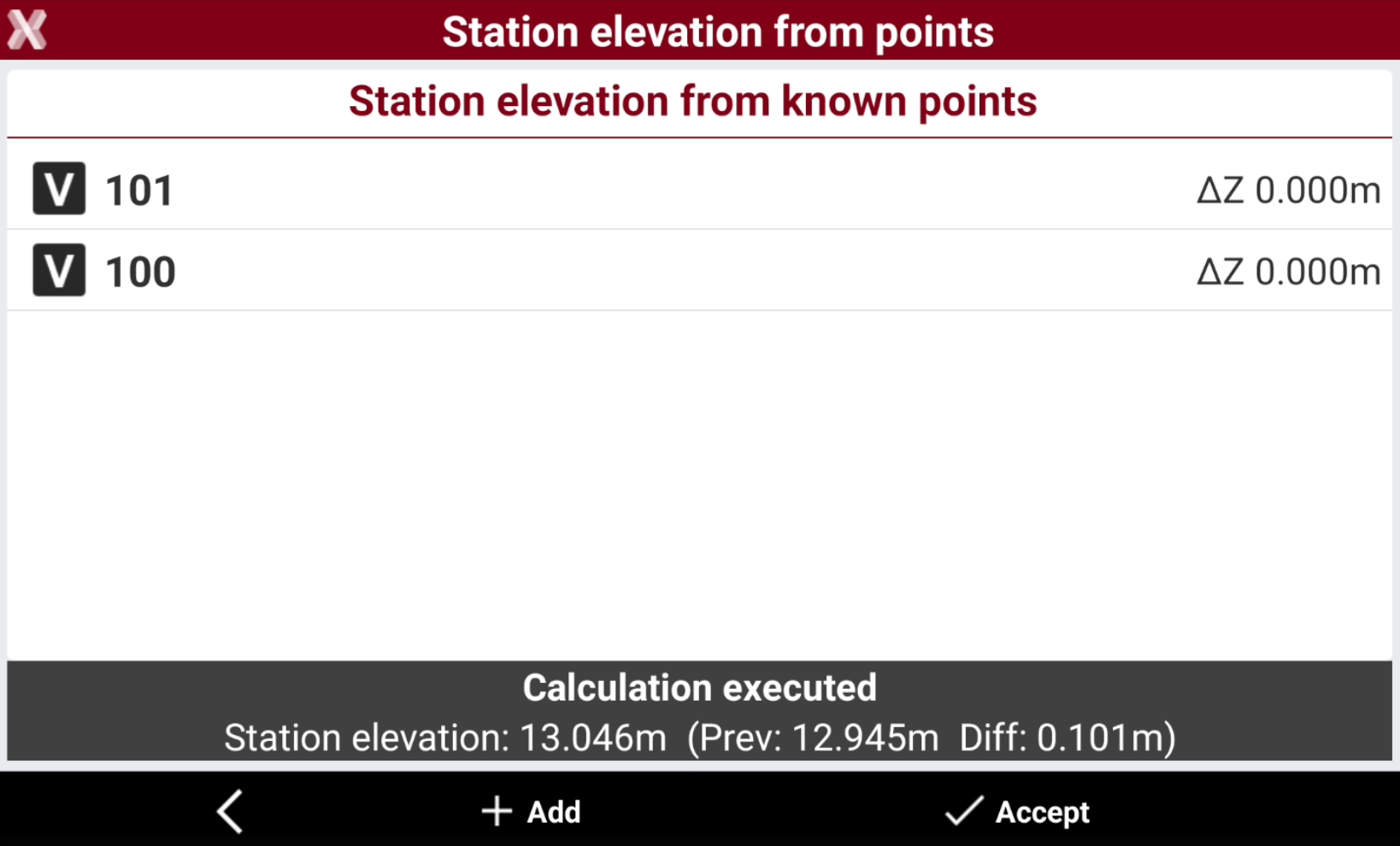
The result can be evaluates in a table. Select Accept to save the result.