-
When working with a total station in survey or stakeout functions it is possible to visualize on screen an e-bubble representing the pole verticality.
-
Thanks to the e-bubble the operator can keep the attention on the display instead of looking on the bubble on the pole.
-
The acquisition of epochs is automatically stopped when the pole is out of the bubble.
-
The e-bubble information are retrieved from the sensors inside the Android controller.
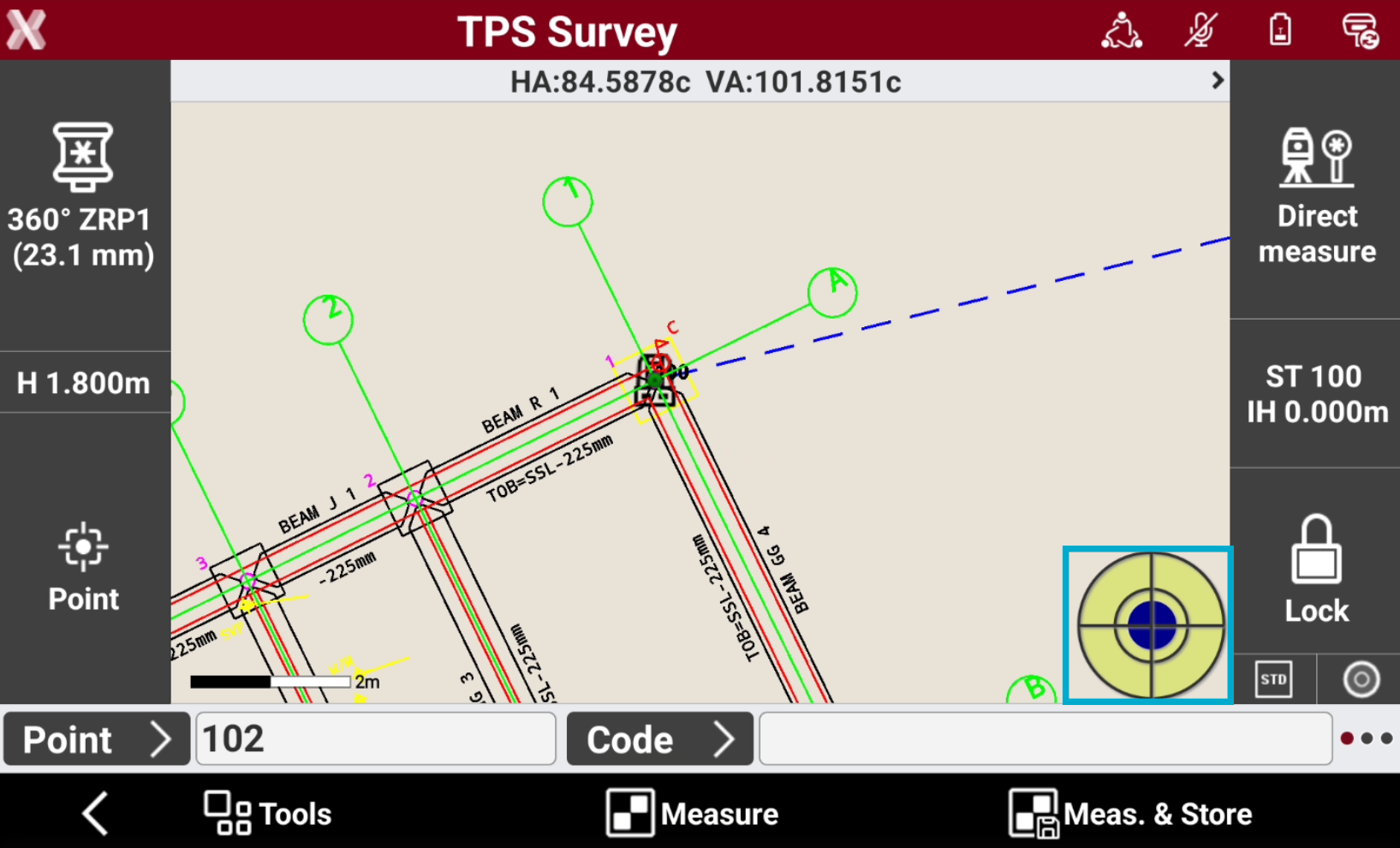
The connection between the field controller and the TPS pole must be firm to ensure accurate results.
Enable E-bubble
-
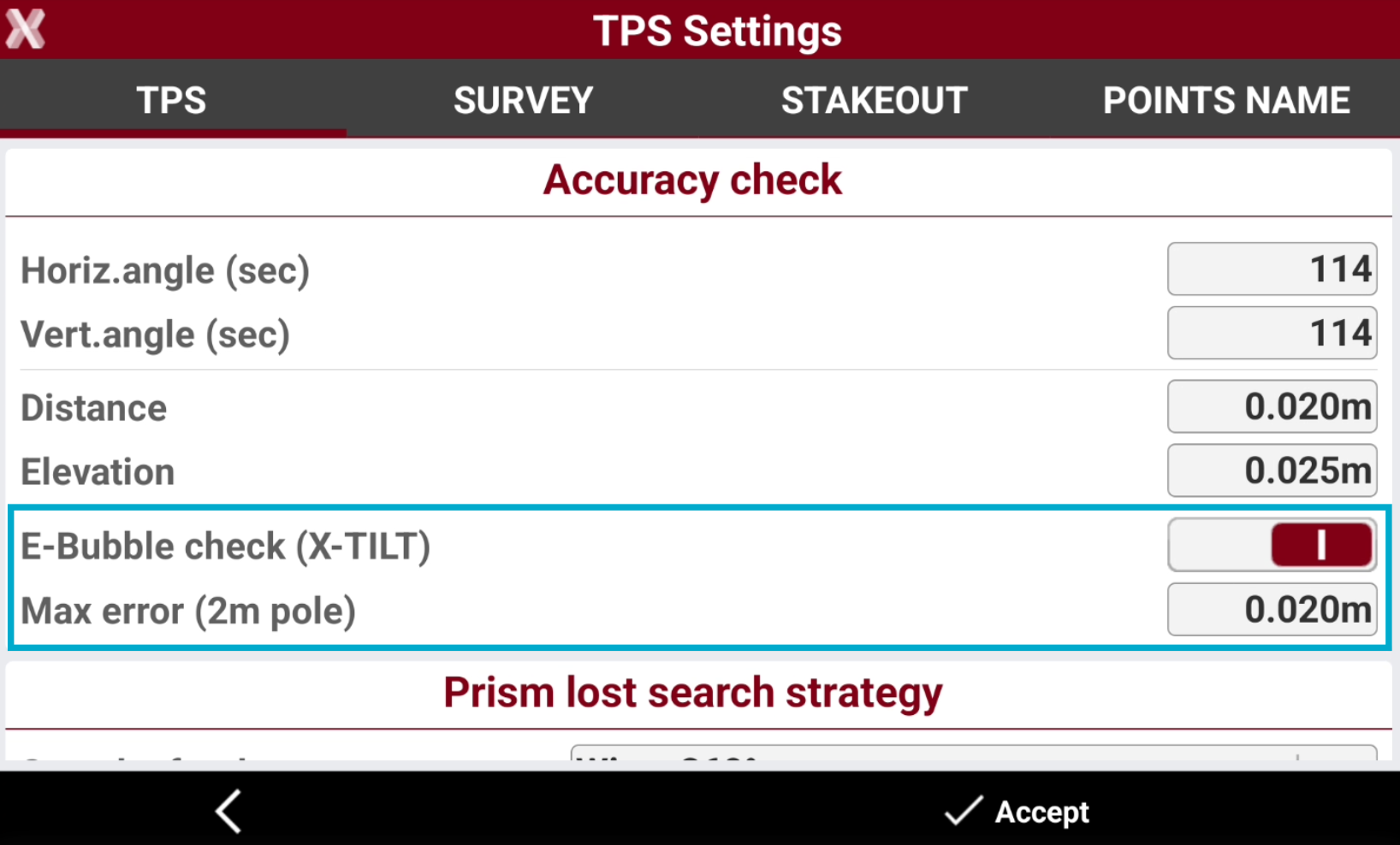
To enable the e-bubble open Settings TPS page.
-
Enable E-Bubble check.
Calibration
-
The calibration is a necessary operation allowing the determination of the controller position referring to the pole.
-
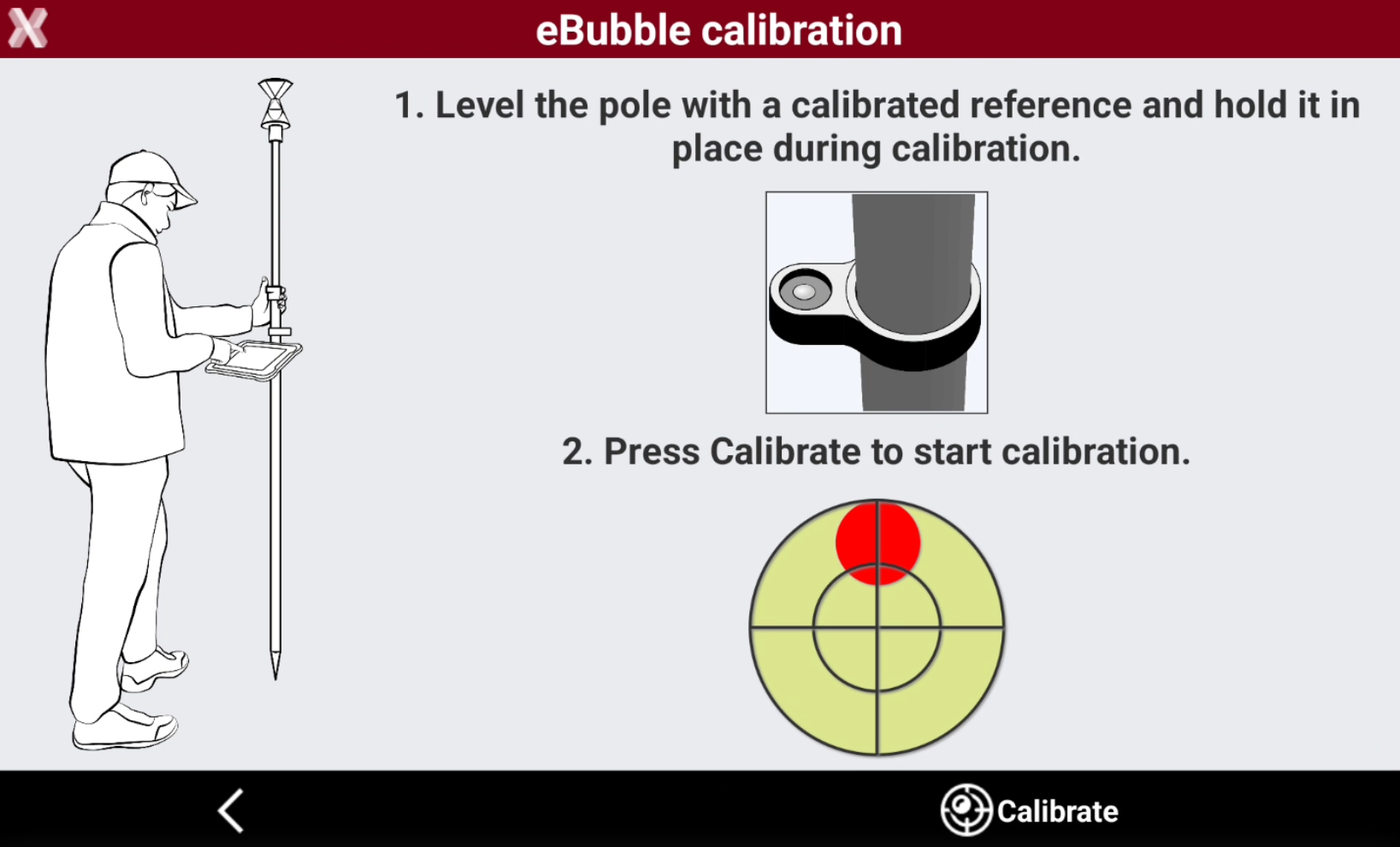
When a survey or stakeout is started, a window allowing to perform calibration of the electronic bubble is displayed.
-
To perform the calibration, use the physical bubble to hold the pole in proper position for some seconds.
-
At the end of the calibration procedure the position of the electronic bubble displayed in the survey and stakeout windows corresponds to the position of the physical bubble.
-
If the calibration procedure has been previously performed, and the controller does not change position referring to the pole, the procedure can be skipped and pass to next window.
-
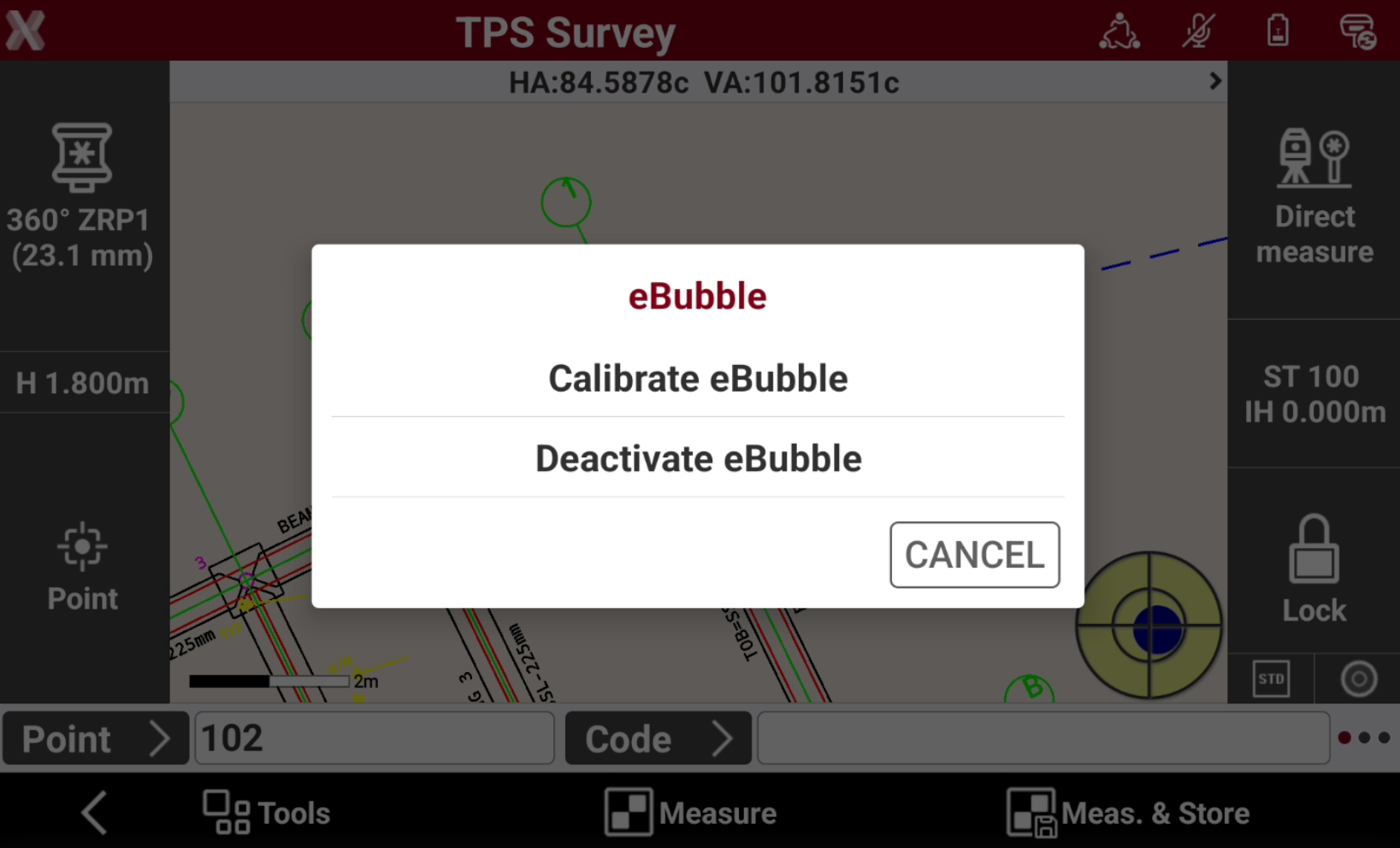
While in survey or stakeout page click E-bubble icon to re-calibrate the e-bubble or disable it.