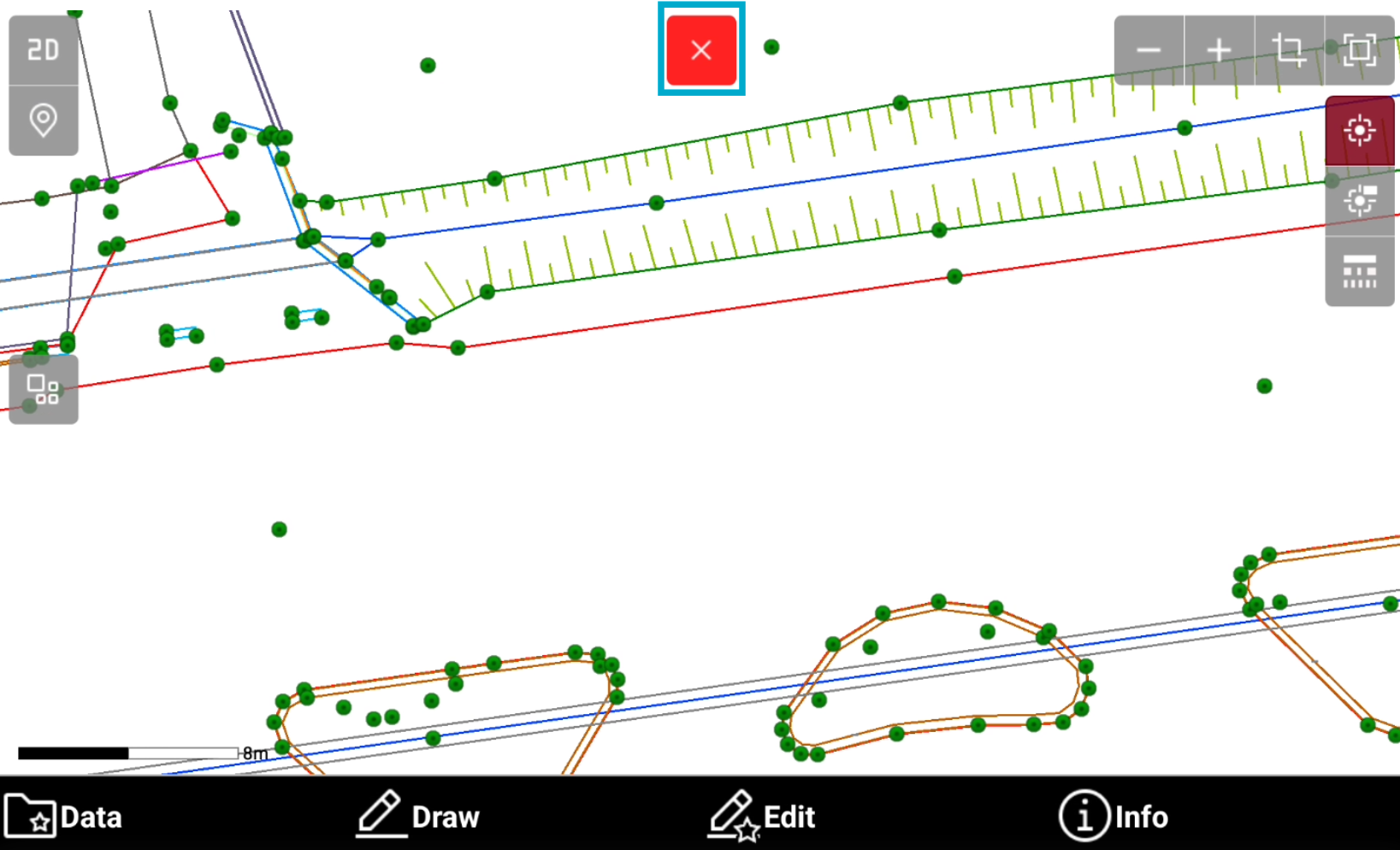
-
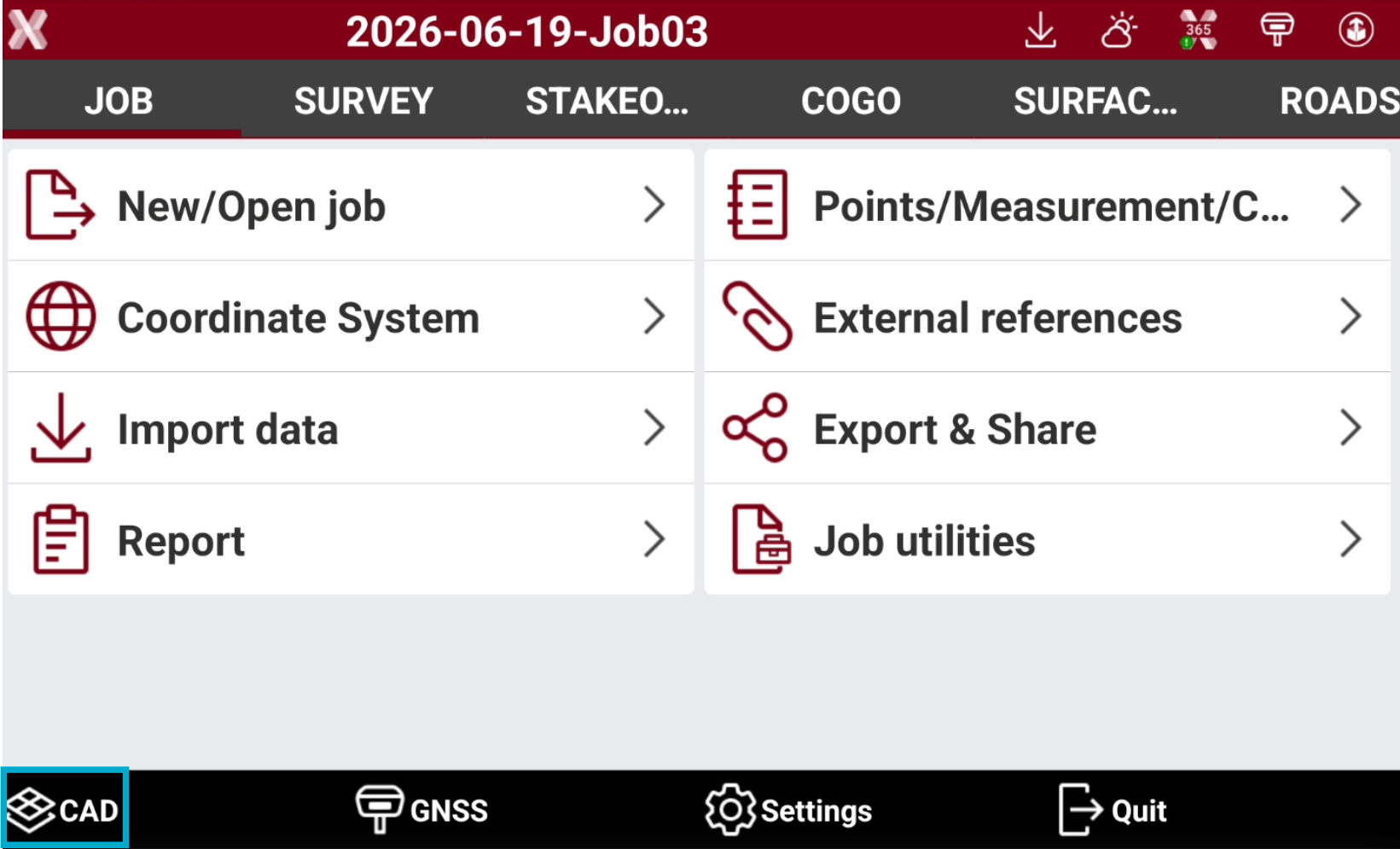
It is possible to access the CAD from the software main screen or from some applications.
Access the CAD from main screen
-
In the software main screen tap on the CAD button

Access the CAD from the applications
-
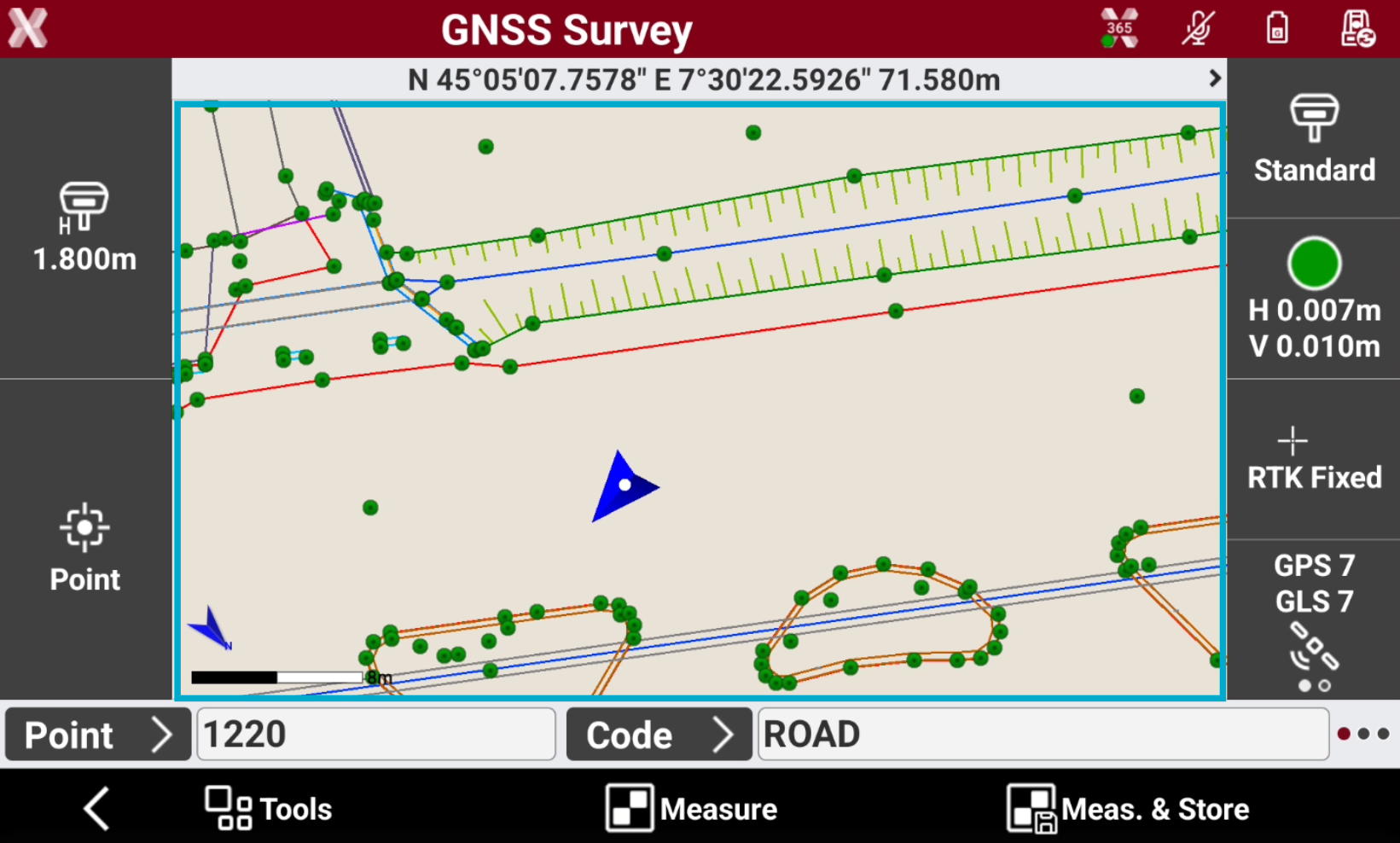
While using survey and stakeout applications, double tap on CAD screen to open the CAD.
-
The CAD view is centered on the current position.
Closing the CAD
-
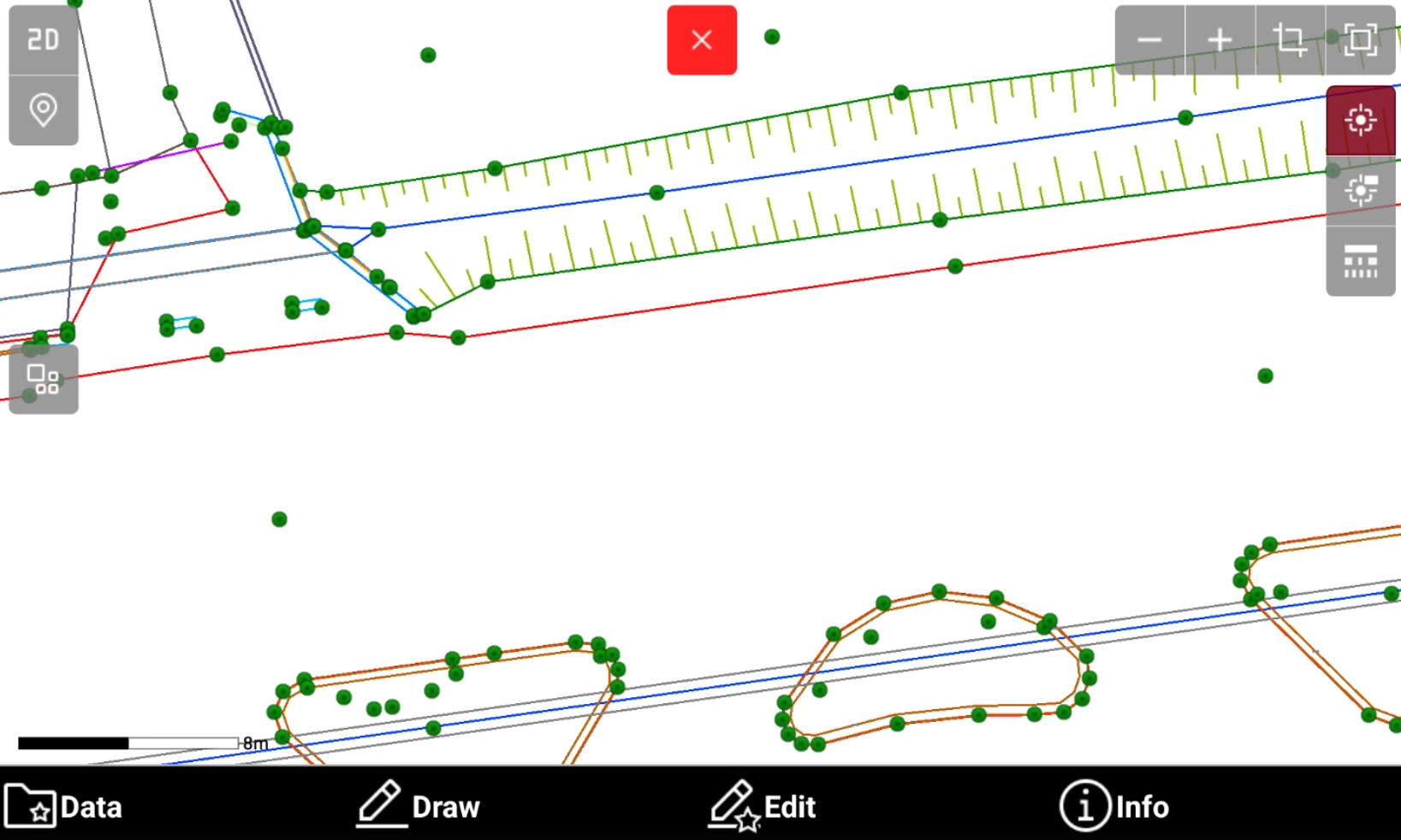
Tap within the graphic display area to access the CAD view. An icon to close the CAD window is displayed.
-
Press