
-
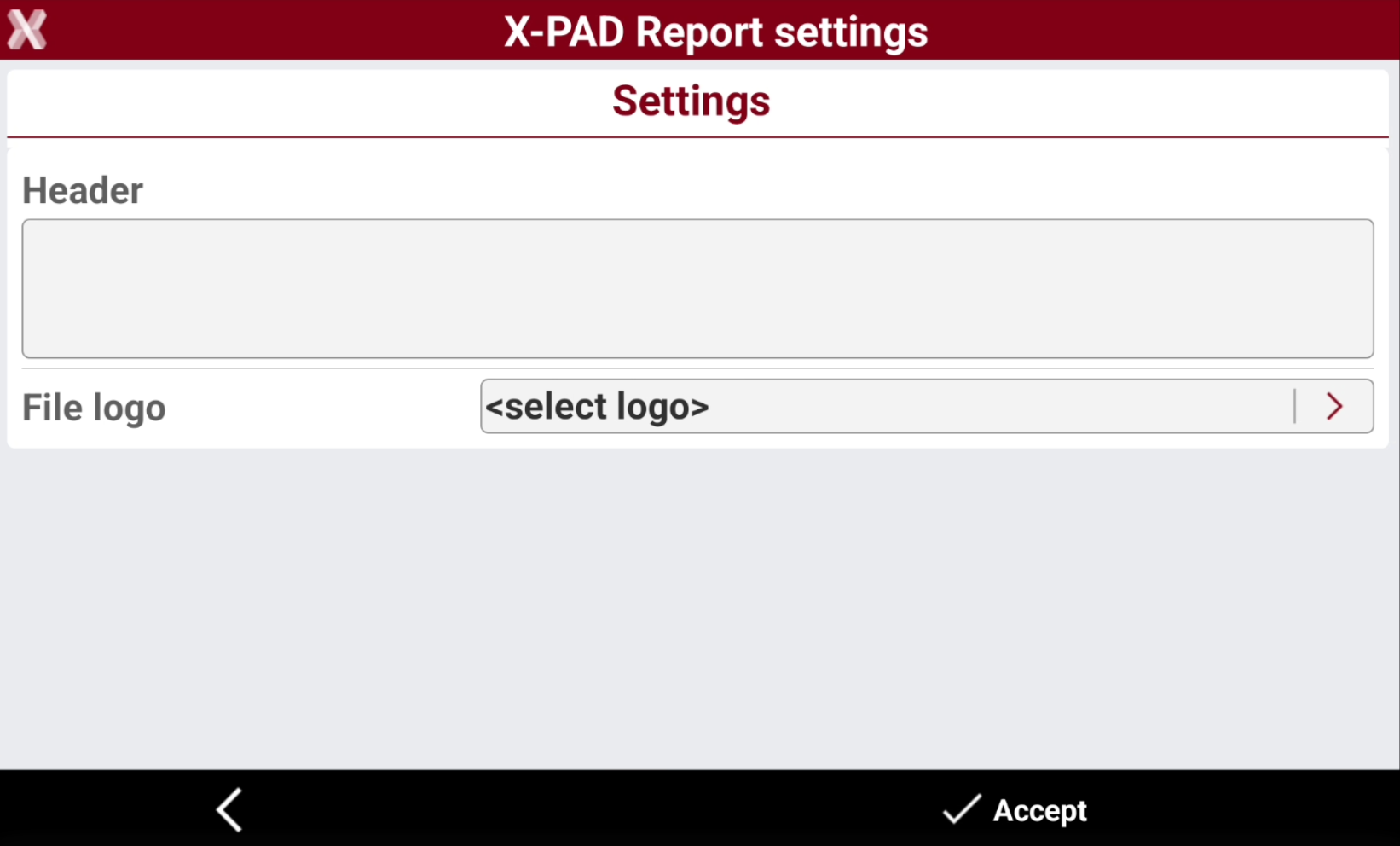
The Report settings page allows to set a text and an image (logo) that appear in the heading of every generated report.
-
From Settings page select Report.
-
In the Header section you can enter the company information that will be used as header in the exported reports.
-
In File logo you can select an image to be used as company logo in the exported reports.