
-
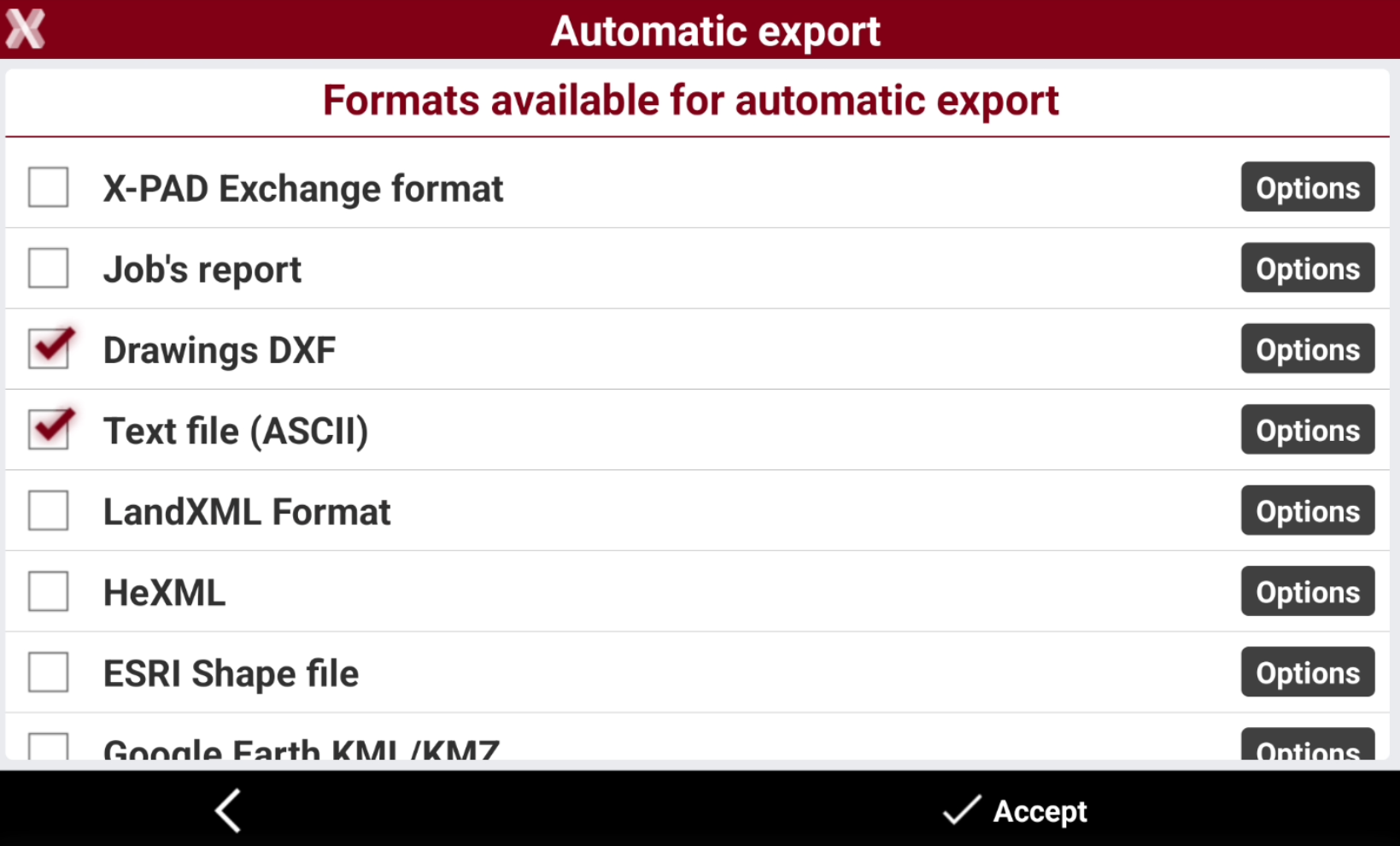
Automatic export page allows to automatically export data from the current job when the job is closed.
-
From Settings page select Automatic export.
-
Select the data formats to be automatically exported when the job is closed checking the boxes.
-
Press Options to define for each export format the options to export.
-
The software automatically generates the selected export formats each time the job is closed, eliminating the need for manual export.