
-
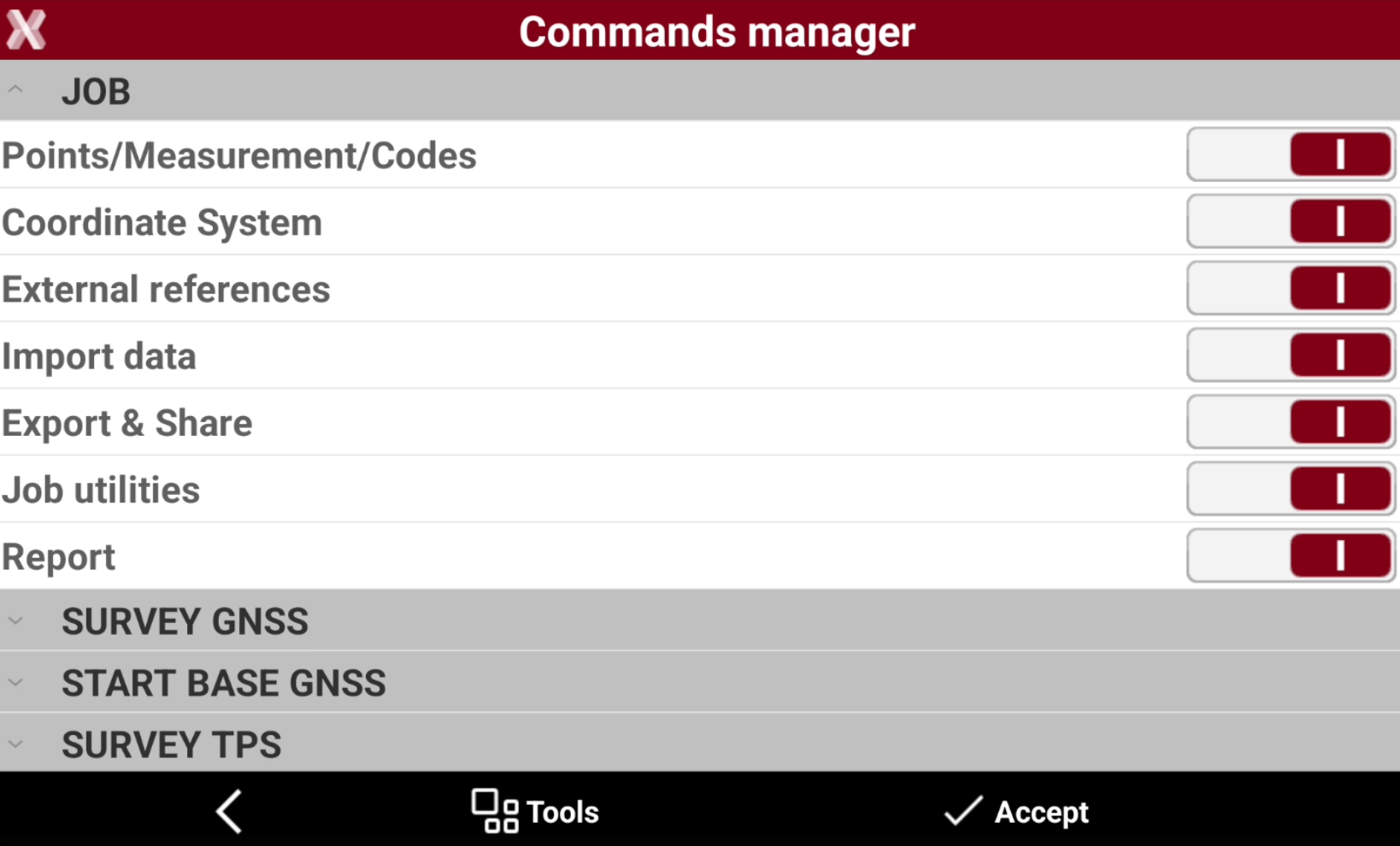
Commands manager page allows to show or hide command of the menus of the software.
-
This avoids the accidental modification of settings and parameters by inexperienced operators.
-
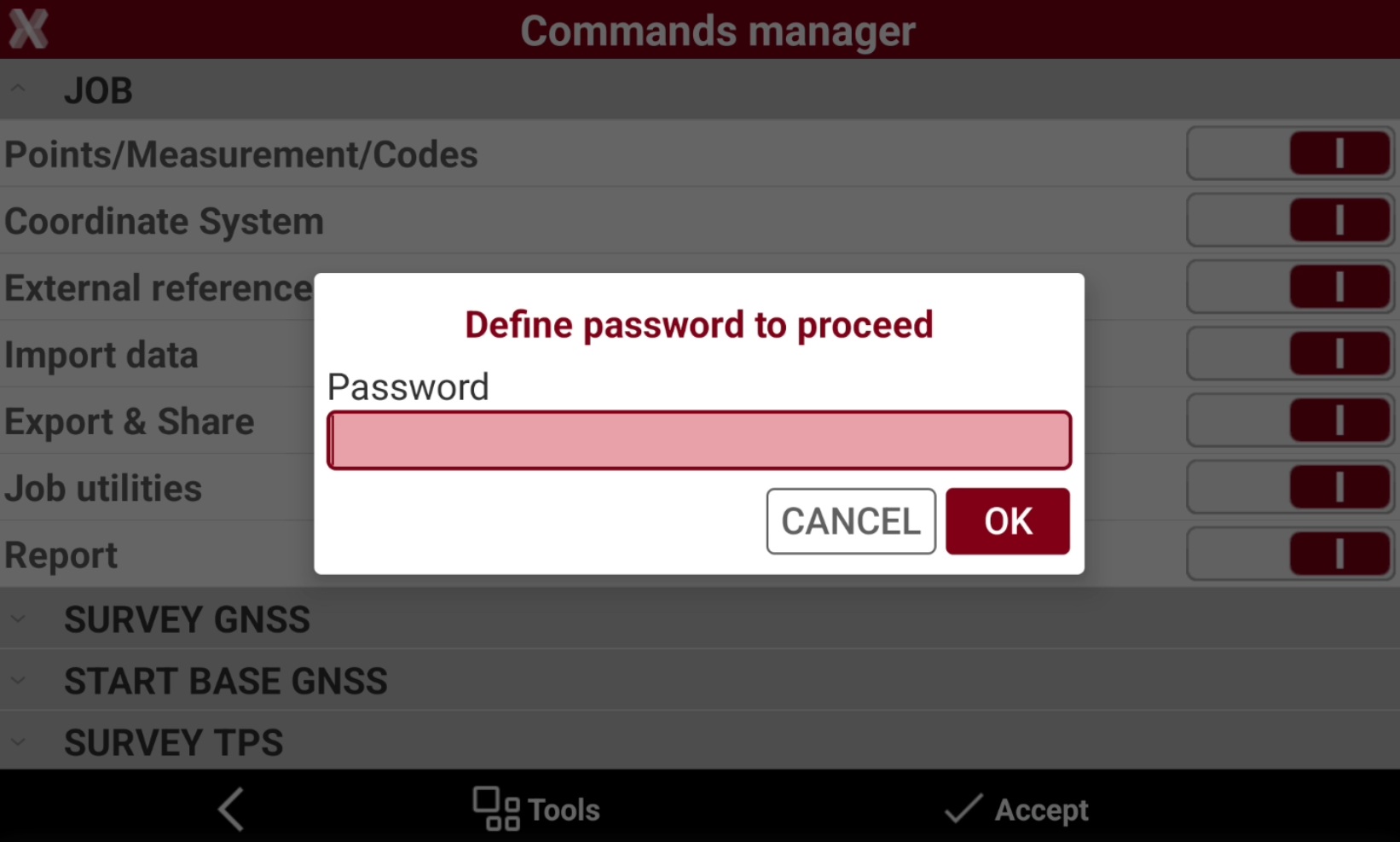
After setting which commands have to be available, a password is requested. To edit the settings, the same password must be entered.
-
From Settings page select Commands manager.
-
Enables/disables the functions to show/hide them from the software.
-
After pressing Accept define a password to proceed. This password will be requested to edit the commands again.
If you have forgotten the password, please contact the technical support.