-
IMU GNSS receivers integrate tilt compensating measurements. These allows to no longer need to hold the pole vertical.
-
GNSS receivers with IMU offers a true tilt compensation solution that is immune to magnetic disturbances and is calibration free.
-
With conventional GNSS sensors the position is calculated projecting vertically down the antenna reference point by the antenna height.
-
With IMU GNSS sensors the position is calculated by projecting along the tilted pole length by the antenna height. The amount of pole tilt and direction is measured by the sensor.
First steps working with IMU
-
First step when working with GNSS receivers with IMU is to face the receiver front panel.
-
This allows to provide correct information regarding the walking direction.
-
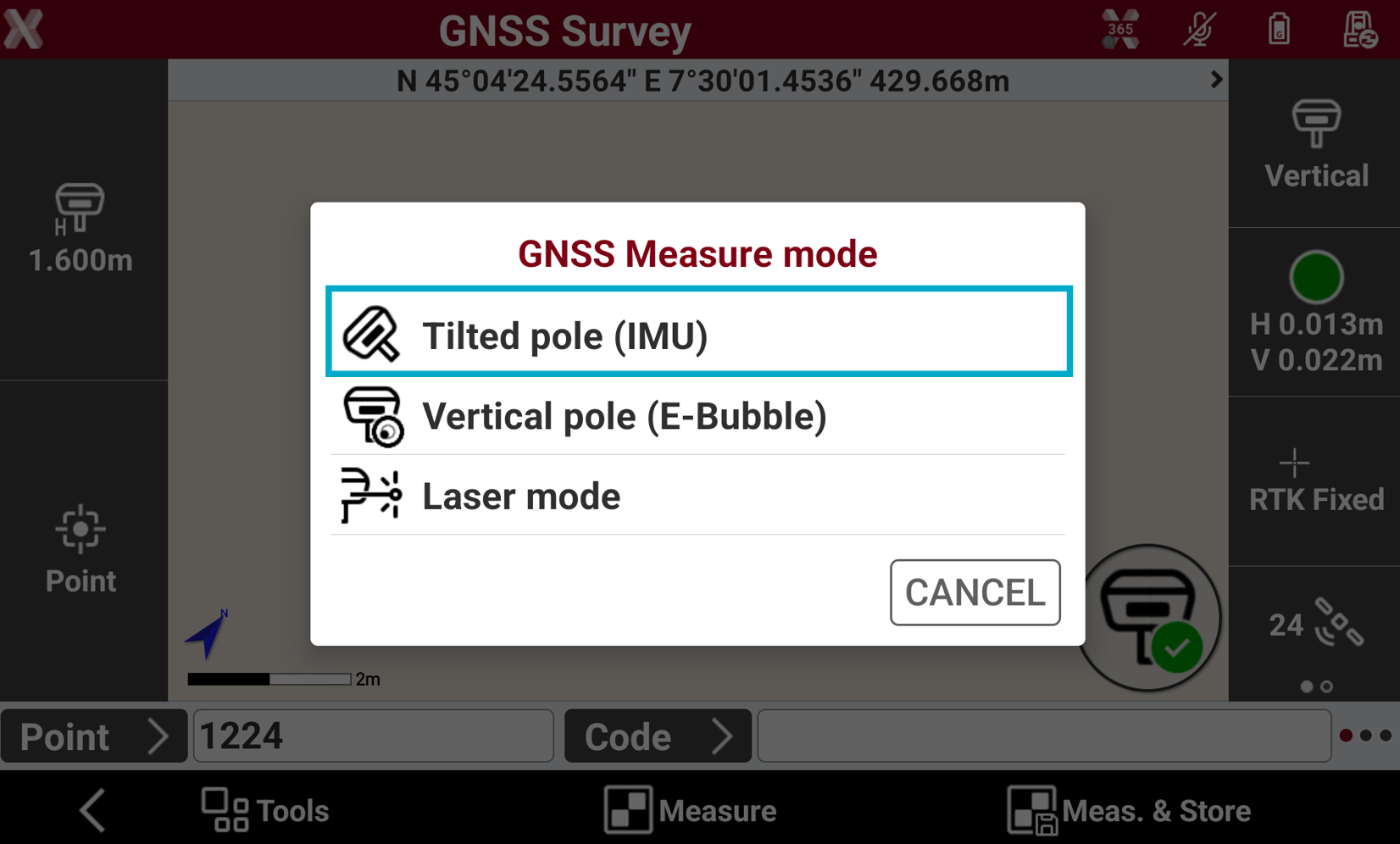
To enable the measurements with IMU click on pole icon.
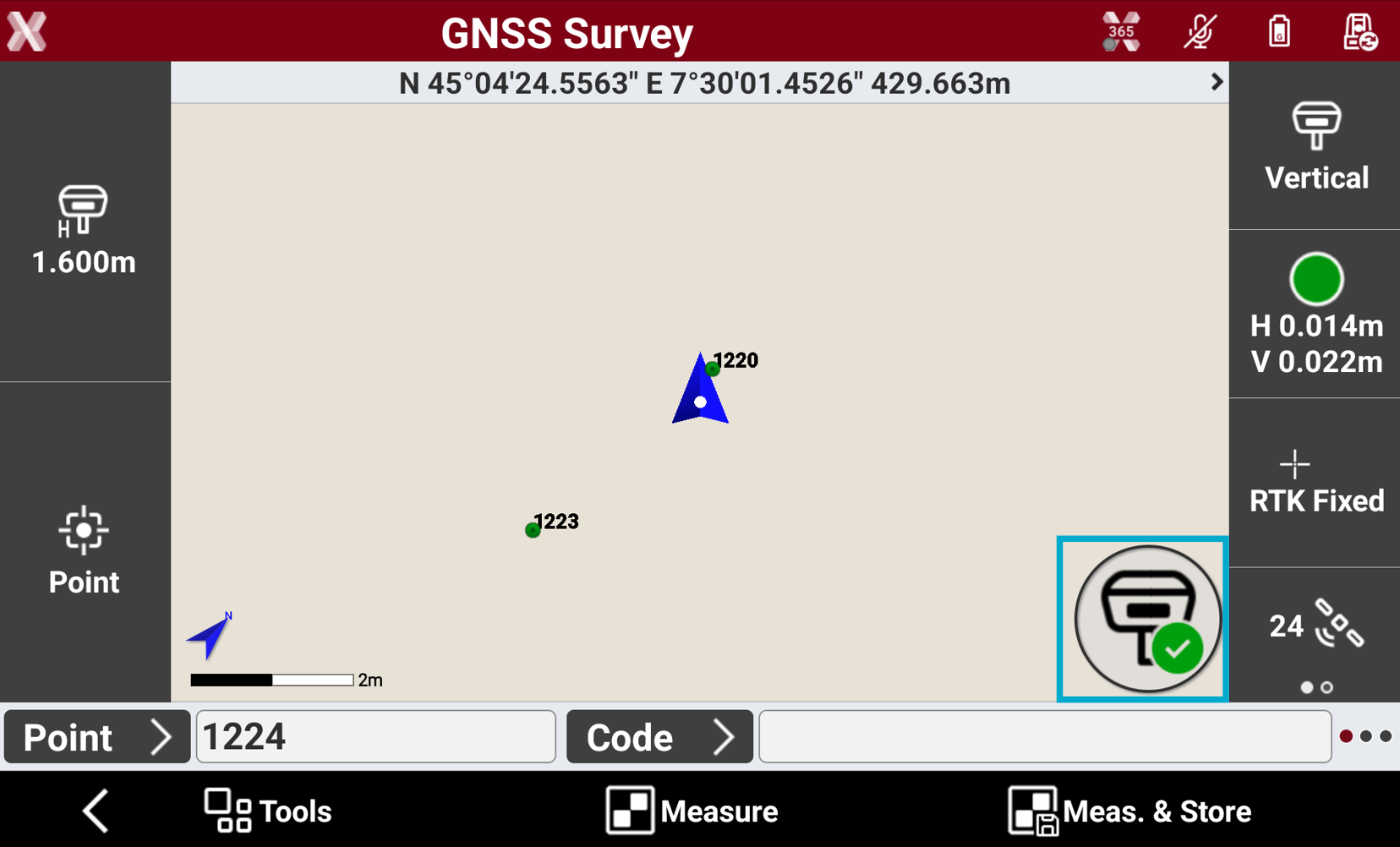
-
and select Tilted pole.
-
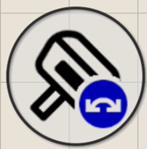
The icon has different status:
-
Pole vertical

-
IMU enabled but not available
-
Not initialized: walk and move the receiver to inizialise.
-
Tilt with low quality: walk and move the receiver to improve result and use IMU.
-
Magnetic calibration required: walk and move the receiver to inizialize; could happen after receiver is turned on.
-
GNSS quality low: if the GNSS accuracy is low or receiver is not fixed, IMU solution is not available.
-
-
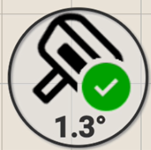
IMU enabled
-
IMU inizialization
-
IMU relies on movement to provide useful data.
-
Gyroscopes and accelerometers are the sensors in IMU. These sensors have small errors that accumulate over time (drift).
-
When the receiver is moving, the GNSS-IMU fusion algorithm corrects these errors using GNSS position.
-
The initialization process is used to correct the errors using the GNSS position.
-
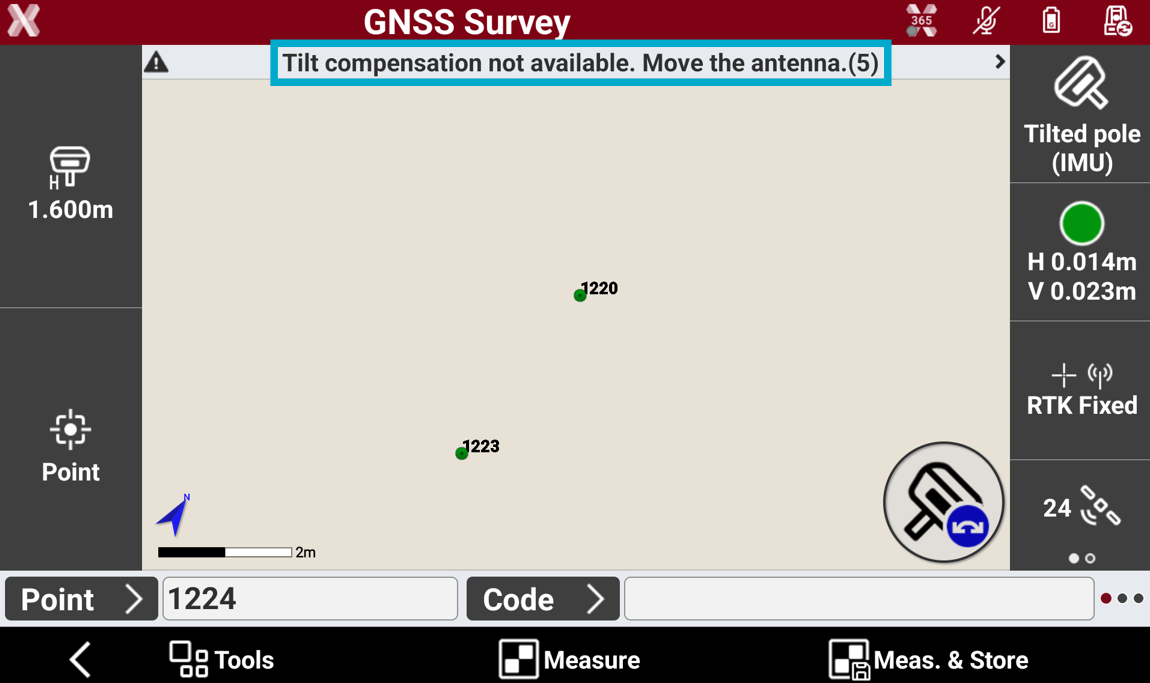
When the IMU is enabled, usually the status is not initialized.
-
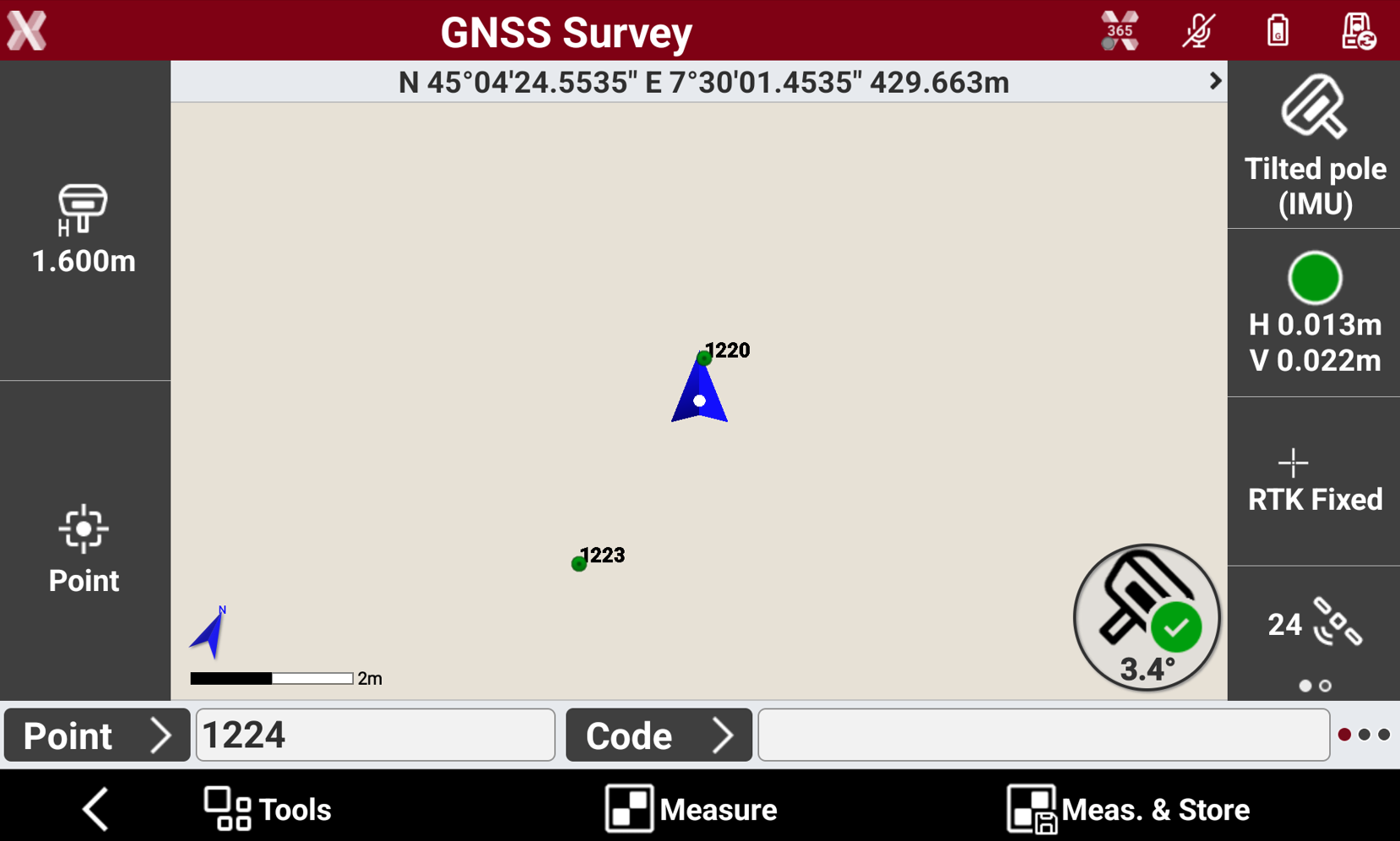
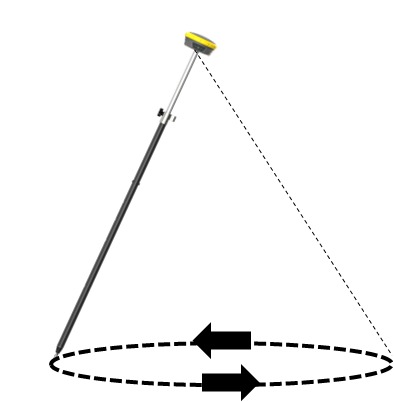
Wait until the GNSS receiver obtains a fix status and then start to walk and move the GNSS receiver: in few moments the receiver will be ready to be used with IMU.
-
If the GNSS receiver is new or has not been used since long time, a possible message is Magnetic calibration required. In this case this movement is helpful to speed up the inizialization process.
Tilt verification procedure
-
The tilt verification procedure is available with some GNSS receiver models.
-
The software offers a tilt verification procedure useful in these cases:
-
The user wants to confirm the tilt measurement accuracy under current installation.
-
A different pole is used on the GNSS. Since the straightness of the pole is critical to tilt measurements we recommend the tilt verification procedure.
-
-
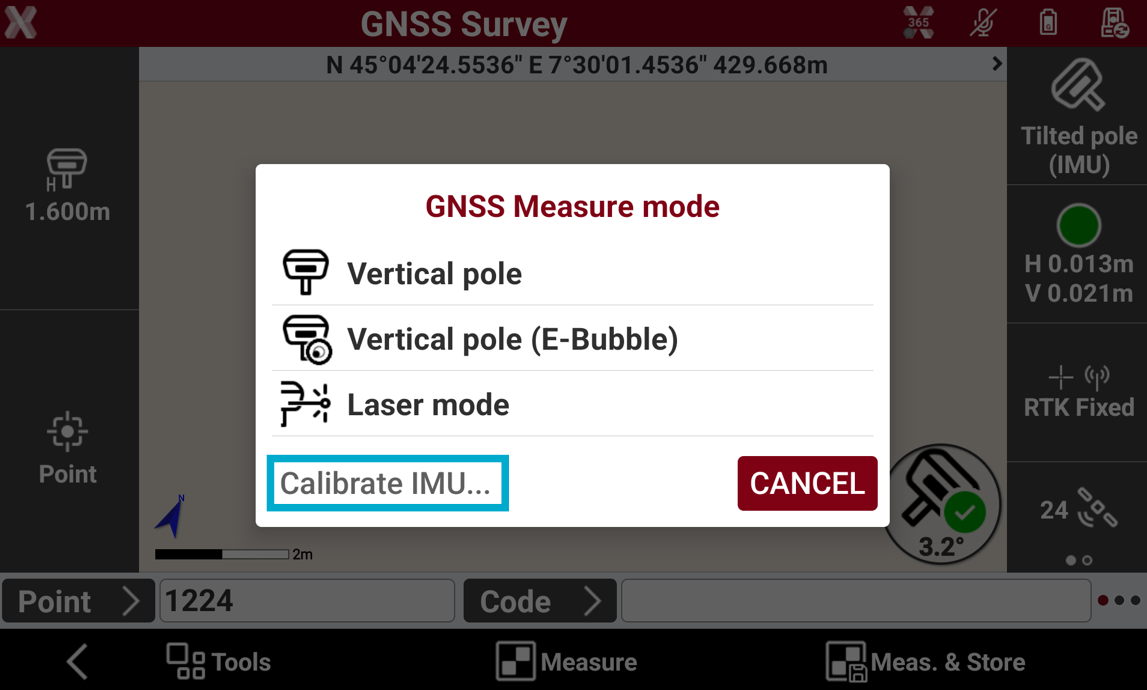
To start the procedure tap on pole icon and select Calibrate IMU.
-
Follow the on-screen procedure:
-
Place the GNSS pole vertical on a point and press Start.
-
Swing the pole for 8 seconds back and forth.
-
Level the pole using the pole bubble for 8 seconds.
-
Rotate 90° with the GNSS receiver without moving the pole tip.
-
Repeat the same process following the on-screen procedure.
-
If the verification is successful the user is informed with a Success message.
-
The procedure is not used to initialize the IMU.
Survey with IMU
-
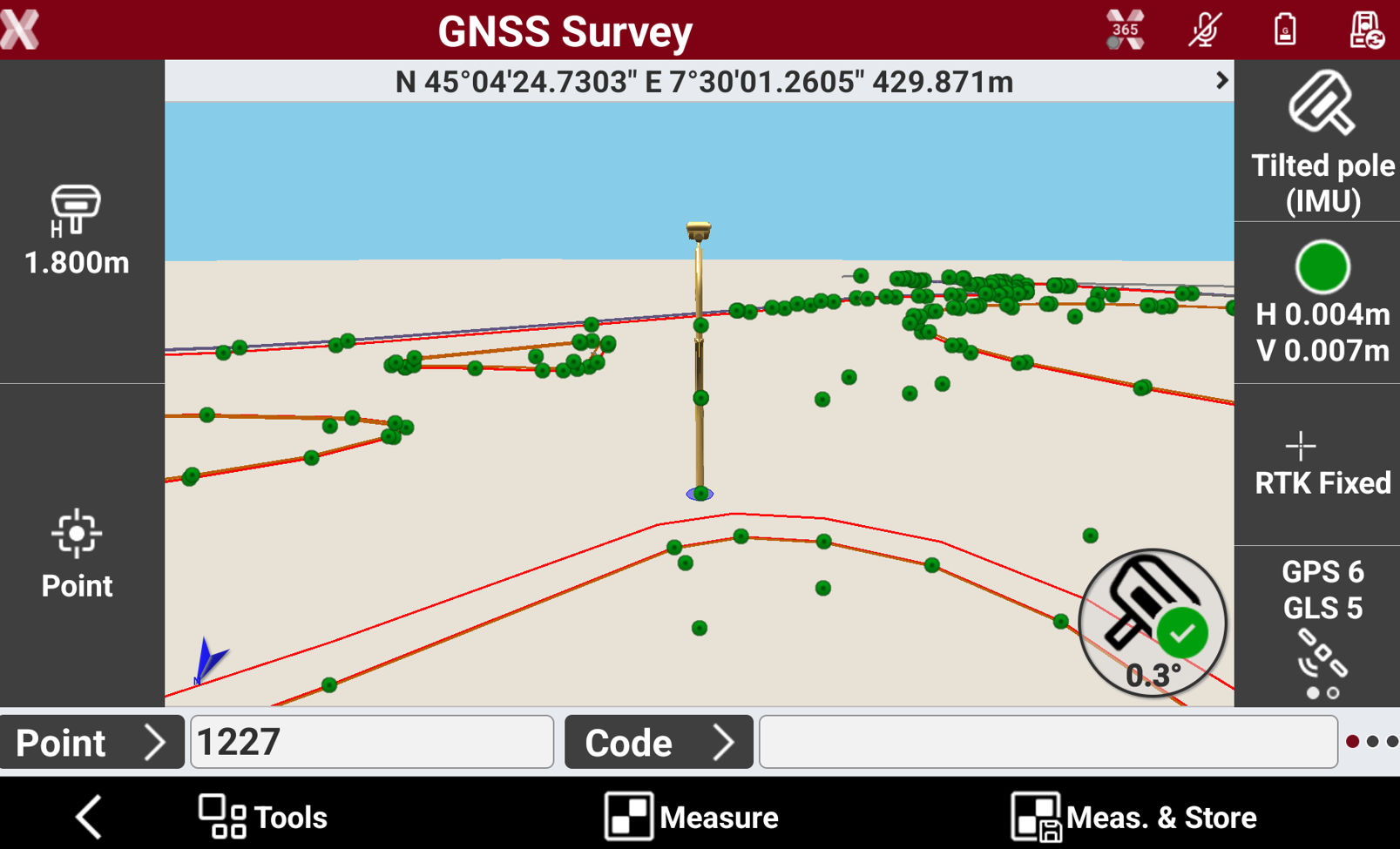
When the IMU is initialized, it is possible to measure points with the pole tilted.
-
The current pole tilt value is visualized on the IMU icon.
-
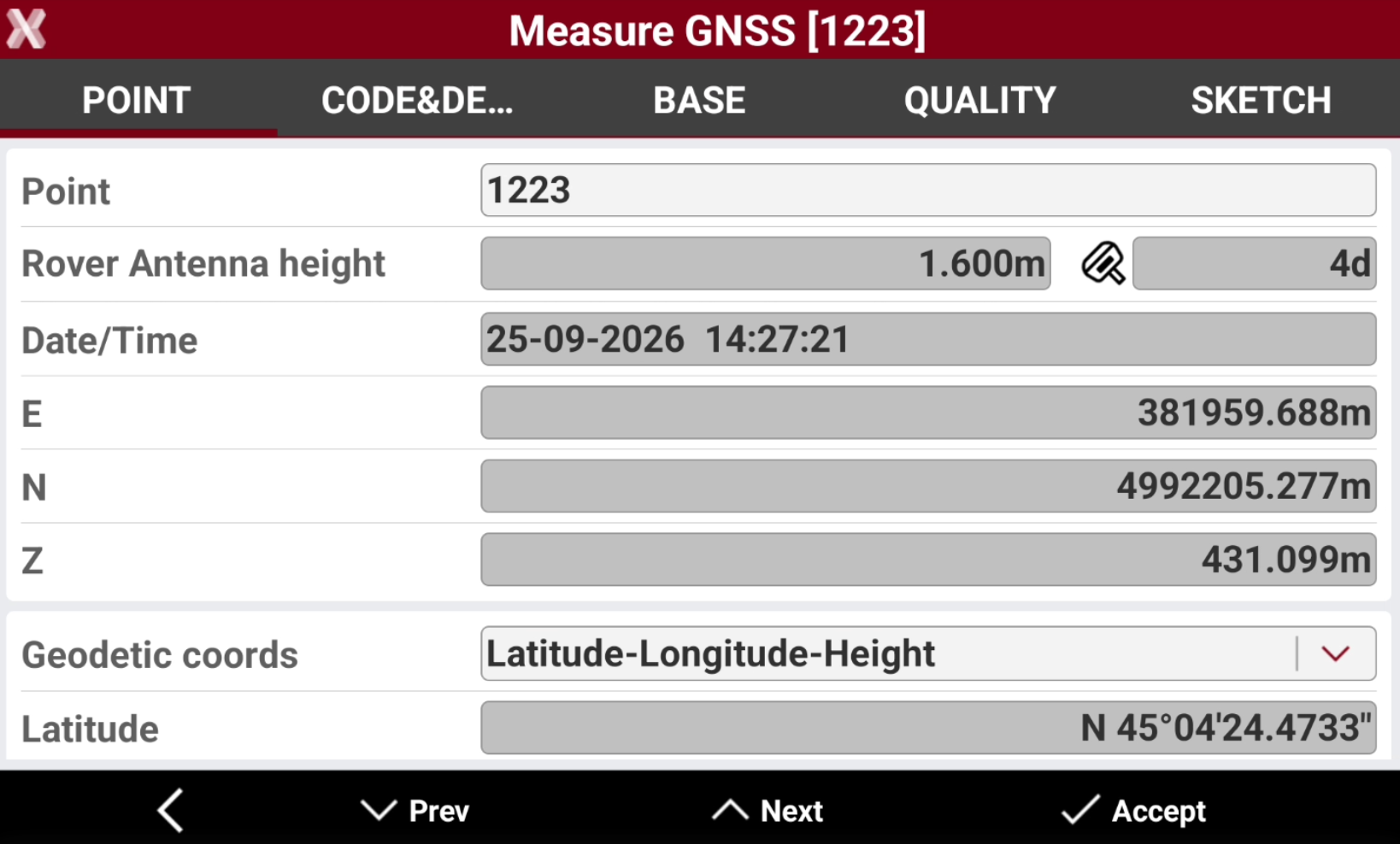
Measurements with IMU are stored with a specific icon.
-
For quality control the tilt value is recorded for every measure.
-
Changing the pole height, the point coordinate is recalculated.
Stakeout with IMU
-
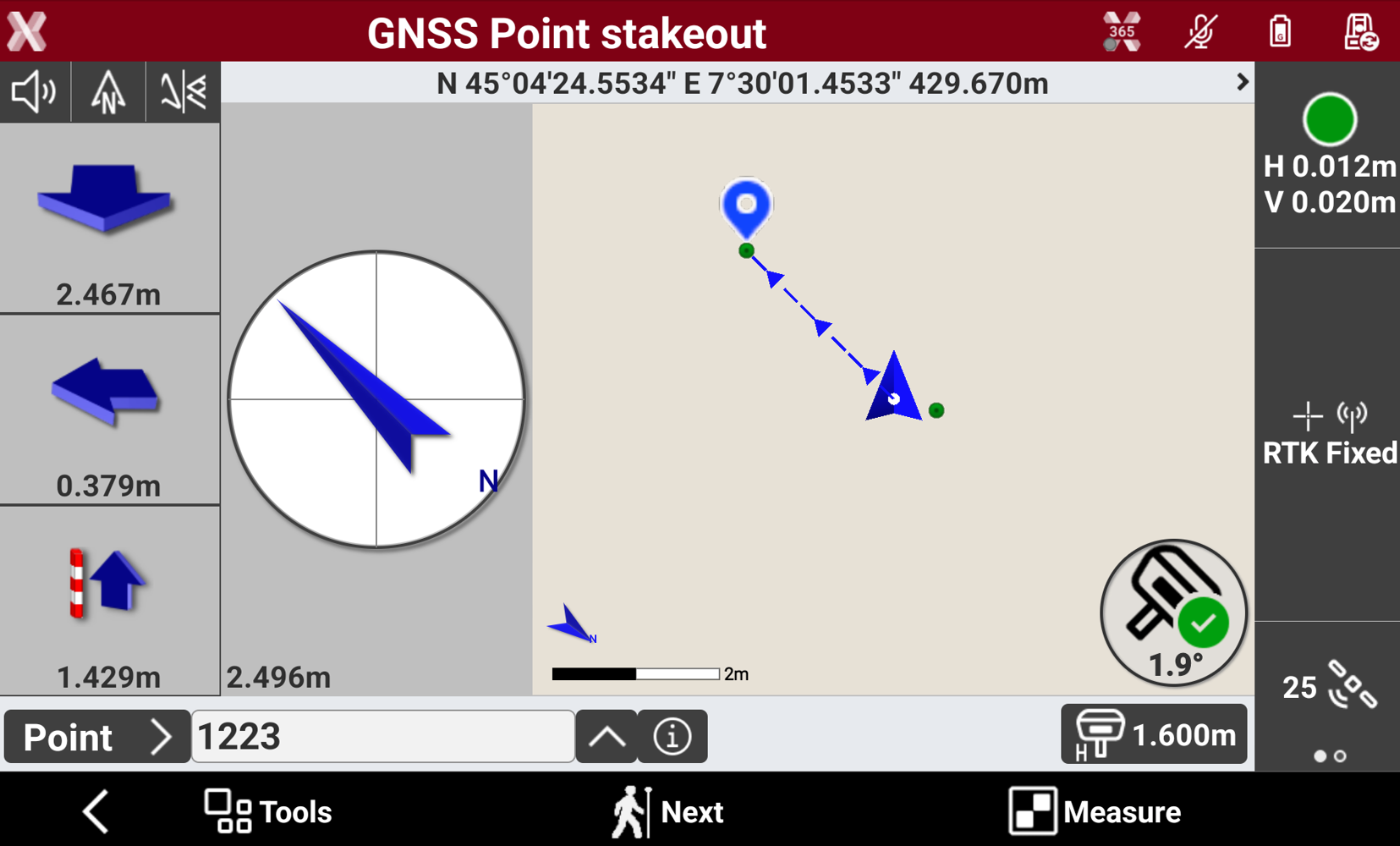
IMU can be used for stakeout points to improve the efficiency.
-
With a conventional GNSS sensor stakeout is a slow process. With a IMU receiver the need to look at the bubble is eliminated, meaning that the pole tip can be aimed at the point to stakeout by following the stake instructions. The time needed to stake the point is reduced.
Be sure that the receiver front panel is facing the operator, to obtain correct information on the stakeout direction.
-
When the IMU is initialized it is possible to stakeout the points with the pole tilted. The direction to the point is immediately available since it is coming from IMU sensor.