Rapid measure of a TPS point
-
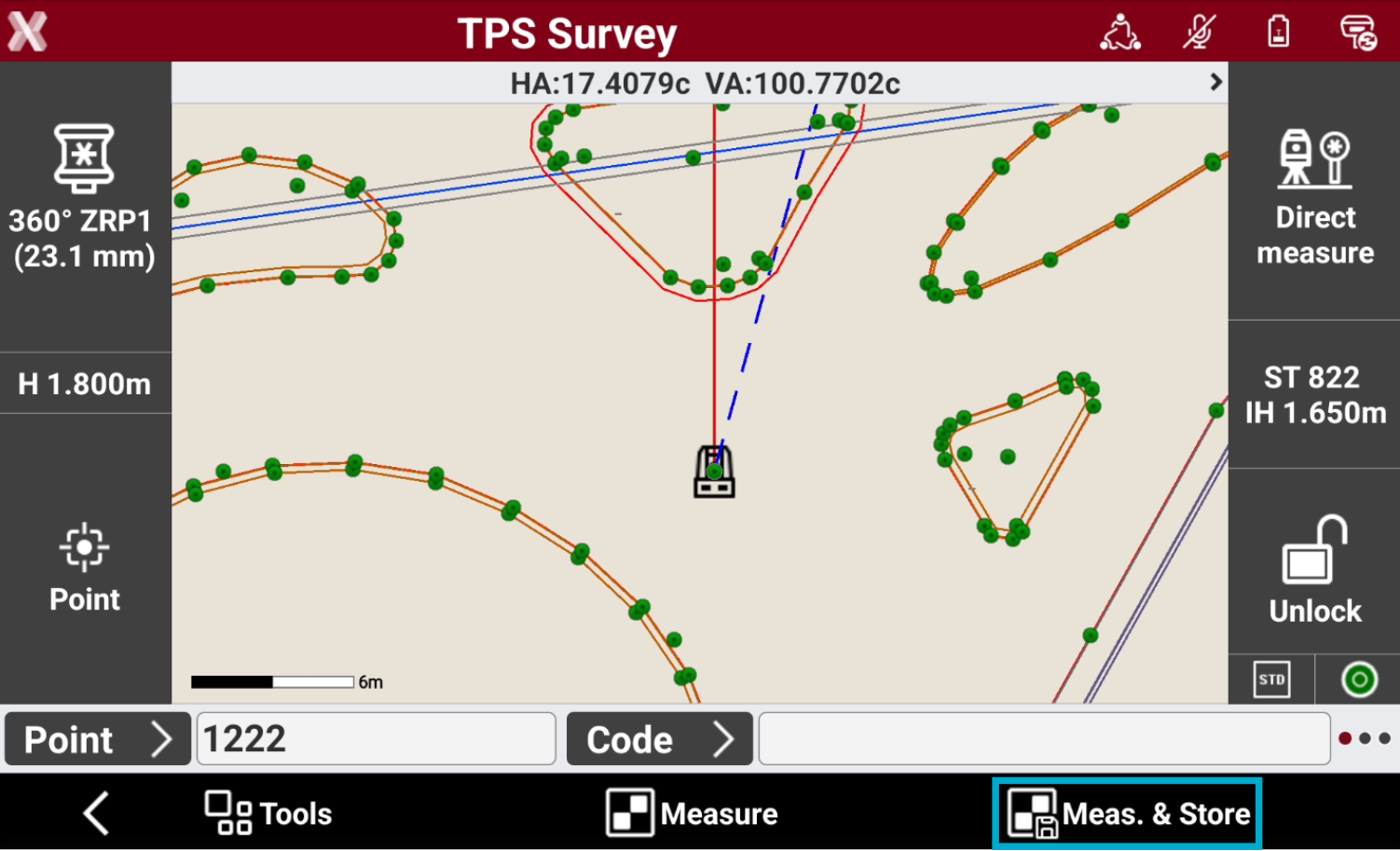
Meas & Store button allows to automatically measure and record the point.
-
Enter the point ID in Point field.
-
Enter the survey code in Code field or select an existing code.
-
Press Meas & Store button. The point measurement starts. The point is saved automatically.
-
If GIS feature are required for a point code, a window for entering the attributes opens.
Measure of a TPS point
-
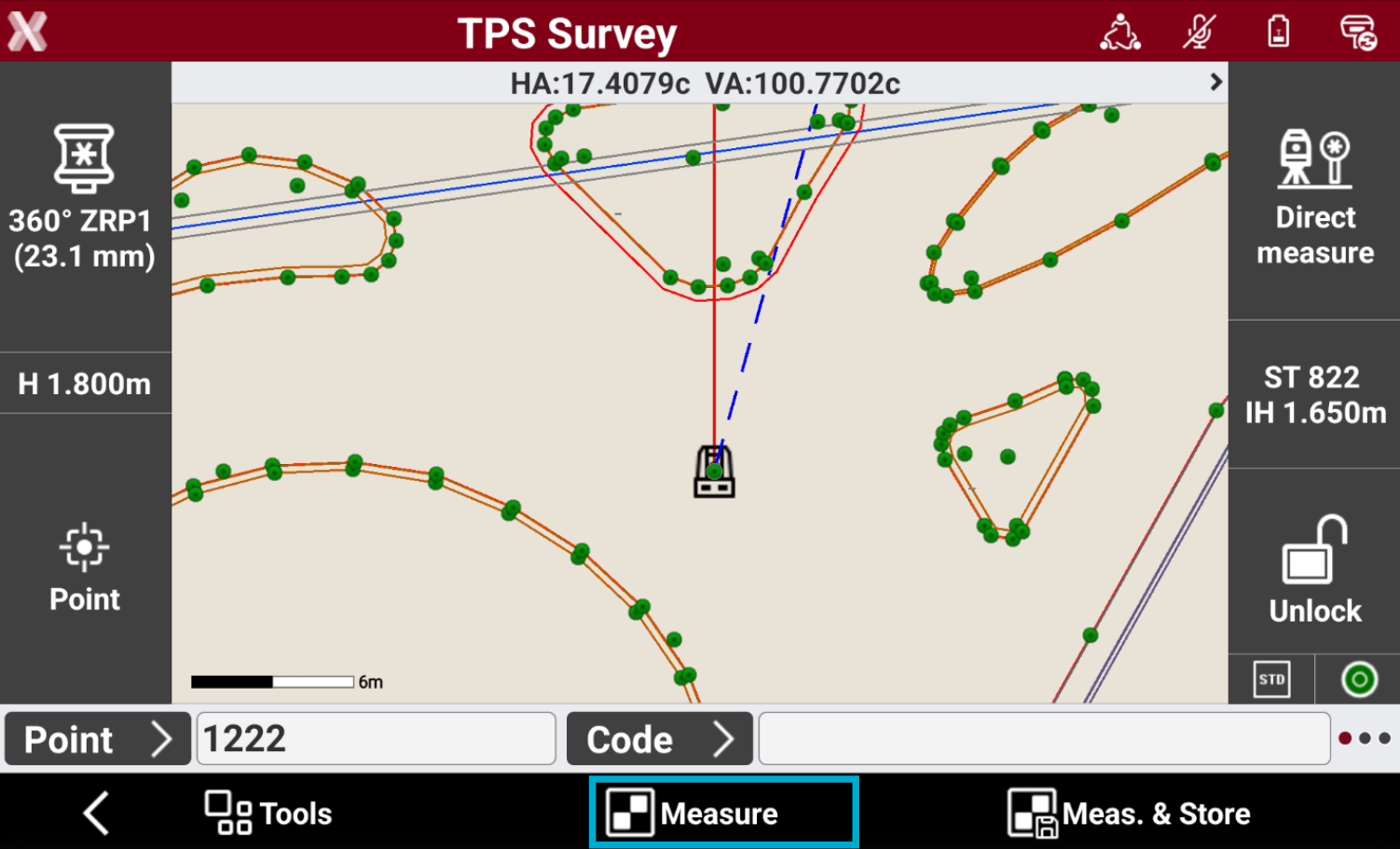
Measure allows to measure a point and review the results before storing it.
-
Enter the point ID in Point field.
-
Enter the survey code in Code field or select an existing code.
-
Press Measure button. The point measurement starts.
-
If GIS feature are required for a point code, a window for entering the attributes opens.
-
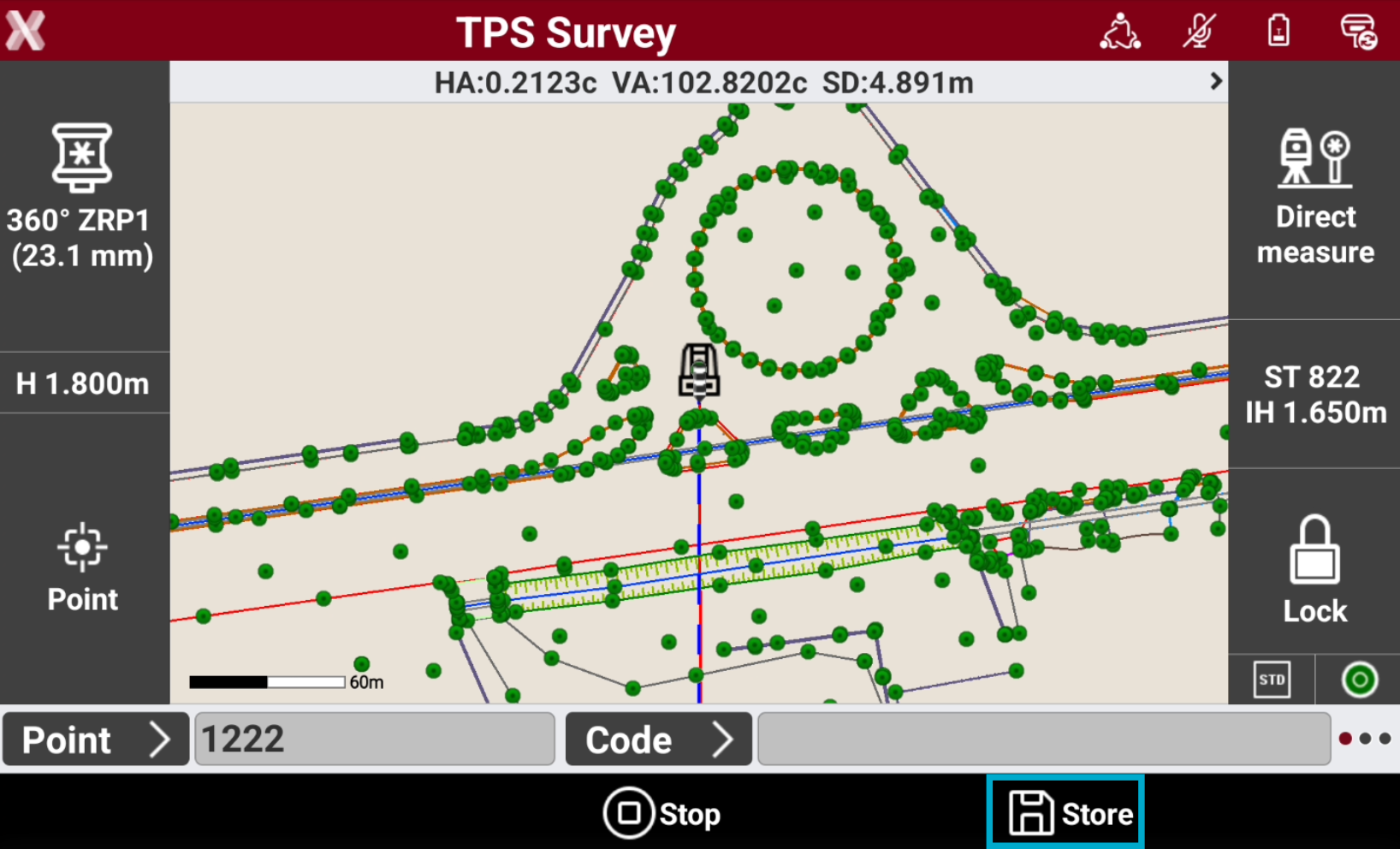
Decide if the point will be recorded. The angle measured to an unaccessible point can be edited.
-
Press Store to record the measured data and open the Store point page.
Data page
-
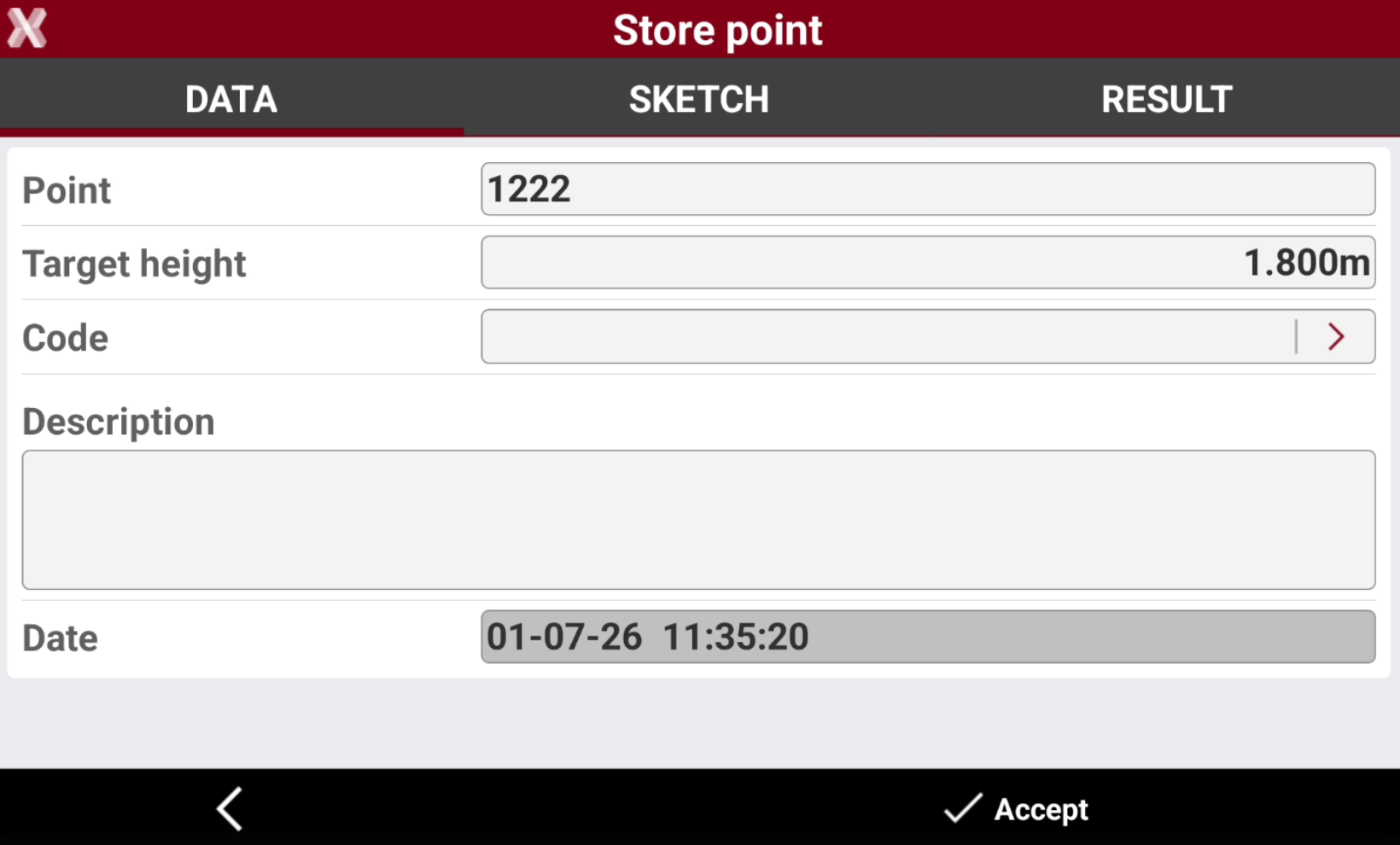
The Data page shows the main point information.
-
Point: name of the point to store.
-
Target height: elevation of the target at the moment of the acquisition of the point.
-
Code: code assigned to the point.
-
Description: extended description associated to the point.
-
Sketch page
-
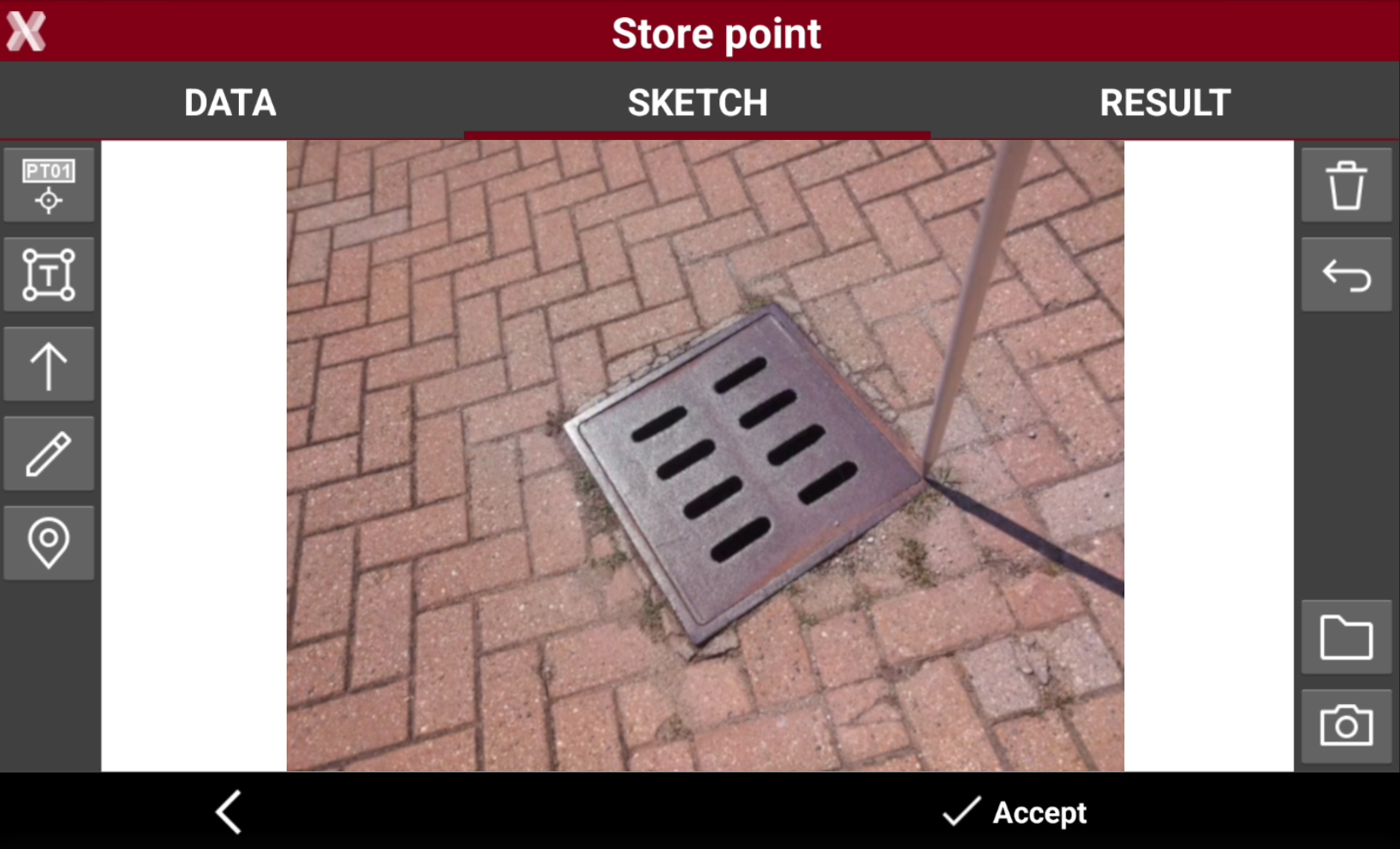
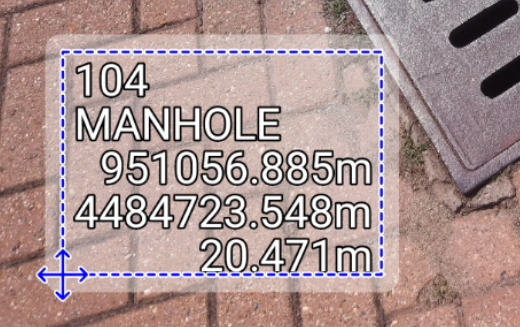
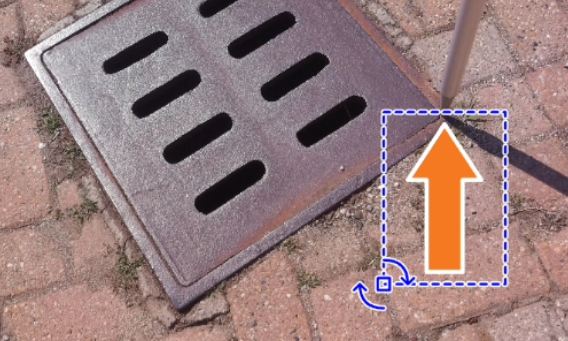
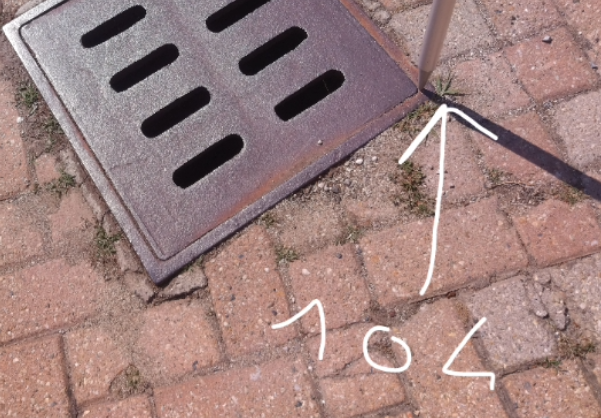
Sketch page allows to view the photo assigned to a point, load or take a new photo or draw on the image to have a picture of the topographic point.
-


-

-


-

-

-

-

-

-
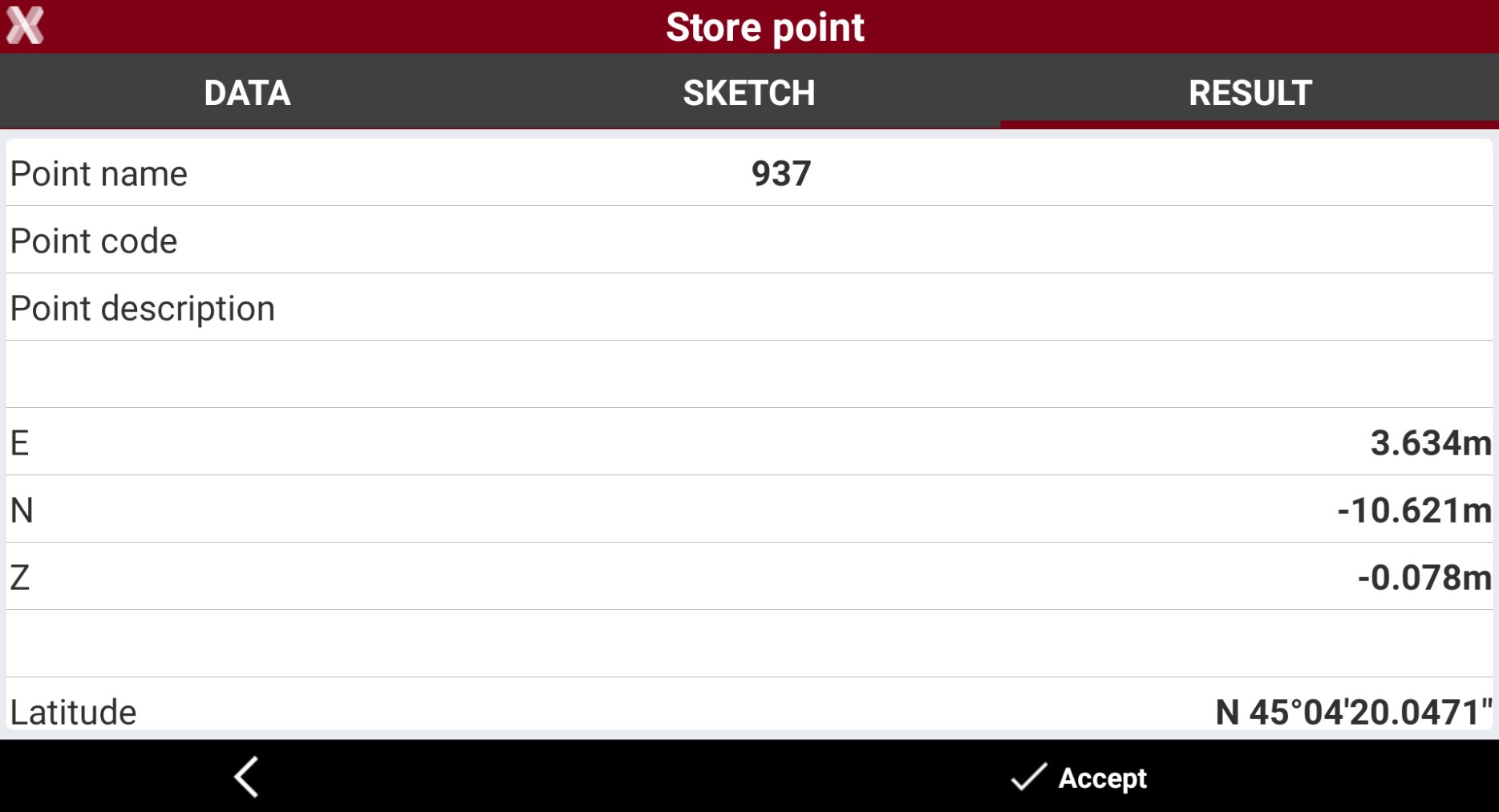
Result page
-
The Result page shows a resume of measured point.