
-
Stakeout points function allows to stakeout single topographic points.
Point stakeout can also be initialized from CAD.
-
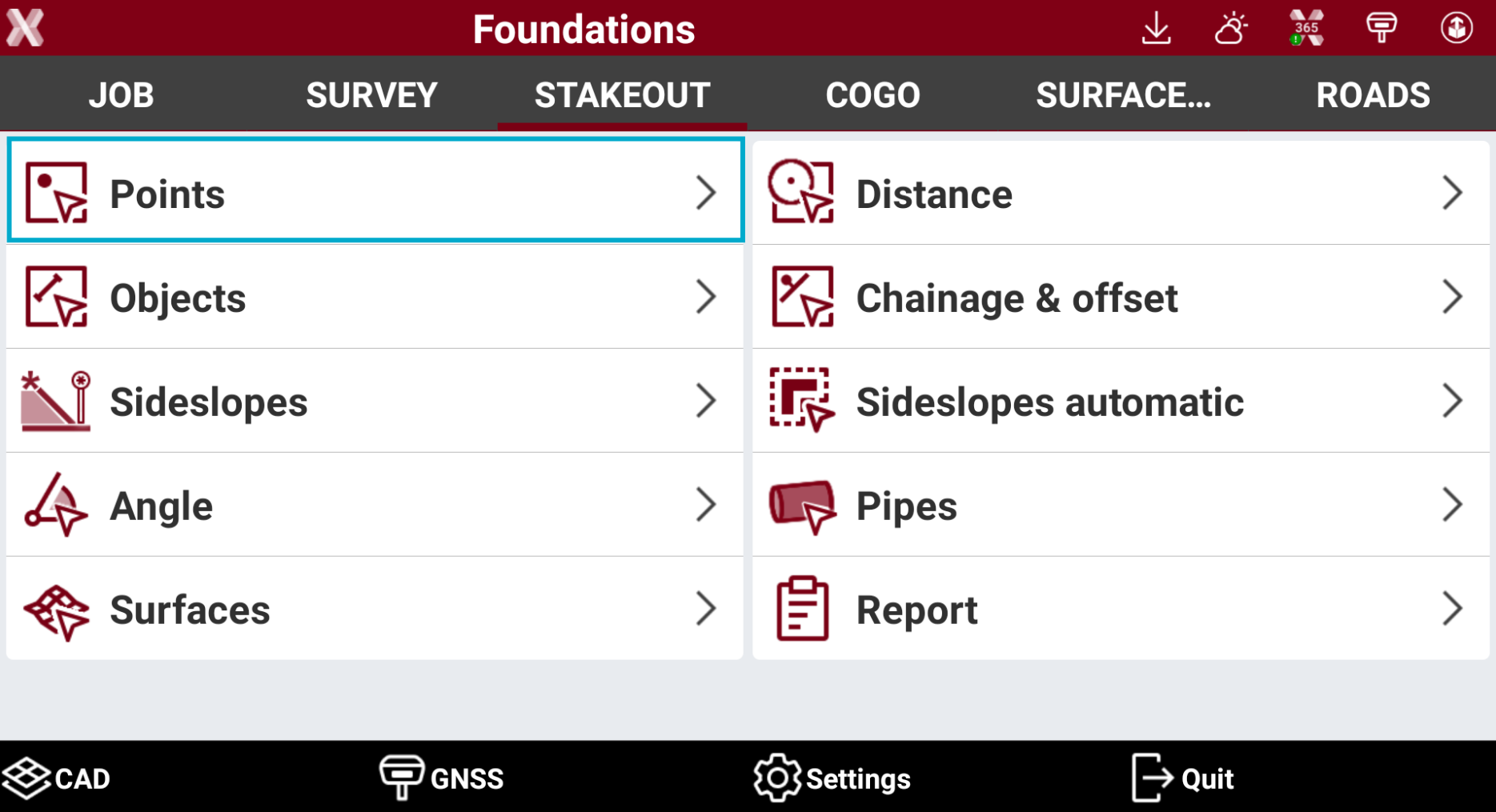
Open the Stakeout page.
-
Select Points.
-
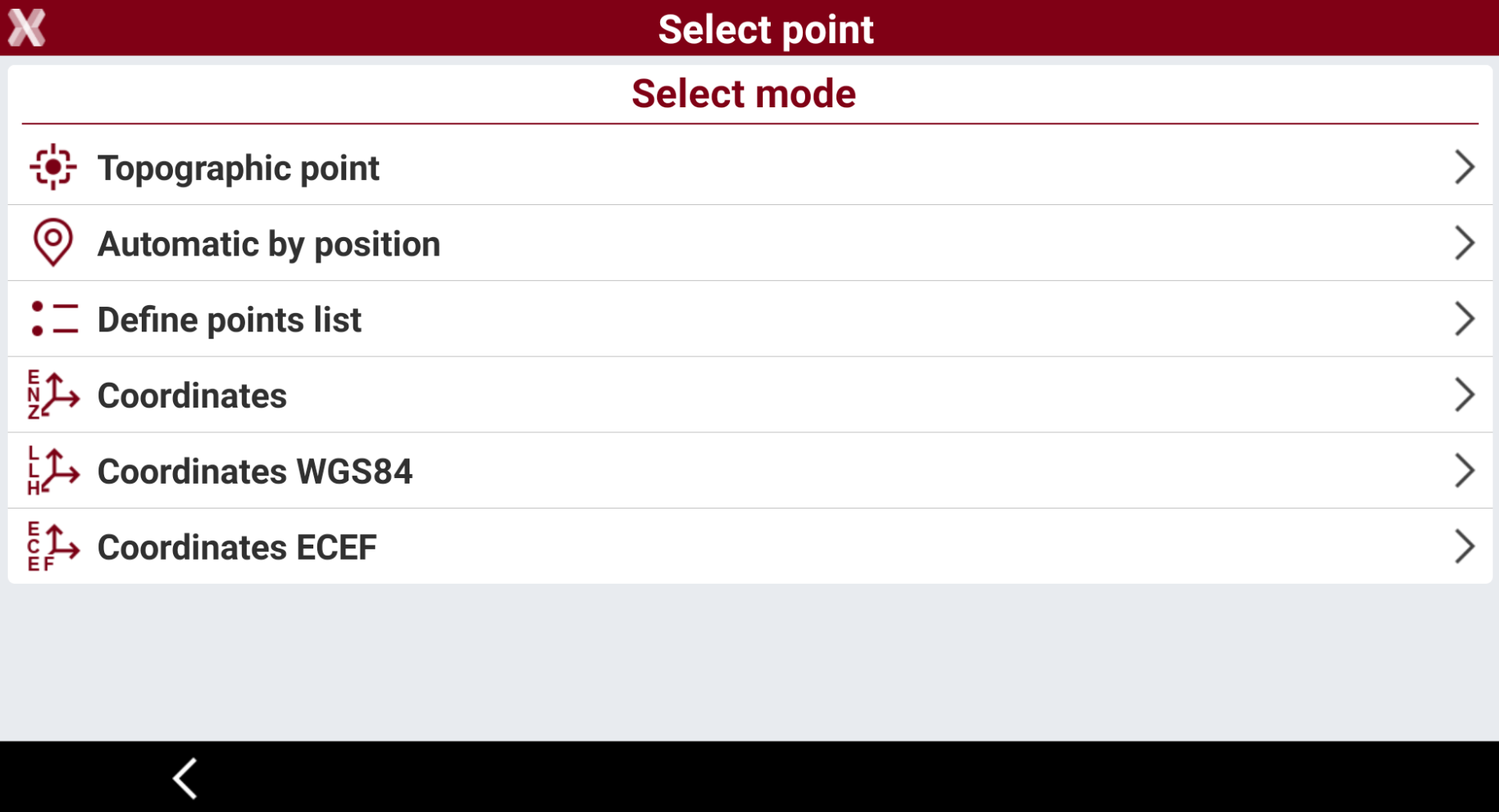
Select the stakeout mode.
-
Topographic point: the nearest topographic point is selected automatically according to the position of the receiver.
-
Automatic by position: the nearest topographic or reference point to stakeout is selected automatically according to position of the receiver.
-
Define points list: create a list of topographic points to stake. This option allows to create a table with a list of points to stakeout. The points can be loaded from CAD or selected from the point list. The list can be saved and loaded from a file.
-
Coordinates: manual definition of East, North and elevation to stake. Coordinates can be selected from the CAD drawing using Select button.
-
Coordinates WGS84: manual definition of the WGS84 coordinates to stake. The option is available when working with GNSS receivers.
-
Coordinates ECEF: manual definition of the geocentric coordinates to stake. The option is available when working with GNSS receivers.
-
-
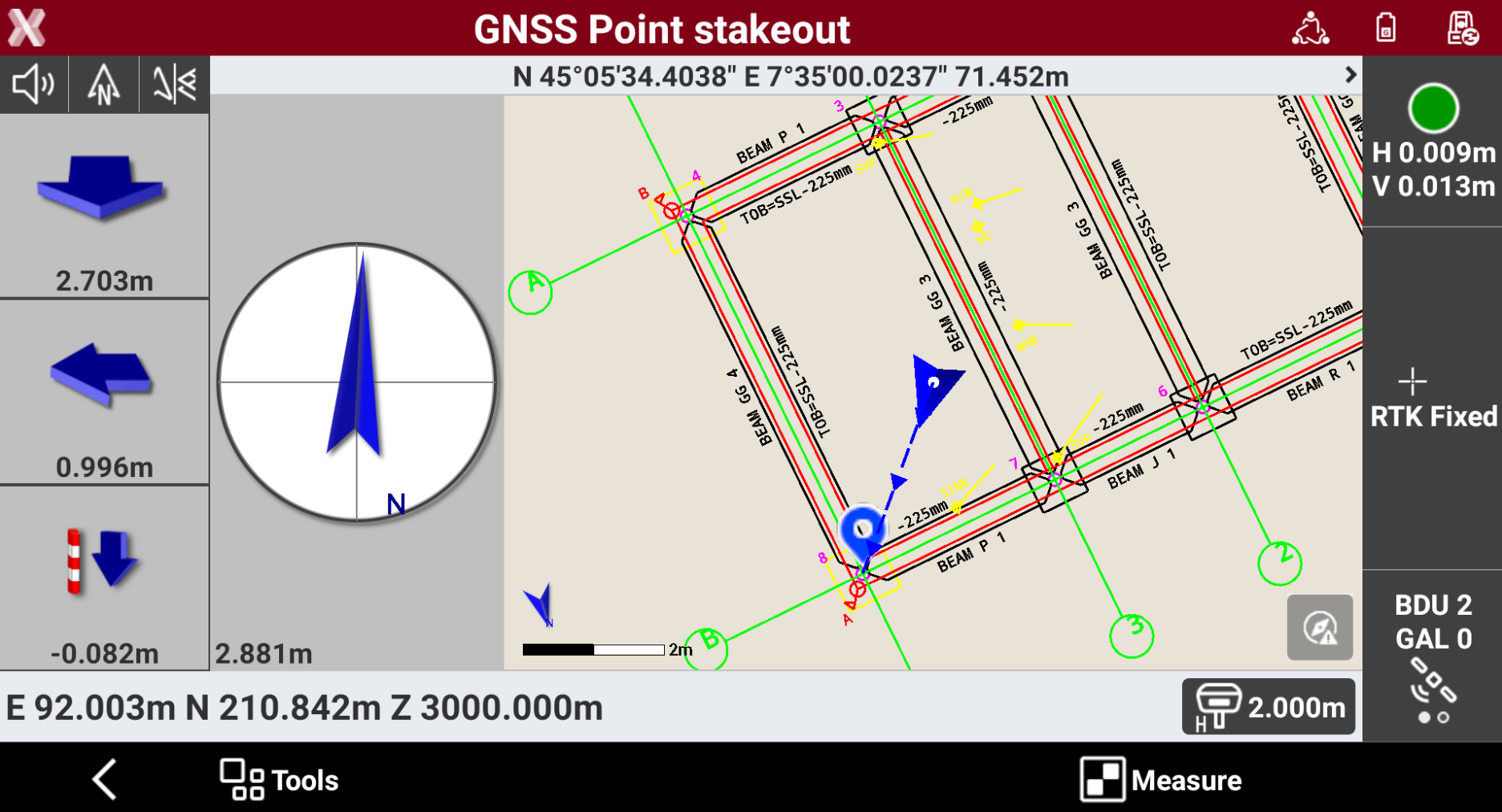
After the point to stakeout has been defined, the GNSS Point stakeout page is opened.
-
Refer to Stakeout - GNSS and Stakeout - TPS for the commands in this page, depending on the connected instrument.
-
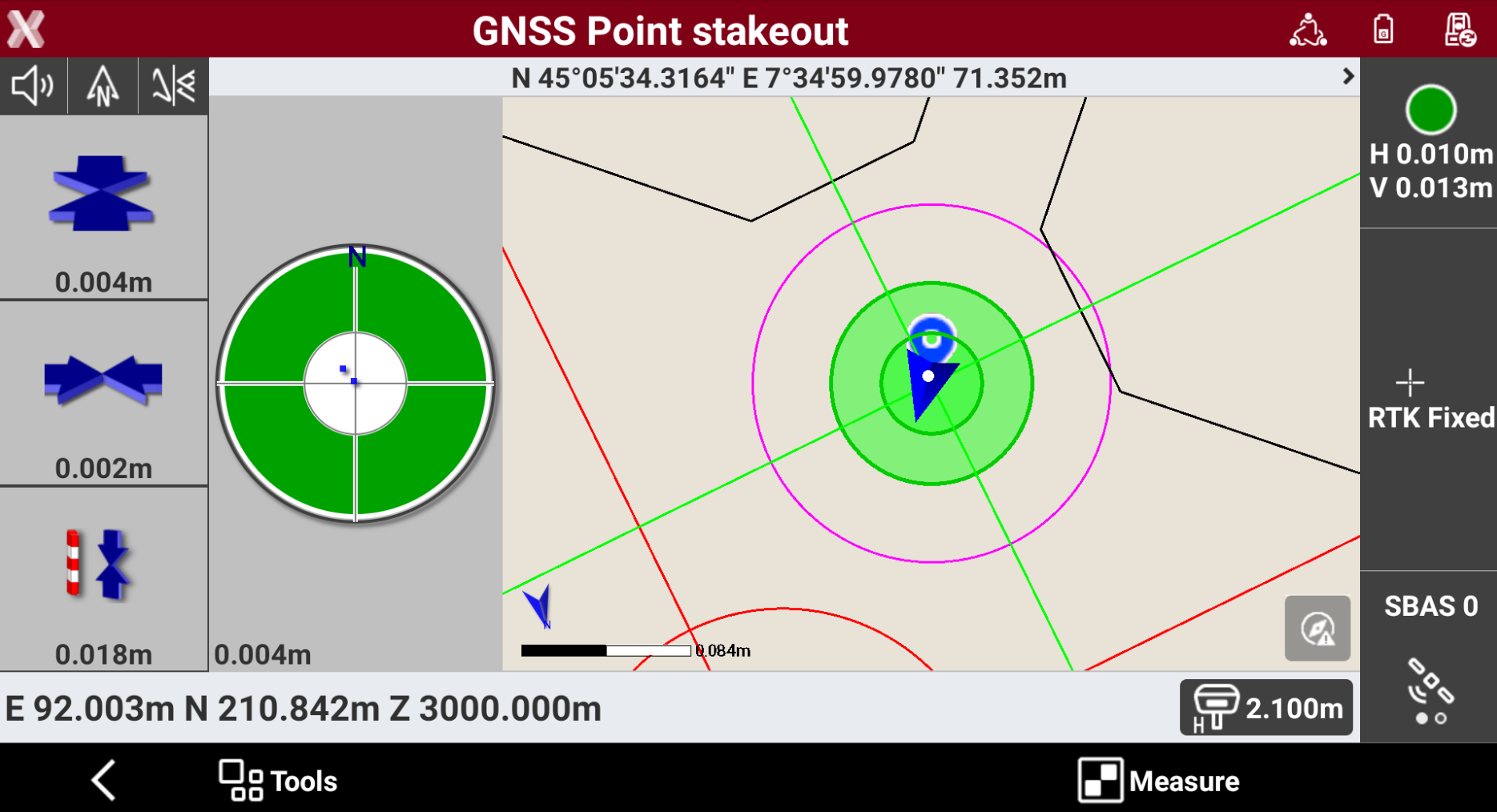
Reach the stakeout position following the indications. To store the measure press Measure and Accept to store the result
-
The software proposes the next point to stakeout automatically. Otherwise tap on a different object on the CAD view or click

It is possible to select an object, for example a polyline, to change from Stakeout Point to Stakeout object.
-
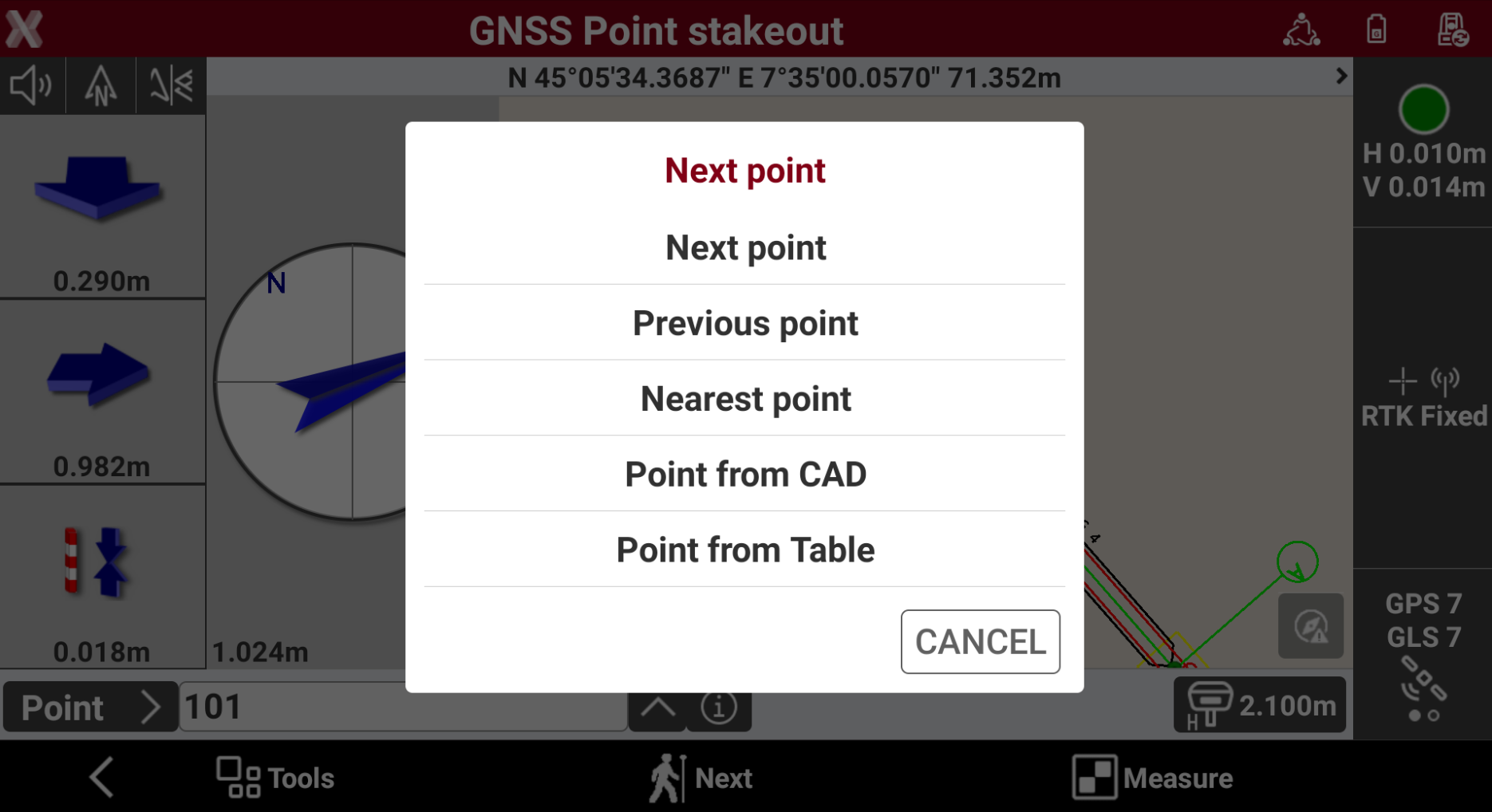
Press Next to select the next point from our of the following modes.
-
Next point: the next point is suggested, according to recording order.
-
Previous point: the previous point is suggested, according to recording order.
-
Nearest point: the nearest point, which has not been staked yet, is suggested.
-
Point from CAD: manual selection of the point to stake in the graphic window.
-
Point from Table: manual selection of the point to stake from the table.
-