
-
All stakeout data related to stakeout of points or elements are recorded in the job.
-
The command Report allows reading and exporting the data.
-
Available output formats:
-
ASCII
-
CSV for Excel
-
XML for Excel
-
PDF
-
HTML
-
-
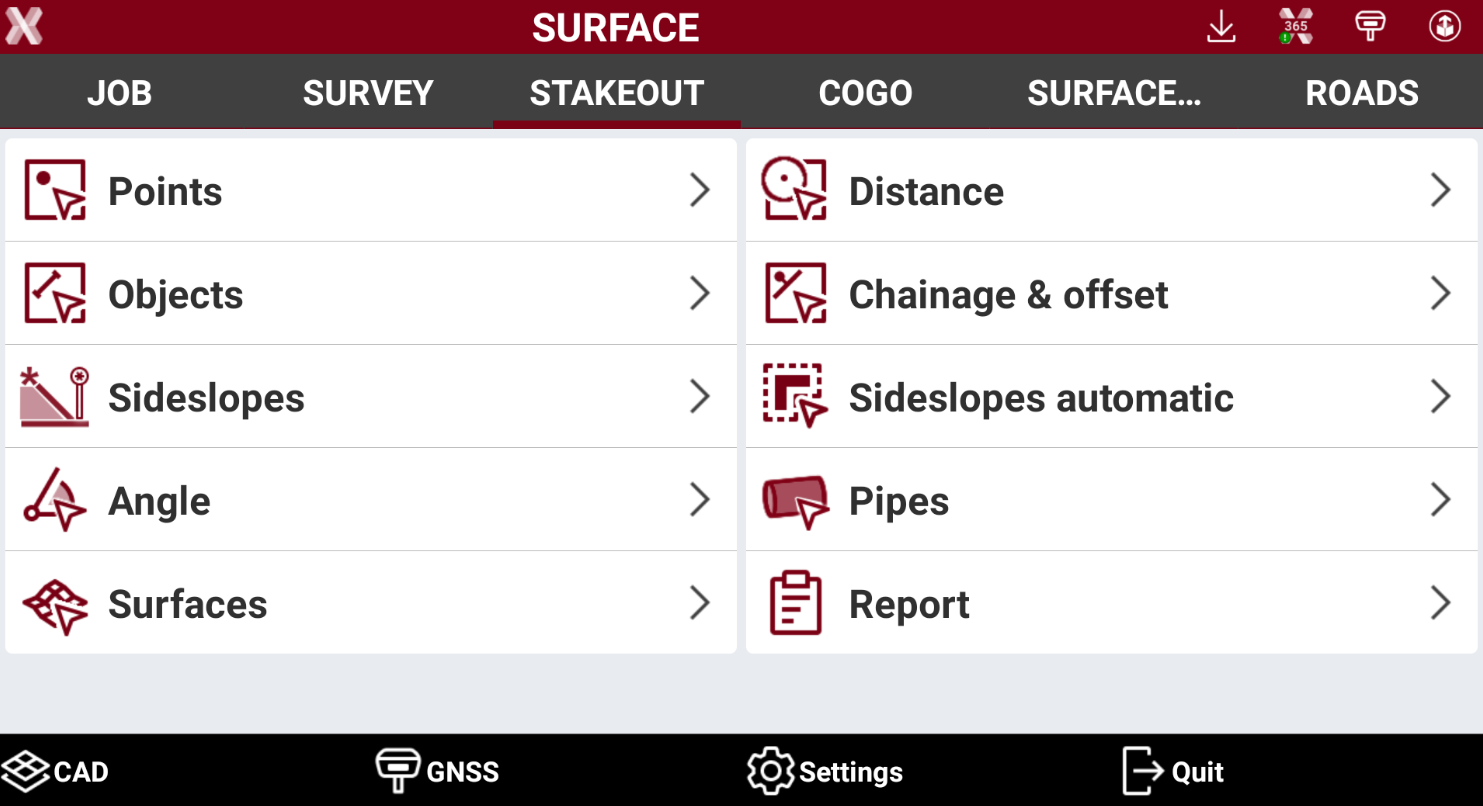
Open the Stakeout page.
-
Select Report.
-
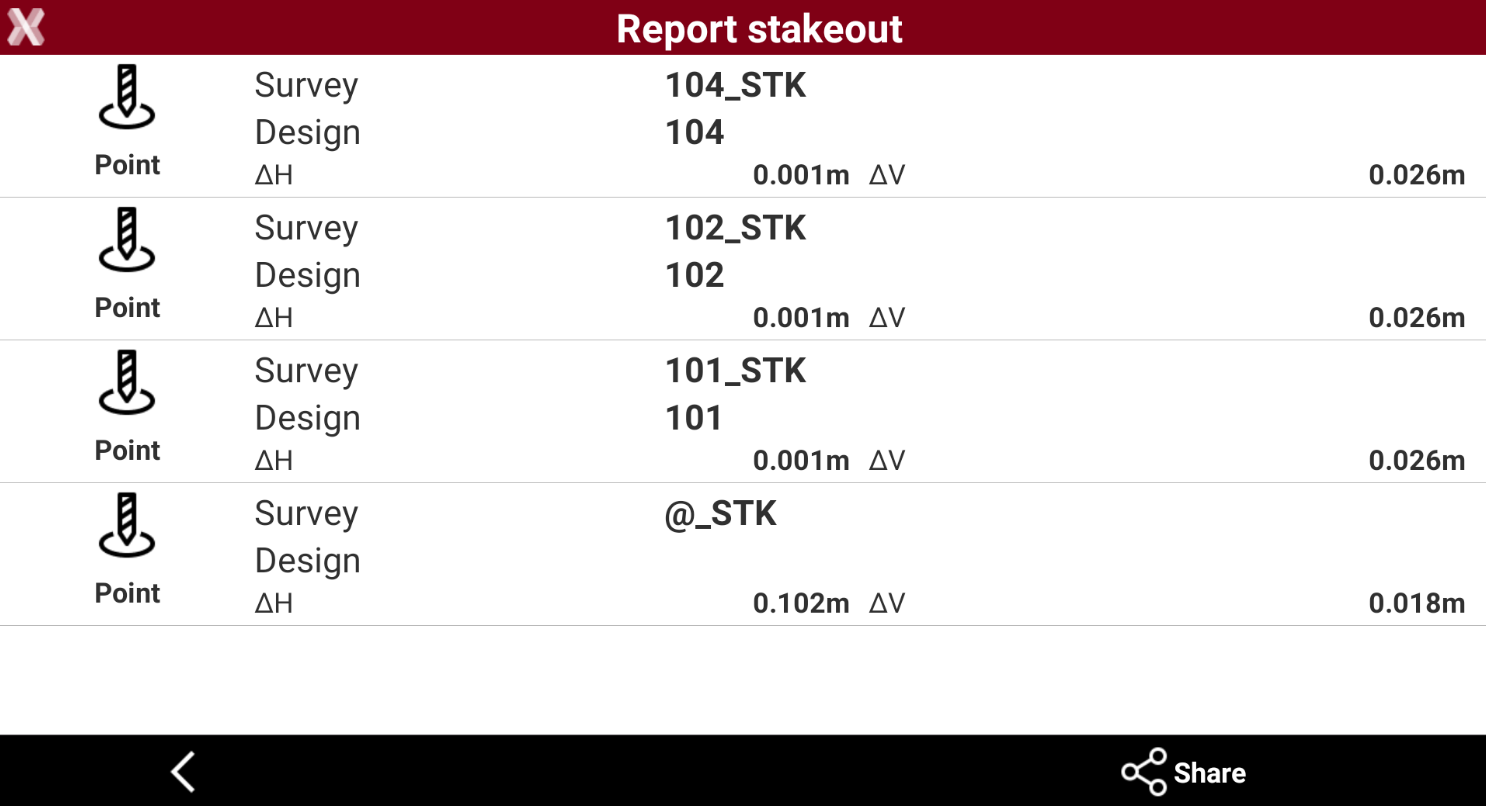
A table presents the list of all stakeout points with differences, in distances and elevations, between the design coordinate and the stakeout coordinate.
-
Press Share to create an ASCII, CSV, XML, PDF or HTML document, with all stakeout data of every point.
-
Select the report mode:
-
Extended report: includes all project information as coordinate system, measurements and other data that can be customized. See Report.
-
Basic report: creates a report only with stakeout information showing the differences from or to design data.
-