GIS
-
GIS features manager allows to visualize and manage the GIS features.
-
Open the Job page and select Points/Measurements/Codes.
-
Open the Codes tab.
-
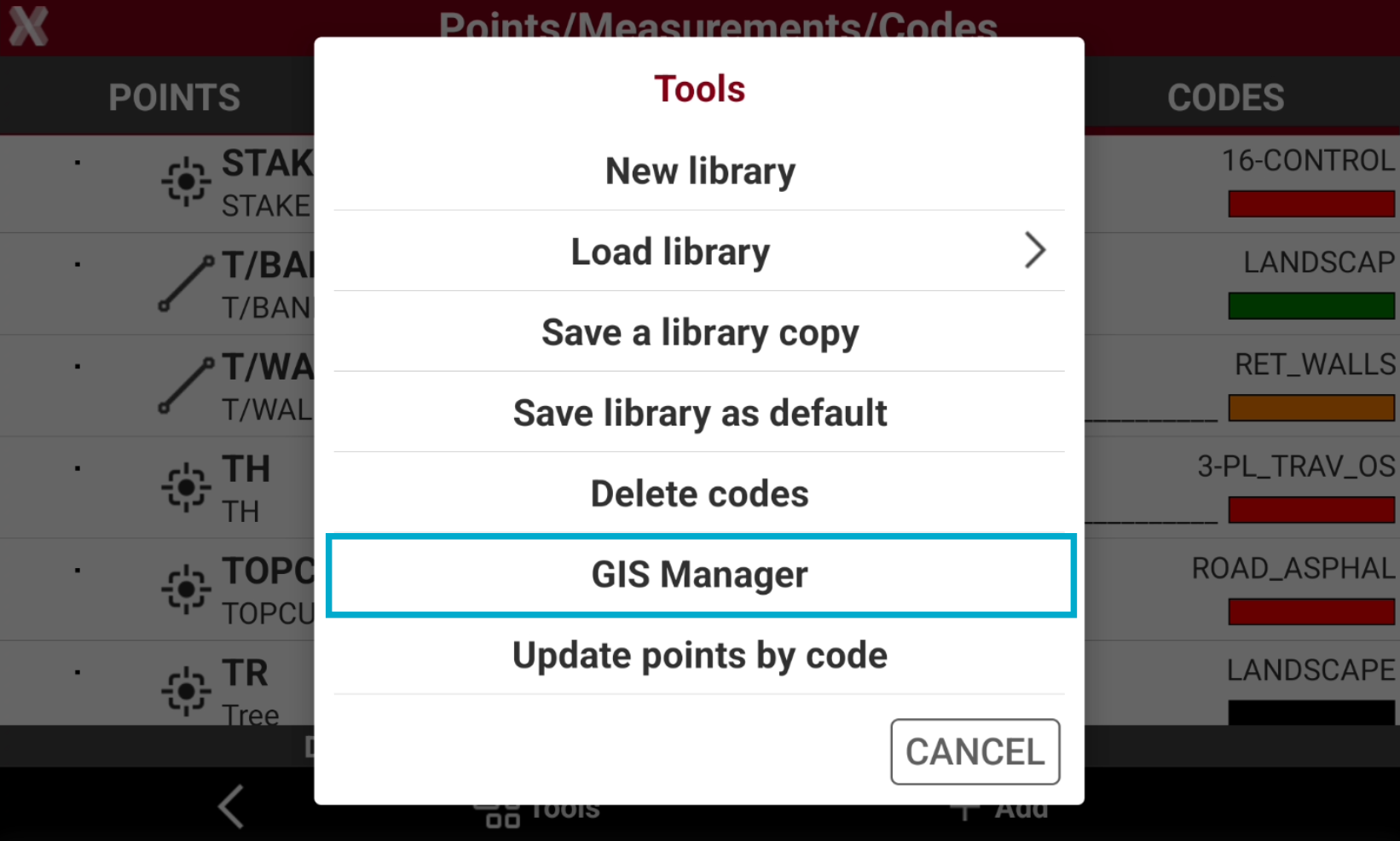
Select Tools and select GIS Manager.
-
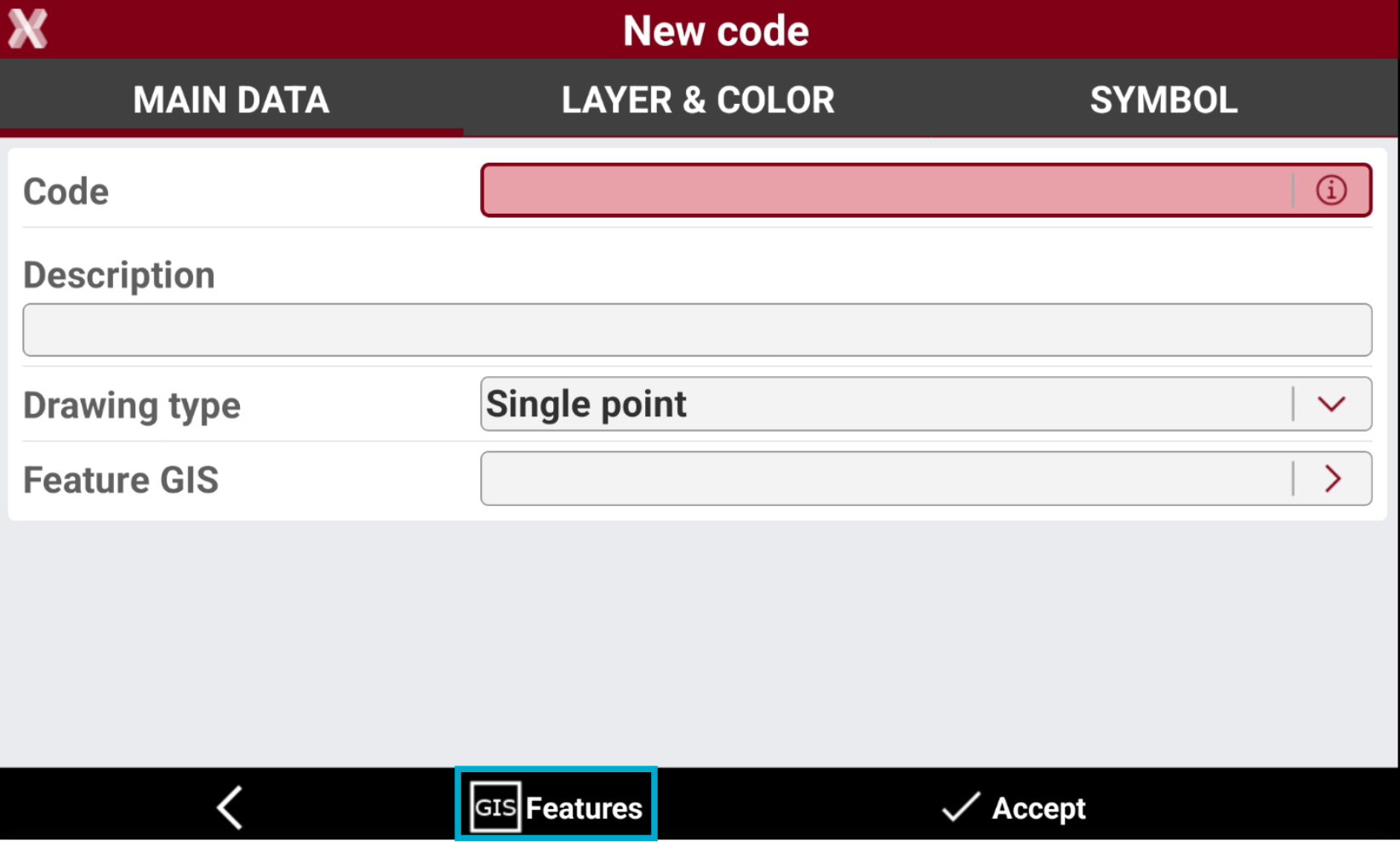
Or select GIS Features from the survey code creation/editing page.
-
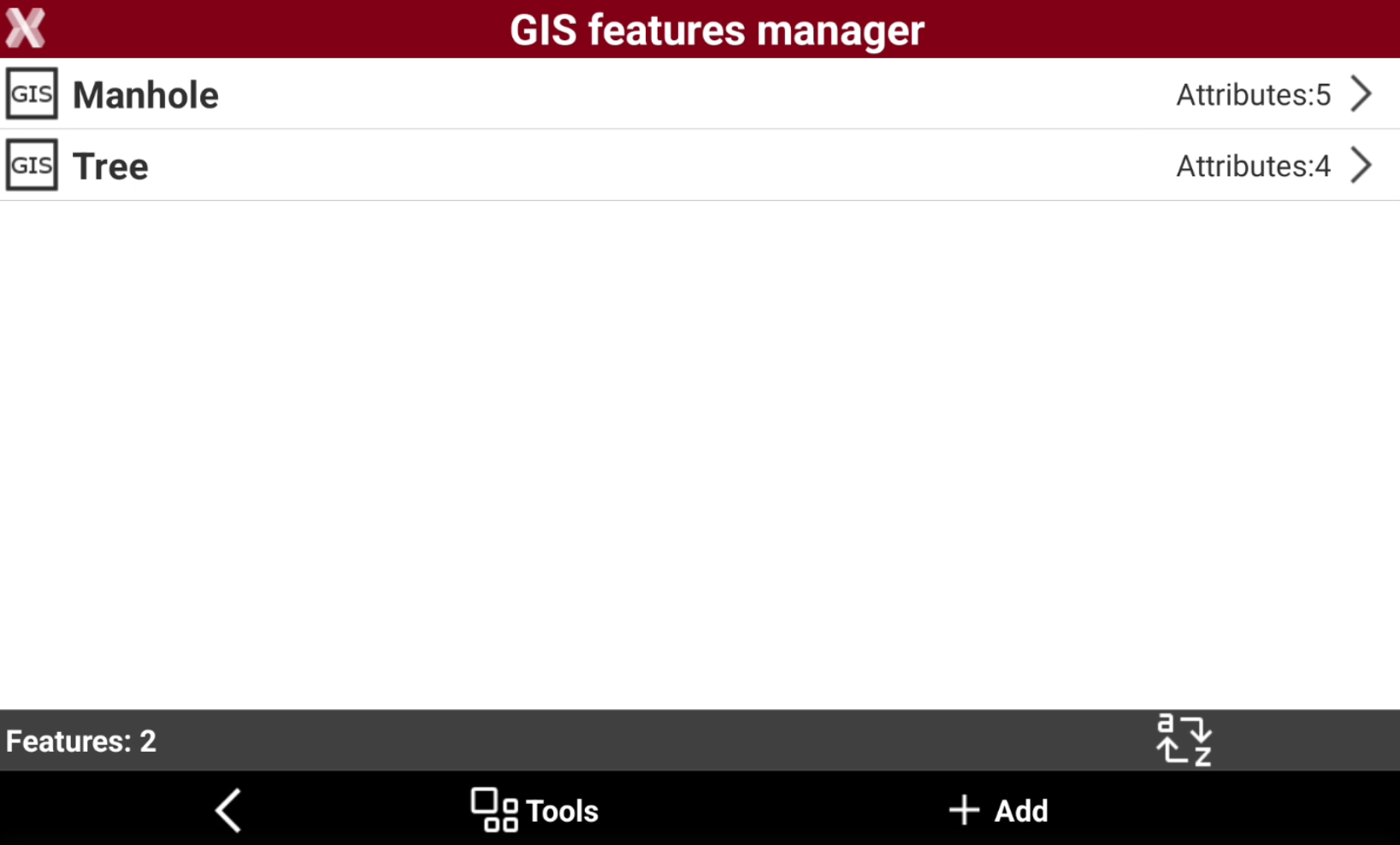
This opens the GIS features manager where all GIS features are loaded and it is possible to create new features.
Delete GIS features
-
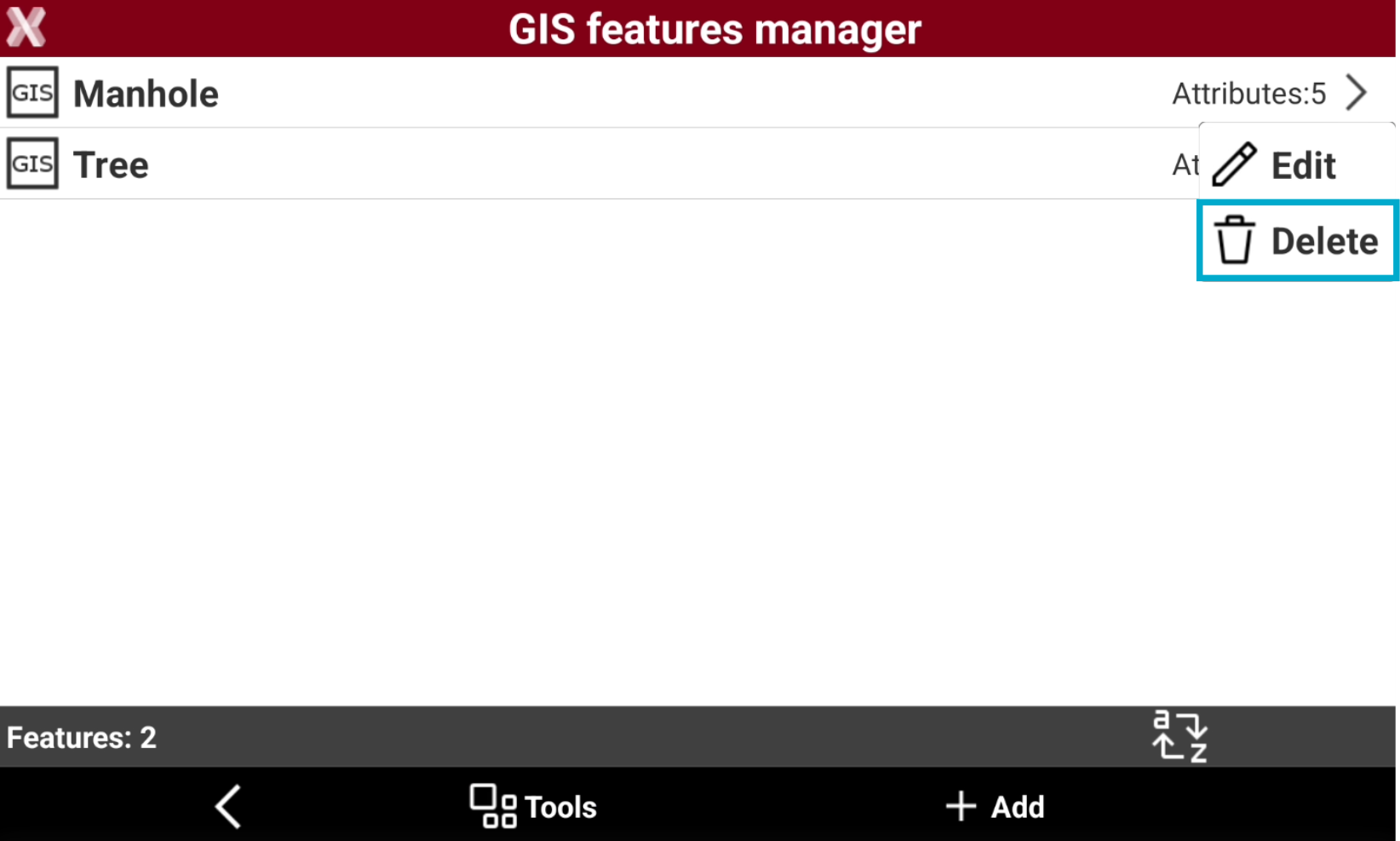
To delete a single GIS feature, select it from the list and select Delete.
-
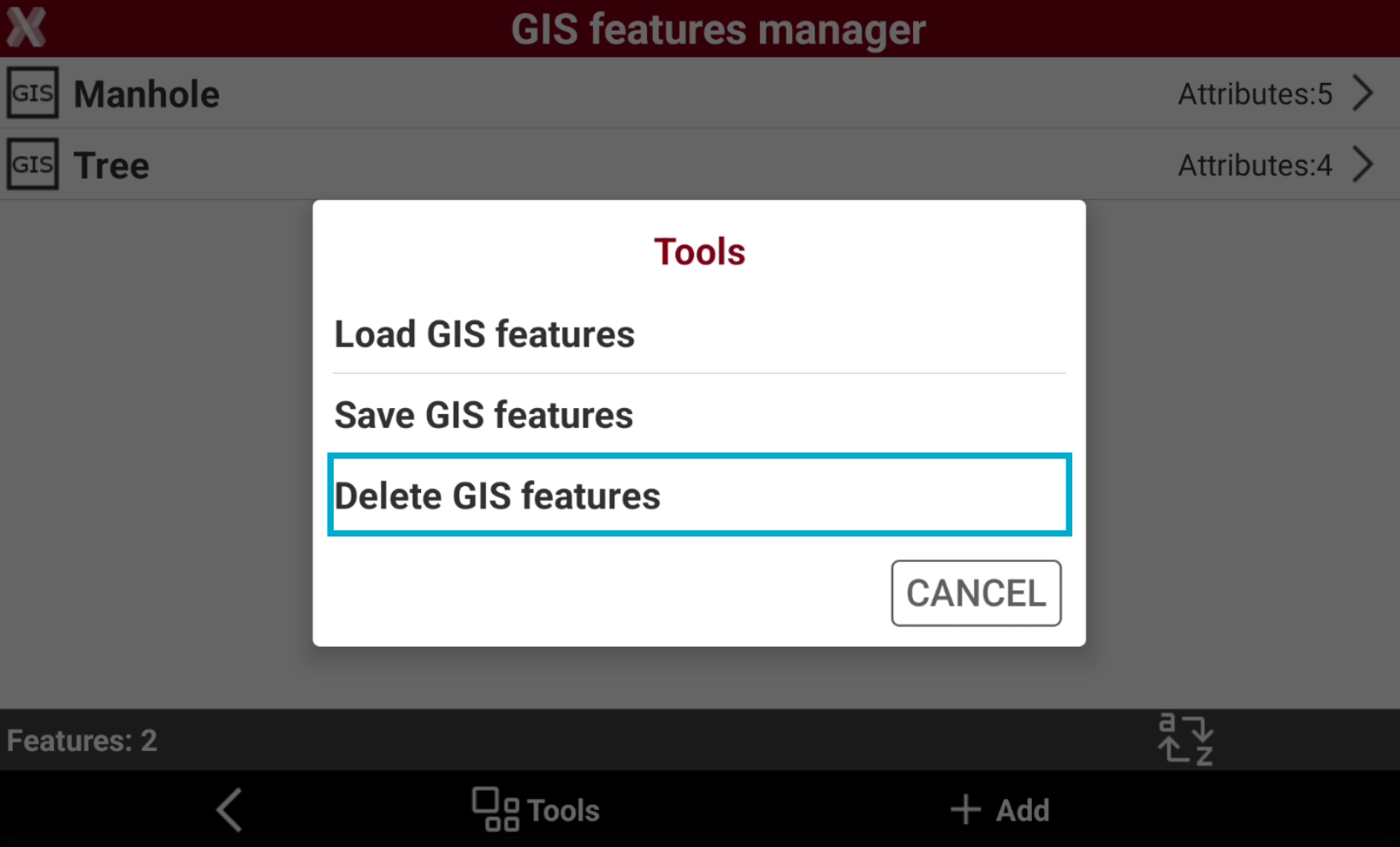
To delete multiple features select Tools and select Delete GIS features.
-
Check from the list of available GIS features the features to delete.
Save GIS features
-
This function saves the current GIS features list in an X-PAD .xfg file.
-
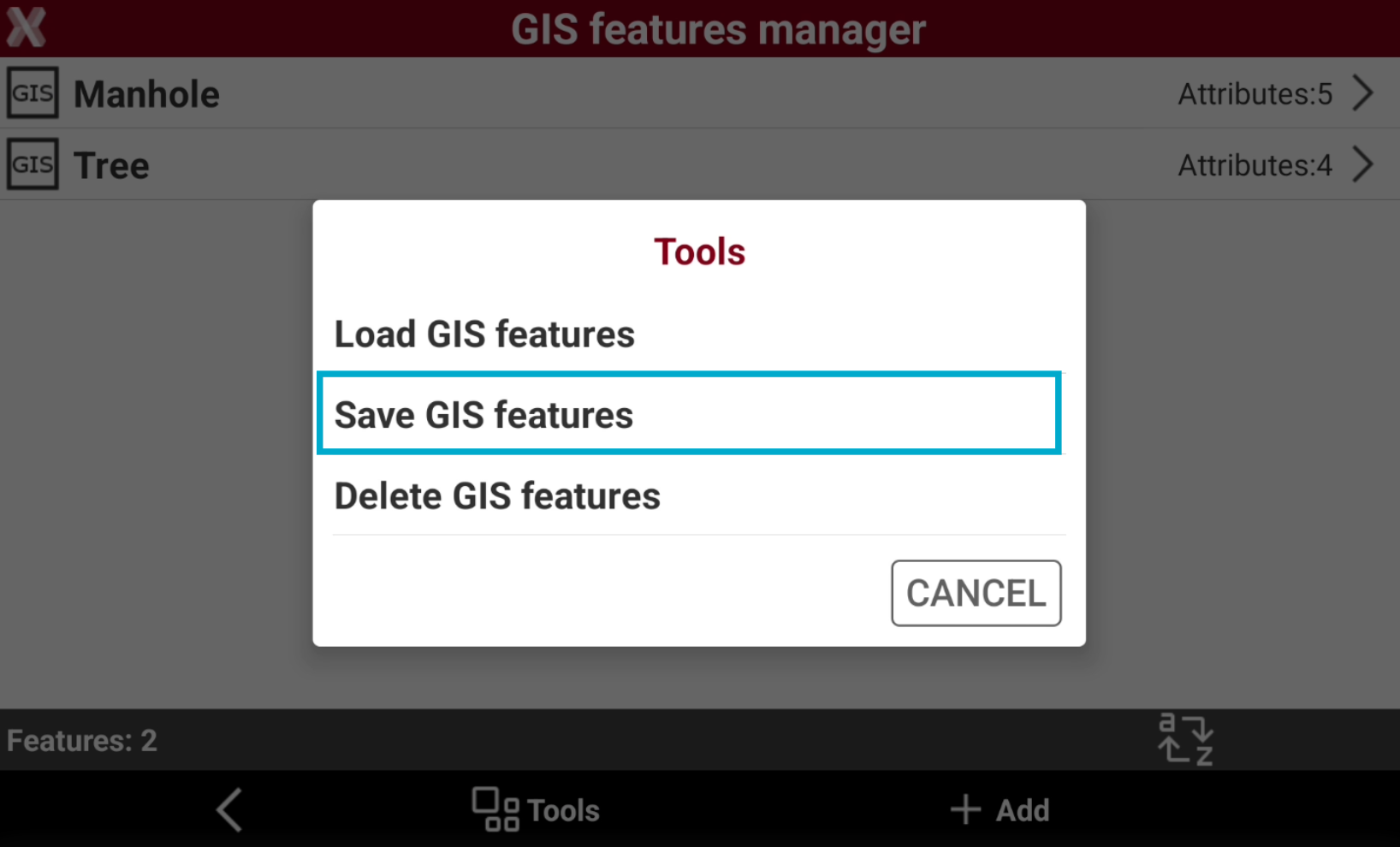
From the GIS features manager select Tools and select Save GIS features.
-
Enter the library file name and select Accept.
-
On saving, it is possible to select to save the GIS features list as default for all jobs.
Load GIS features
To import a codelist with GIS attributes from a text or excel file please check how to import a CSS file in Import a codes library.
-
This function loads a GIS features library previously stored in X-PAD .xfg file.
-
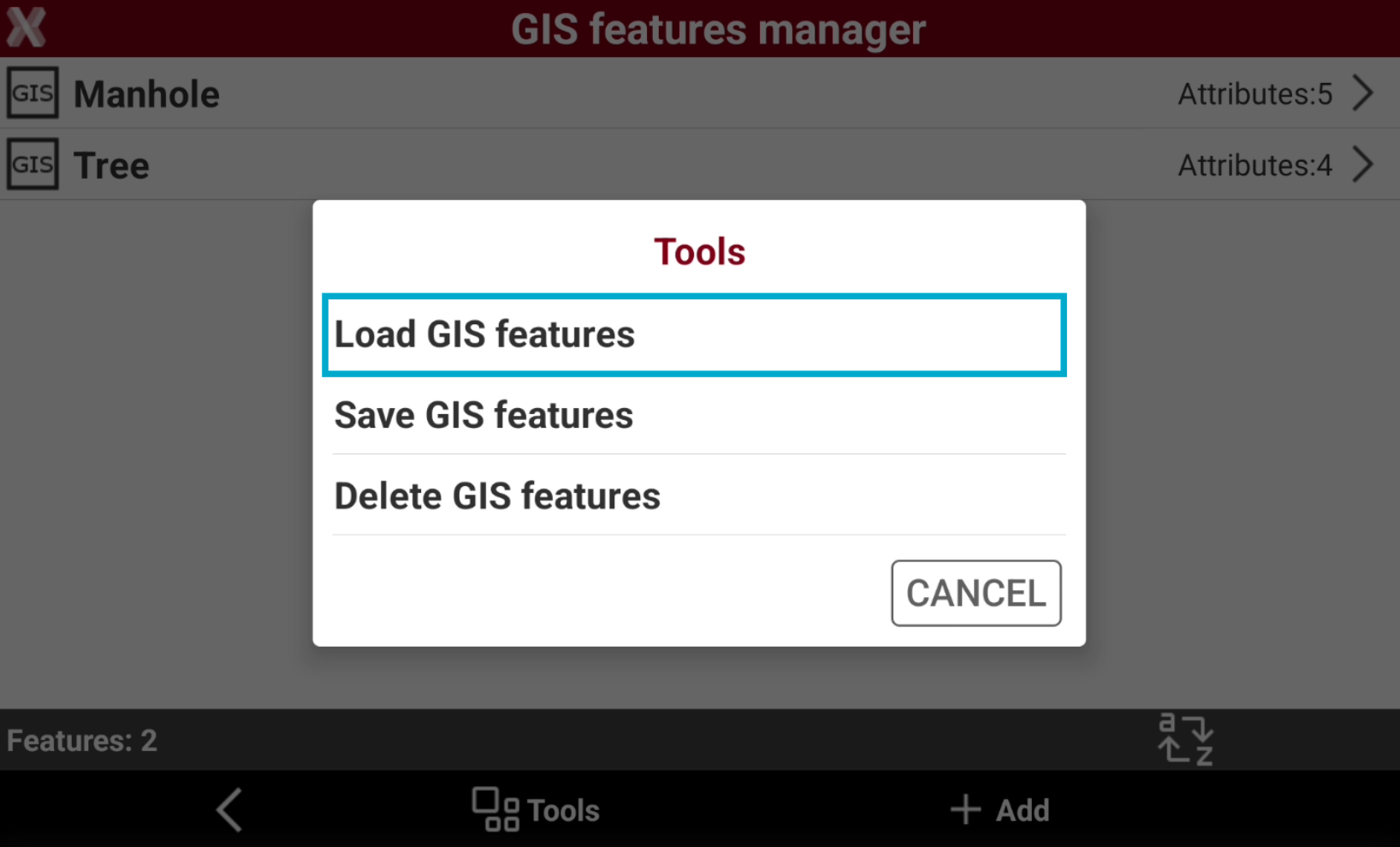
From the GIS features manager select Tools and select Load GIS features.
-
Select an X-PAD GIS features to be loaded.
Select a GIS features library when a site/job is created
-
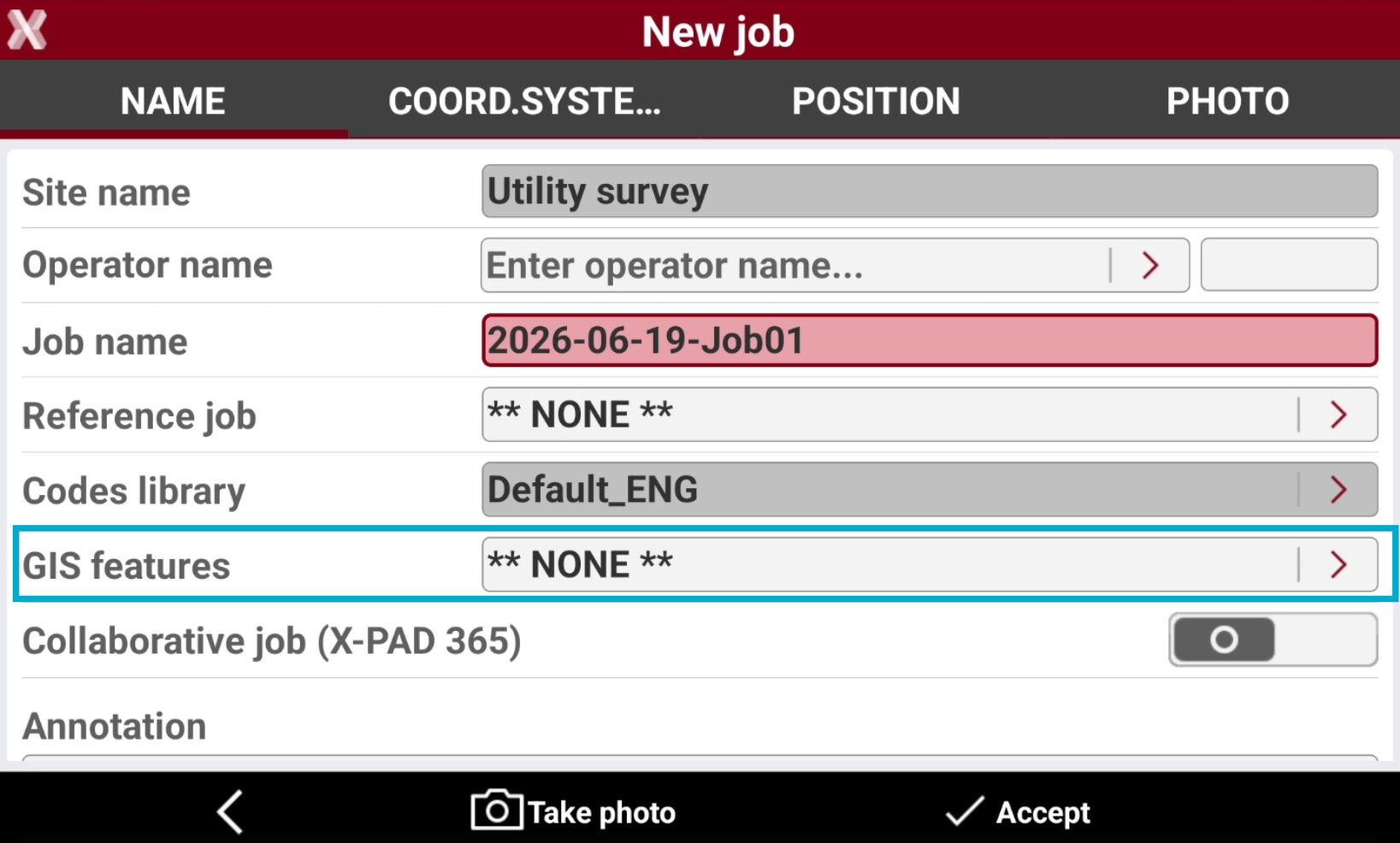
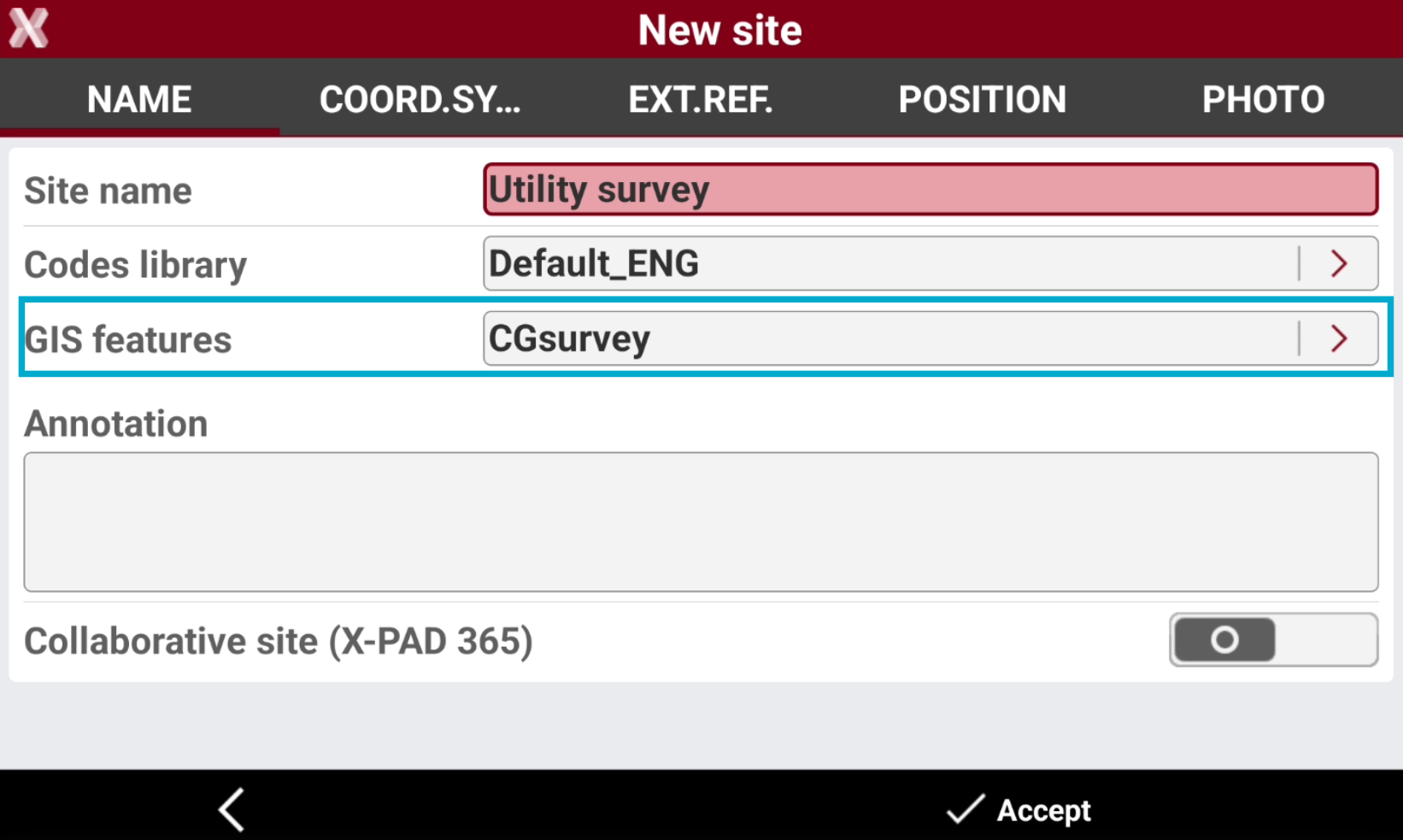
When a job site is created, it is possible to assign for the site a GIS features library.
-
This option allows to define a features library default for all the jobs created in the site.
-
The jobs in the selected site will use this features library as default.
-
If the site has not a defined codelist, it is possible to define the job codelist when the job is created.