
-
Having the latest software version installed is important to ensure that all bug fixes are applied.
-
Software is updated online.
CCP is not required to install the latest available release.
Automatic software update
-
Upon starting, X-PAD checks automatically for updates. If an update is available, the icon


-
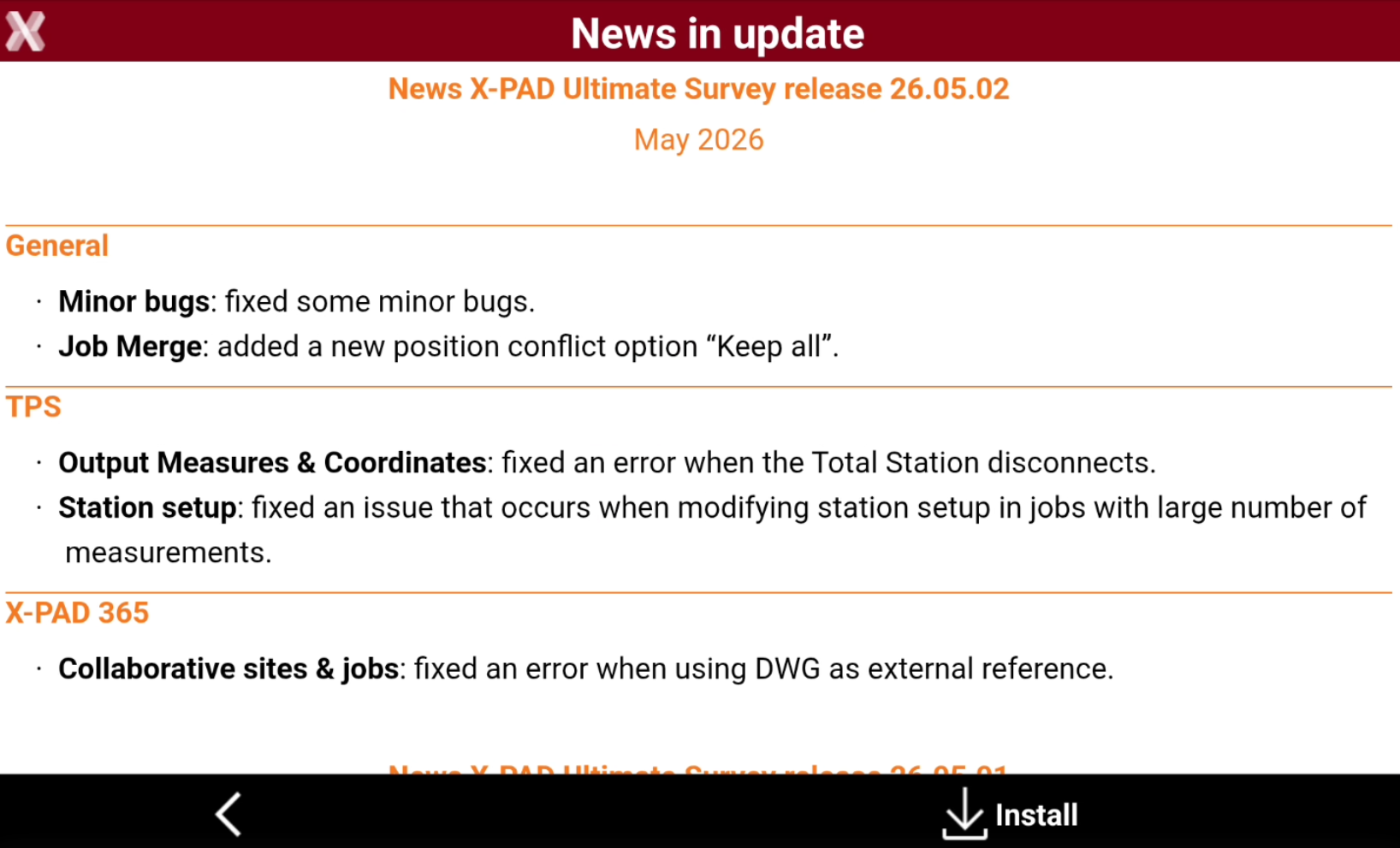
Press the icon to see the release notes of the new version.
-
Press Install to download and install the new software release.
Restoring previous version
-
The software offers the possibility to download previous software versions.
-
Press X-PAD logo on top-left of main screen.

-
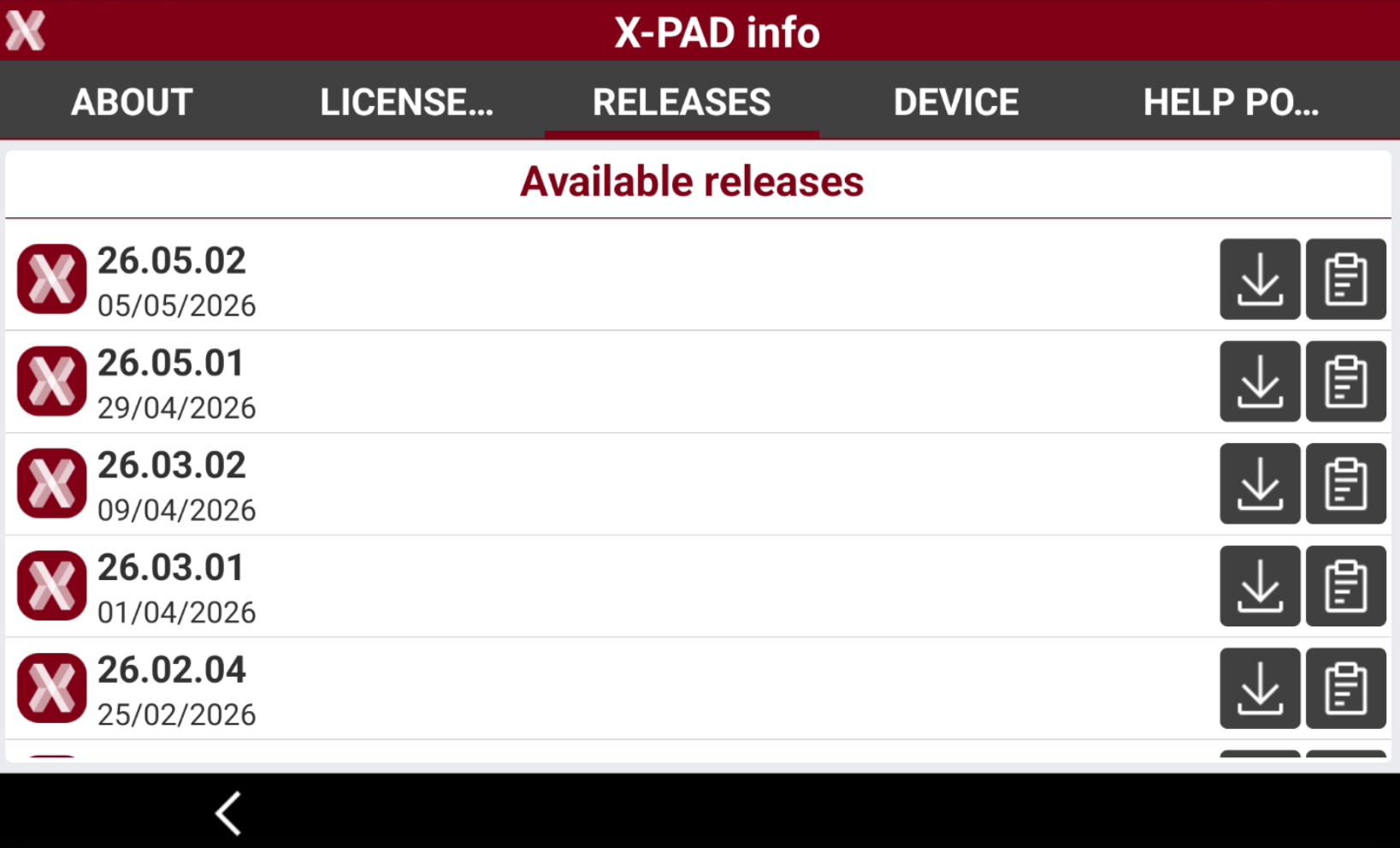
Open the Releases page.
-
This page lists all the available software releases.
-
Press

-
Press

-
-
After the download has been completed, the setup file is downloaded in folder X-PAD/_DATA/Update.
-
From Android manually uninstall the current software version and install the old release from the downloaded .apk file.
To reduce storage space only the latest three releases are stored in X-PAD\_Data\Update folder
If a previous release is downloaded, the installation cannot happen automatically due to Android limitations. The user has to manually uninstall the current version and proceed with the installation of the newly downloaded release.