
x-pole
-
X-Pole system is available in survey and stakeout windows.
-
Before using X-Pole the GNSS and TPS must be in the same reference system, see Station setup with X-Pole and GNSS site calibration with X-Pole for more information.
-
In the top toolbar a button allows to switch instrument.
-
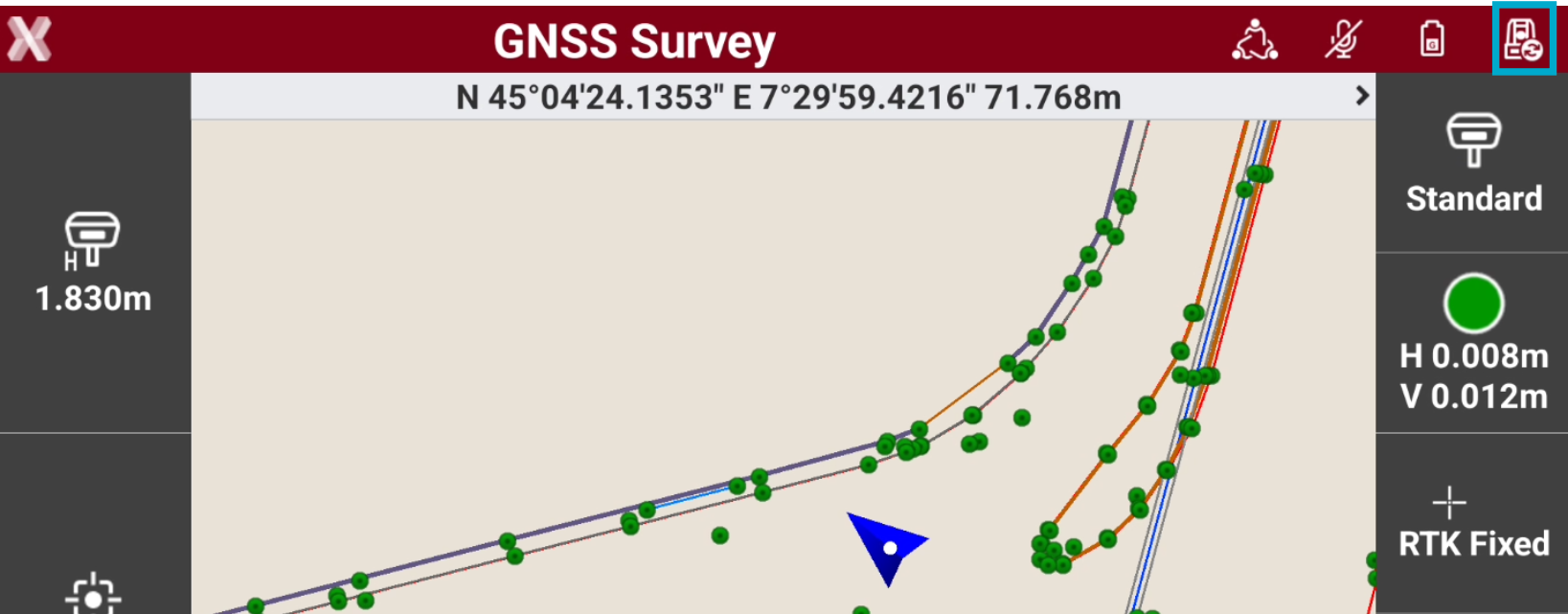
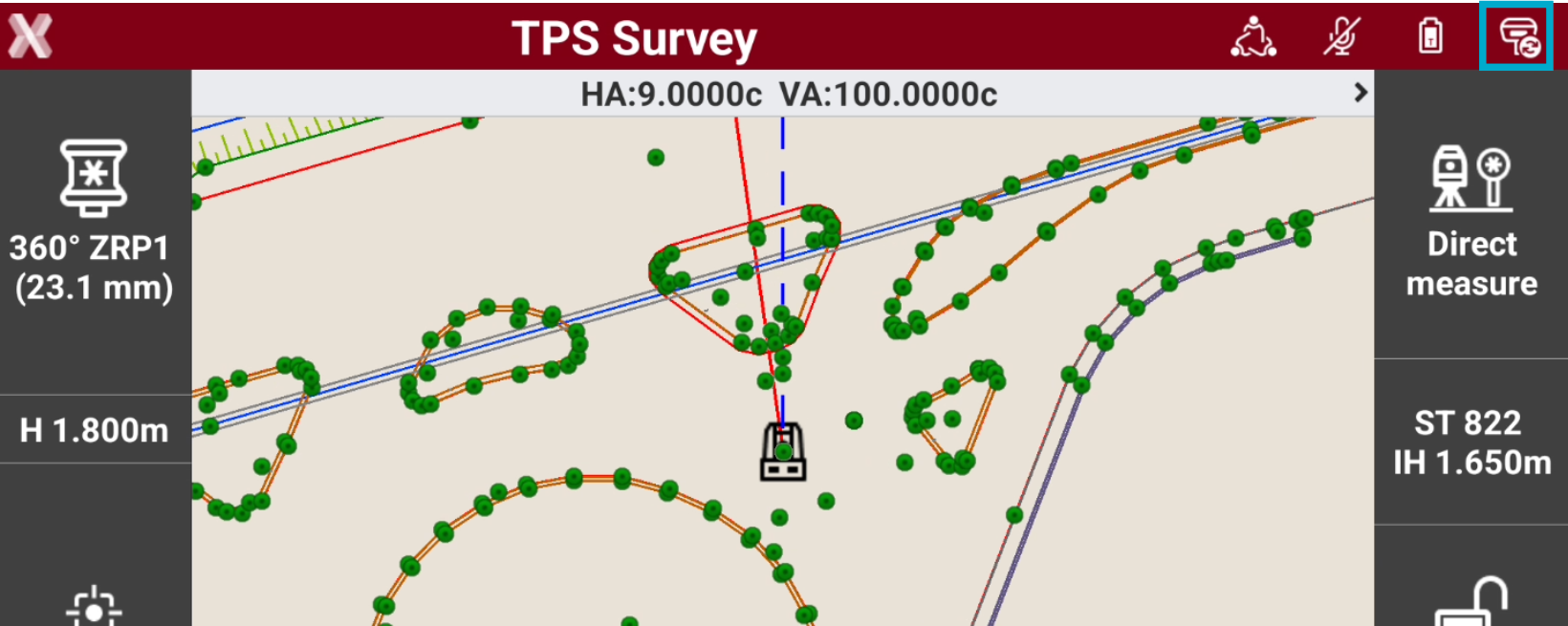
A single press on the icon changes the measurement mode and switches from GNSS to TPS mode and vice versa. The change of system is hardly noticeable, since only the panel changes to the current instrument.
Switch between GNSS and TPS
-
When working with GNSS, press the TPS icon on the top toolbar to switch to total station.
-
When working with total station, press the GNSS icon on the top toolbar to switch to total station.
X-Pole pole height
-
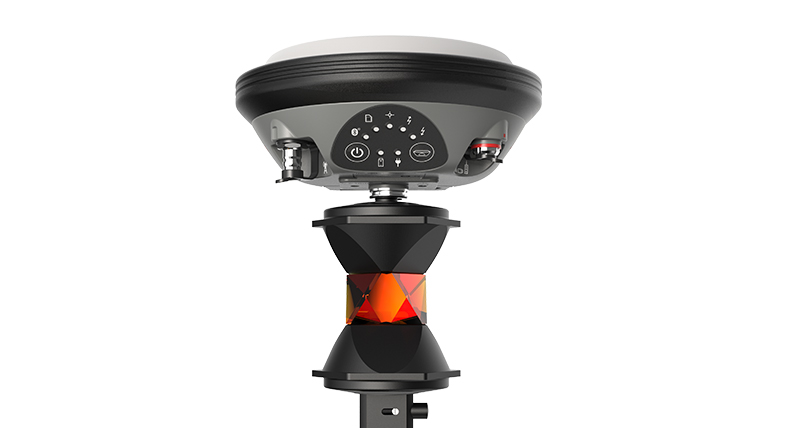
X-Pole system requires the installation of the GNSS receiver over a prism.
-
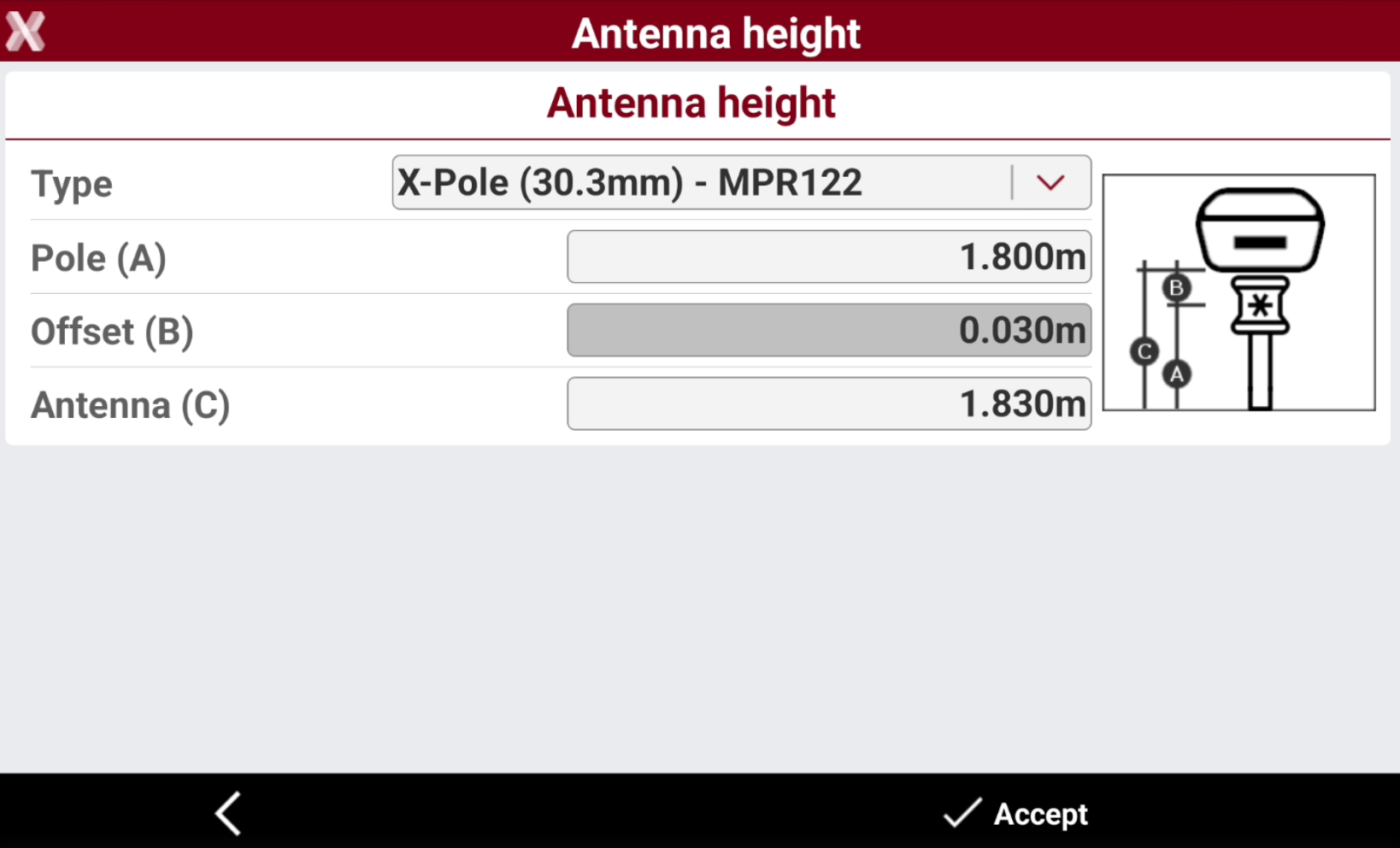
The height of the GNSS receiver is the height of the pole plus the distance between the center of the prism and the reference point of the receiver.
-
When starting X-Pole system, the pole height of the receiver is automatically managed keeping in consideration the offset between center of the prism and receiver.
-
From the Antenna height page press Type to select the X-Pole system used.
Search prism from GNSS position with X-Pole
-
When X-Pole system is functioning it enables the automatic prism search using the position provided by the GNSS receiver.
-
When the prism is lost, the software uses the accurate position provide by GNSS to turn the station in the direction of the prism to support automatic locking.
-
The manual mode can also be used to call the station toward prism (knowing the GNSS receiver position).
-
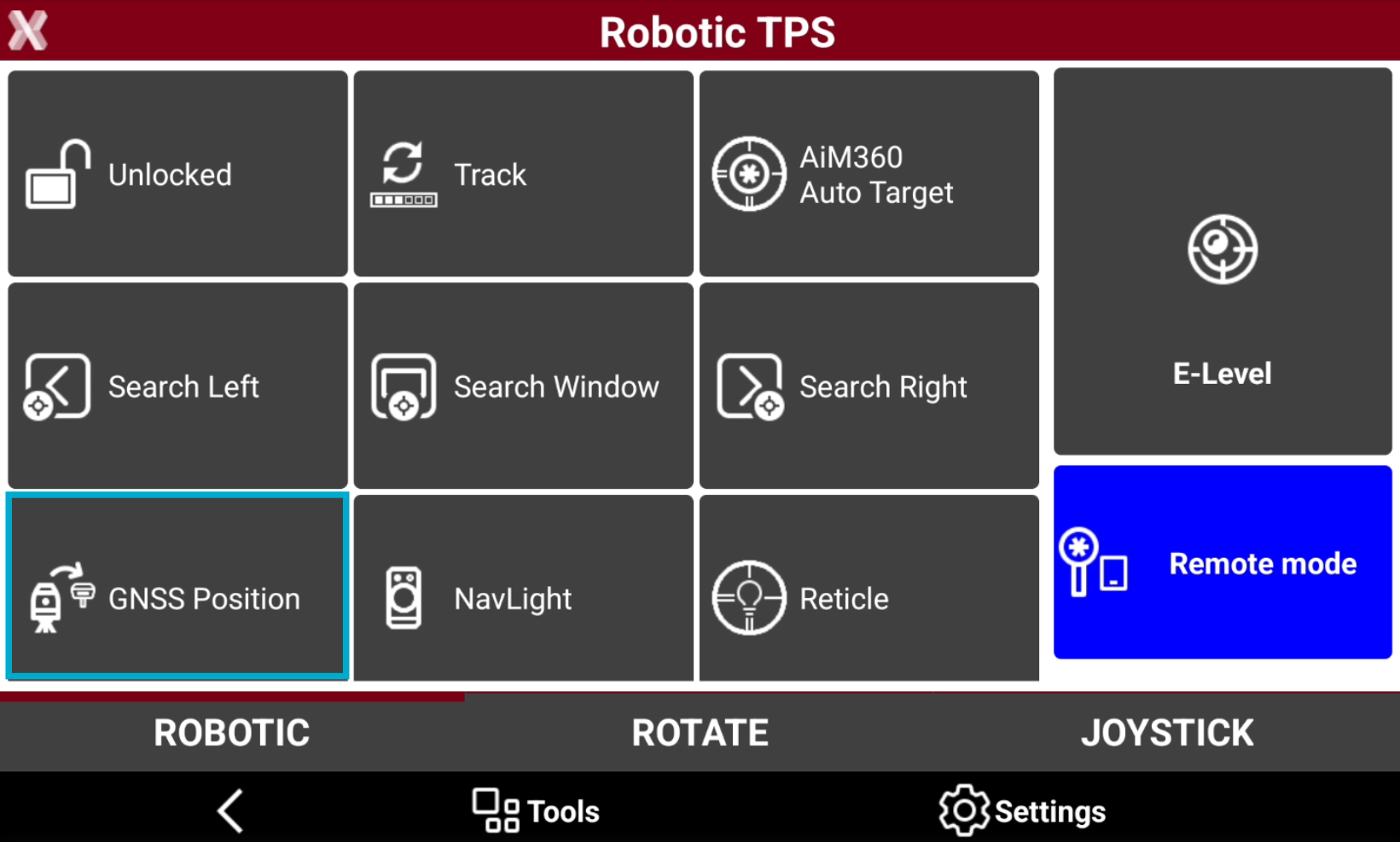
When working with a robotic total station and X-Pole and the prism is unlocked, open the Robotic page.
-
Press GNSS Position.
-
The robotic total station automatically rotates to 3D coordinate of the prism, calculated from the current precise GNSS position, and the prism is locked.
The prism is also automatically searched with GNSS position in an X-pole setup when the prism is unlocked and the operator stops to walk.