
x-pole
-
X-Pole system can be used to calculate the site calibration using positions measured with total station. This way you can use the GNSS in the same reference system established from the total station.
-
Site calibration requires the measurement of a point of known plane coordinates with a receiver GNSS. The coordinates can be the result of a measurement with the total station.
For more information on GNSS site calibration see Local system – site calibration.
-
With a GPS as current instrument open Job page and select Coordinate System.
-
From GNSS localization select Local - Site calibration.
-
Press Next or Details.
-
This opens a new page with the list of calibration points. Initially this list is empty.
-
Press Add to add a new pair of points.
-
In the GNSS Position page measure the position with the GNSS receiver and press Next.
-
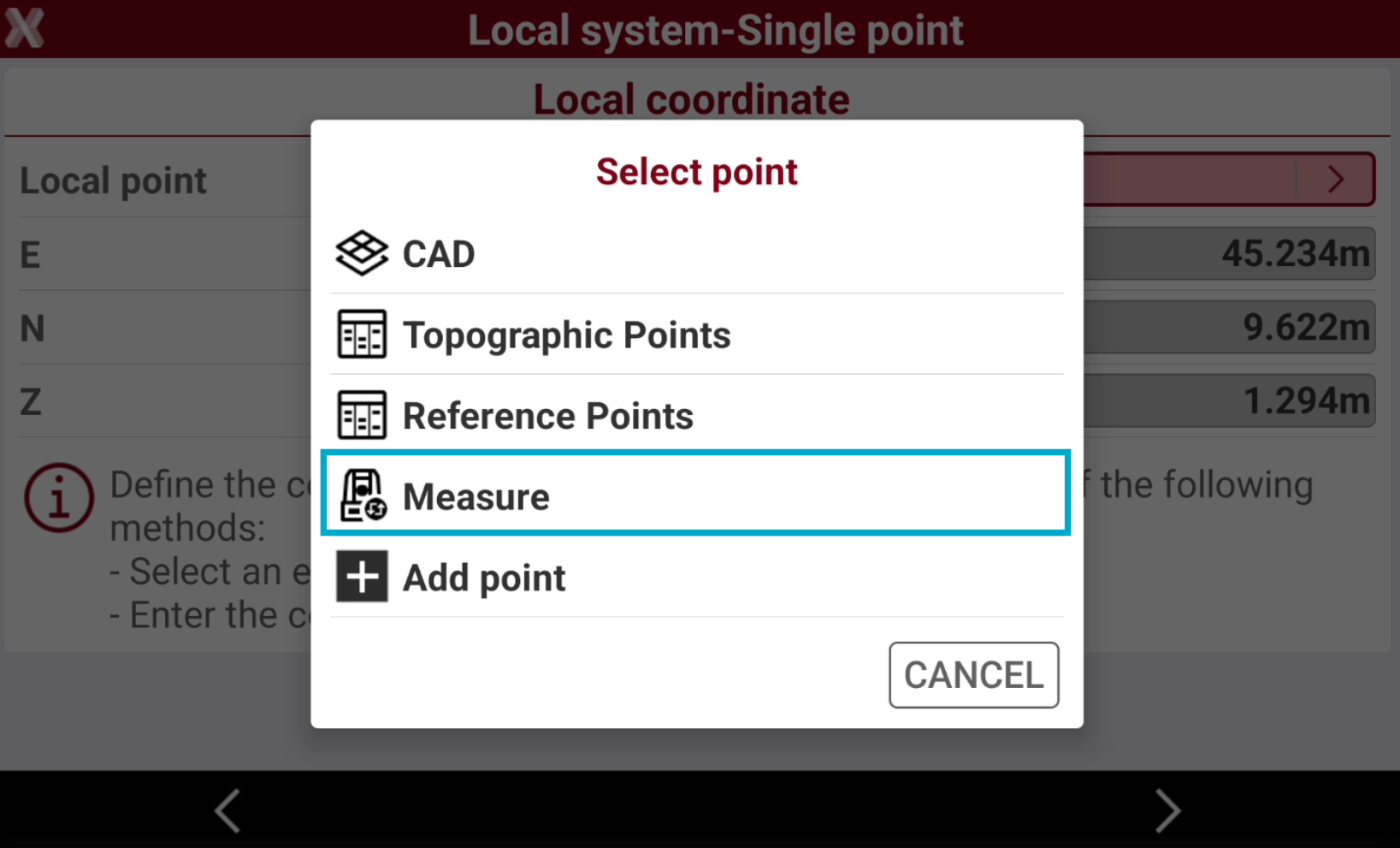
In the Local coordinate page tap on > icon near Local point and select Measure to measure the point with the total station.
-
Measure the point with TPS.
-
The point is added in the list of points and becomes the requested point to proceed with GNSS site calibration.