
x-pole
-
The X-Pole system is particularly useful in station setup because the position provided by the GNSS mounted on the pole can be used to setup the total station.
-
This way, the station is oriented and located in the same reference system used by the GNSS receiver.
Free station
-
Station setup with free station requires the measurement of points with known coordinates.
-
With X-Pole, the points with known coordinates are provided by the GNSS. While measuring points for calculation of the free station, specify the point of known coordinates.
For more information on free station setup see Free station.
-
With total station as current instrument open the Survey page and select Station Setup.
-
Select No. Station position has to be calculated and select Free station as stationing method.
-
Press Next to proceed with the guided procedure.
-
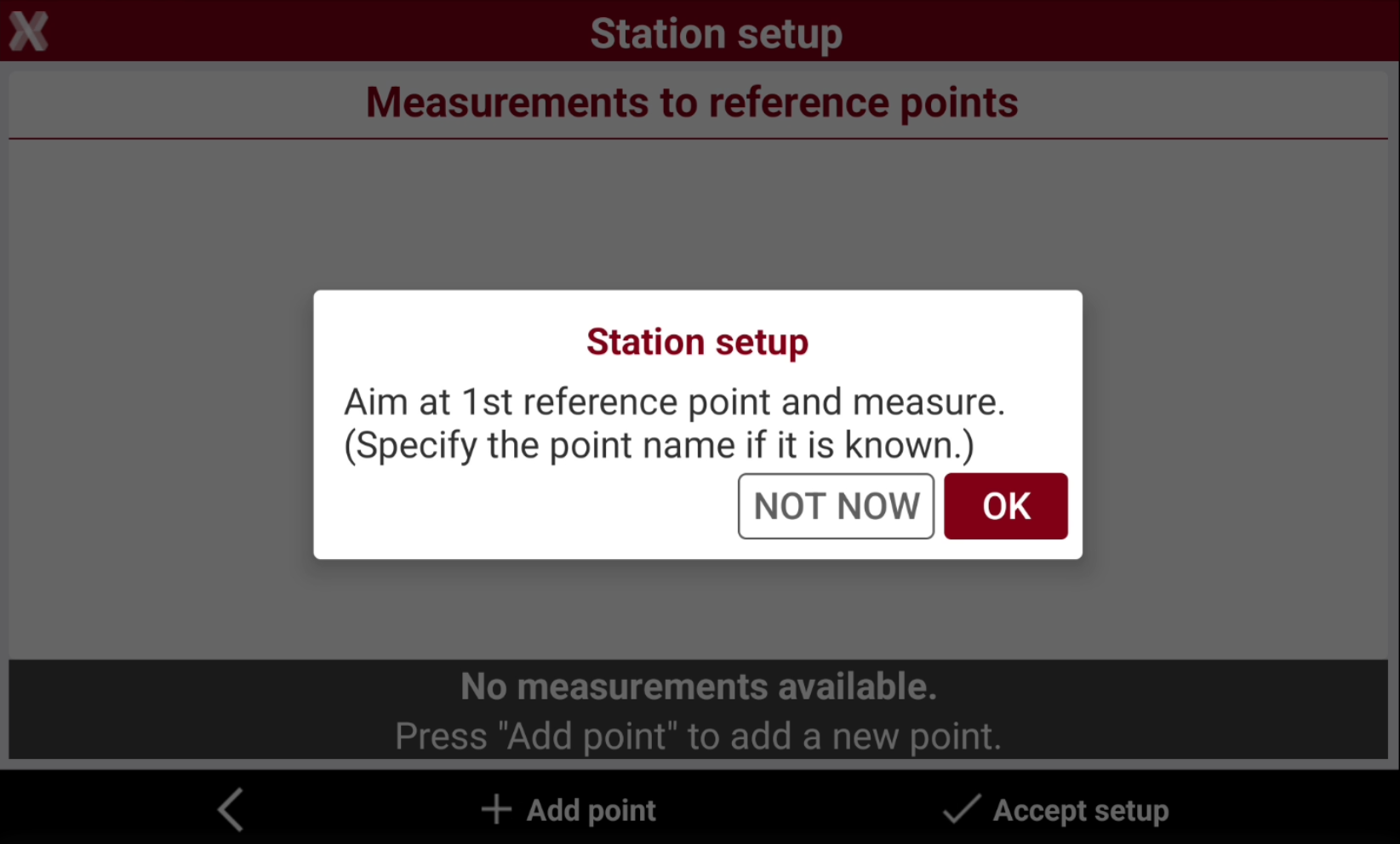
Define the first reference point and perform the corresponding measurement.
-
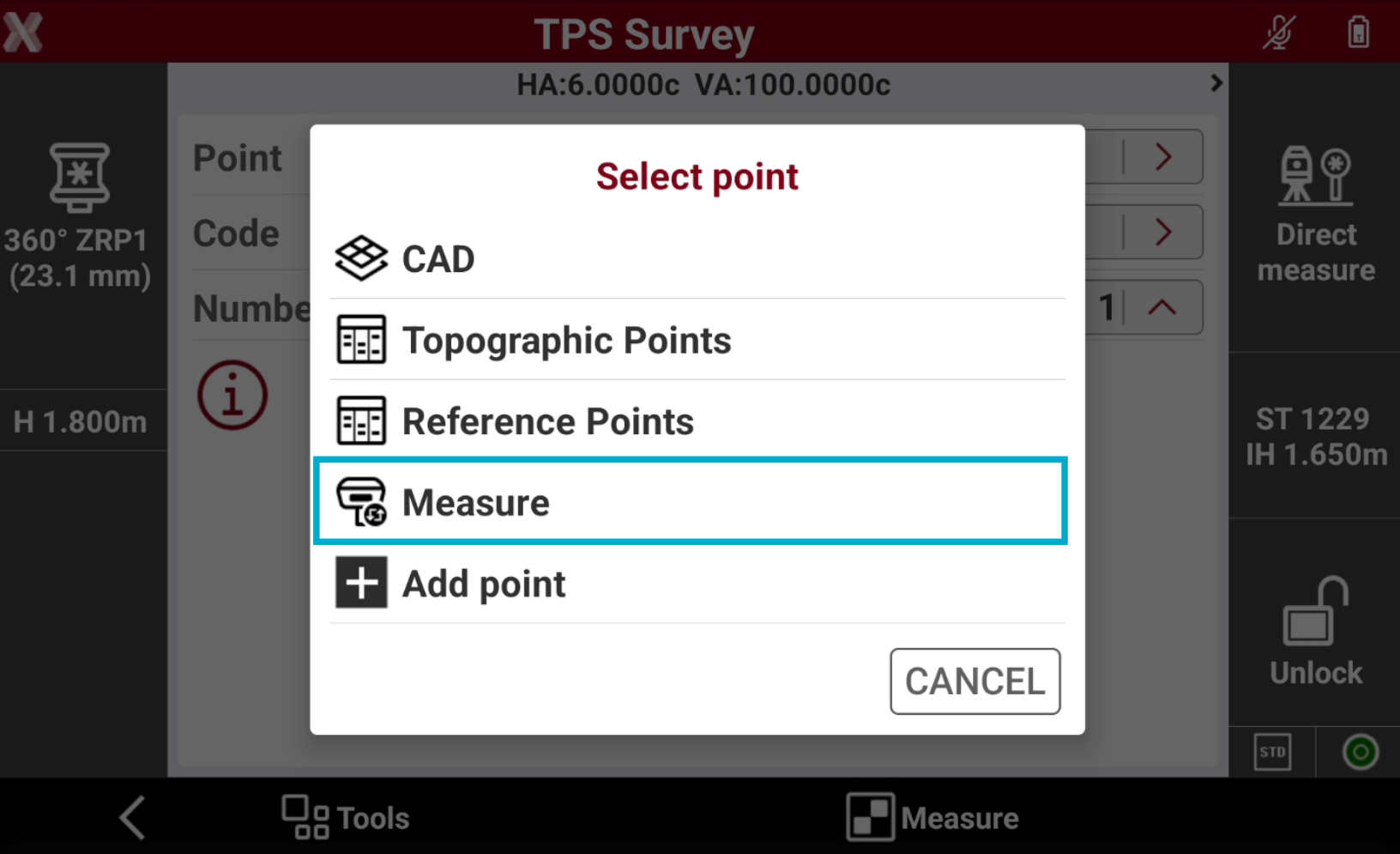
Tap on > icon near the Point field and select Measure to measure the point for the free station with the GNSS receiver.
-
The point is added in the list of points and becomes the requested known point.
-
Measure the same point with total station and complete the measuring procedure of the known point for calculating the station orientation. The software automatically measure the point with total station after GNSS measure has been done.
-
After the first reference point has been measured, press OK to continue to add measurements.
-
Tap Accept setup to confirm set data and complete the procedure.
Backsight point
-
Station setup with backsight point requires the measurement of points with known coordinates. With X-Pole, the point position is provided by the GNSS.
For more information on backsight point setup see Backsight to known point .
-
With total station as current instrument open Survey page and select Station Setup.
-
Select Yes. Station position is known and select Backsight to known point as stationing method.
-
Press Next to proceed to define the reference point.
-
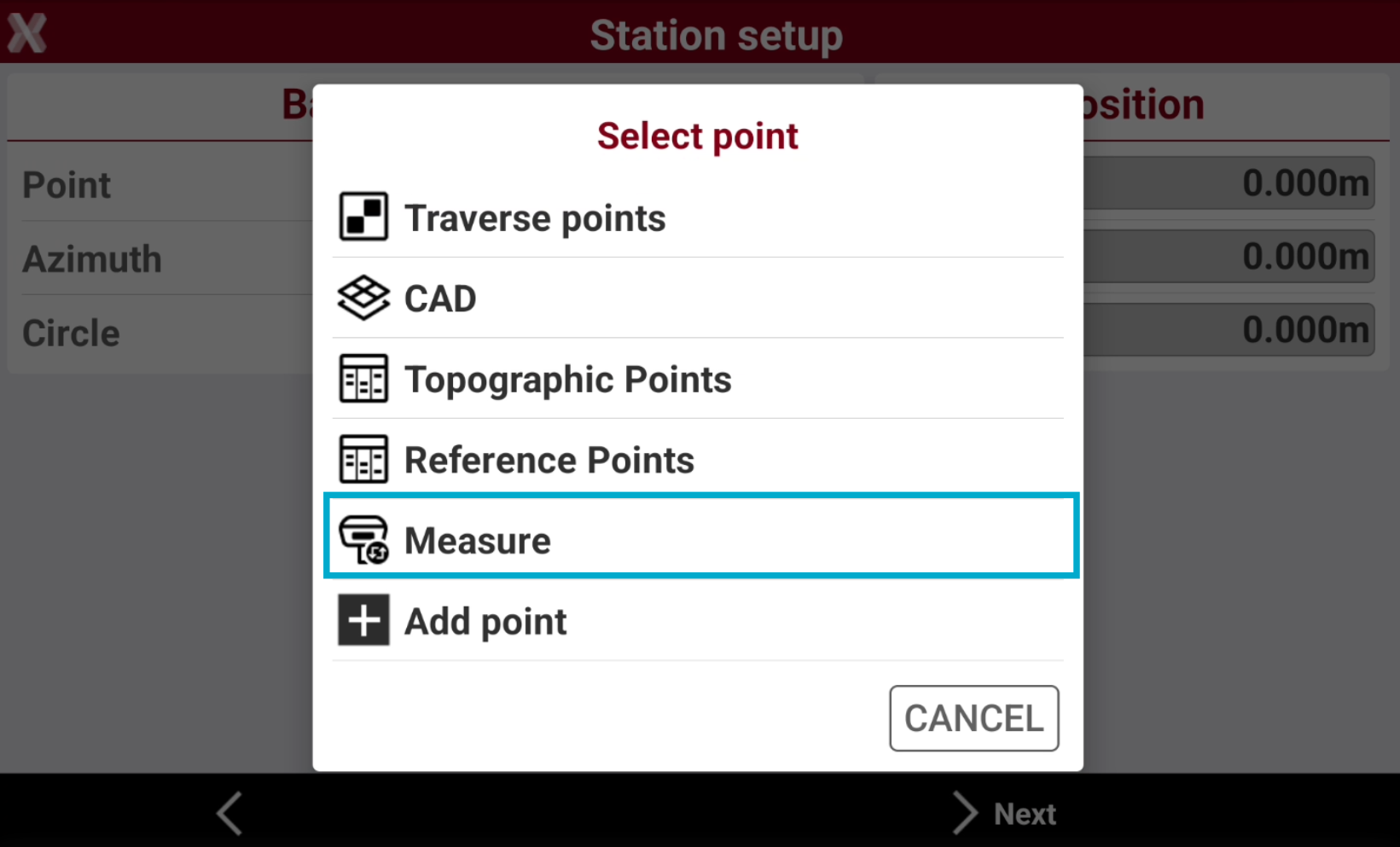
Tap on > icon near the Point field and select Measure.
-
Measure the backsight point with the GNSS receiver.
-
The point is added in the list of points and becomes the requested known point.
-
Measure the same point with total station and complete the measuring procedure of the known point for calculating the station orientation.