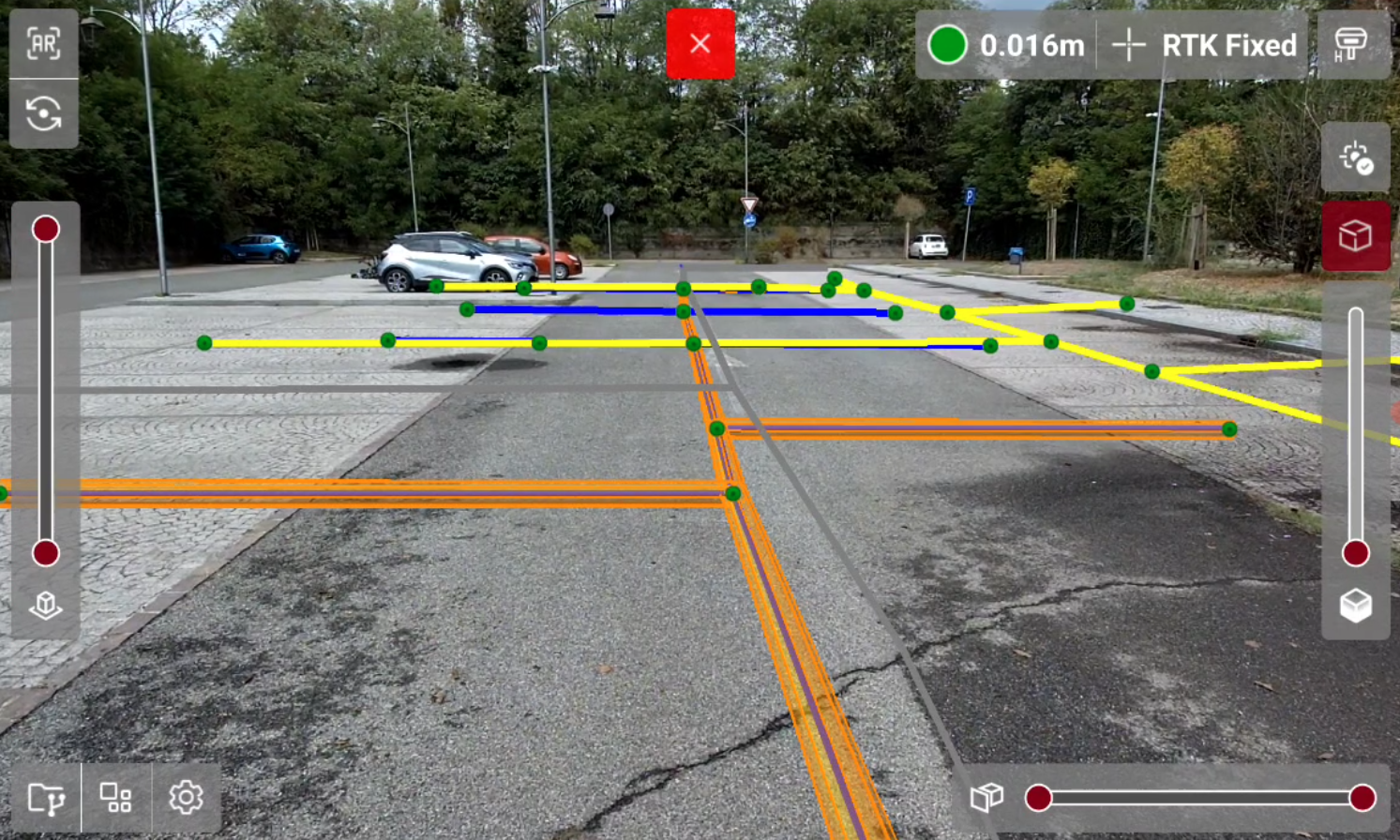
-
The Tools panel allows to open different tools.
-
Press

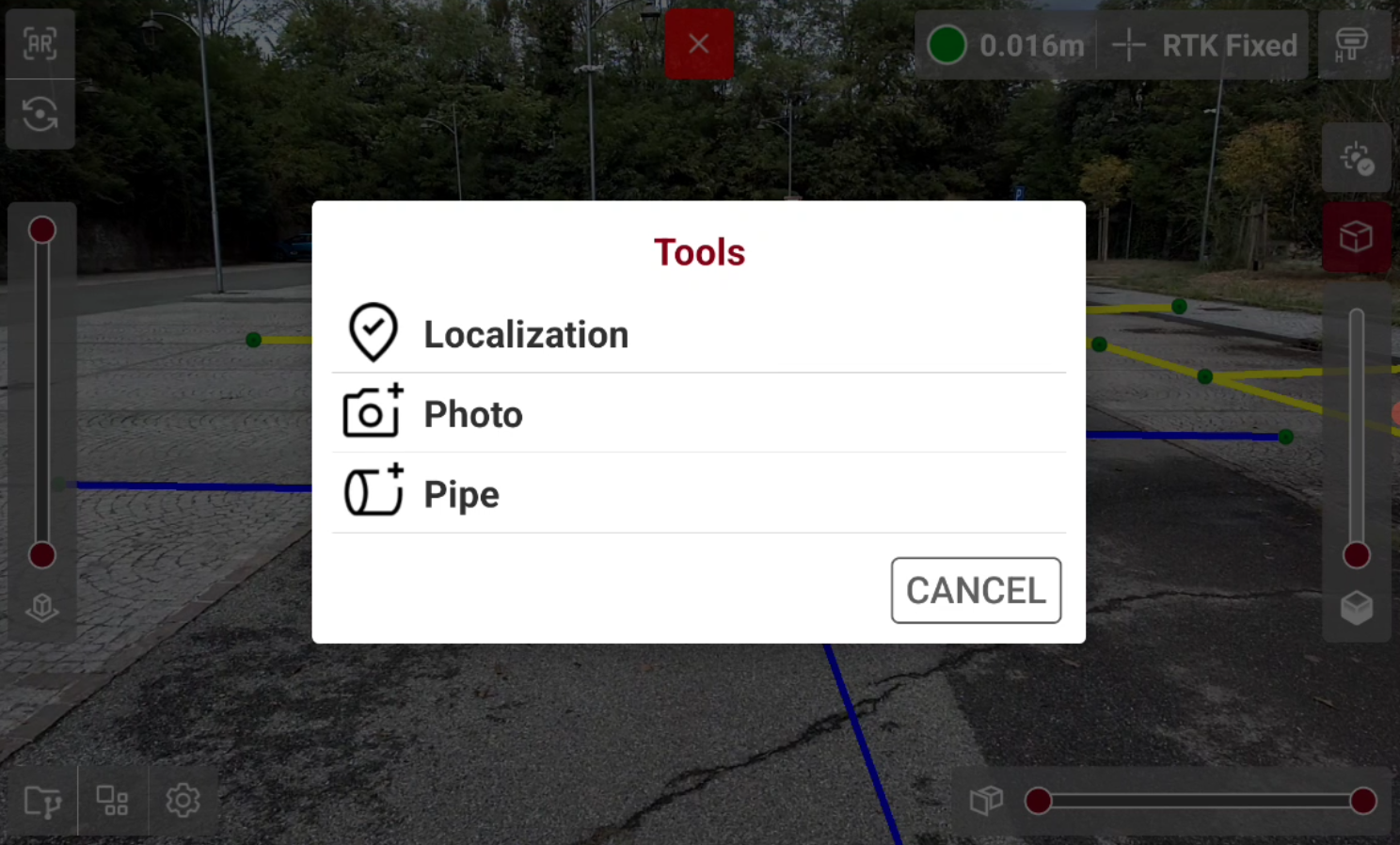
-
Localization: allows to quickly localize an IFC model.
-
Photo: takes and save an image of the current view to be saved on the controller.
-
Pipe: converts selected polylines in pipes, to give a more realistic rendering and understanding of the augmented reality view.
-
Localization
-
The Localization tool allows to quickly localize an IFC model on the current GNSS position.
-
From Tools list press Localization.
![Screenshot_20260912-143023[1]-20260912-123023.png](/__attachments/a_bc5b5f929e7d658e1ce92d4b1b20351068d4ae91f7500c671060f8c2f8cfe292/Screenshot_20260912-143023%5B1%5D-20260912-123023.png?cb=22324b9555cb9cdf944793d2e5a82e89)
-
Use job’s localization: uses the localization already available in the project.
-
Localize position: localizes the IFC model measuring a point and a direction and identifying them on the IFC model.
-
Localize elevation: localizes the IFC model only on elevation measuring a point and identifying the point on the IFC model.
-
-
When the localization procedure is started, the software asks to indicate the reference point on the IFC model.
![Screenshot_20260912-142056[2]-20260912-122057.png](/__attachments/a_82f8c81501976cae1f1738184cec482636d9e8041bf553ab19708cfb92e64ac8/Screenshot_20260912-142056%5B2%5D-20260912-122057.png?cb=656dd096b2ebd702fd1d40b5c4d07a85)
-
And then measuring the selected point using the GNSS receiver.
![Screenshot_20260912-142102[1]-20260912-122103.png](/__attachments/a_2d9ac100f69ab4a02b47edc3738464b7dea303e996018e45c27ef2d8f223e737/Screenshot_20260912-142102%5B1%5D-20260912-122103.png?cb=7fec3c789cb783d0c0a2ff9e4e3de44c)
-
Complete the localization procedure to localize and visualize the IFC model in X-PLORE.
![Screenshot_20260912-144006[2]-20260912-124006.png](/__attachments/a_54fe88fb71bc12812f89702c7abfe6c8bcb881e1e2f8b5dc8ec21d5c333094e3/Screenshot_20260912-144006%5B2%5D-20260912-124006.png?cb=d4c68ce4281bb4d25d8d56602a00046a)
Photo
-
The Photo tool allows to take a photo of the current AR view, without the X-PLORE interface.
-
From Tools list press Photo.
-
Tap to take the picture. The picture is stored in the Img folder of the current job.
![Road_utilities[1]-20260908-092150.jpg](/__attachments/a_42b7970048c5000c7dea03050b898b89c25e38cc6cf5d3e1bae36a2a0f62ec68/Road_utilities%5B1%5D-20260908-092150.jpg?cb=e0cefb1993bdd67227b6312691c2fd5d)
Pipe
-
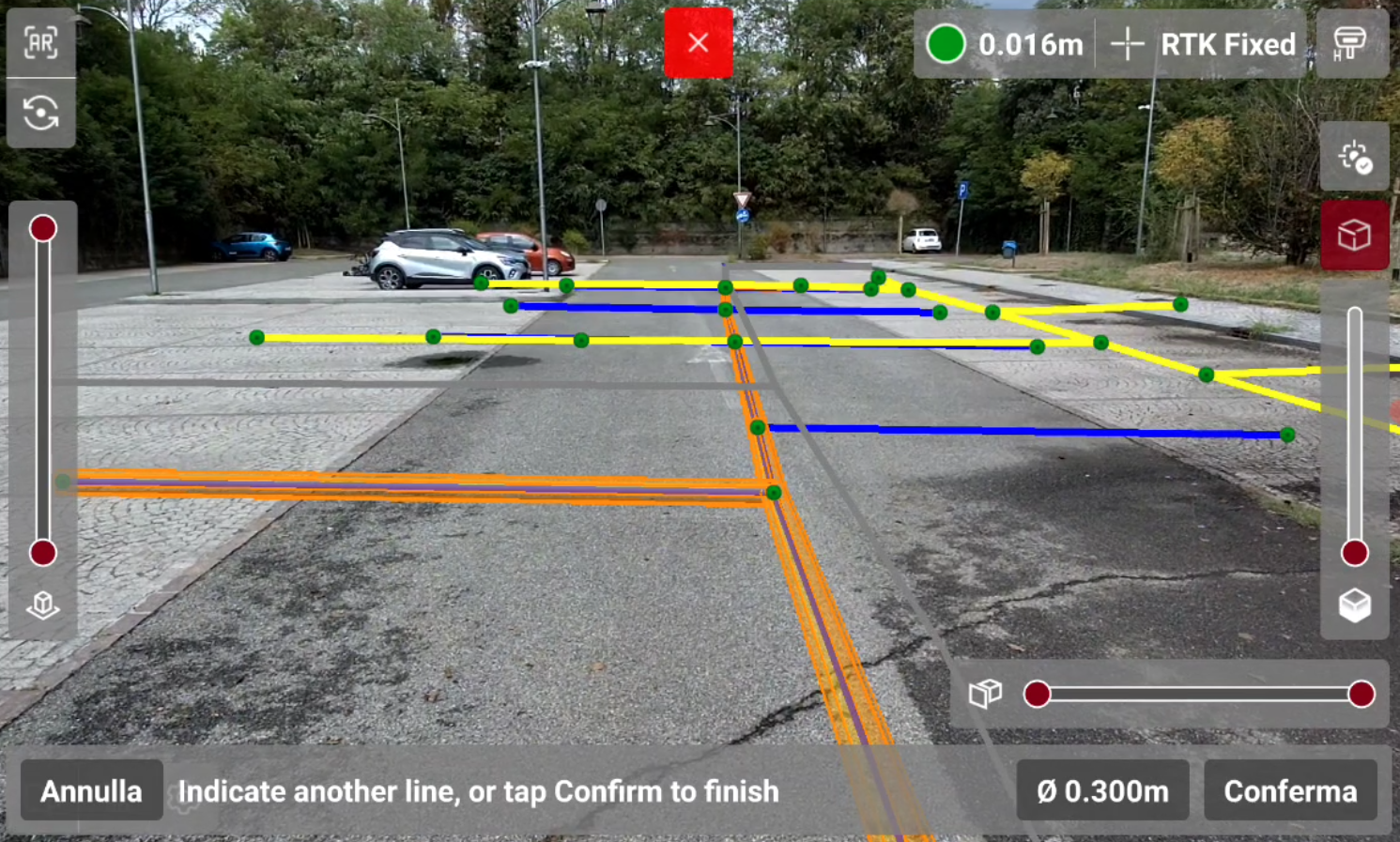
The Pipe tool allows to converts selected polylines in 3D pipes. This helps to better understand and improve the rendering in the augmented reality view.
-
From Tools list press Pipe.
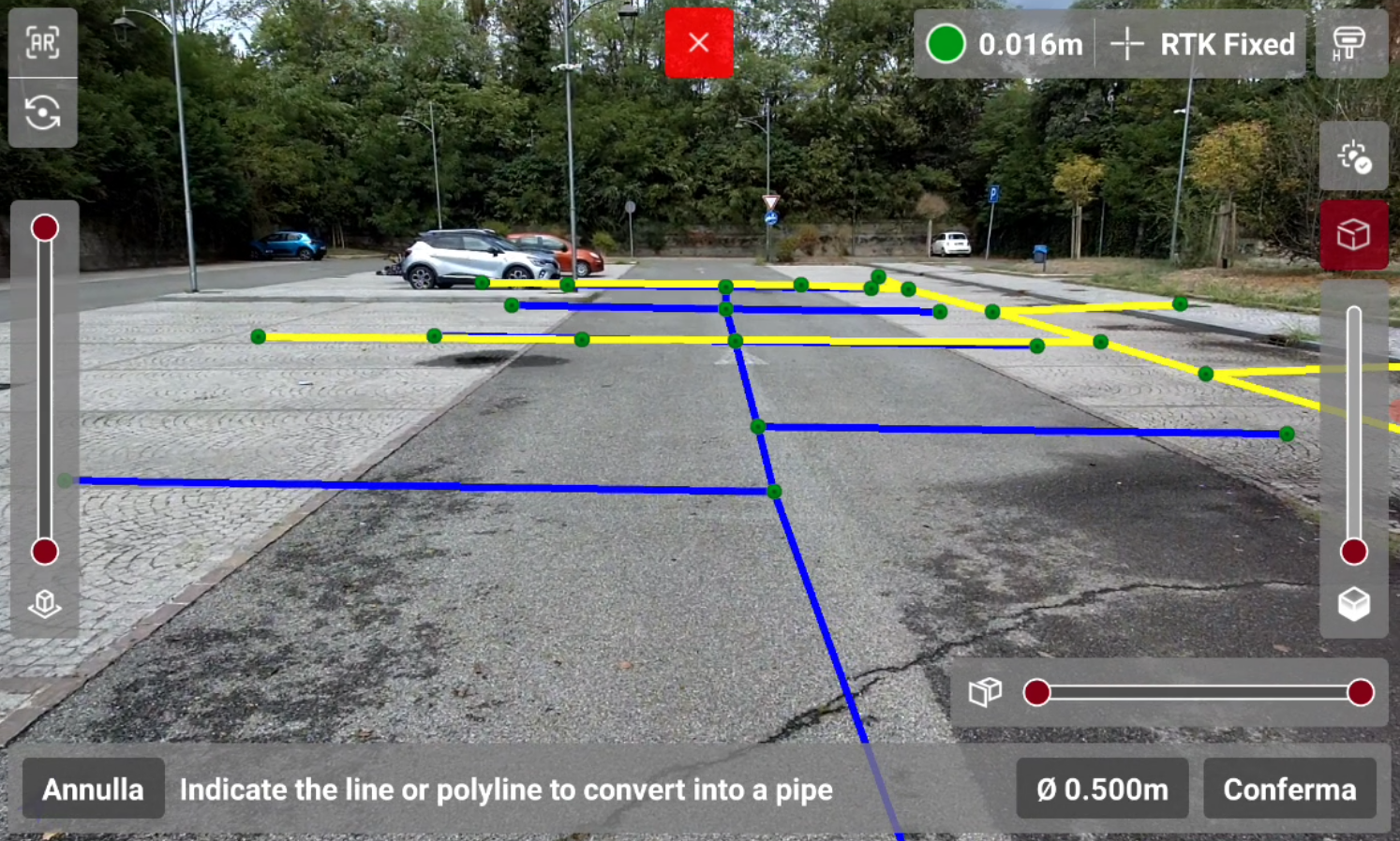
-
Press
-
To create the pipe, select a polyline.
-
The selected polyline is converted in a pipe, and a grey line shows the vertical projection of the polyline on an horizontal plane at GNSS receiver elevation.
-
Press Confirm to create the pipes, press Cancel to cancel the operation.