
Move points to reference point table
-
It is possible to transfer topographic points from the Points list to the Reference points list.
-
The table of reference points manages all topographic points with known coordinates which can be used in different situations as reference points and check points.
-
Press Tools and select Save/Load.
-
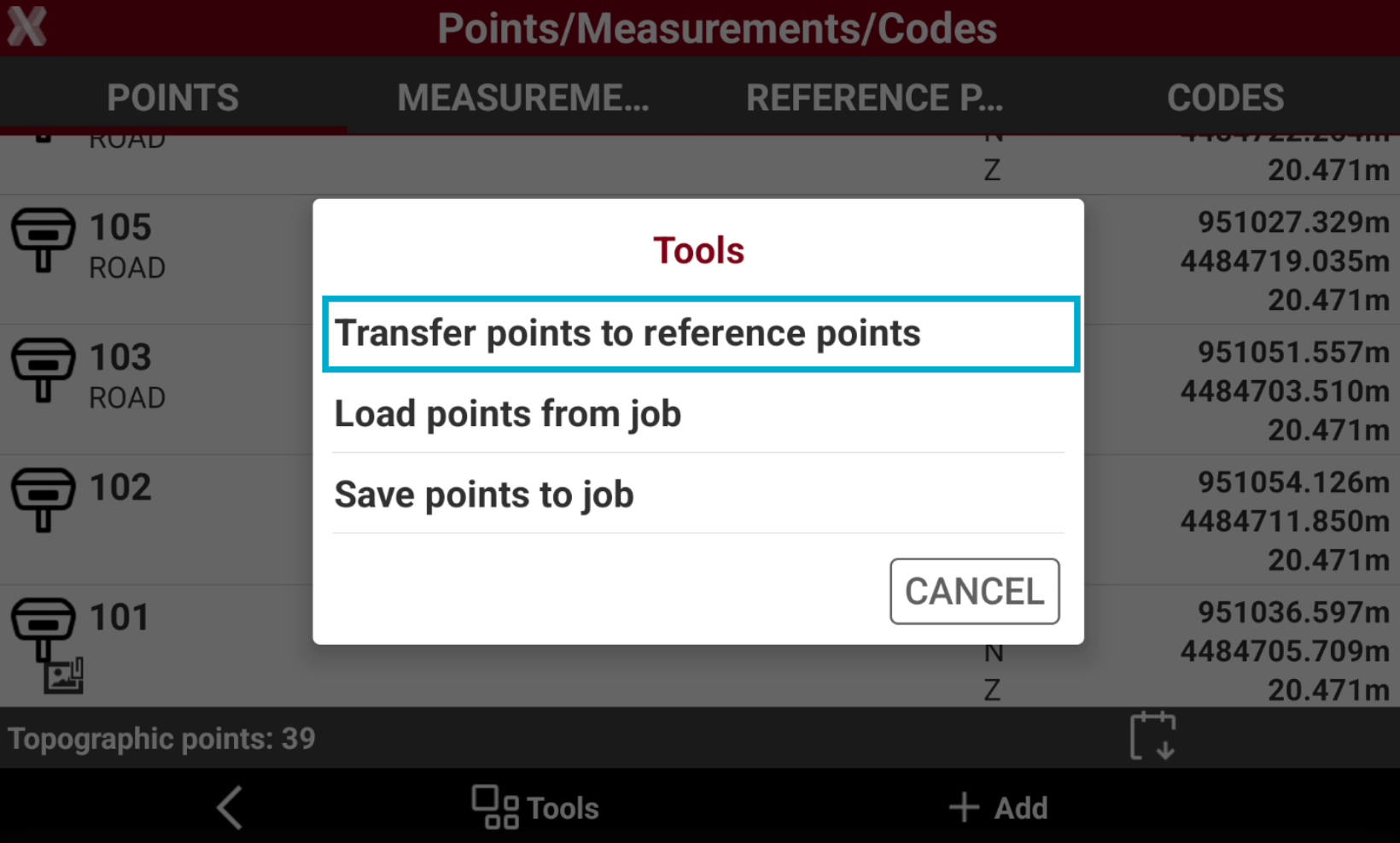
Select Transfer points to reference points.
-
Check the points from the list, or select Tools to use Selection rules or select/deselect all the points.
-
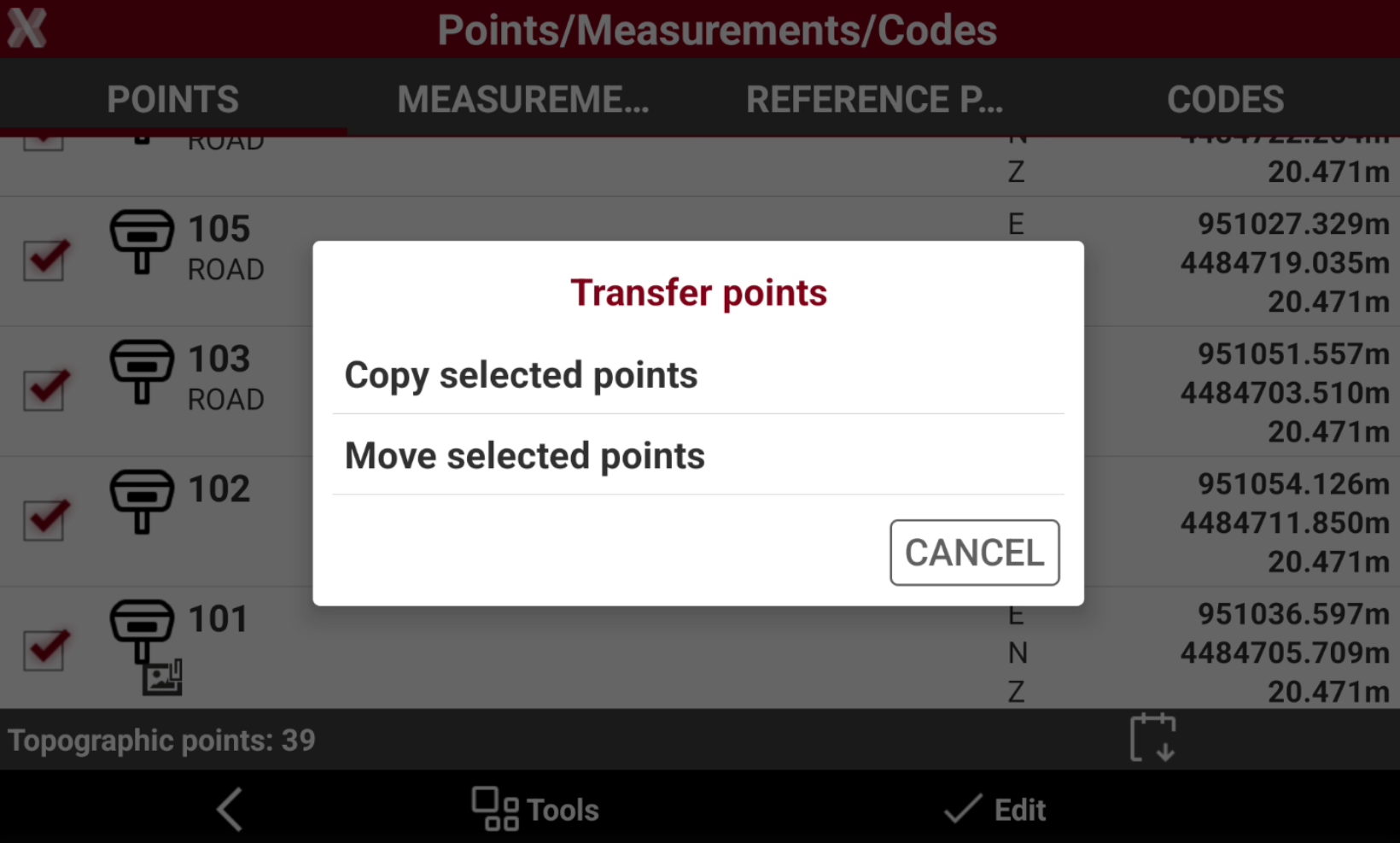
Select Edit and confirm the transfer method.
-
Copy selected points: the selected points are copied in the reference points list.
-
Move selected points: the selected points are moved in the reference points list. Selected points are deleted from the points list.
-
-
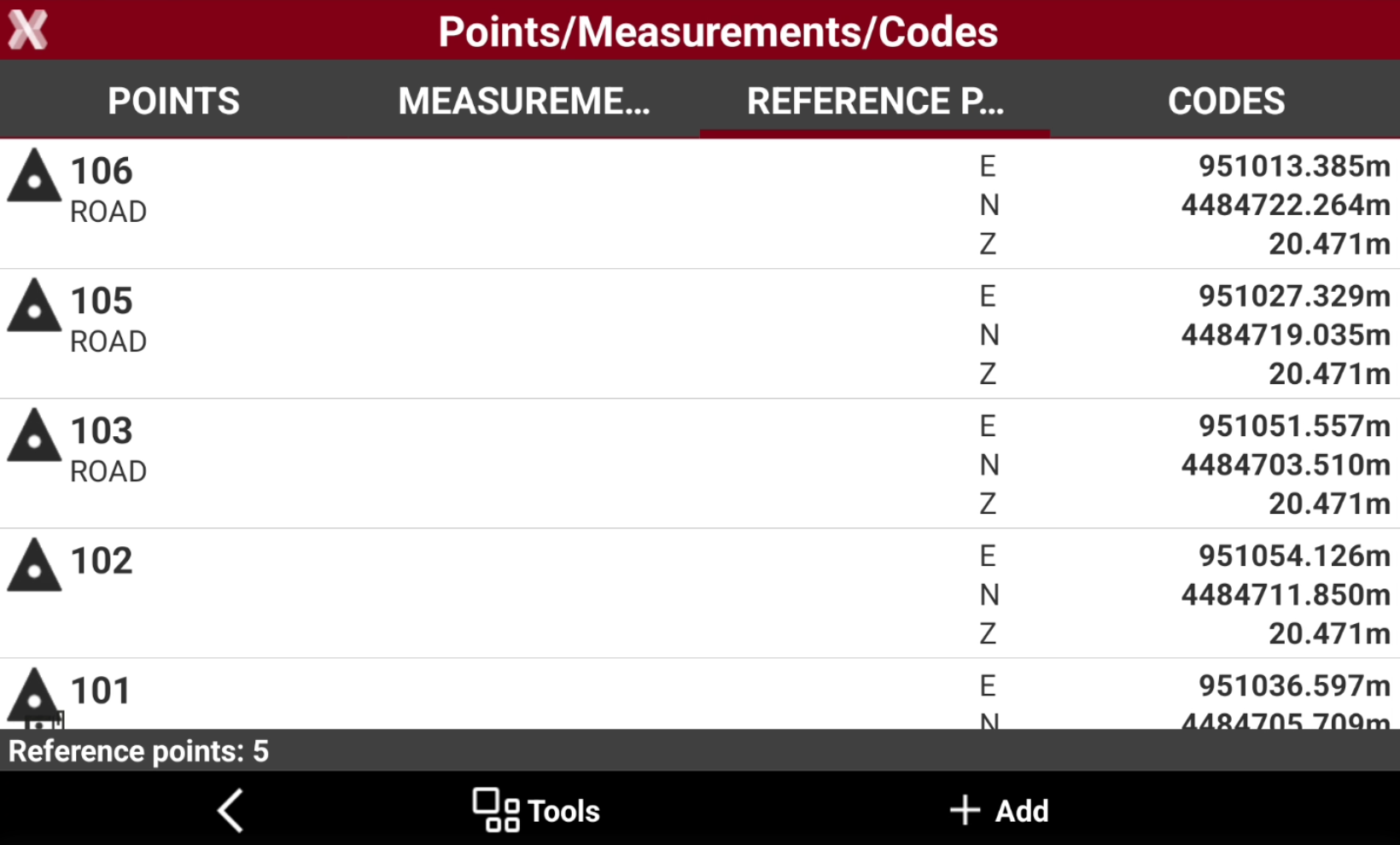
The points are now available in the Reference Points table.
Import points from another job
-
This function imports points in the current job from a different job available in the controller even from a different job site.
-
From Tools select Save/Load.
-
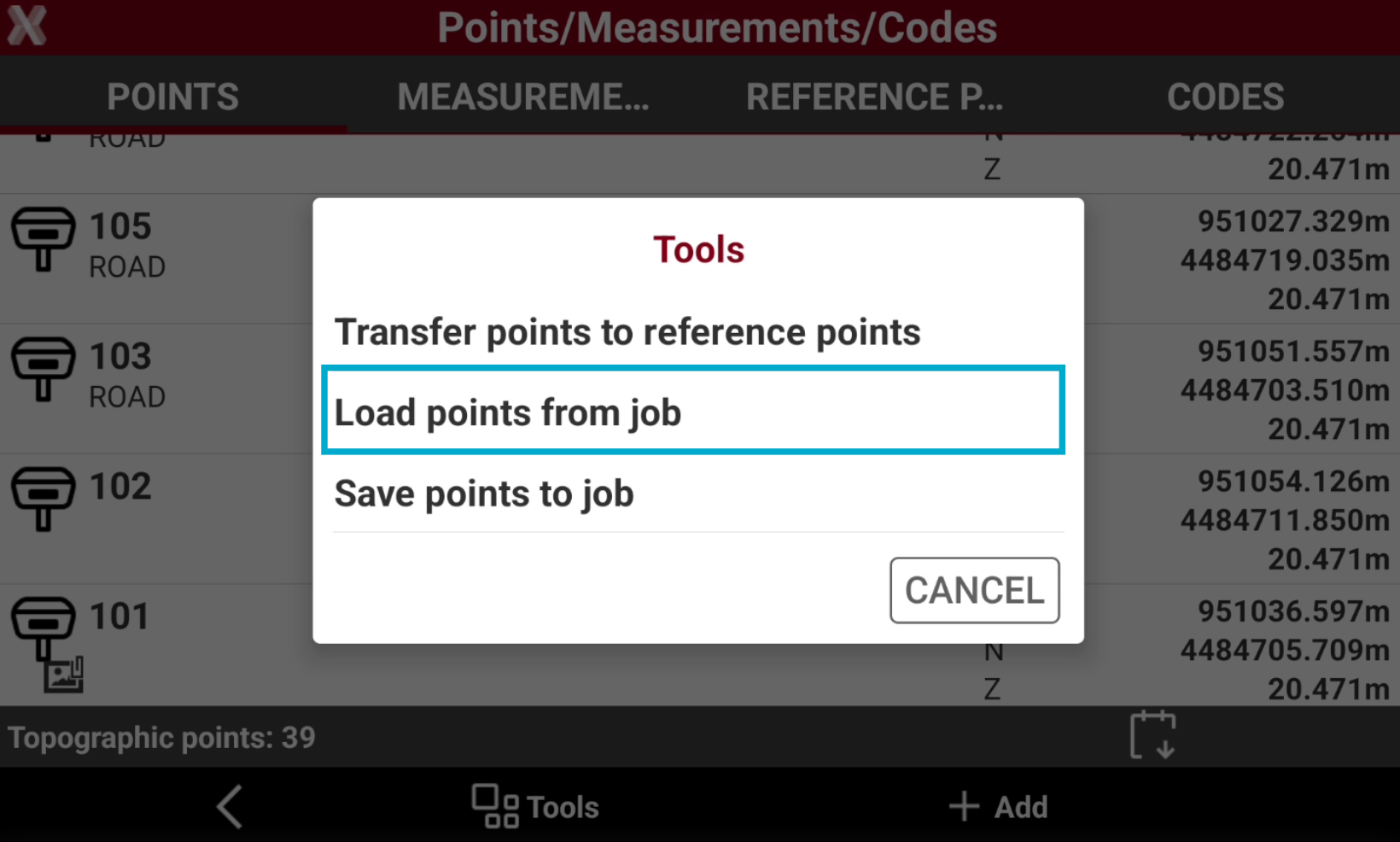
Select Load points from job.
-
Select the job from the list of available job.
-
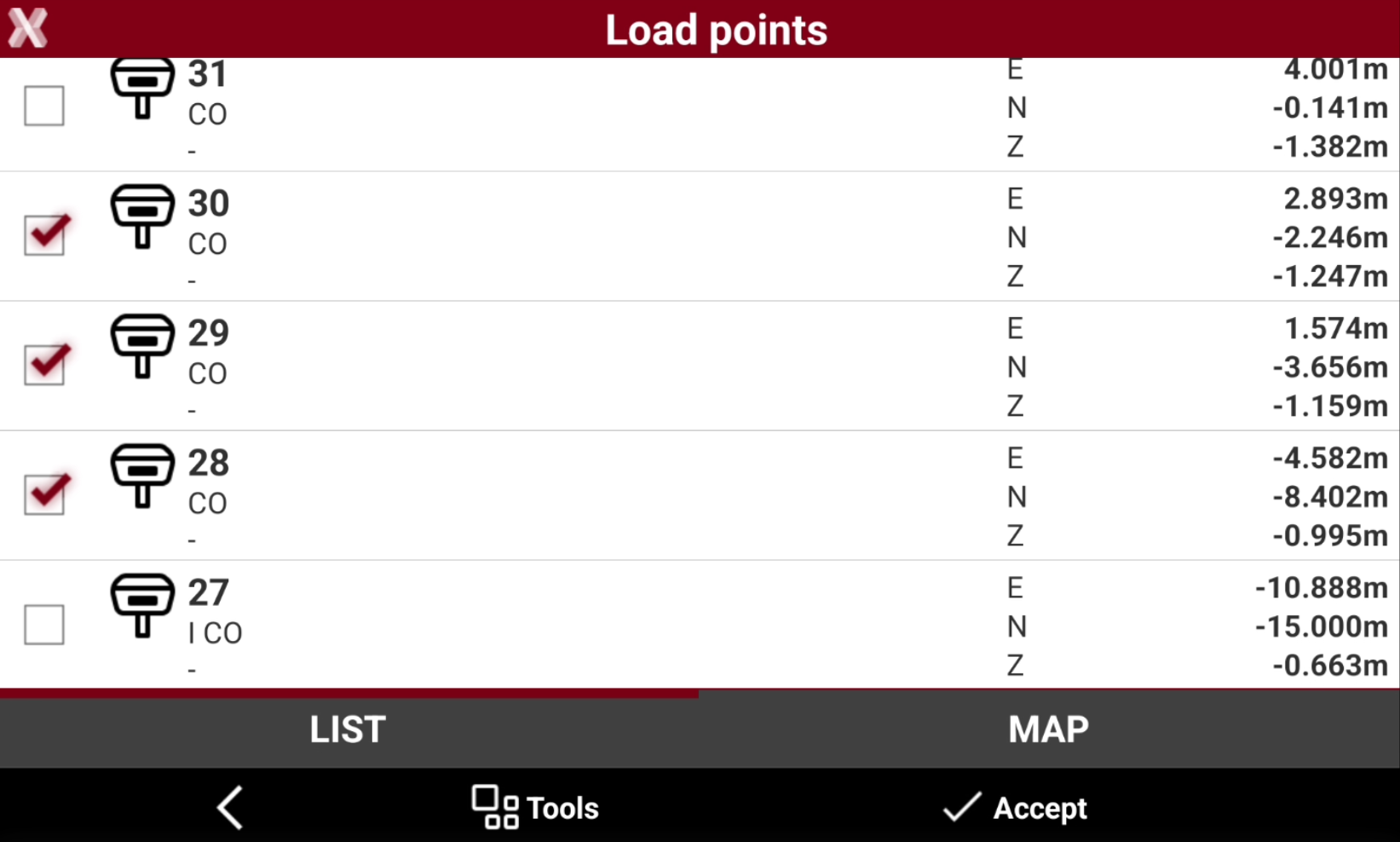
Check the points from the list to import, or click Tools to use Selection rules or select/deselect all the points.
-
Click Accept to import the selected points in the current job.
Export points to another job
-
This function exports points from the current job to a different job available in the controller even from a different job site.
-
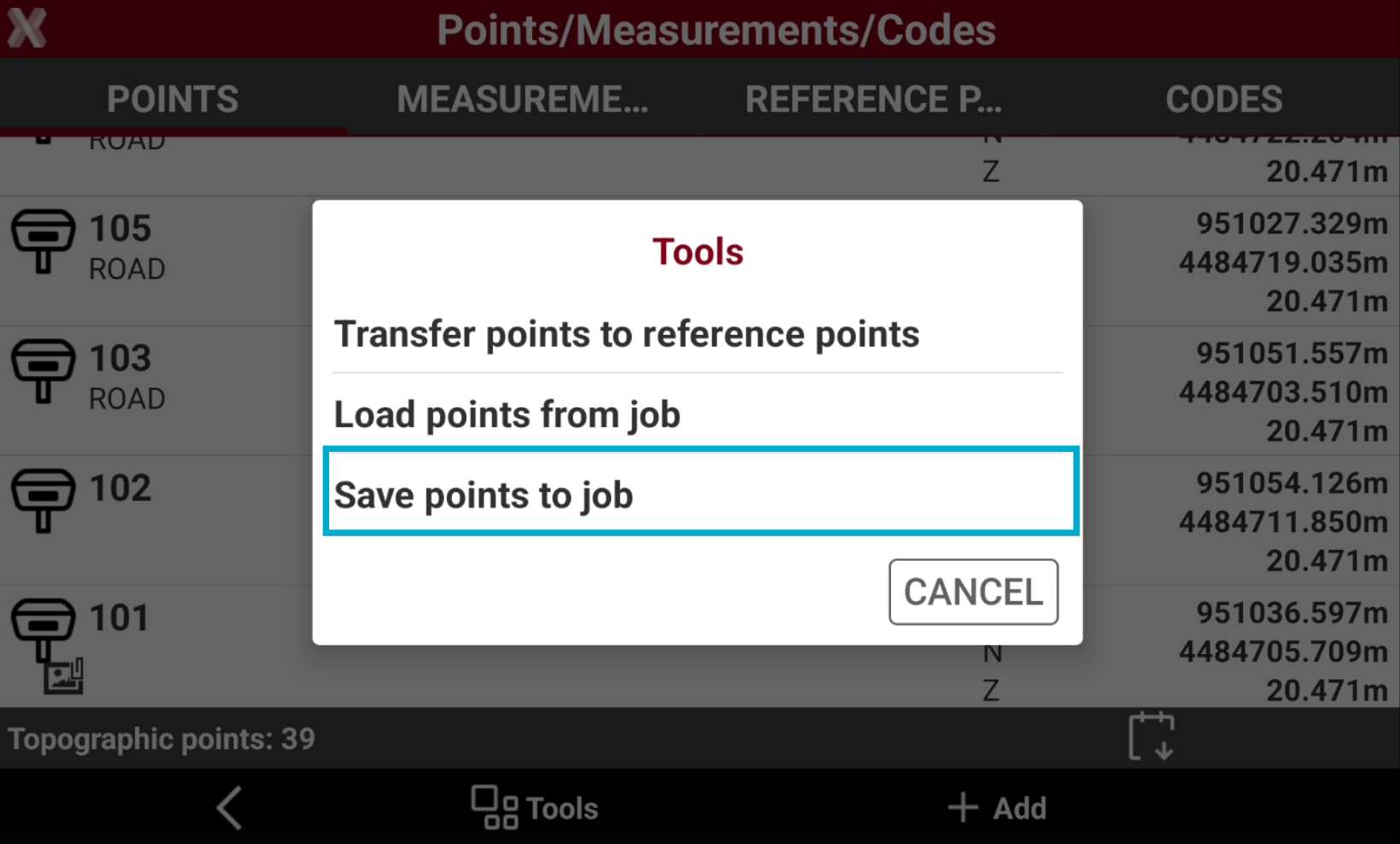
From Tools select Save/Load.
-
Select Save points to job.
-
Check the points from the list, or select Tools to use Selection rules or select/deselect all the points.
-
Select the job from the list of available job to export the points to the selected job.