
-
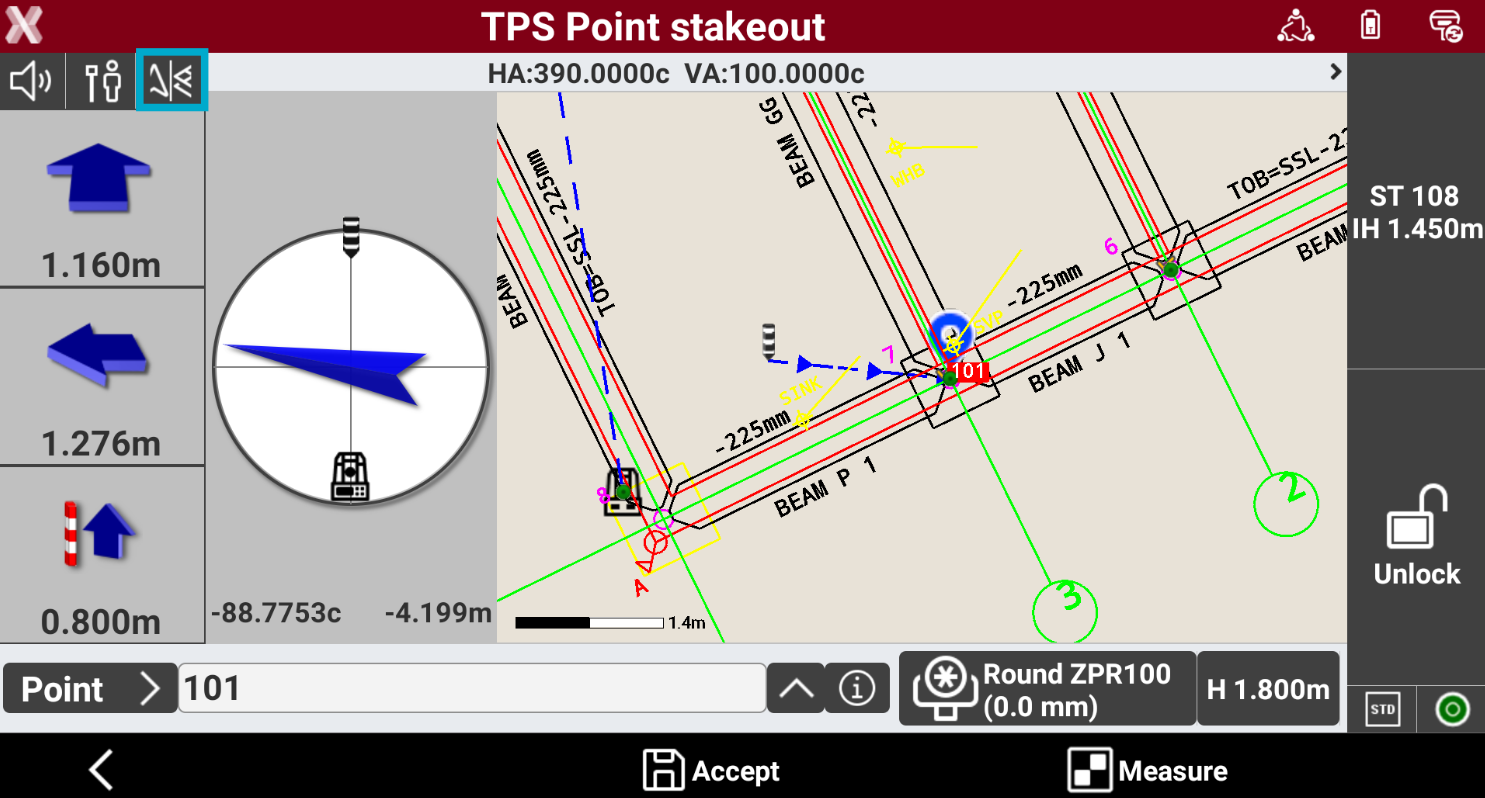
During stakeout operations it is possible to change the View mode.
-
Tap on the corresponding button to change the view mode.
-
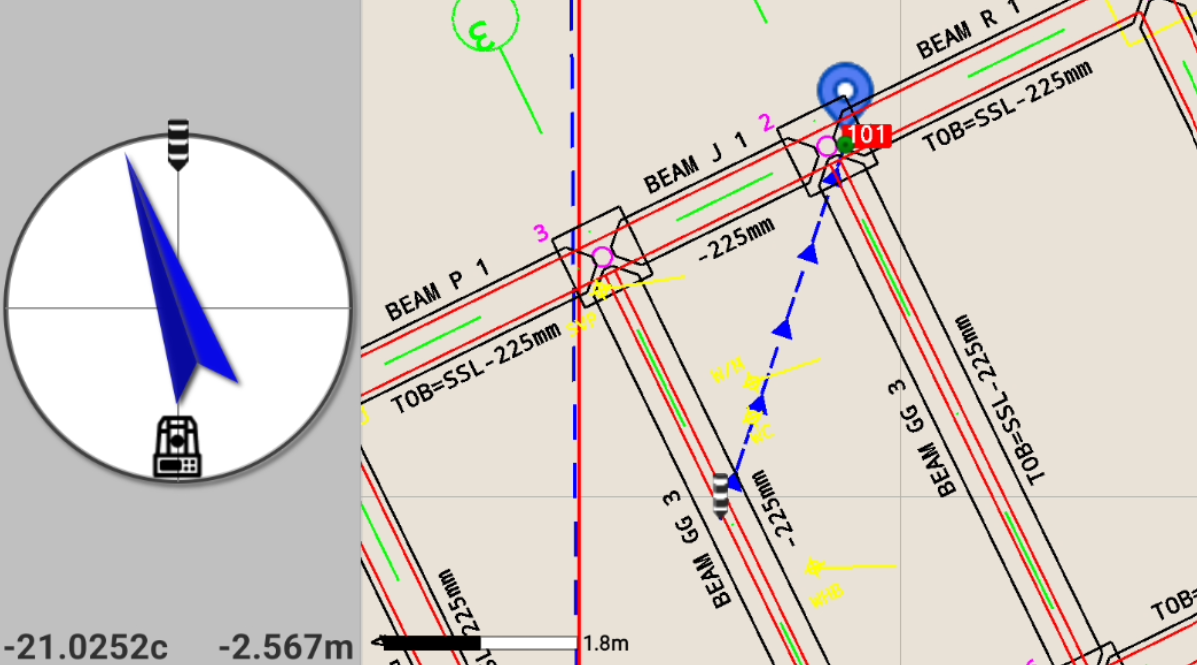
CAD & Compass: enables the mixed display that shows distance from the point and the graphical window.
-
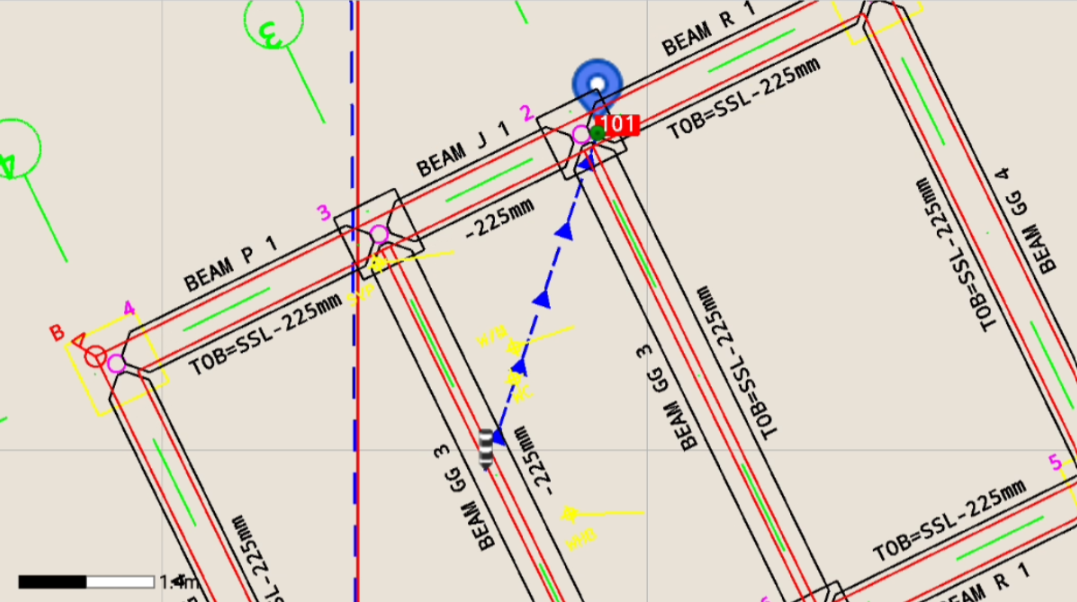
CAD: enables the graphic window display.
-
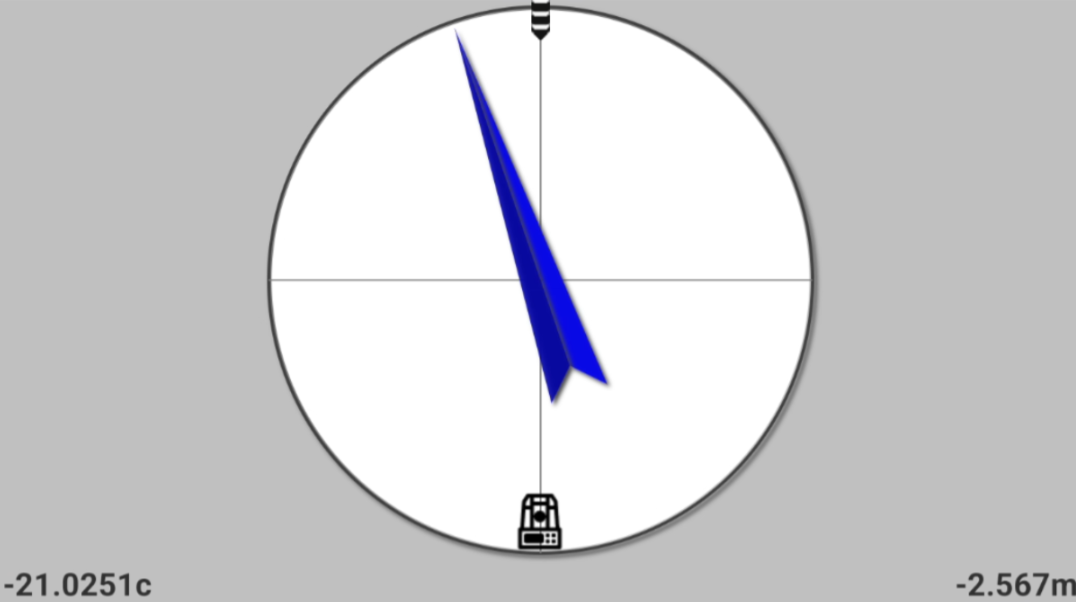
Compass: enables the view of analytical mode only, which indicates the distance from the point.
-