
robotic
-
Parallel line is used to determine parallel lines to a reference line on every surface.
-
Measure the reference line and define the distance.
-
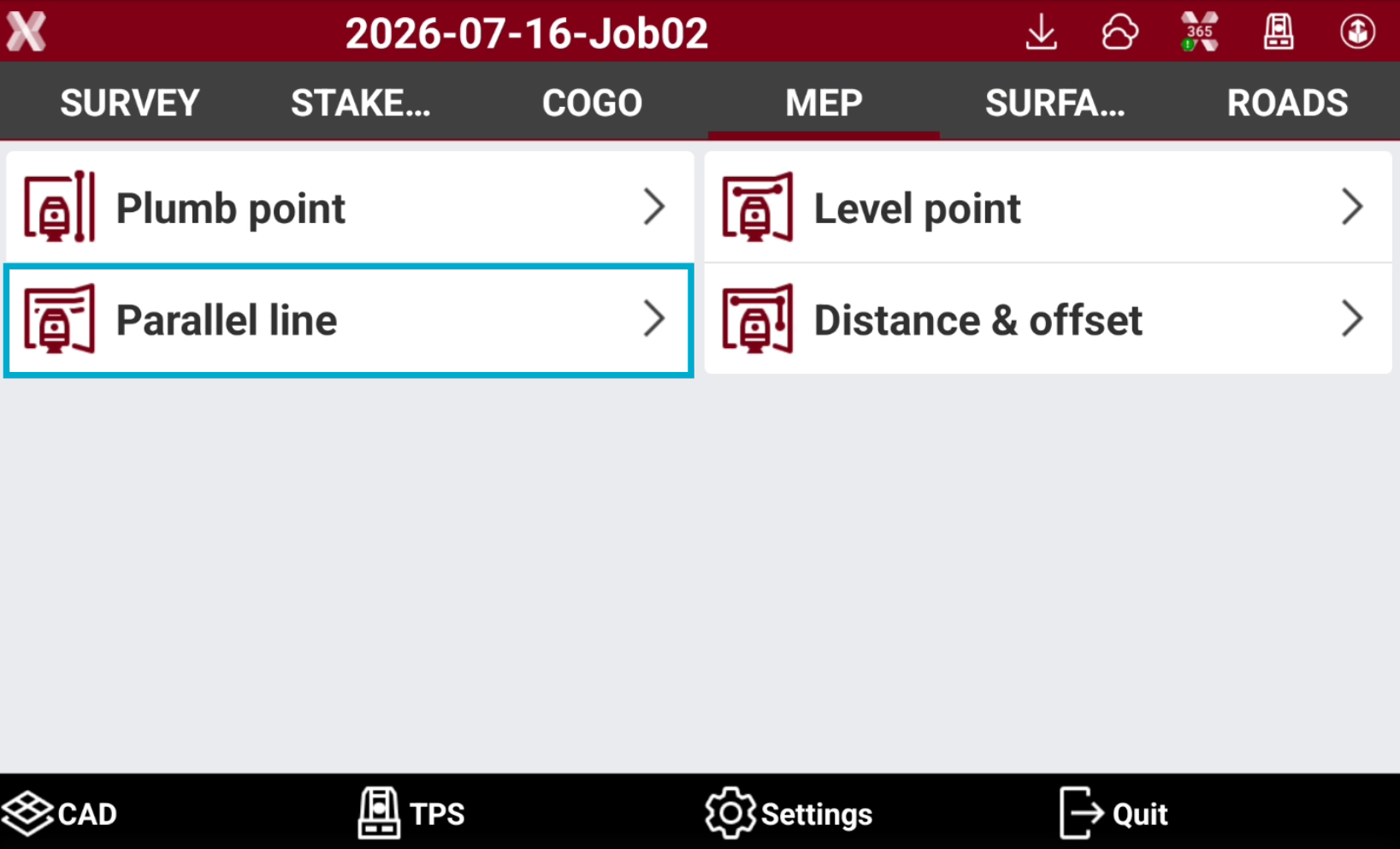
Open the MEP page.
-
Select Parallel line.
-
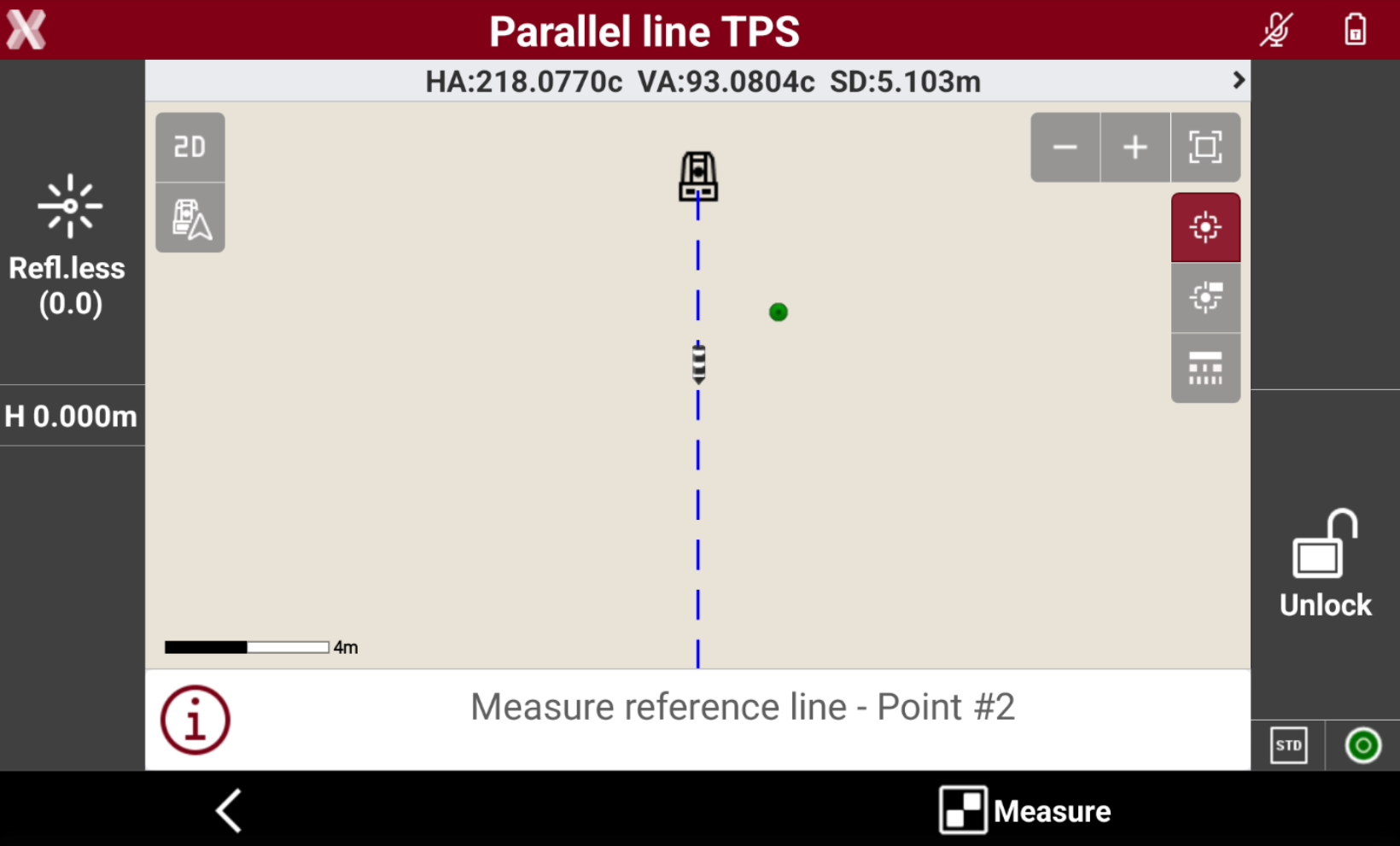
Measure the reference line.
-
Press Measure to measure the first point of the reference line.
-
Press Measure to measure the second point of the reference line.
-
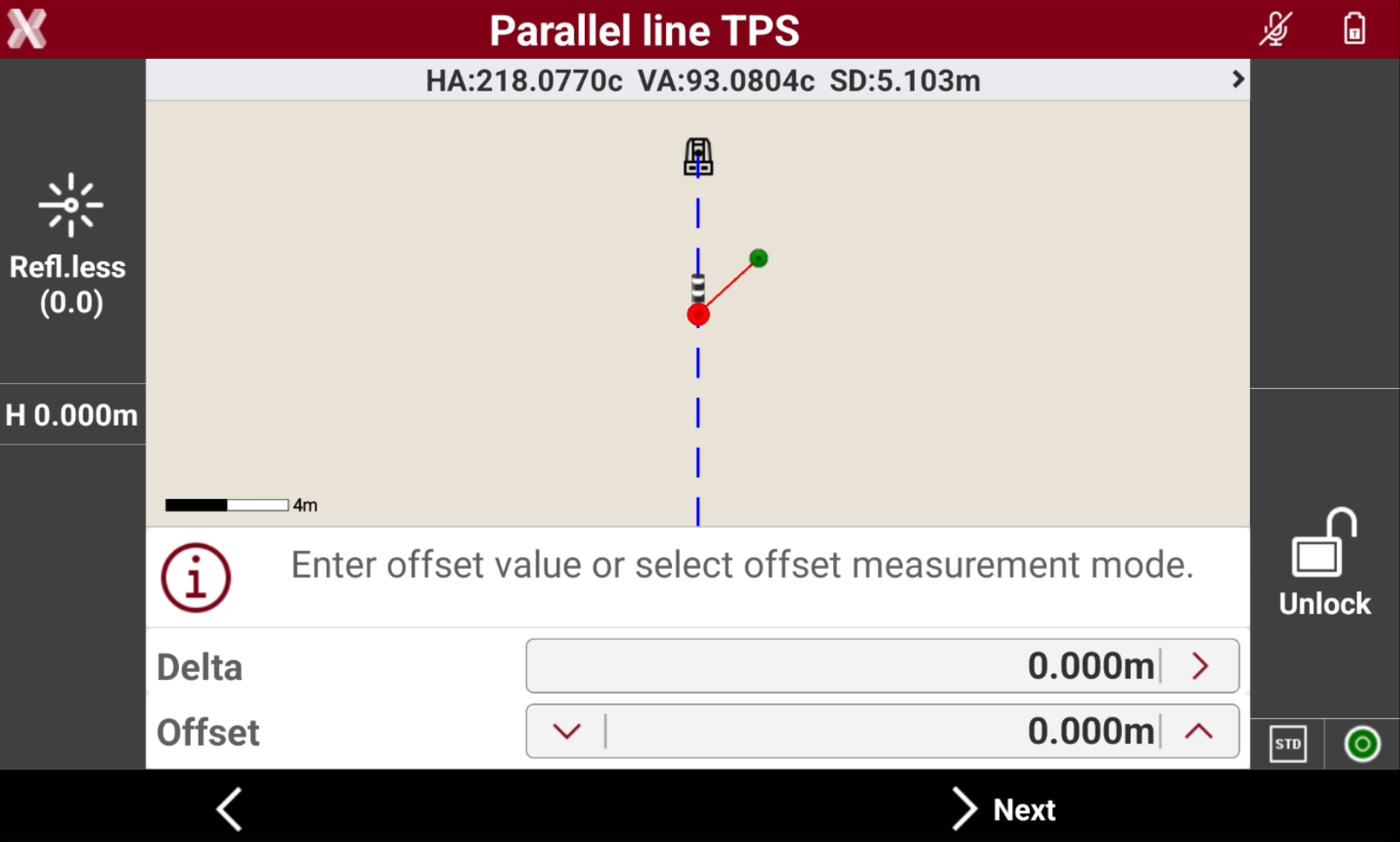
Enter the offset value or select offset measurement mode from the reference line.
-
Delta: the perpendicular distance from the reference line to the parallel line. It is possible to type in the value, or press > to select how to measure the Delta value.
-
Measure the distance between 2 points: allows to take two measurements and use the distance between the points as value.
-
Measure the distance from the reference line: uses the distance from reference line to measured point as value.
-
-
Offset: the perpendicular distance from the reference line to the parallel line. Tap on


-
-
Press Next.
-
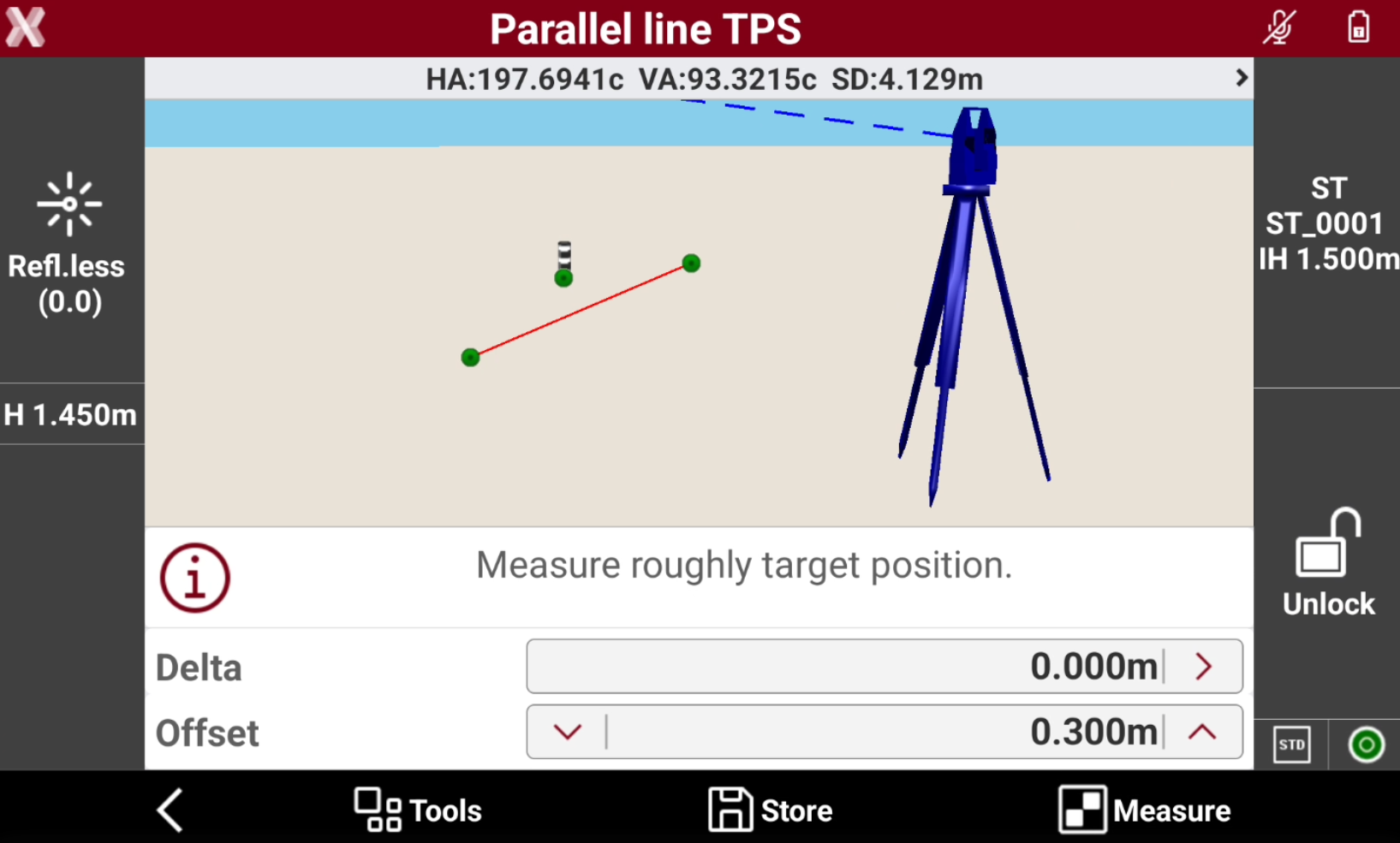
Press Measure to measure roughly the target position.
-
The robotic total station adjust the position to have a perpendicular distance from the reference line equal to the Offset value.
-
Tap on


-
Press Measure to take additional measurements.