
robotic
-
Distance & offset is used to determine new positions and distances related to a starting point on vertical surfaces.
-
Having a starting point, set a horizontal relative distance and a vertical relative distance.
-
The laser pointer positions itself exactly on the requested point.
-
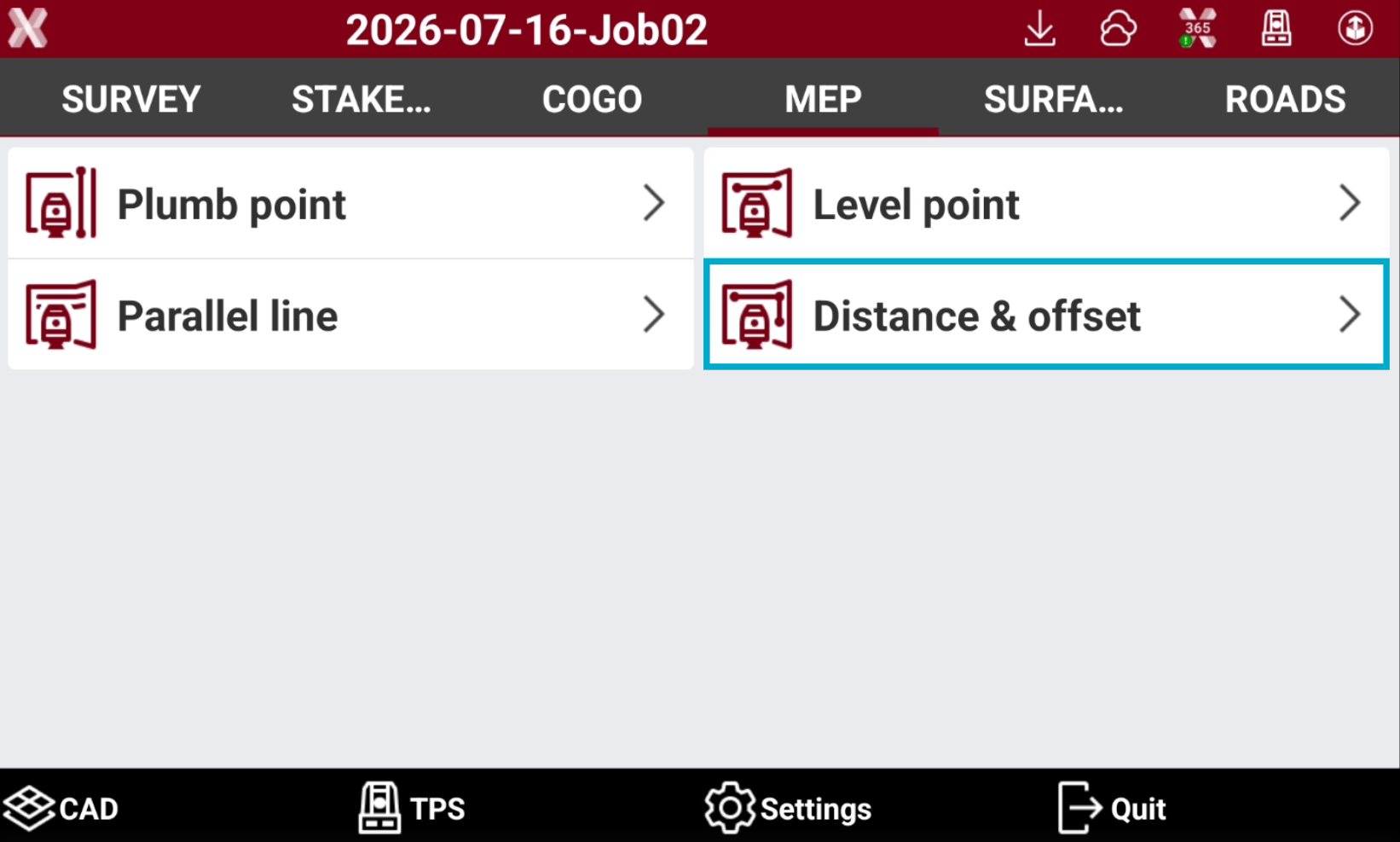
Open the MEP page.
-
Select Distance & offset.
-
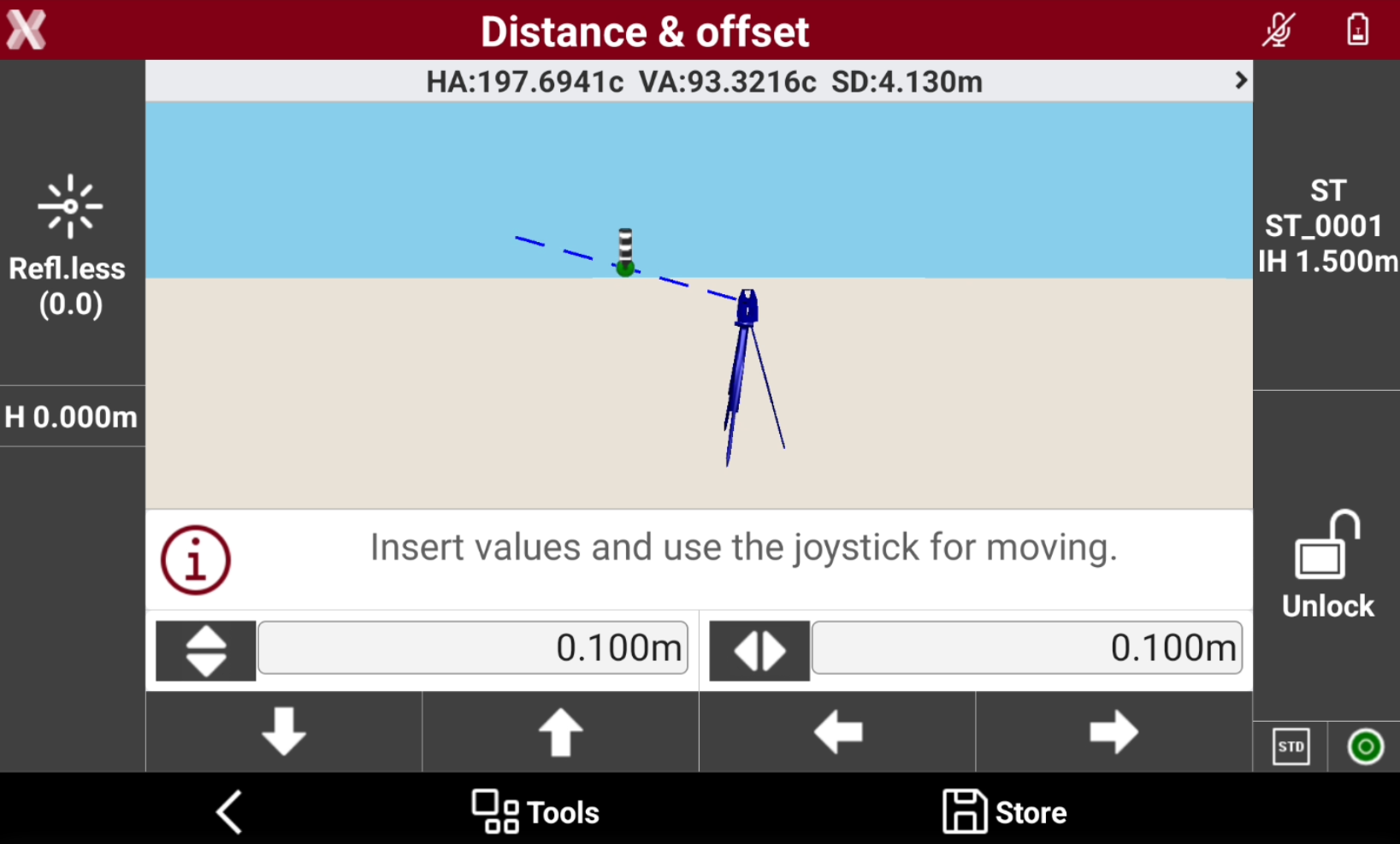
Measure the reference point on a vertical surface. Press Measure.
-
Enter the vertical offset


-
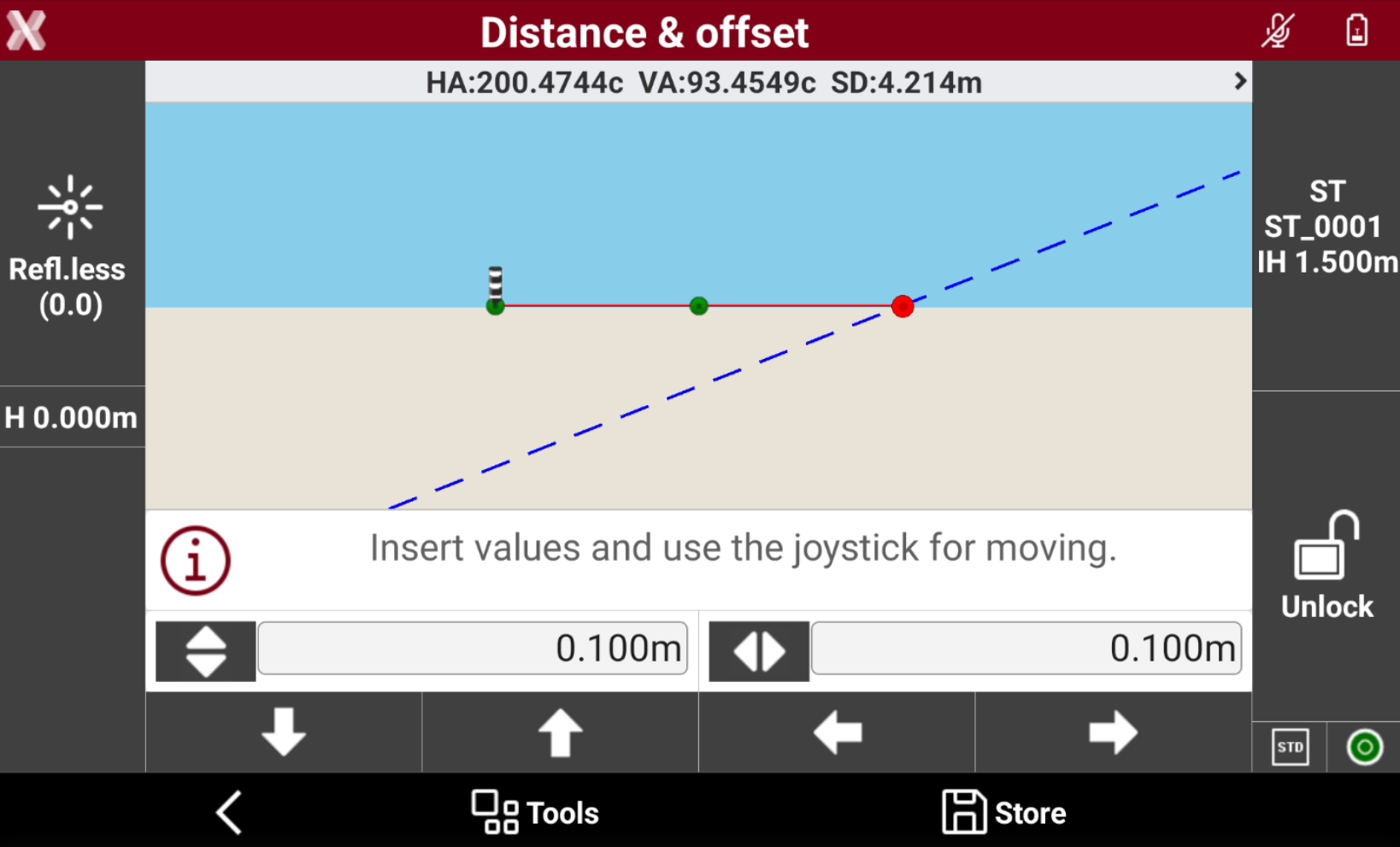
Use the arrows for moving the robotic total station laser pointer on the vertical surface of the entered offset values.
-
The robotic total station adjust the position to calculate and display exactly the position using the laser pointer.
-
Continue to use the arrows to change the offset and display additional points.