
Activity log

automeasuring

  • The Activity log displays all operations performed during the sessions in a chronological way.


  • From the Auto Measuring page select Activity log.
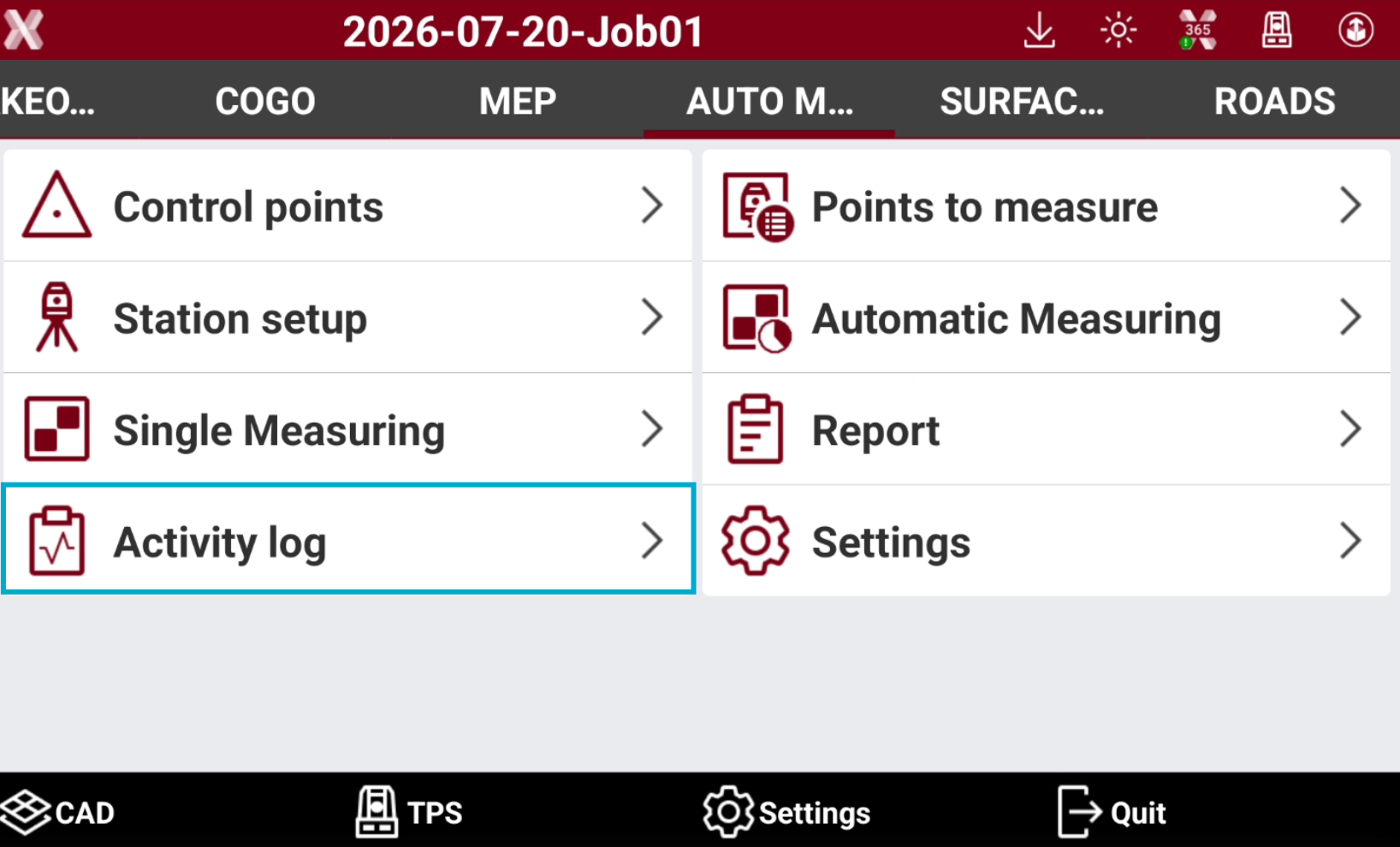
    image-20260720-144414.png
  • This opens the list of all operations performed in the monitoring cycles.
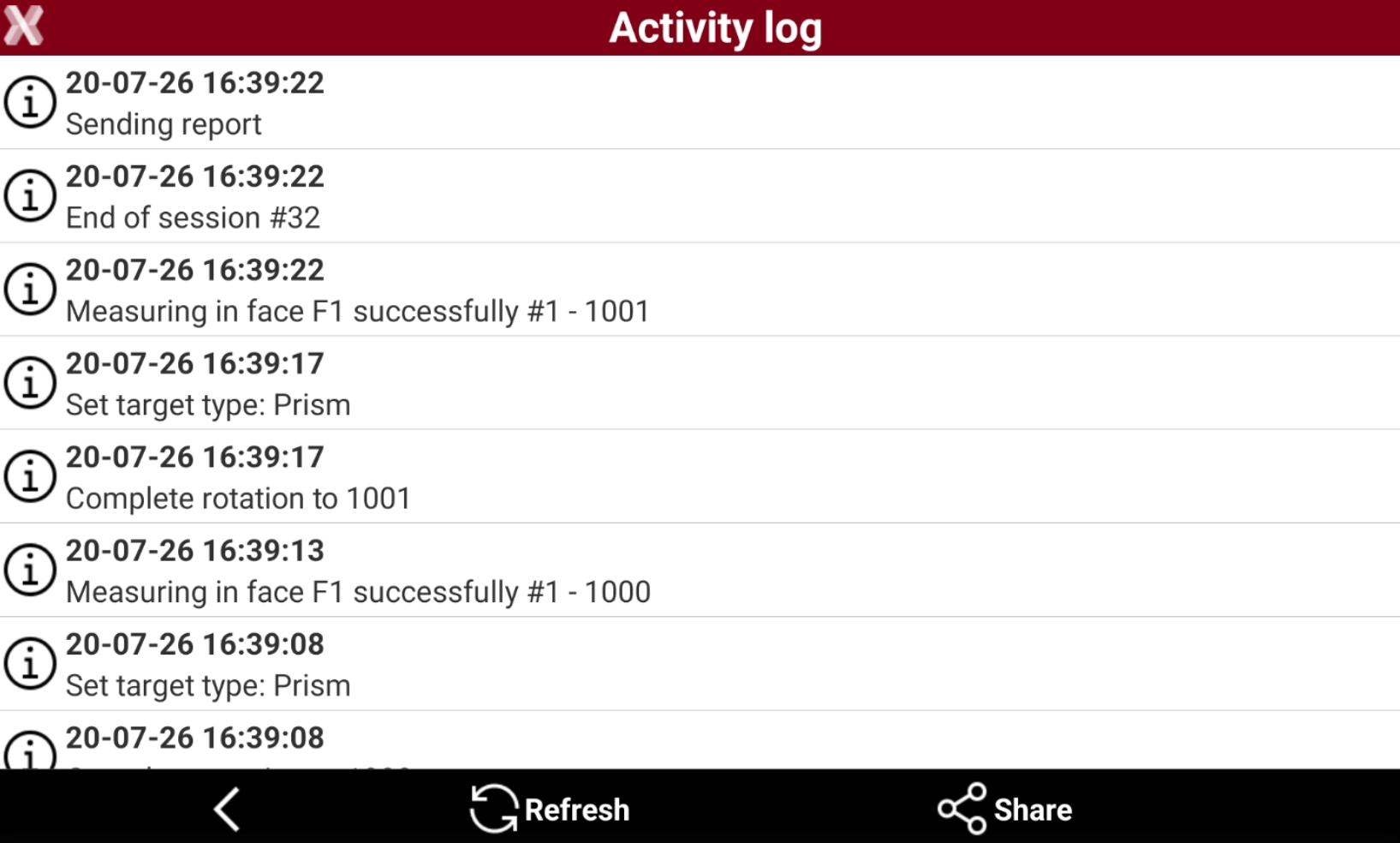
    image-20260720-144430.png
    • image-20250724-085520.png : the operations are done and executed without problems.

    • image-20250724-085537.png : problems have been identified, for example the calculation of the new position of the station.

    • image-20250724-085611.png : errors came up during the measurements, for example impossible connecting with the instrument.

  • Press Refresh to update the activity log.

  • Press Share to export and share the activity log as text file.