-
During stakeout operations with GNSS receiver it is possible to change the View mode and use different visualizations for the stakeout.
-
Tap on the corresponding button to change the view mode.
-
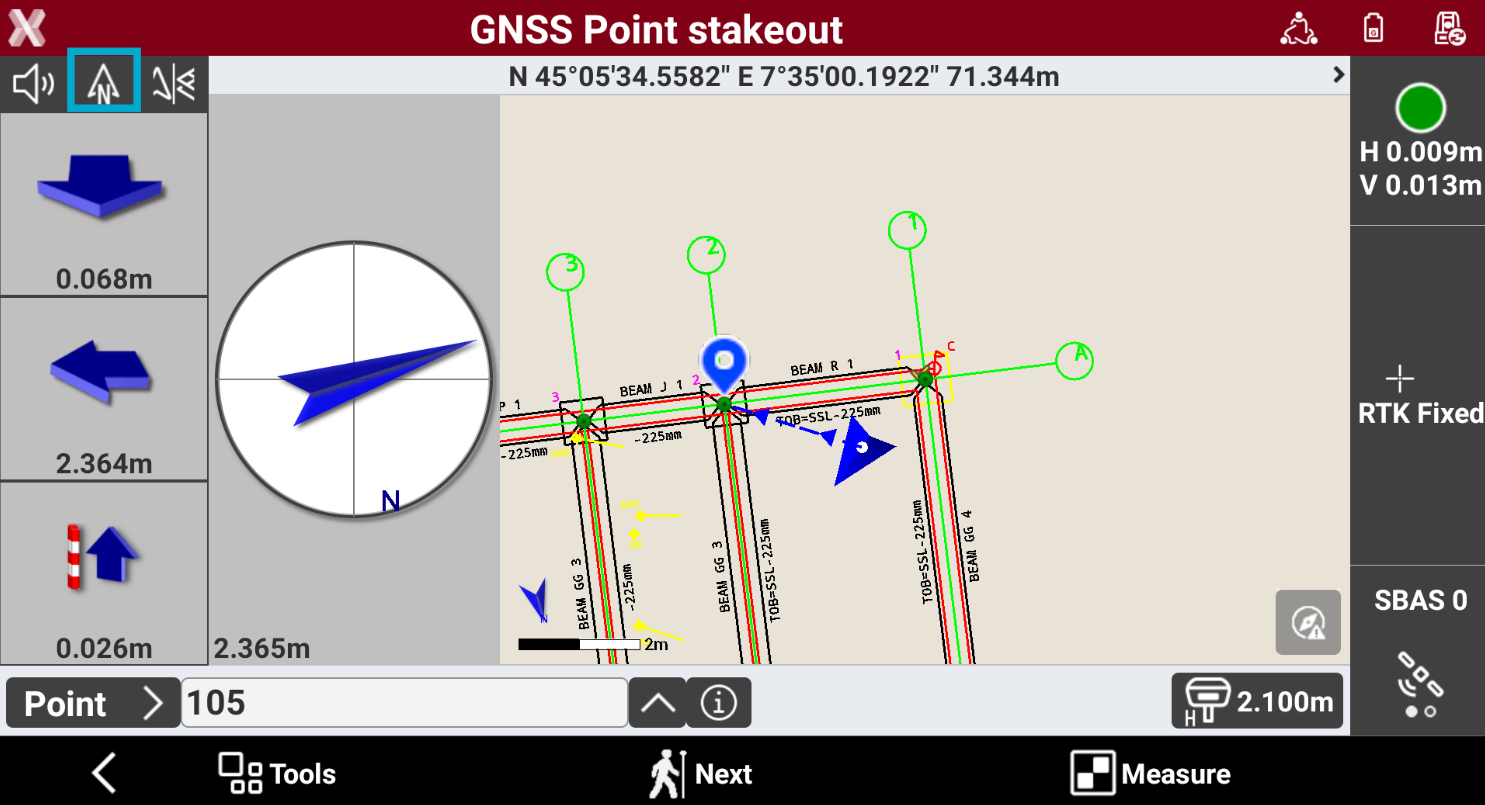
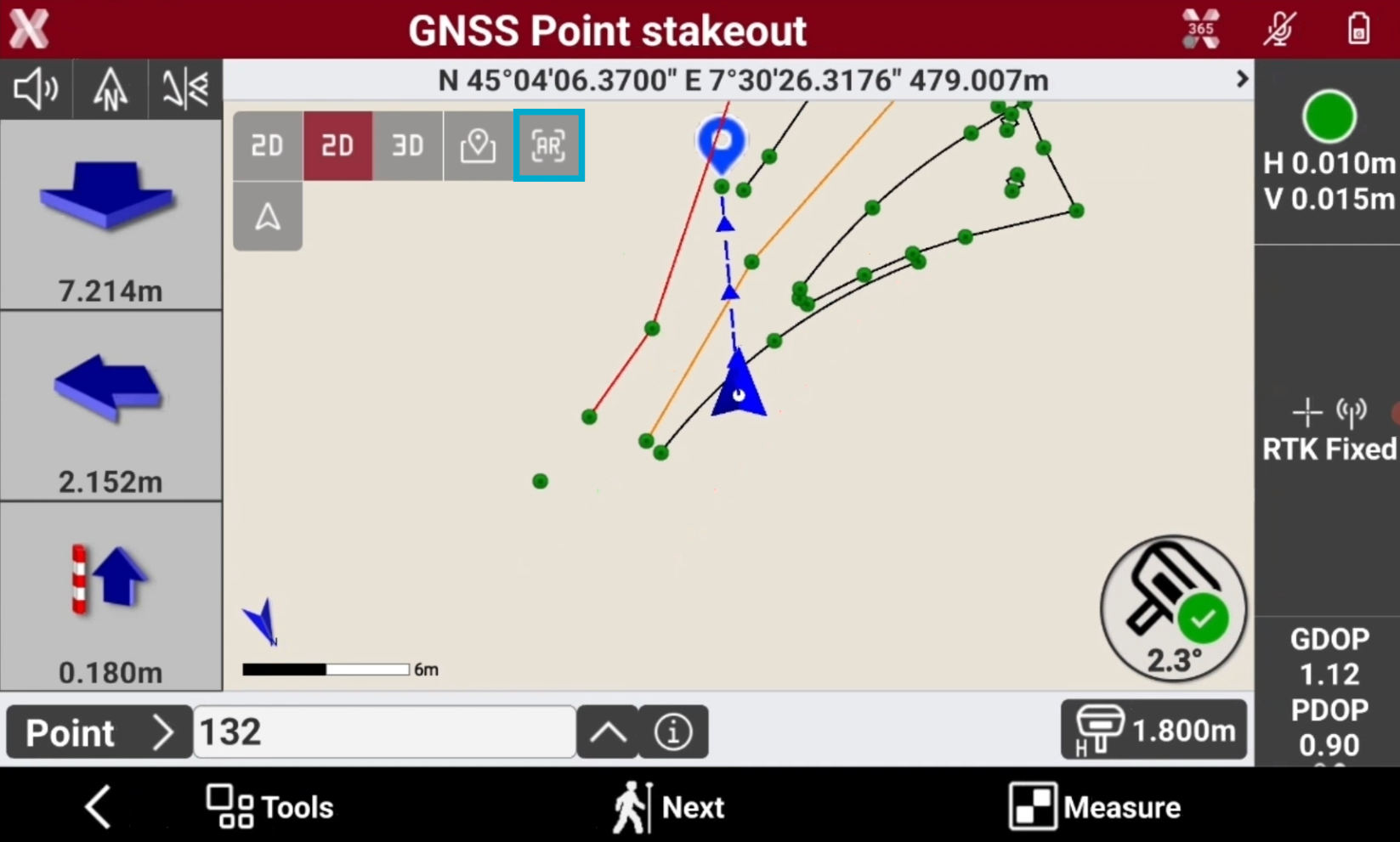
Compass and CAD: enables the mixed display that shows distance from the point and the graphical window.
-
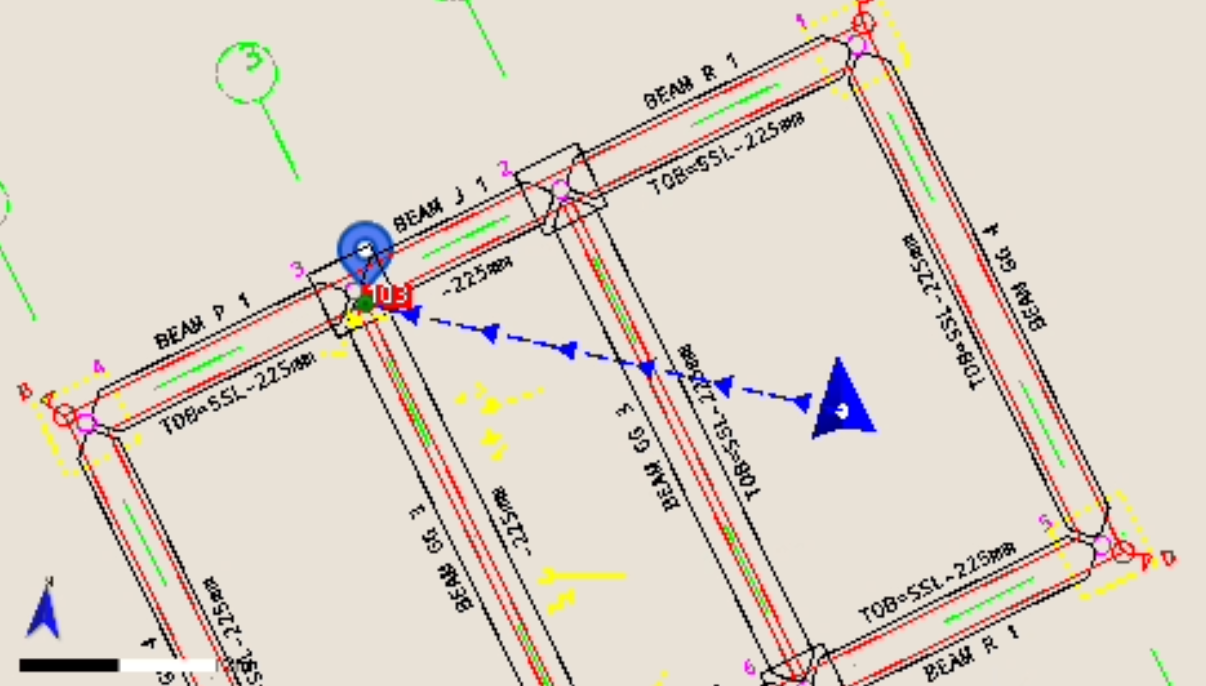
CAD: enables the graphic window display.
-
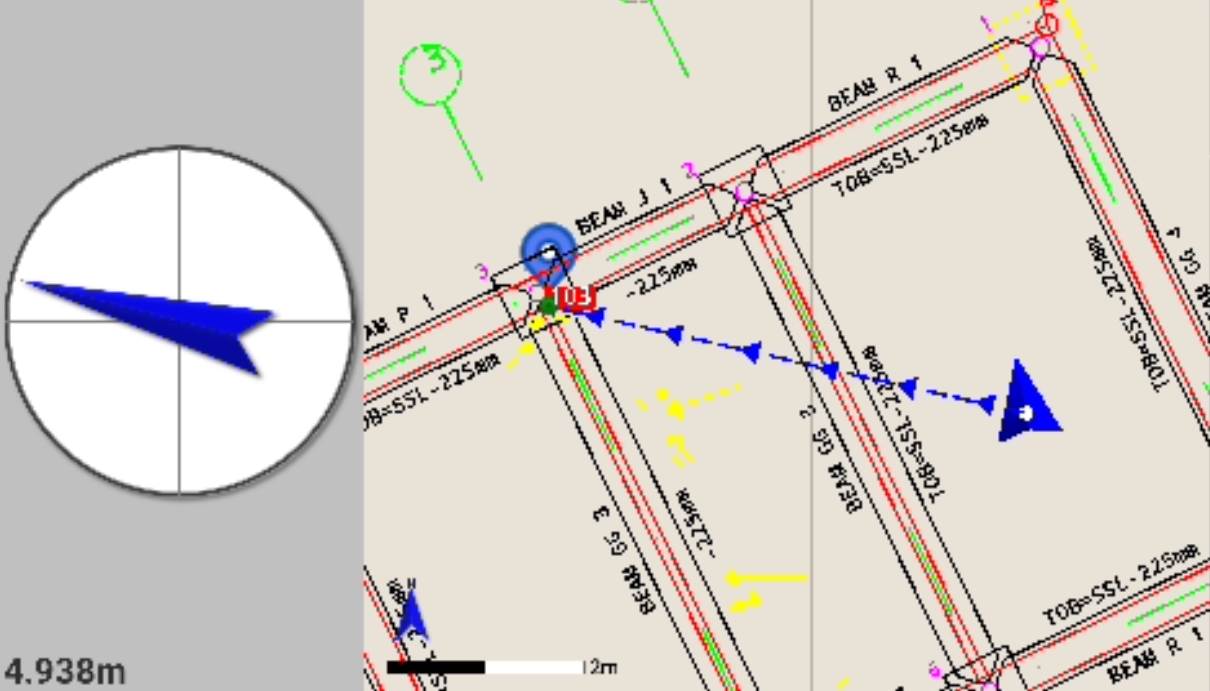
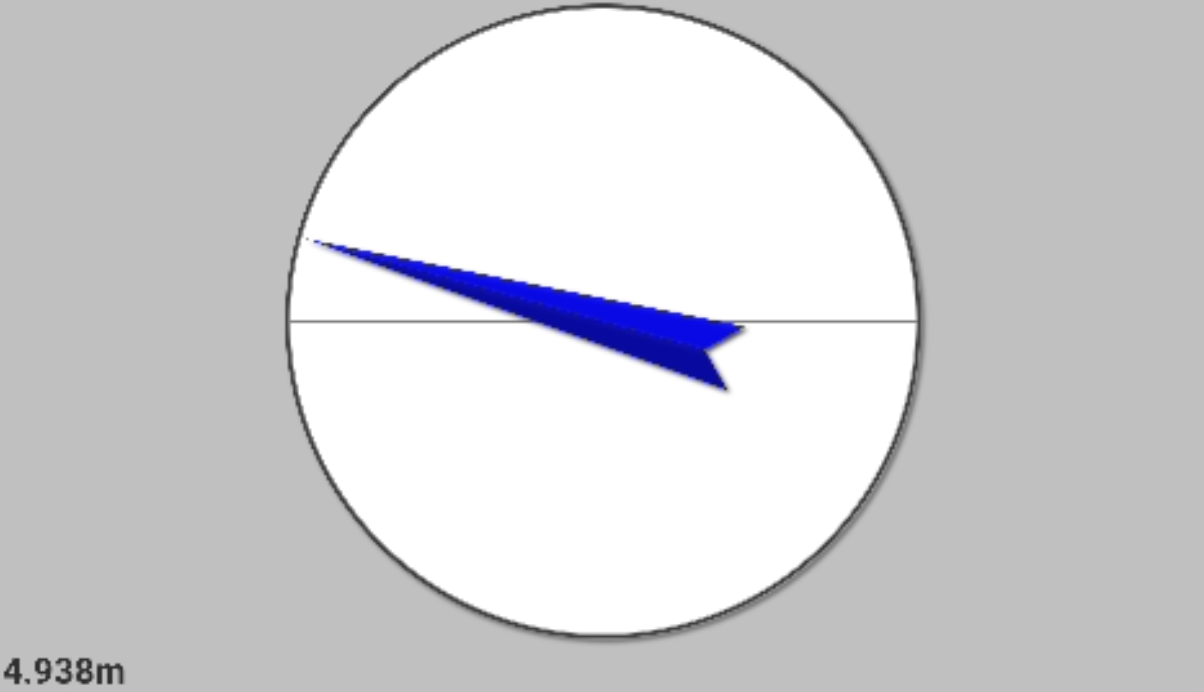
Compass: Enables the view of analytical mode only, which indicates the distance from the point.
Visual stakeout
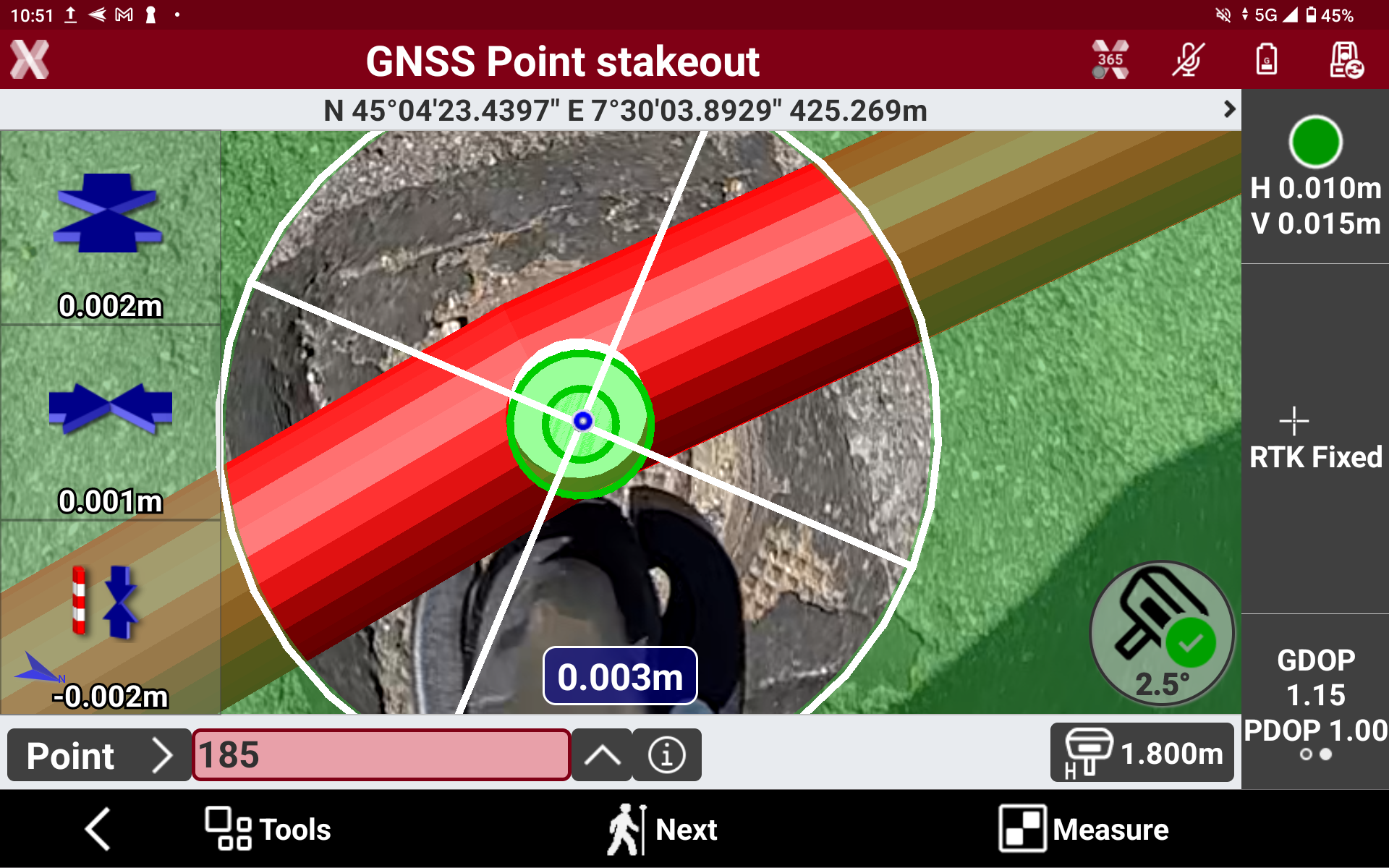
This stakeout method is available when working with compatible GNSS receivers with imaging.
-
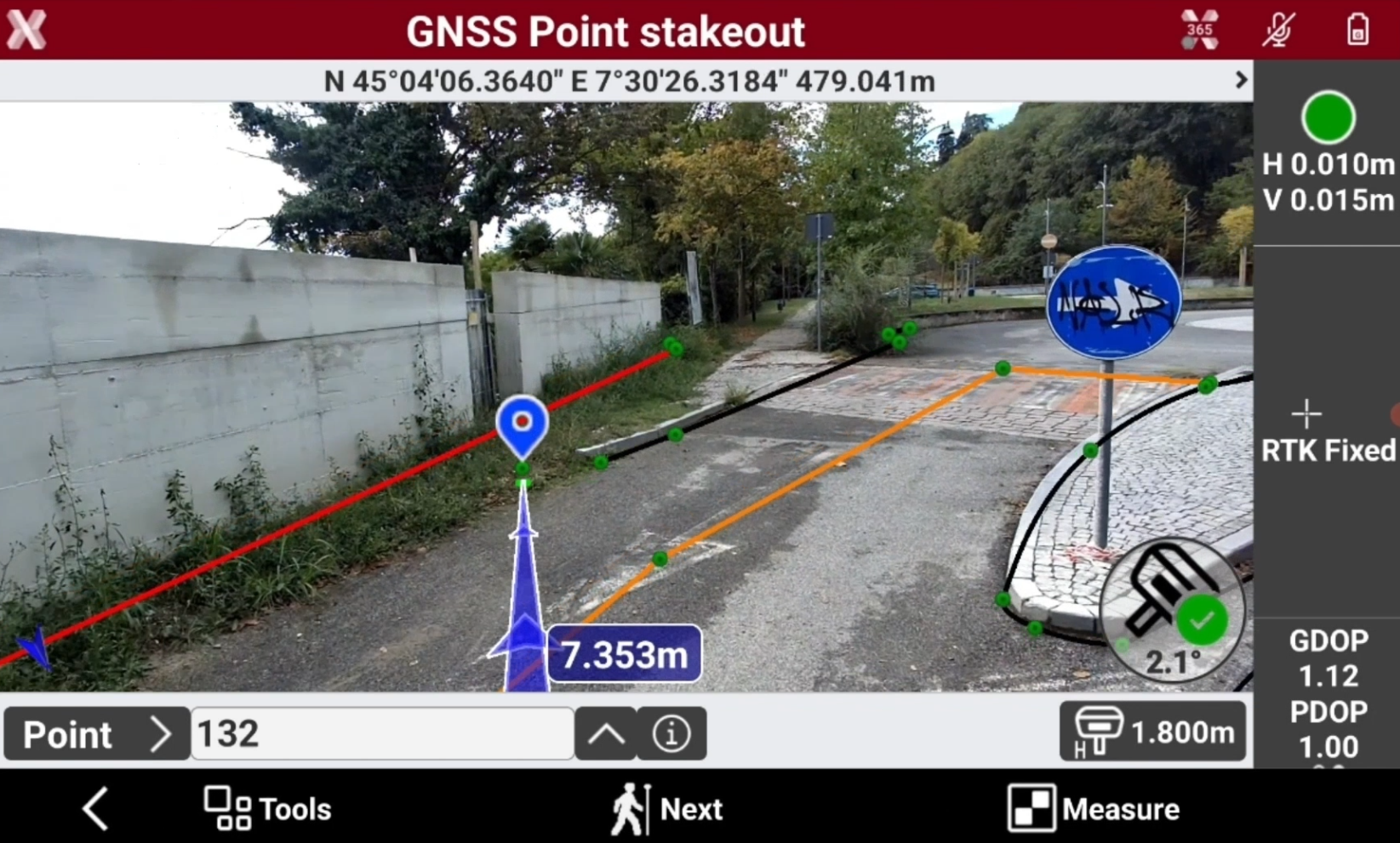
When AR is activated the data is overlapped to the camera image. If a GNSS receiver with imaging is used, the front and top-down GNSS receiver’s cameras are used, otherwise the software utilizes the controller’s camera.
-
Press

-
The software visualizes the CAD entities in the augmented reality view as well as indications to stakeout the point.
-
The point to stakeout is visualized on the augmented reality and the direction to the point to stakeout is indicated by a blue arrow.
-
As soon as the point is approached, when working with GNSS receiver with imaging, the top-down camera is automatically activated to stakeout the point precisely.