-
The function Scan surface allows to perform automatic measurements of a defined surface.
-
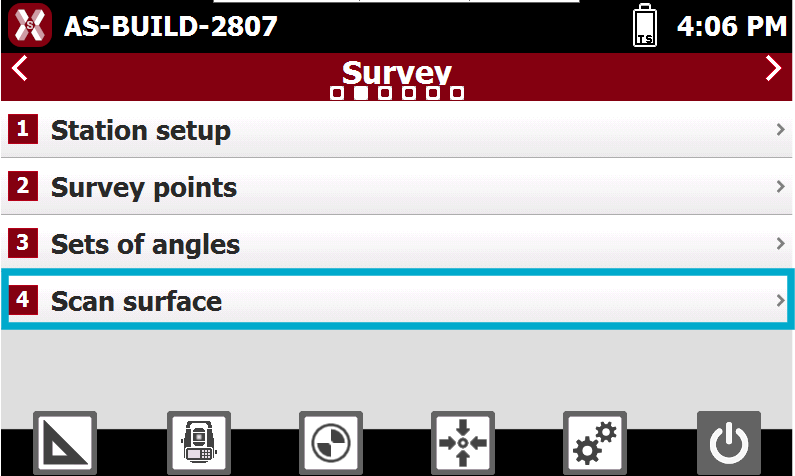
The function is started selecting Scan surface from Survey page.
Surface boundaries
-
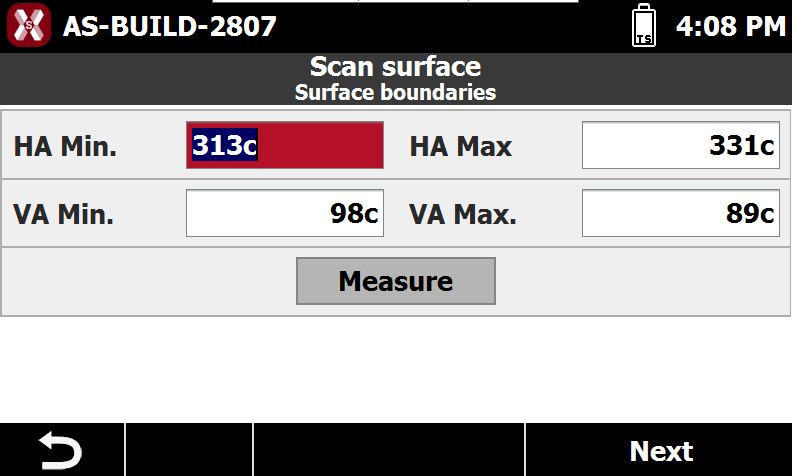
The Surface boundaries age allows to define the boundaries of the scan area.
-
HA Min.: the minimum value of the horizontal angle.
-
HA Max.: the maximum value of the horizontal angle.
-
VA Min.: the minimum value of the vertical angle.
-
VA Max.: the maximum value of the vertical angle.
-
-
Press Measure to calculate the HA and VA values measuring with the instrument the bottom-left and the upper-right corner.
Grid size
-
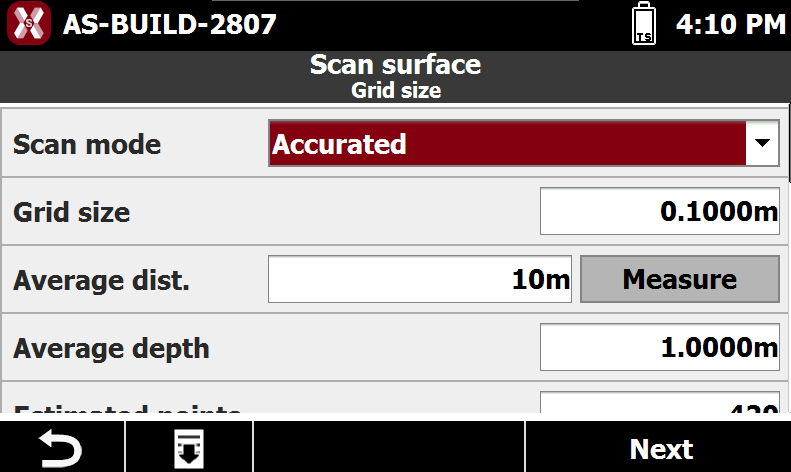
The page Grid size defines how the scan is performed in the defined scan area.
-
Scan Mode: defines how the scan is performed.
-
Accurate: performs the scan with the highest accuracy, maintaining a precise and consistent point spacing within the scan grid.
-
Fast: performs the scan with standard point spacing accuracy. It provides a good balance between scanning speed and grid distance quality and is faster than Accurate mode.
-
Ultra Fast: performs the scan at maximum speed without maintaining precise point spacing in the scan grid.
-
-
Grid size: distance between the points in the grid.
-
Average distance: the average distance between the instrument and the surface. Press Measure to measure this value.
-
Average depth: the average depth of the surface.
-
Estimated points: the number of points to measure estimated by the software.
Scan measurements
-
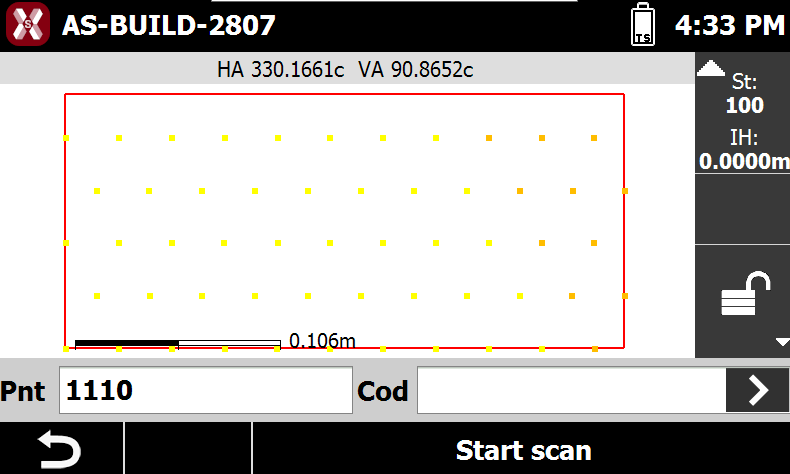
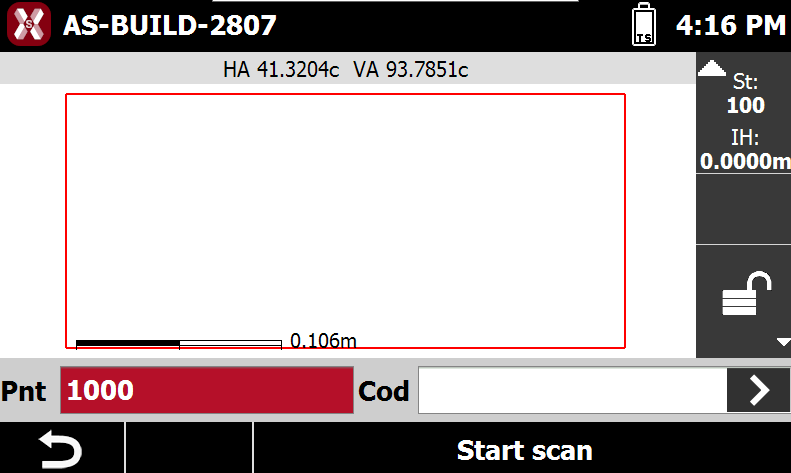
After the parameters have been defined press Start scan to start the measurements.
-
When scan is completed the software automatically saves the points in the topographic points list.