-
Topographic Points are positions identified by a name and associated attributes. They can be acquired through direct measurement, manually entered, or imported from external files.
-
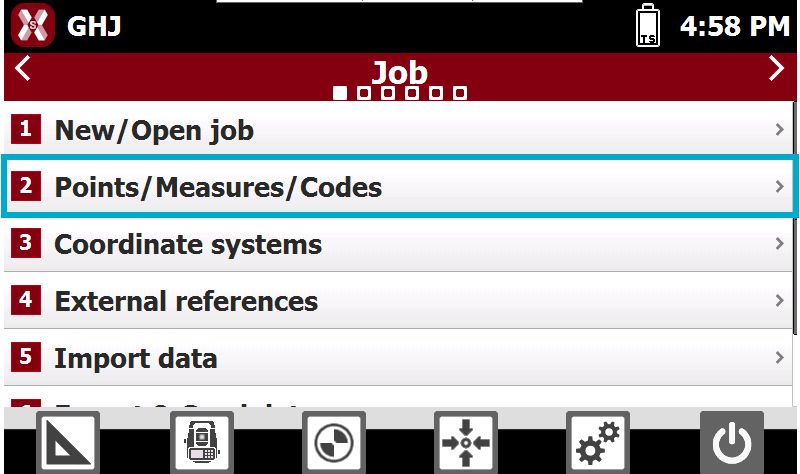
To open the list of points select Points/Measures/Codes from Job page.
-
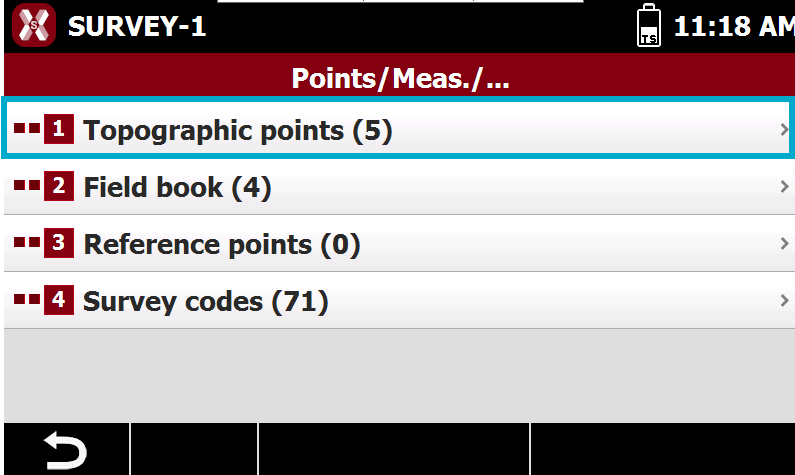
Select Topographic points.
-
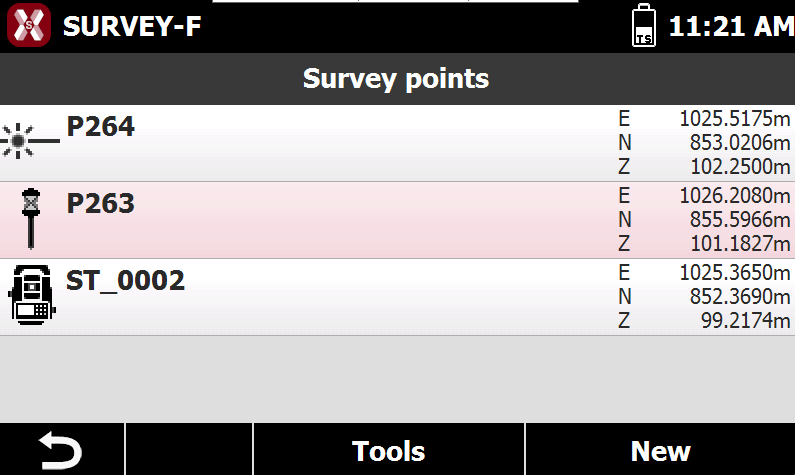
The table displays all topographic points in the job.
-
This chapter covers the following topics:
-
Topographic points list: learn how to manage the topographic points list.
-
Create/edit a point: learn how to create or edit an existing topographic point.
-
