
-
Survey codes allow to identify with precision every point and to automate many operations to complete the survey drawing.
-
To the code it’s possible to associate not only an extended description, but also a symbol and a layer; this way the points, basing on their associated code, are represented with a certain symbol and on a certain layer.
-
It’s possible to define different libraries of codes and use them in different jobs; in every moment it’s possible substituting the current library with a different one.
-
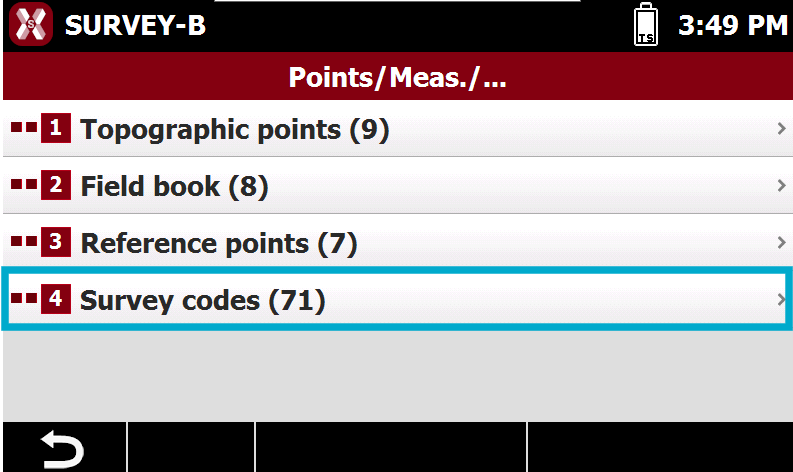
The table Survey codes can be opened from Job page, selecting Points/Measures/Codes.
-
Then select Survey codes.
-
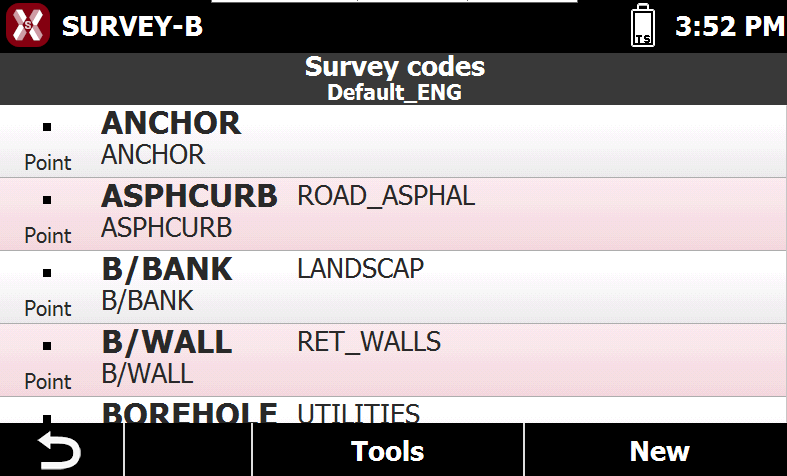
The table Survey codes reports the list of survey codes of the current library.
-
-
This chapter covers the following topics:
-
Create/edit a survey code: learn how to create or edit a survey code.
-
Codes library: learn how to manage, create and import codes library to organize survey codes.
-
Layers manager: learn how to use the layer manager to manage and assign layers to the survey codes.
-