
-
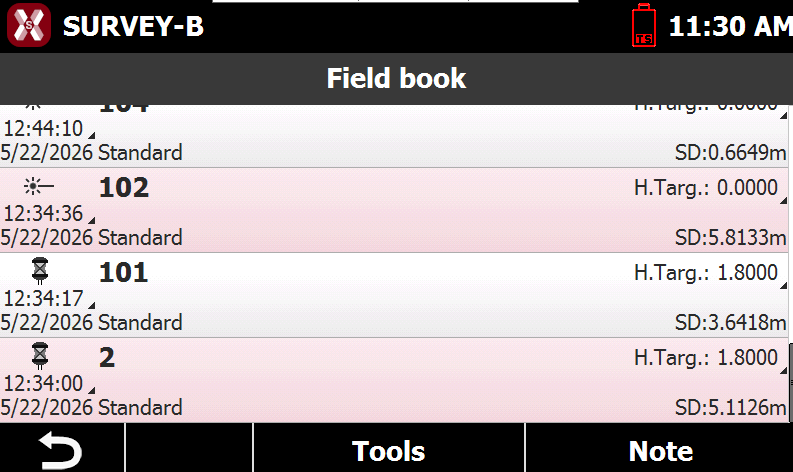
The fieldbook of measures reports the chronologic list of all measures performed on site.
-
The measures are listed according to acquisition order, so at first place you find the last measure performed.
-
For every measure an icon specifying the type of measure, the name of the measured point, the date and time of acquisition, the code, description and other information is visualized.
-
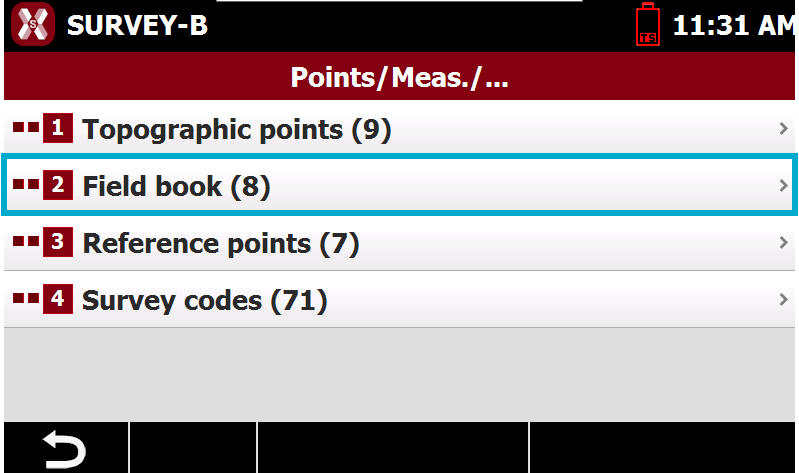
To open the list of measurements select Field book from Points/Measures/Codes page.
-
The table displays all measurements recorded in the job.
-
This chapter covers the following topics:
-
Measurements list: learn how to manage the measurements list.
-
View/edit measurements: learn how to view or edit an existing measurement.
-
Field book notes: learn how to manage and create field book notes.
-