
ROAD
-
X-PAD Roading is a module that enables the management of road design projects directly in the field and supports all stakeout operations using the original design data, without requiring the prior calculation of point coordinates.
-
The operator can stake out any design element and access road design information at any chainage along the alignment. Road design data can be imported from LandXML files or from proprietary formats generated by road design software. The entire project can be managed directly on the controller, with support for multiple alignments within the same project.
-
The software allows the stakeout of road design elements and sideslopes at any chainage and offset or at the current position using the Where am I? function.
-
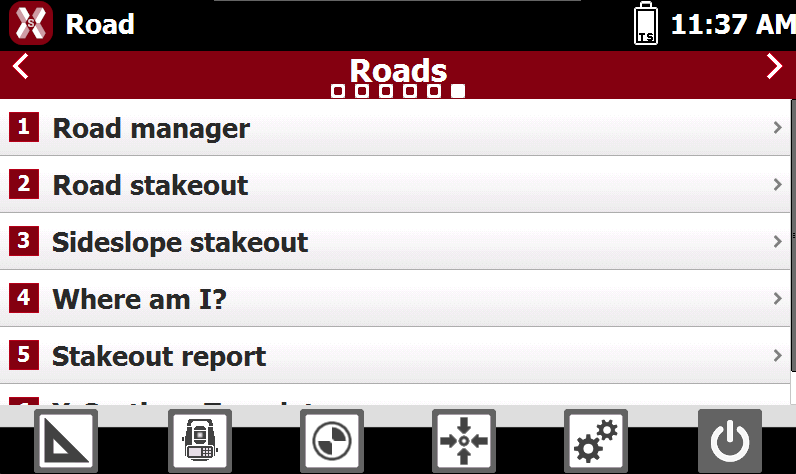
The functions are available in the page ROAD.
-
This chapter covers the following topics:
-
Import road data: learn how to import road alignments, profiles, cross-sections, and design data from supported file formats for use in road design and stakeout operations.
-
Road manager: learn how to view and manage road projects.
-
Road editing: learn how to view the road alignments, vertical profiles, cross-sections, and other road design elements directly within the software.
-
X-sections template: learn how to create and manage cross-section templates.
-
Road stakeout by chainage and offset: learn how to stake out positions based on chainage and offset values relative to the road alignment.
-
Sideslope stakeout: learn how to stake out the designed side slopes.
-
Road design stakeout: learn how to stake out all elements of the road design using Where am I? function.
-
Road stakeout report: learn how to review and export the results of road stakeout operations.
-