
ROAD
-
The function Where am I? provides information about the current position in relation to the selected road project (road design).
-
The function allows to stakeout the road design data without the need to specify a station and an offset.
-
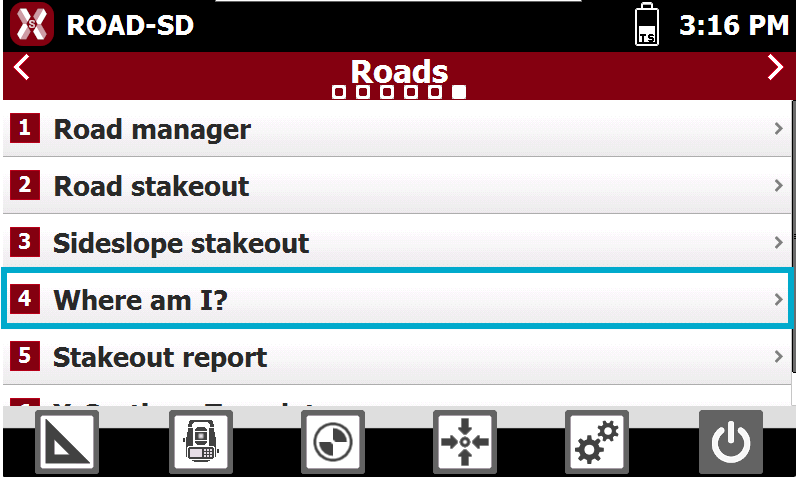
From the Roads page select Where am I?.
-
Select the road to stakeout.
-
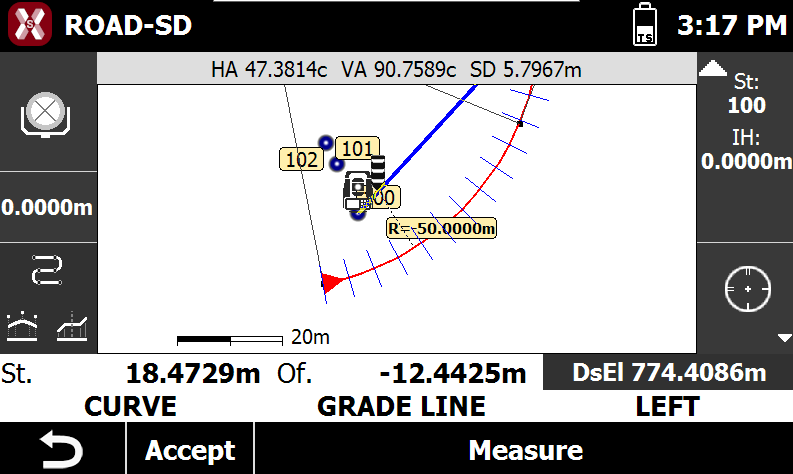
When a measurement is performed, the software shows the current target position in relation to the road design.
-
Based on the position, the following information are displayed.
-
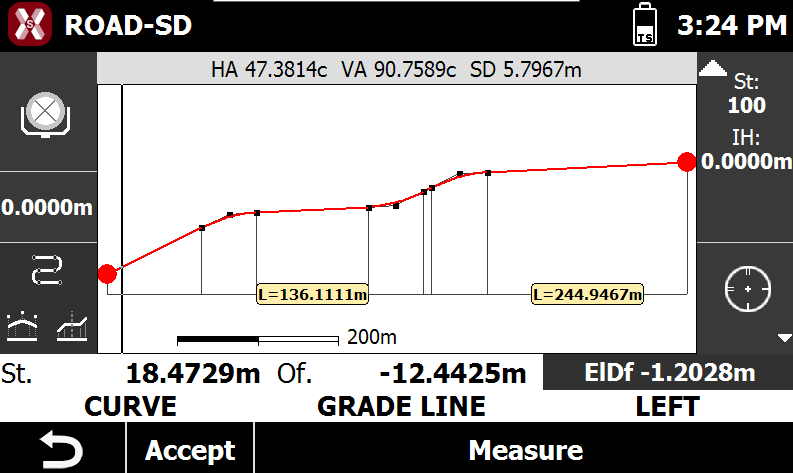
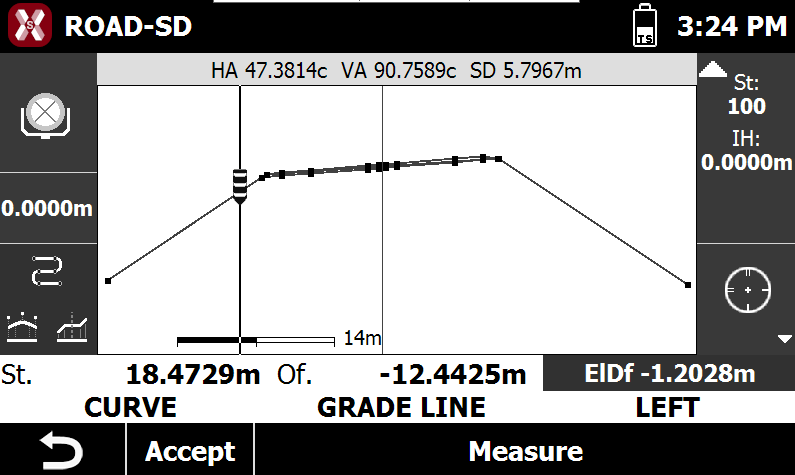
Graphically visualization of the current position as plan view, profile view and cross section view.
-
Chainage of the current position.
-
Offset from centerline.
-
Element of the horizontal alignment.
-
Element of the vertical alignment.
-
Absolute elevation, design elevation, difference of distance from design.
-
Right or left side of the track.
-
Where am I? toolbar
-
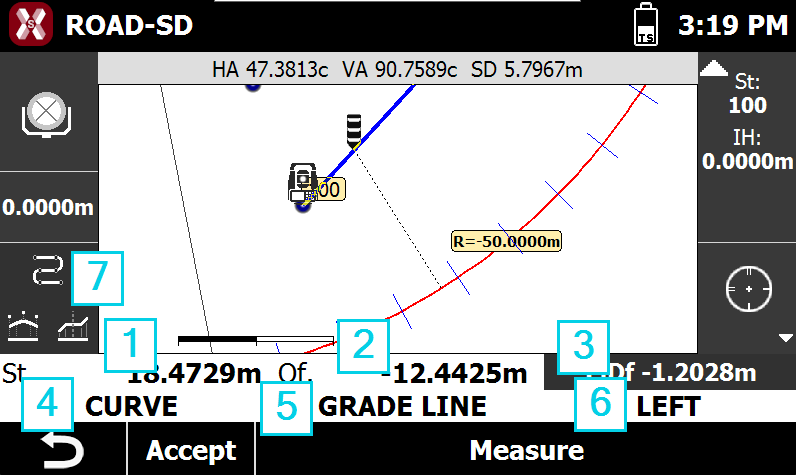
The bar shows different information related to the road design.
-
1: target station.
-
2: target offset from centerline.
-
3: target elevation. Press to change elevation mode.
-
El: shows the target absolute elevation.
-
DsEl: shows the design elevation at target position.
-
ElDf: shows the difference elevation from measured target and design.
-
-
4: horizontal alignment.
-
5: vertical alignment.
-
6: road side.
-
7: press to change view mode.
-
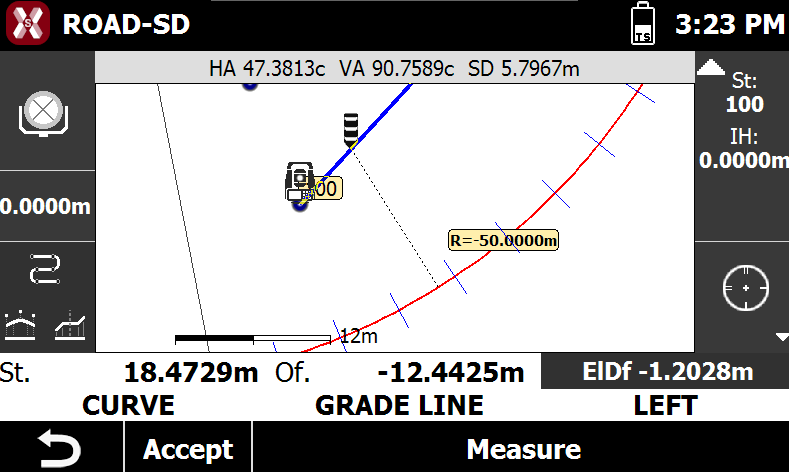
Change the view mode
-
On the left bar it is possible to change the view mode.
-

-

-

-