
-
Table reports the list of measurements but, among measures, it’s also possible to visualize and create notes.
-
There are two types of notes:
-
Automatic notes: notes inserted automatically by the software in response to certain events.
-
User notes: texts and sketches saved by the user.
-
Visualize the notes
-
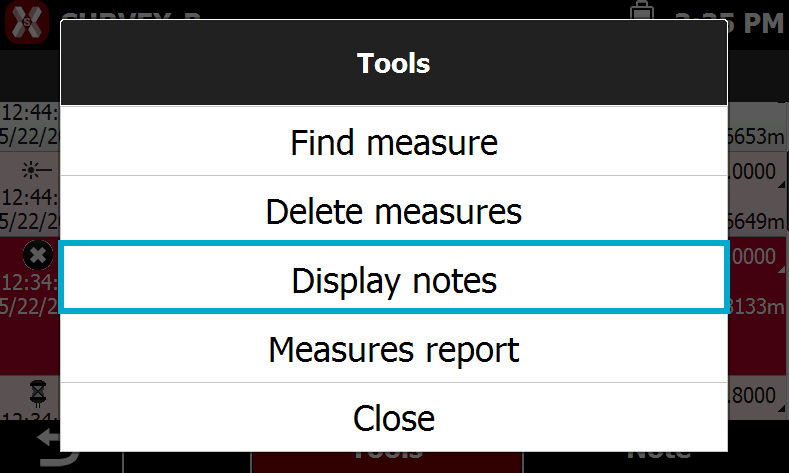
It is possible to visualize/hide notes pressing Edit and selecting Display/hide notes.
Create a new note
-
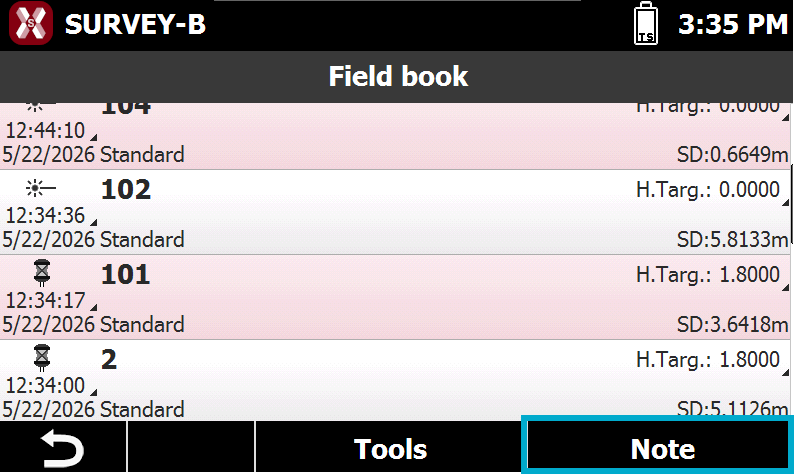
To create an User note press Note in the Field book page.
-
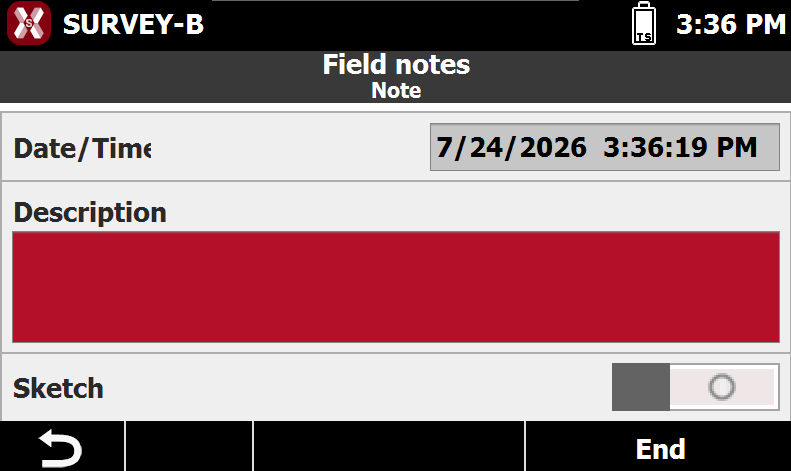
The page Note allows to enter a user note as text or a sketch.
-
Date/time: date and time when the note is created.
-
Description: text field for the note.
-
Sketch: enables the creation of a sketch.
-
-
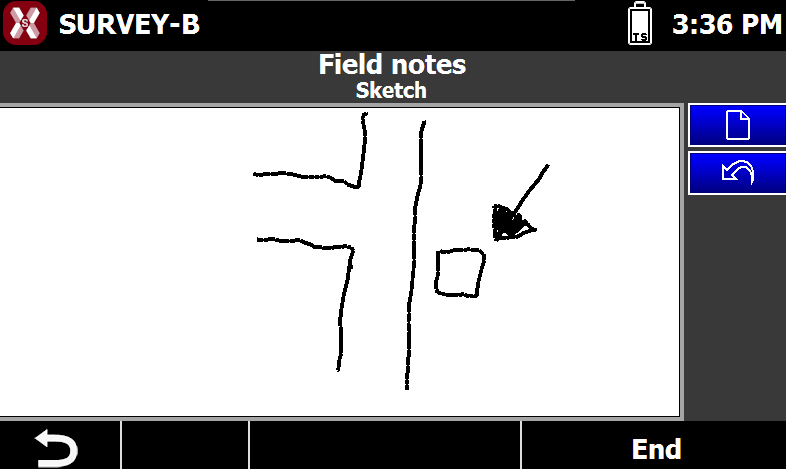
The page Sketch allows to draw a sketch of the point position.
-
Use the pen to draw a sketch.
-

-

-