
-
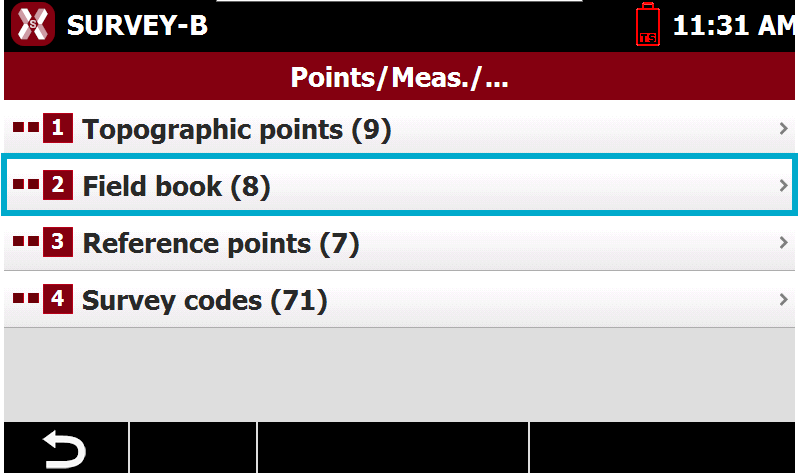
To open the list of measurements select Field book from Points/Measures/Codes page.
-
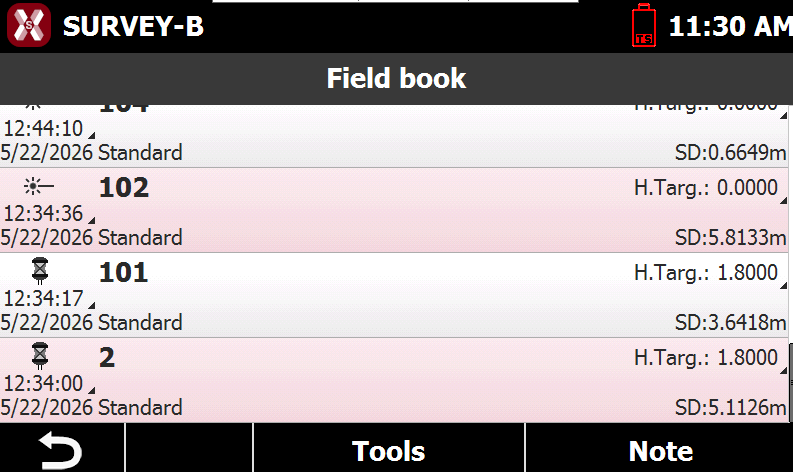
The table displays all measurements recorded in the job.
Delete and restore measurements
Delete a single measure
-
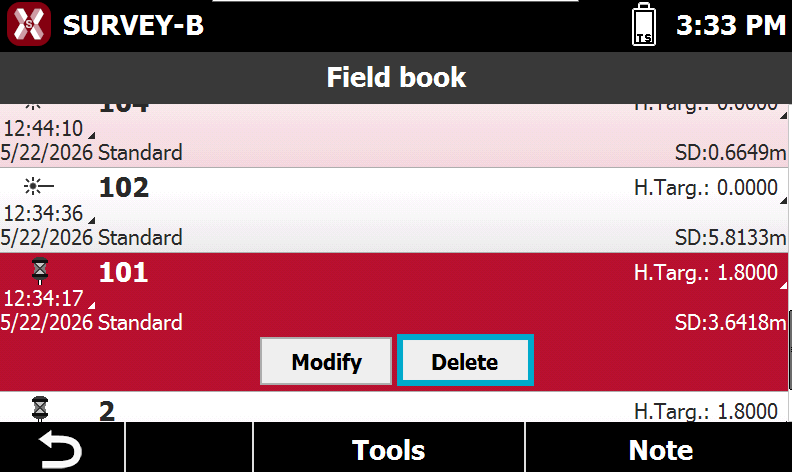
To delete a measure select it from the list and press Delete.
-
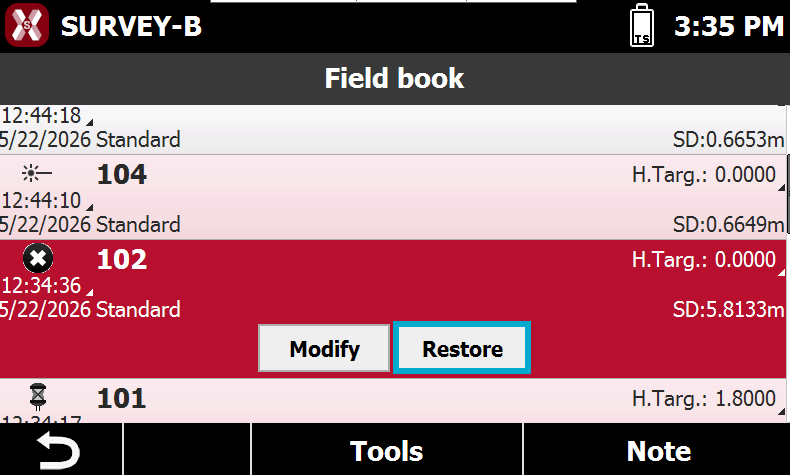
A deleted measure has this icon

Delete multiple measures
-
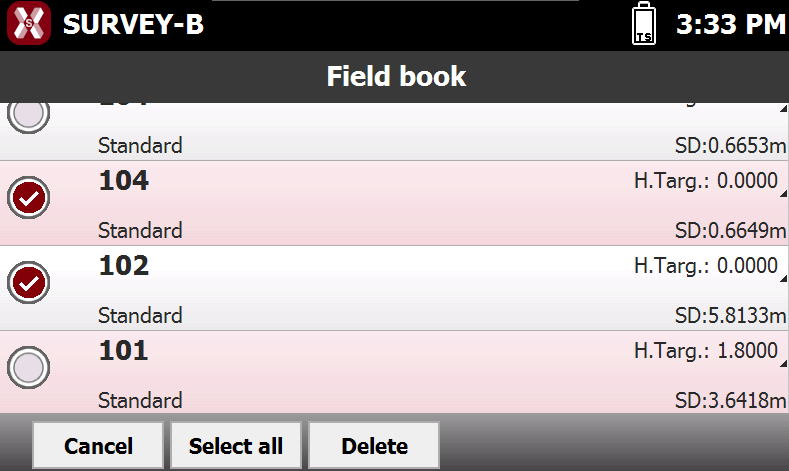
To delete multiple measurement press Tools and select Delete.
-
Select the measurements to delete.
Restore a deleted measure
-
Select a deleted measure and press Restore to restore the measurement.
Measurement report
-
It is possible to create a Measurement report from the Field book page.
-
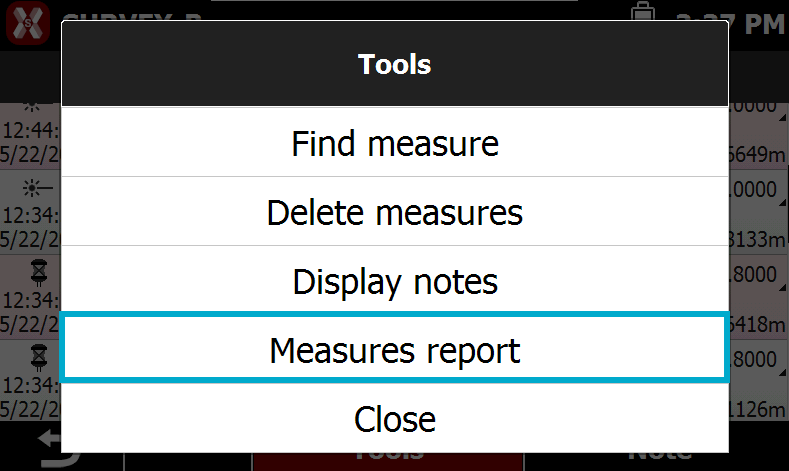
Press Tools and select Measures report.
-
Select the format:
-
Text format (ASCII): the report is exported as a plain text file.
-
Excel XML: the report is exported in Excel XML format, allowing it to be opened directly in Microsoft Excel while preserving structure and formatting.
-
Excel CSV: the report is exported as a comma-separated values (CSV) file, suitable for import into spreadsheet applications and compatible with a wide range of software.
-
-
Select the saving folder and press Save.