
-
Drawing commands allow to add new objects to drawing.
-
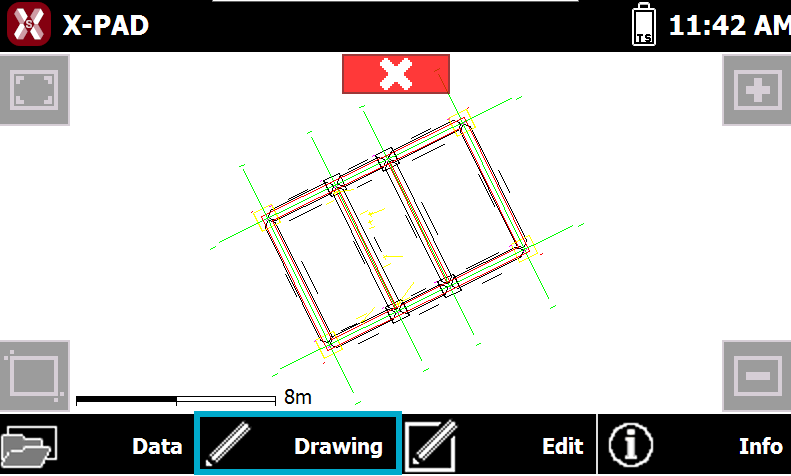
To access the drawing commands press Drawing.
-
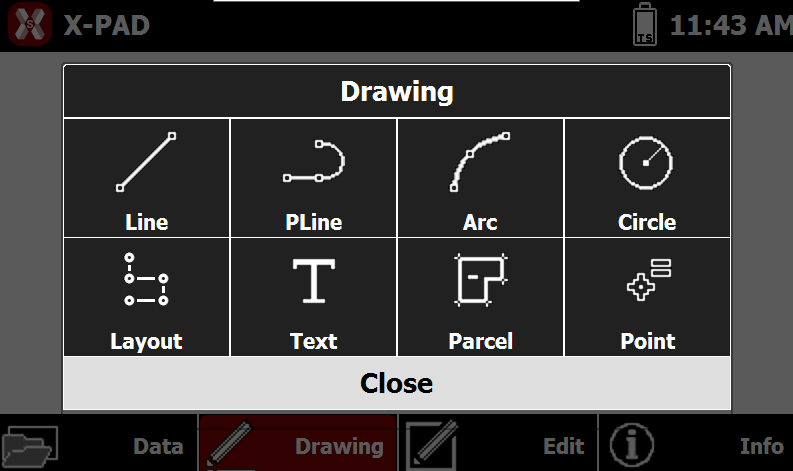
This opens a table with the available drawing functions.
-
Line: specify the points composing the line.
-
Lines and polylines: specify the points composing the polyline.
-
Arc: specify the three points defining the arc.
-
Circle: draws a circle.
-
Circle: the circle is created specifying the center and entering or defining the radius.
-
Circle by 3 points: specify the three points defining the circle
-
-
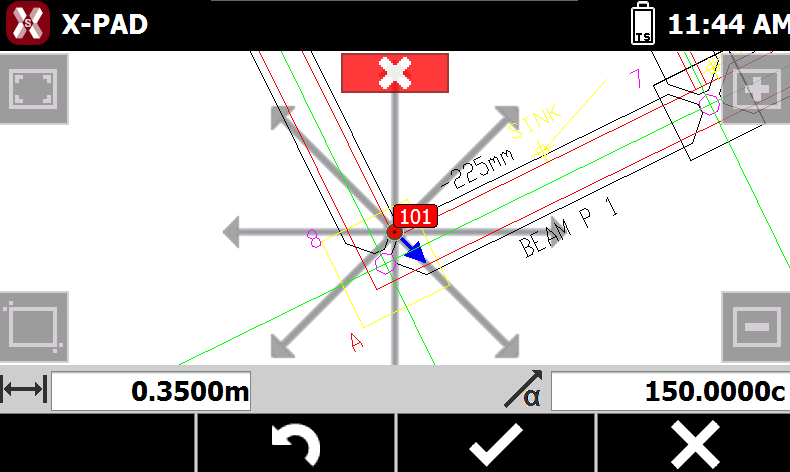
Layout: allows to create new points from a starting point entering distance and direction. The direction is selected graphically. The created point is the new starting point.
-
Parcel: creates a parcel with a name.
-
New: specify the vertices of the parcel. To close the parcel, select the first vertex again. The vertices must be topographic points.
-
From polyline: select a closed polyline to be defined as parcel.
-
-
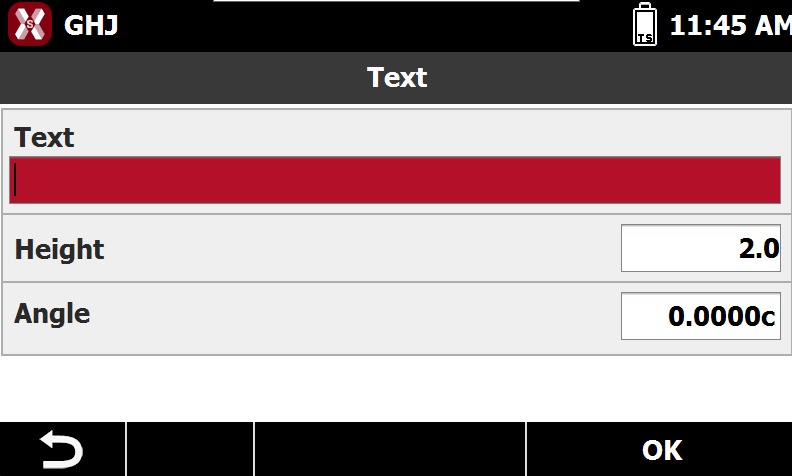
Text: enter the text, define its size and rotation angle, then specify the insertion position.
-
Topographic point: indCicate the insertion position in CAD and enter the additional information requested to create manually a topographic point. See Create/Edit a point.
-