Accessing the CAD
Open the CAD from main window
-
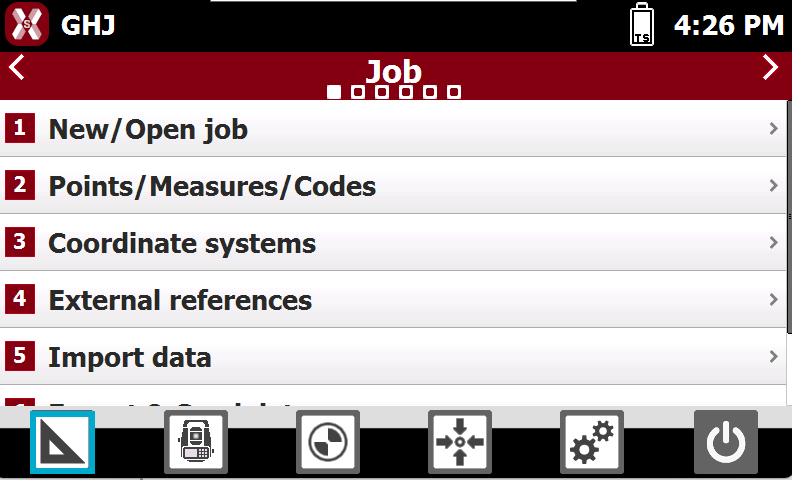
To open the CAD from the main window press the CAD icon.
Open the CAD from survey and stakeout functions
-
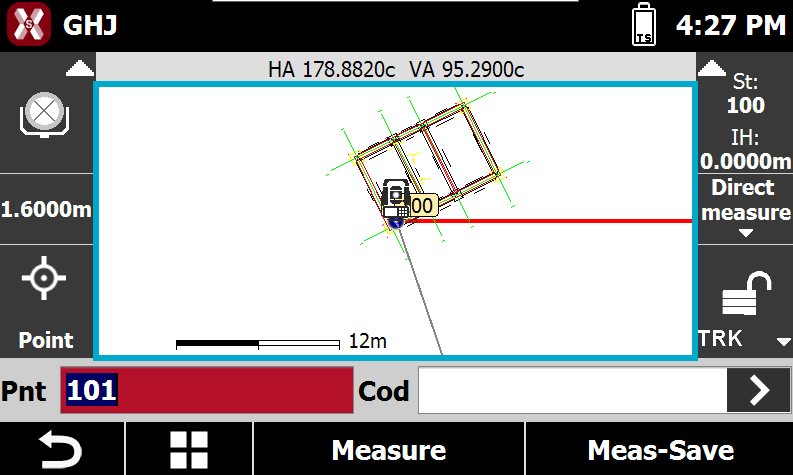
It is also possible access software CAD during survey or stakeout.
-
Double-tap on the CAD screen to open the CAD.
Closing the CAD
-
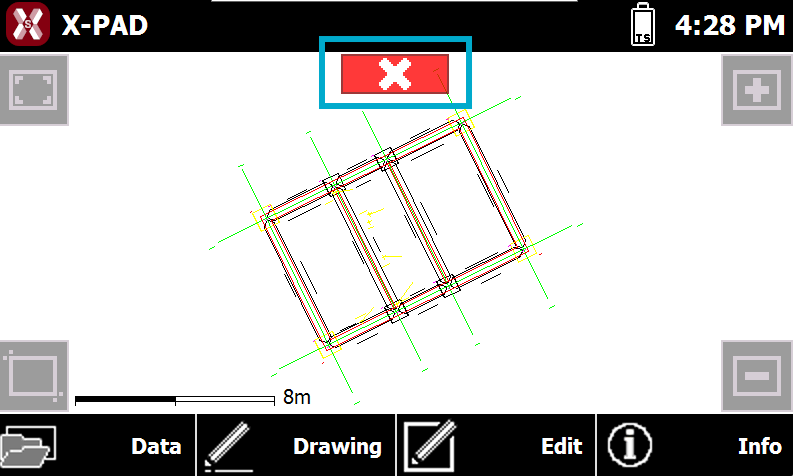
To close the CAD press the X button on top-center.