
-
The command is able to execute a subdivision of area on a surface defined by a polyline, by a parcel or by a sequence of points.
-
The subdivision line can be parallel or perpendicular to two reference points.
-
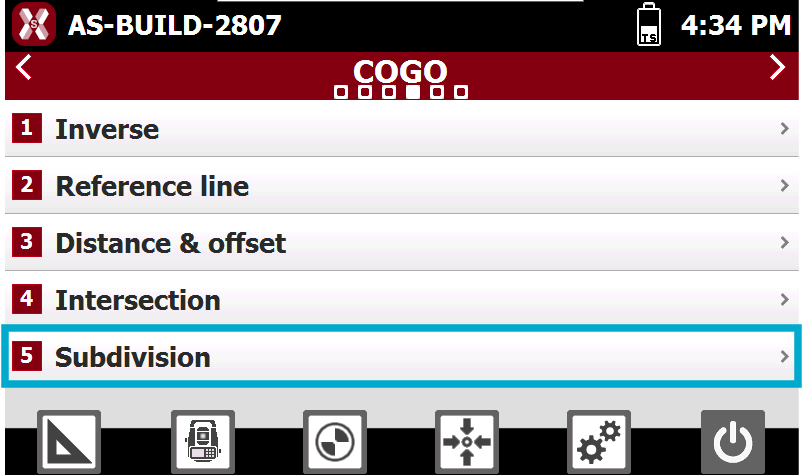
From COGO select Subdivision.
-
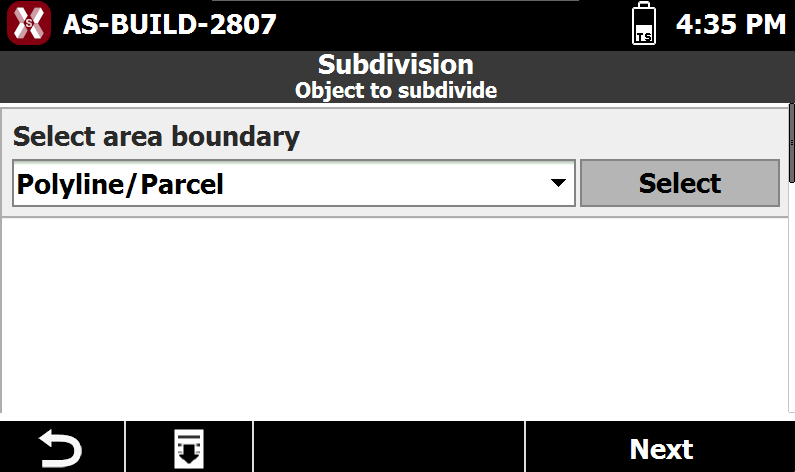
Select from CAD the polyline or the parcel.
-
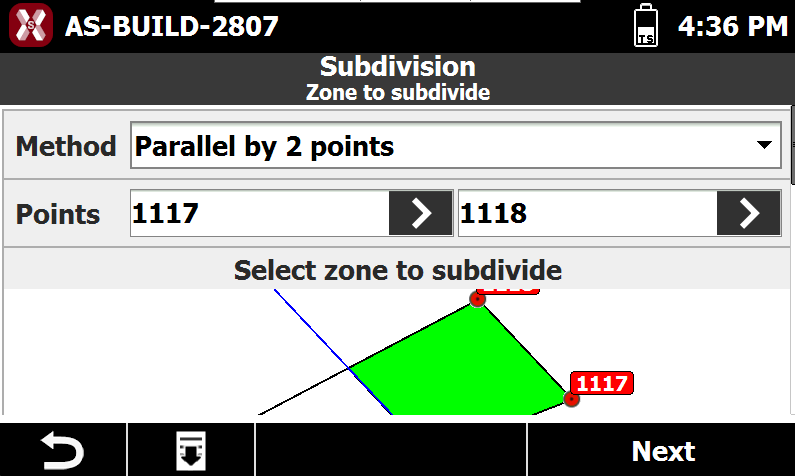
Select the subdivision method.
-
Method: specifies how the division line is calculated relative to the reference points:
-
Parallel to 2 Points: the division line is created parallel to the line defined by the two reference points.
-
Perpendicular to 2 Points: the division line is created perpendicular to the line defined by the two reference points.
-
-
-
Point 1 and Point 2: reference points used to define the orientation of the division line.
-
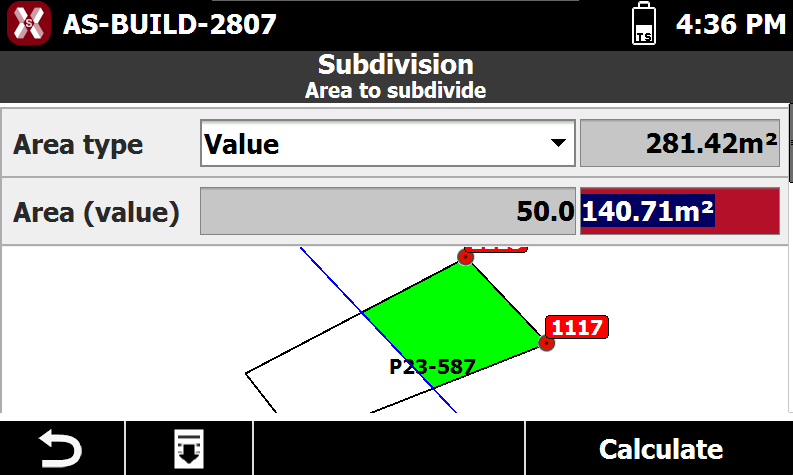
Select the area to subdivide.
-
Area type: mode with which to define value of the area to subdivide.
-
Value: value of the area to subdivide.
-
Percentage: value in percentage of the area to subdivide.
-
-
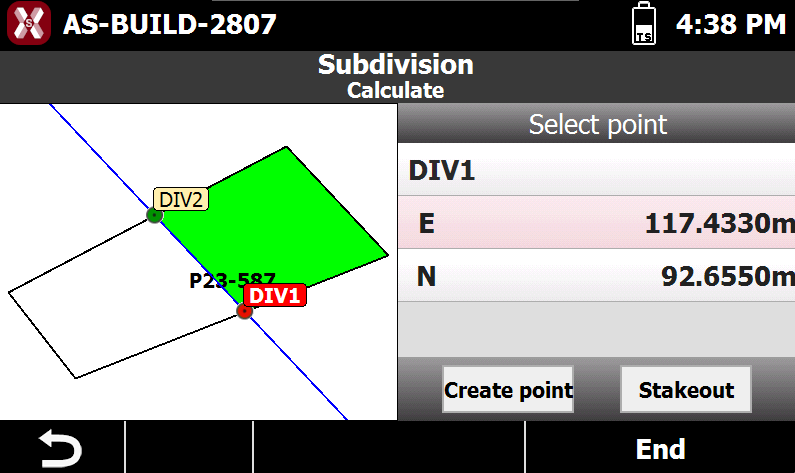
Press Calculate to view the position of the crossing points: select on the graphic window the crossing point to record or to use for stakeout.
-
-
Create Point: creates a new point at the calculated coordinate.
-
Stakeout: starts the stakeout procedure to guide the operator to the calculated coordinate.
-