
The information contained in this chapter covers the standard first steps for using the software. For detailed descriptions of all features, advanced workflows, configuration options, and reference information, refer to the complete User Manual. The full manual provides comprehensive documentation for all functions and capabilities available in the software.
-
X-PAD offers different ways to get support and help resources from the application.
Online help portal
-
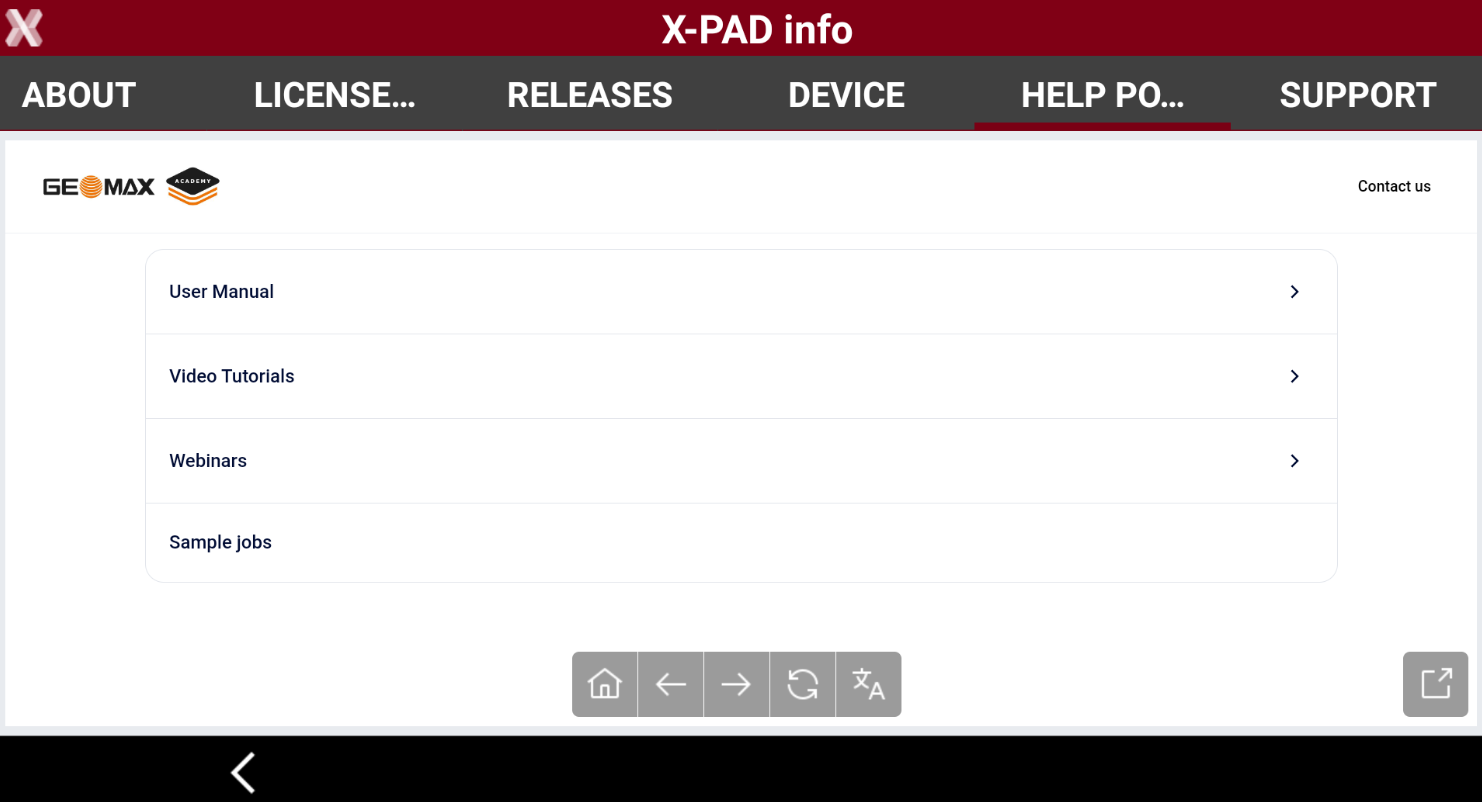
Leica X-PAD provides access to a dedicated section of the Help portal, where you can find the user manual as well as step-by-step guides and tutorials directly in the field.
-
Automatic translation from English to all languages is also available.
-
From the main window press the X-PAD logo on top-right.

-
Select Help portal page.
-
Navigate in the help portal to find the information you need.
-
Tap on the screen to open the toolbar.

-
Home: returns to the Help portal homepage.
-
Back: returns to the previous page.
-
Next: moves to the next page.
-
Reload: refreshes the current page.
-
Translate: automatically translates the help portal in a different language.
-
Get report support
-
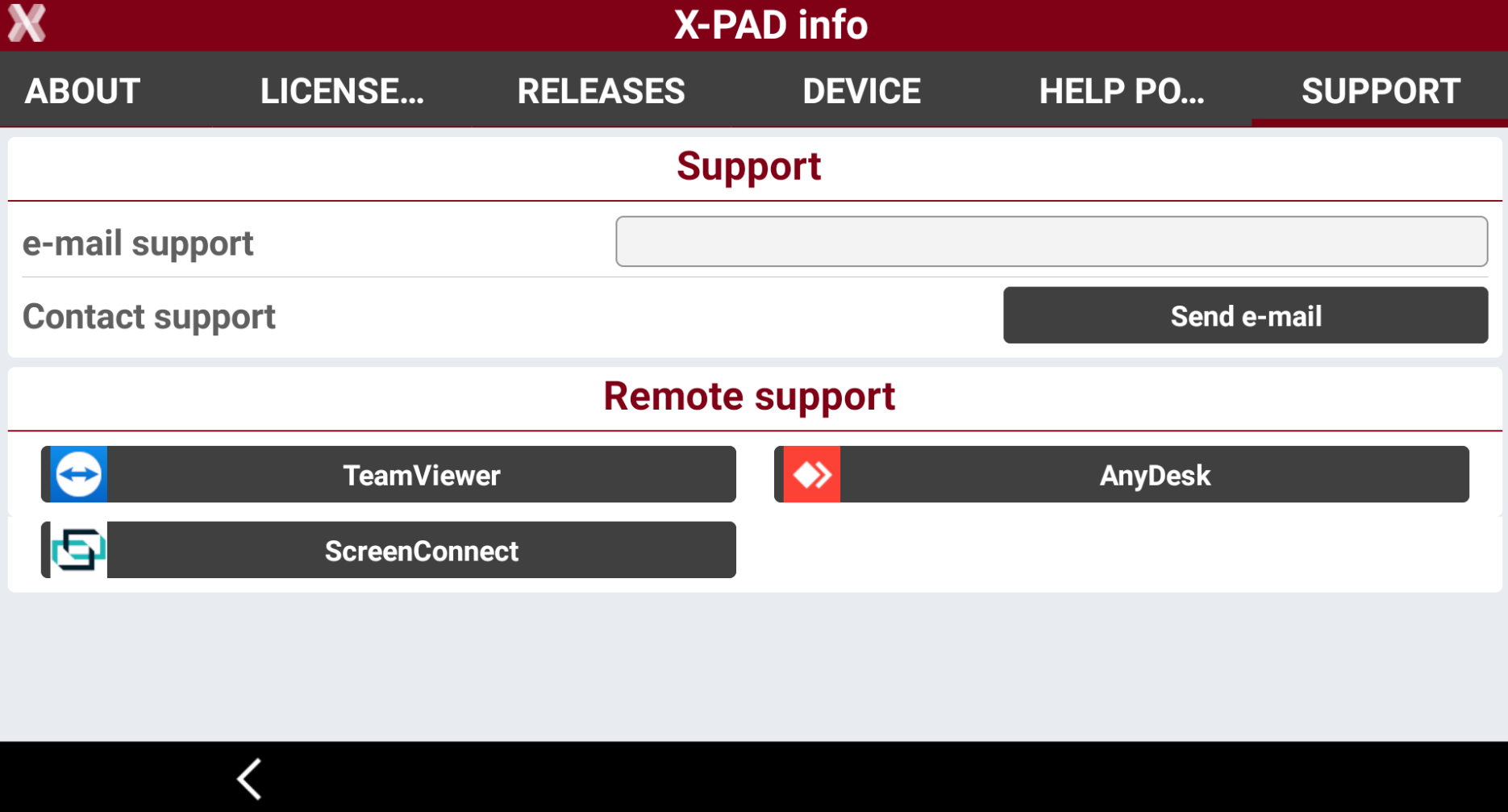
X-PAD offers a quick link from the software to download and start popular 3th party remote support applications, allowing the technical support teams to remotely access your controller and mirror the screen or send to support teams information for the debugging.
-
From X-PAD info select Support.
-
Select TeamViewer to download or start TeamViewer Quick Support application for giving remote access to the controller to support teams.
-
Select AnyDesk to download or start AnyDesk application for giving remote access to the controller to support teams.
-
Select ScreenConnect to download or start ScreenConnect application for giving remote access to the controller to support teams.