
The information contained in this chapter covers the standard first steps for using the software. For detailed descriptions of all features, advanced workflows, configuration options, and reference information, refer to the complete User Manual. The full manual provides comprehensive documentation for all functions and capabilities available in the software.
-
After a GNSS receiver base profile has been created it is possible to start it to transmit RTK corrections to rovers.
-
Check in Settings and GNSS & Total stations that the current instrument profile is for the base we want to use.

-
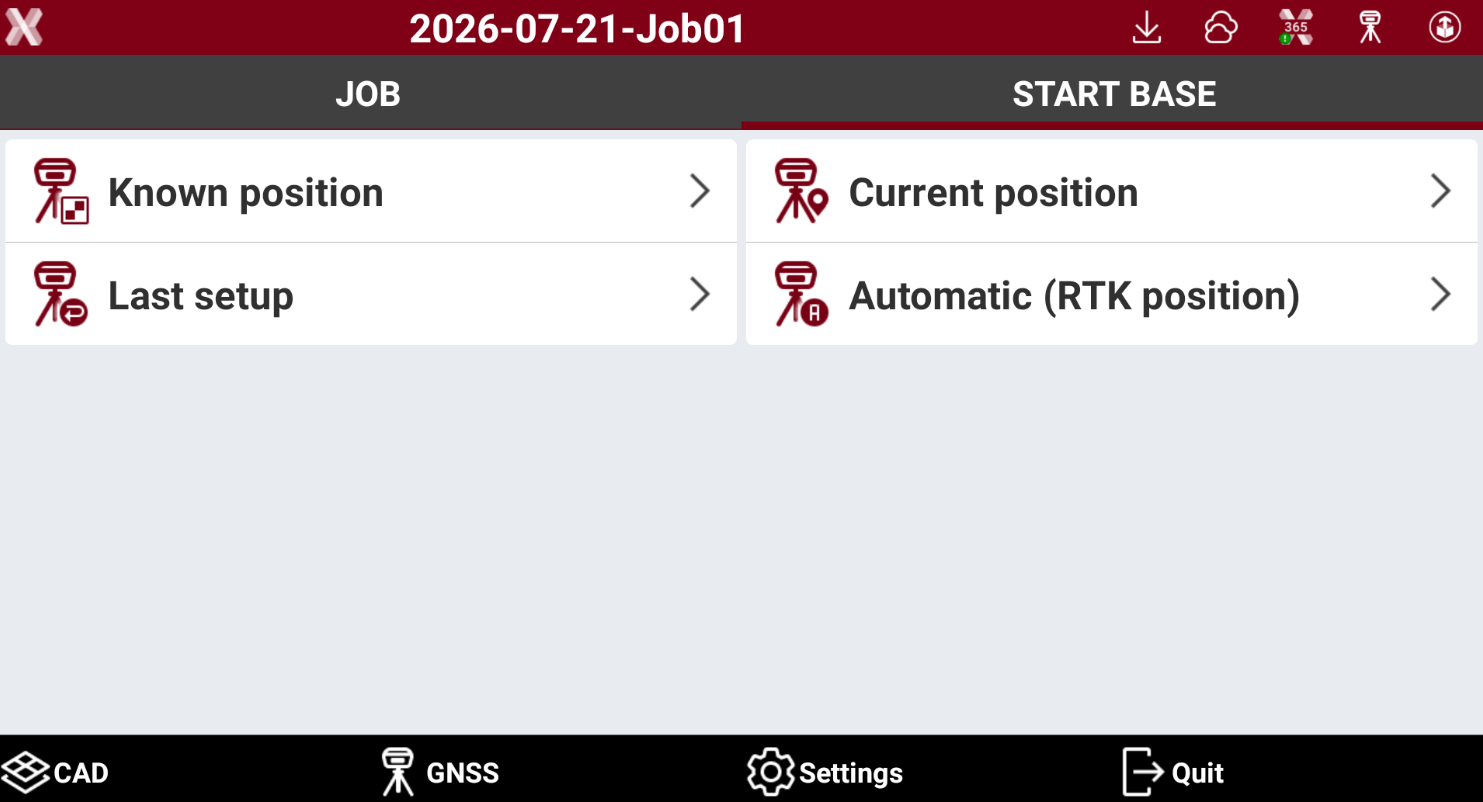
Open the Start base page and select on which coordinate the base has to be started.
-
A base can be started in different modes.
-
Known position: start the base over a point with known coordinates. The coordinate can be manually input or selected from the job points list.
-
Current position: start the base over the current position measured by the GNSS receiver.
-
Last setup: start the base over the last base setup. This method is available if a base was already started in this job.
-
Automatic (RTK position): start the base over a point with known coordinates measured with the same receiver in RTK. This method is available if the GNSS receiver has also a rover profile.
-
-
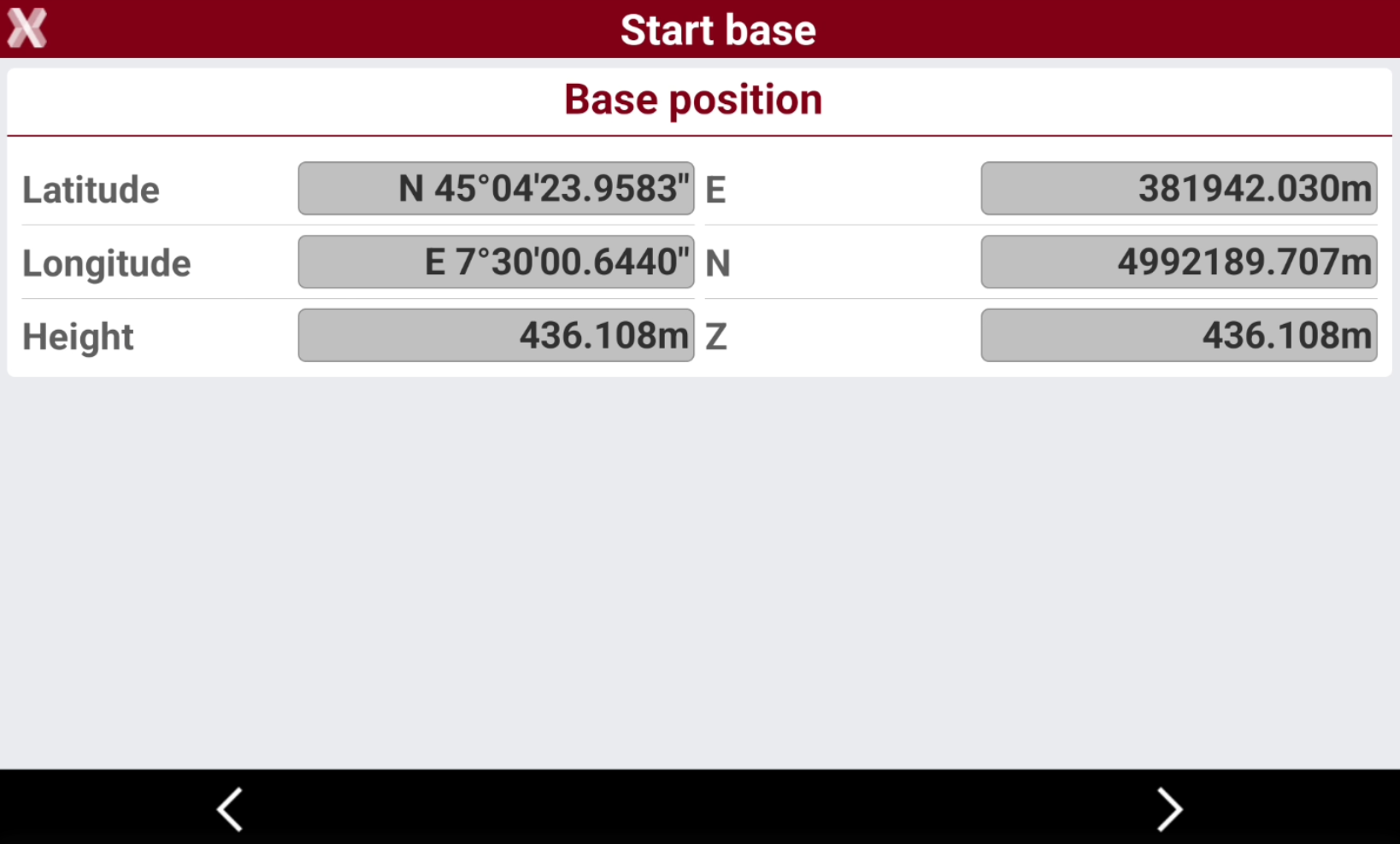
Select the method to use to start the base and follow the wizard.
-
After the notification base has been successfully started, the software proposes a list of UHF rover to connect, depending on available GNSS profiles.