-
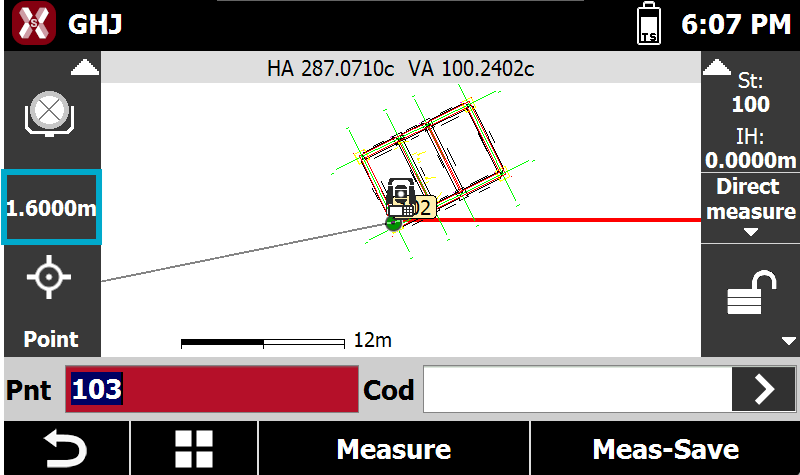
Using the right target is critical to get the correct result when measuring with a total station.
-
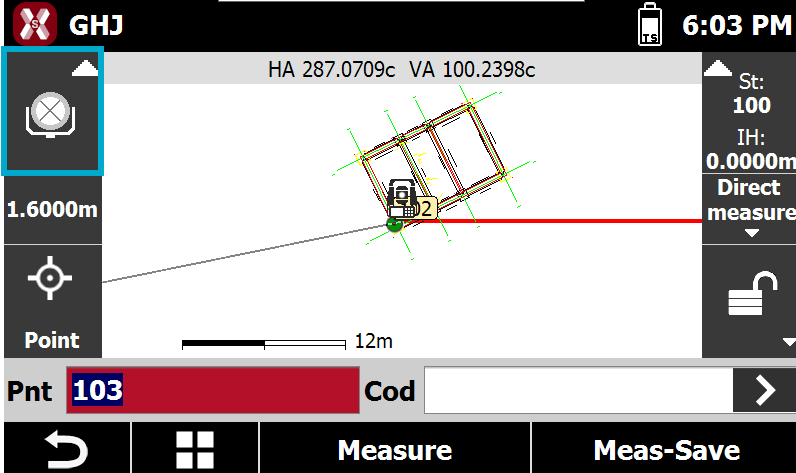
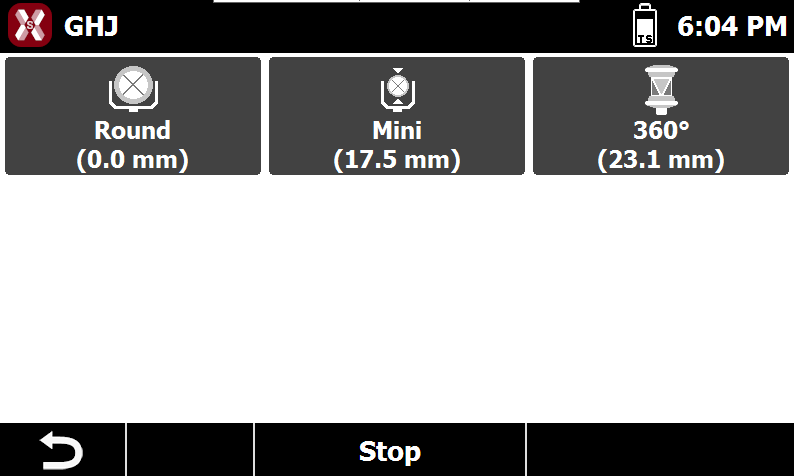
To change target or edit the target list press on target icon in survey and stakeout pages.
-
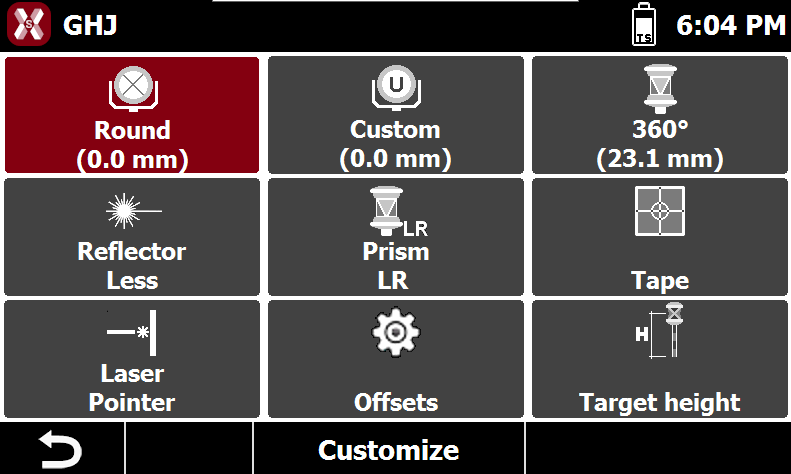
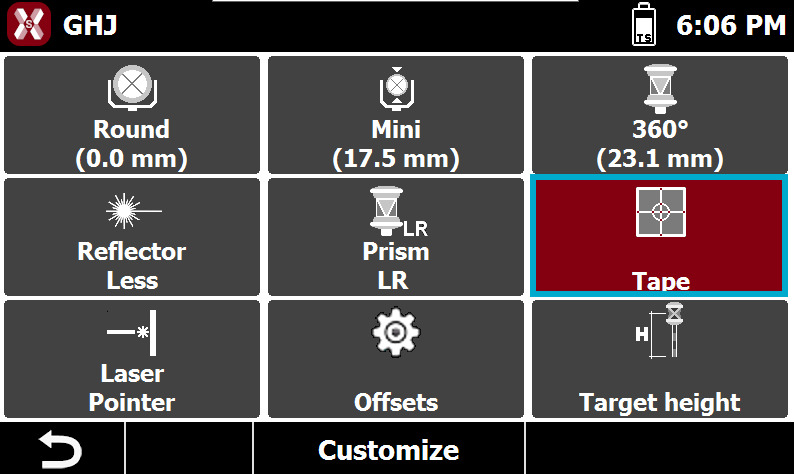
This open the following page.
Select a different target
-
To select a different target tap on one of the available targets in the page.
-
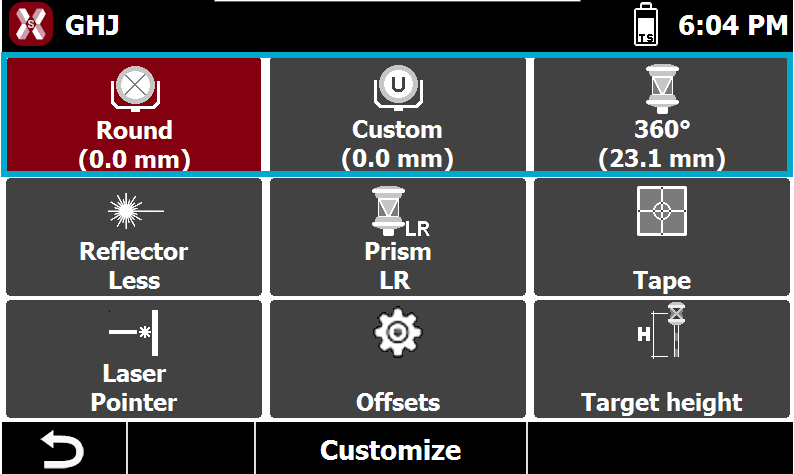
If the desired target is missing press Customize to change the available targets or press Offsets to create a custom target.
Customize favorite targets
-
To customize the three targets to be selected press Customize.
-
Then tap on the button until the preferred prism type appears.
-
Press Stop to complete the procedure.
Targets constant
-
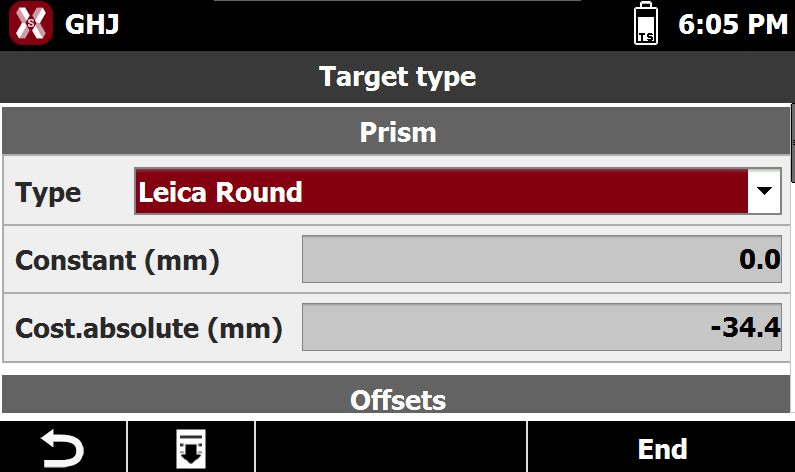
In the Target type page it’s possible to check the constants of different types of prism and specify the constant to use for the “user” type of prism.
-
Press Offsets to open the Target type page.
-
Type: the target type. Change to Custom to customize the offsets for the user prism.
-
Constant (mm): constant of the prism. This field is editable for Custom prism.
-
Constant absolute (mm): absolute constant of the prism. This field is editable for Custom prism.
-
Reflectorless (mm): offset applied to reflectorless measurements.
-
Tape (mm): offset applied to tape measurements.
-
Understanding Leica and absolute prism constant
-
The prism constant is an important characteristic of the reflector.
-
This constant, always given in [mm], is specific to the model and physically represents the constant difference between the measured value and the "exact" value.
-
This difference will be cancelled during the measurements by entering an "additive constant" in the total station.
-
There are two types of constants:
-
Prism constant: for Leica prisms (usually in positive values).
-
Absolute constant: for prisms of other manufacturers (usually in negative values).
-
-
The additive constants, of non Leica prisms, are often given in the true zero prism system. Whereas the Leica prisms are given in the Hexagon TPS prism system.
-
In order to switch from a system to another, we can use the following formula, that links these two constants:
-
Leica prism constant = Absolute prism constante + 34.4mm
-
Absolute prism constant = Leica prism constant – 34.4mm
-
Reflectorless measurements
-
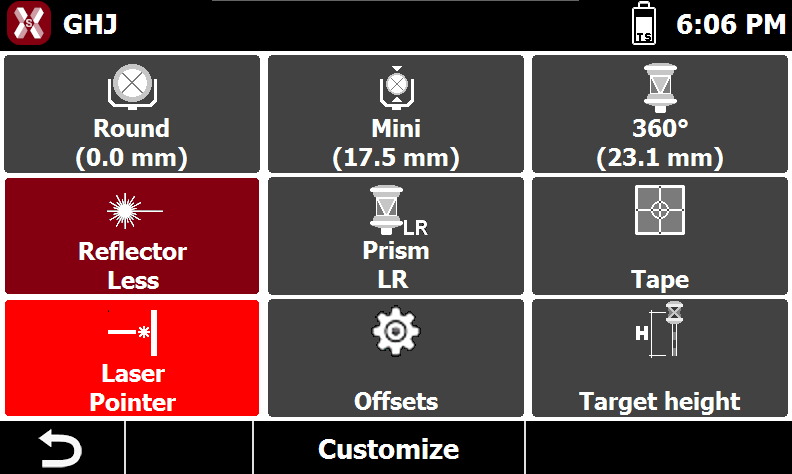
To perform a reflectorless measurement select Reflectorless from the table.
-
Select Laser pointer to enable the laser pointer.
Long-range measurement
-
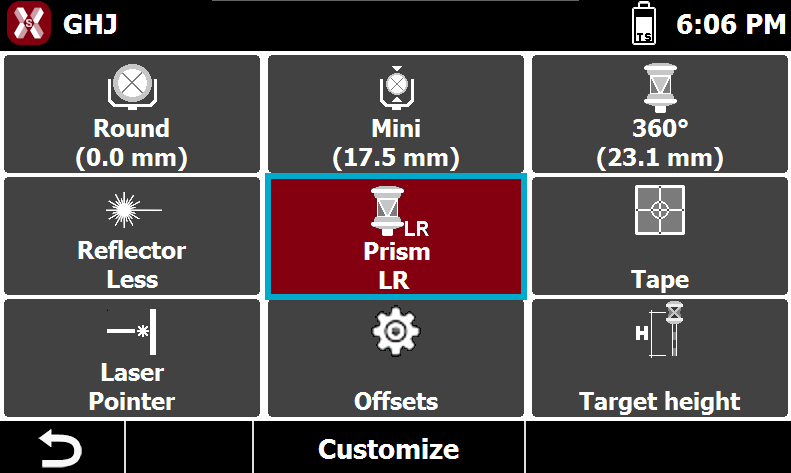
Press Prism LR to perform long range measurements.
Tape measurements
-
Press Tape to perform measurements on reflective tapes.
Change target height
-
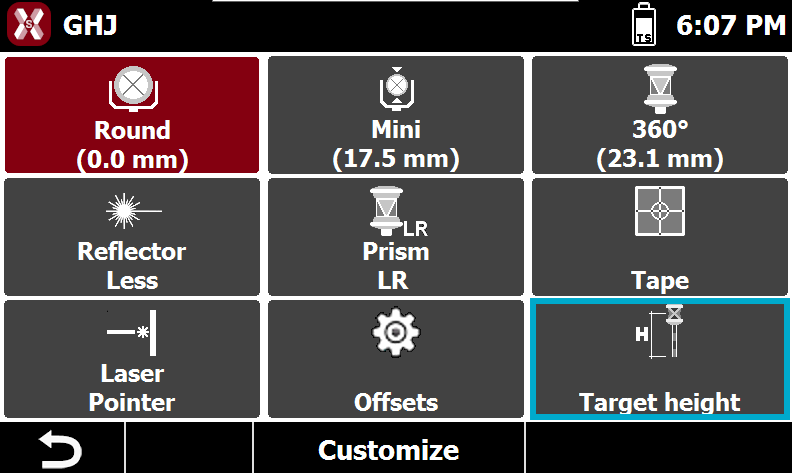
To change the height of the target press Target height from the target page.
-
Or press the target height box in the survey and stakeout pages.